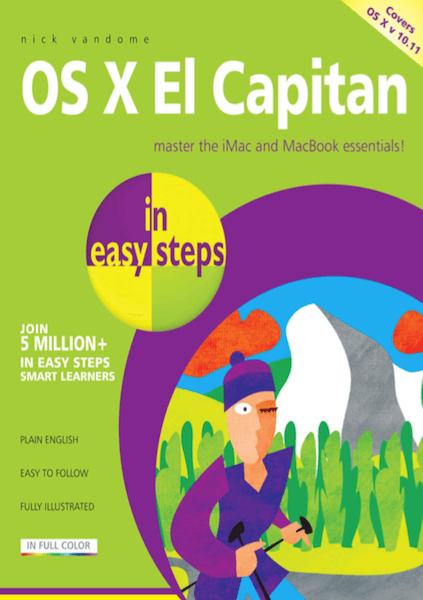
OS X El Capitan in Easy Steps - Nick Vandome
OS X is the operating system at the heart of Mac computers. The latest version, OS X El Capitan, builds on some of innovative functions and level of performance that were introduced with the previous version, OS X Yosemite, to provide a stylish, effective and powerful operating system for your Mac desktop or laptop computer.
OS X El Capitan in easy steps opens up the gateway to the foundations of OS X: the Dock and the Finder. Then, it reveals a raft of ways in which you can make the most of OS X El Capitan:
- Multi-Touch navigation options for getting around in OS X El Capitan.
- Working with and managing your apps.
- Productivity options on your Mac.
- Getting online with Safari, Mail, Messages and FaceTime.
- Managing your digital lifestyle for photos, music, video, books and games.
- The invaluable iCloud online function for backing up and sharing your files.
There is also a chapter on troubleshooting and keeping your El Capitan in tiptop shape.
OS X El Capitan in easy steps also covers the new features in the operating system, which include:
- Split view functionality, so that you can work with two apps at the same time.
- A streamlined Mission Control function for managing your open apps and Desktop.
- An improved Notes app that can be used to add photos, videos, web page addresses and map details from the Maps app.
- Enhanced Spotlight search functionality that can produce results from an increased number of sources.
- An updated Mail app that can be used in full-screen and supports swipe gestures for managing your Inbox.
- Additional editing options in the Photos app.
- An enhanced Safari app for browsing the web, including an option for pinning your favourite websites so that they are readily available and open in the background.
Whether you’re new to the Mac or just upgrading, use this book to master the essentials and then unleash the power of OS X El Capitan.
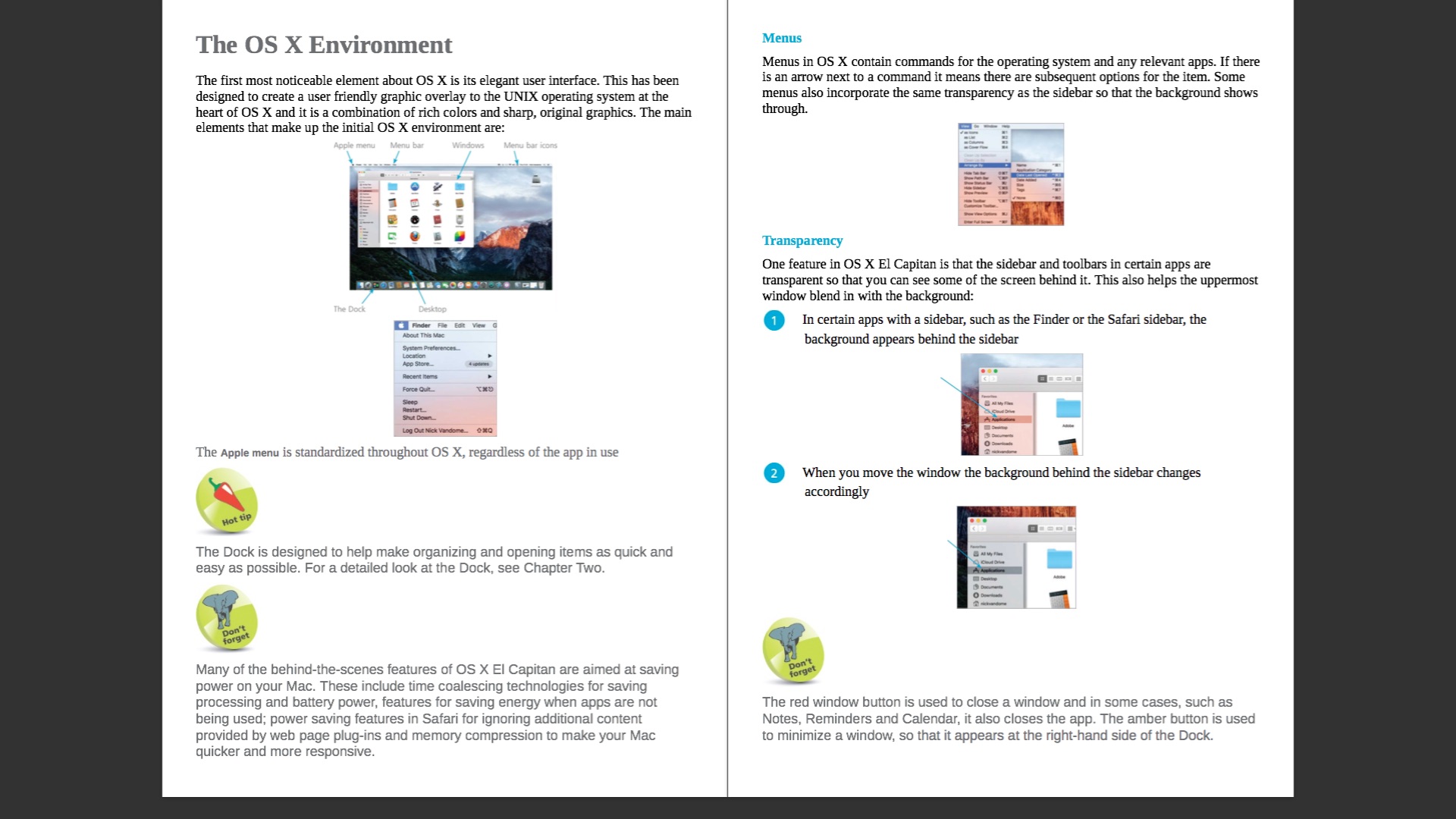
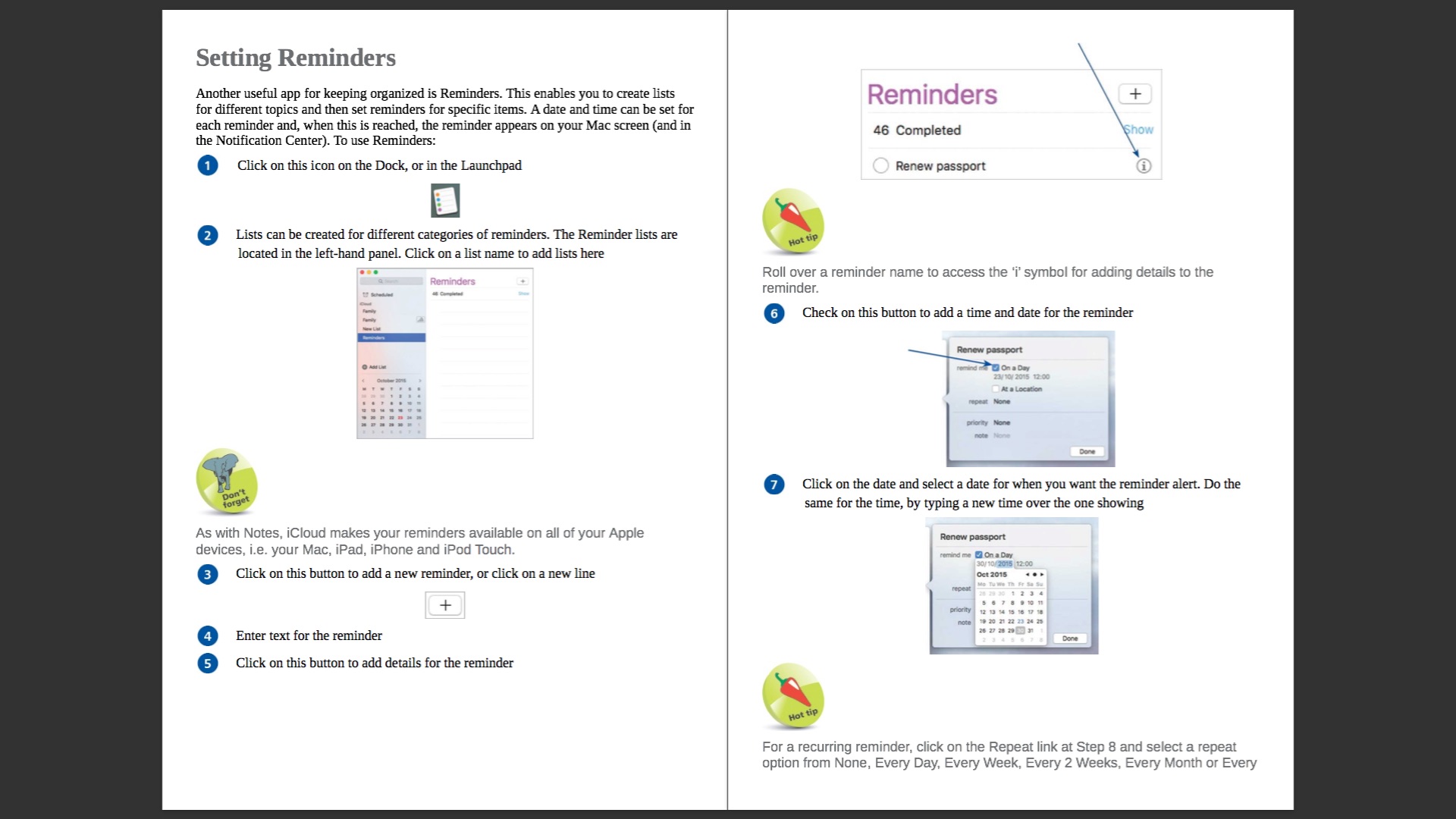
SCREENSHOTS

Frequently asked questions
How do I install the app?
Mount the image, drag the app into the "Applications" folder and launch it. If the system blocks the launch, allow it in "System Settings → Privacy & Security".
The app is damaged or won't launch
Reinstalling from a fresh image usually helps. Make sure your macOS version matches the one listed in the compatibility specs.
How do I update?
Download the new version from the site and install it over the current one — your settings will be preserved.
The download link doesn't work
Try a mirror or a download manager. For large files the browser often drops the connection.
How do I completely remove the app?
Use an uninstaller utility — it cleans up the service files that remain after moving the app to the trash.
Information
Users of Guests are not allowed to comment this publication.
Choose a download source
OS X El Capitan in Easy Steps - Nick Vandome · 34.63 MB