Tutor for OS X El Capitan 10.11
Noteboom Productions, Ltd.
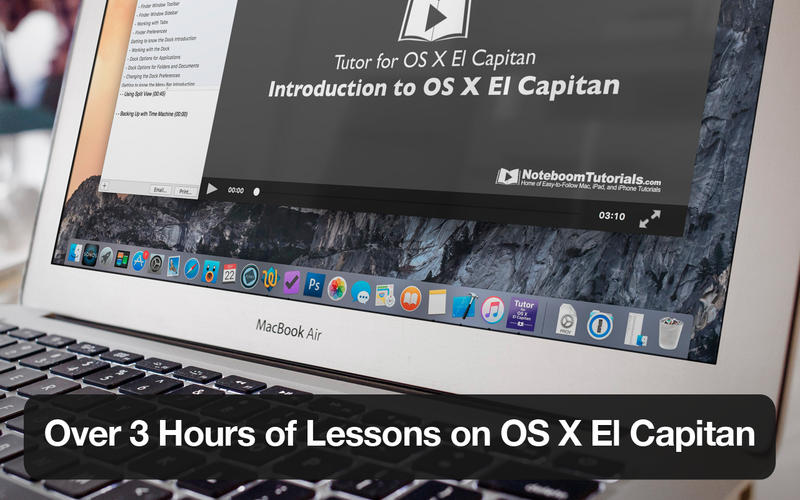
Over 70 lessons including videos on what's new in El Capitan!
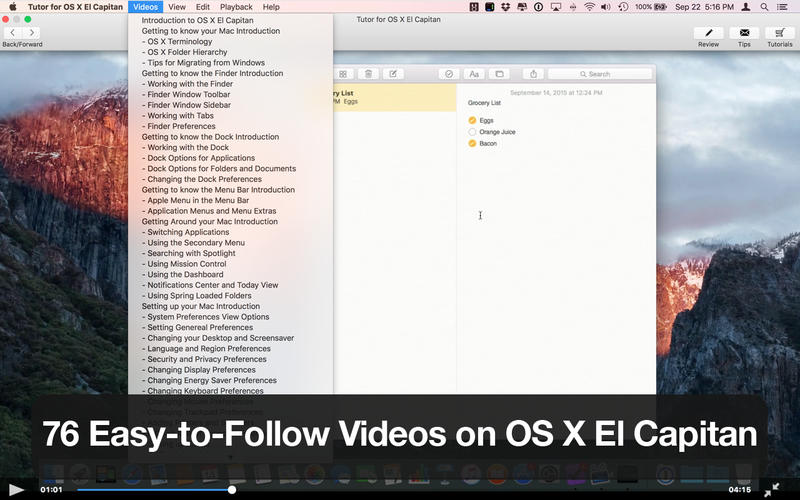
Learn how to use Apple’s latest operating system OS X El Capitan with our tutorial which includes 76 easy-to-follow videos on Apple’s operating system version 10.11.
With our videos, we not only tell you about OS X El Capitan, but we also show you how to use the major features of OS X.
- 76 Easy-to-Follow Videos
- Over three hours of training though Video Tutorials
- No Internet Connection Required
- Tutorials are Divided into Short Chapters
- Full-Screen Mode and Air-Play Enabled
- Tutorials are Highly Rated World-Wide
- Low-Cost Solution to Comprehensive Training
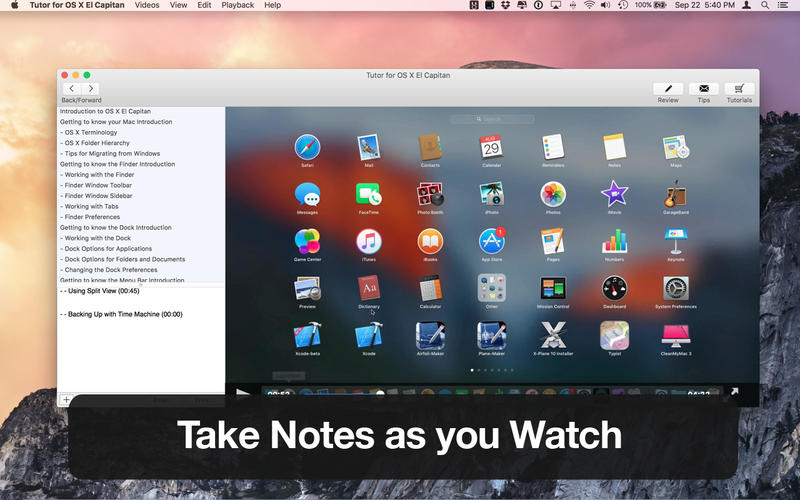
- With our Notes Feature, you can take notes while watching the tutorial
SCREENSHOTS
Frequently asked questions
How do I install the app?
Mount the image, drag the app into the "Applications" folder and launch it. If the system blocks the launch, allow it in "System Settings → Privacy & Security".
The app is damaged or won't launch
Reinstalling from a fresh image usually helps. Make sure your macOS version matches the one listed in the compatibility specs.
How do I update?
Download the new version from the site and install it over the current one — your settings will be preserved.
The download link doesn't work
Try a mirror or a download manager. For large files the browser often drops the connection.
How do I completely remove the app?
Use an uninstaller utility — it cleans up the service files that remain after moving the app to the trash.
Information
Users of Guests are not allowed to comment this publication.
Choose a download source
Tutor for OS X El Capitan 10.11 · 1.62 GB