
IT Administrator's Guide to Mac OS X El Capitan
Sean Colins takes a look at Mac's latest operating system-El Capitan-focusing on the key topics IT administrators need to know to perform their job. Sean dives into assessing and planning the migration to El Capitan, and then provides the steps necessary to install and configure the OS. He show users how to back up and migrate data, as well as what's needed to manage applications effectively. The course also covers system monitoring, adding peripherals, networking, and Active Directory integration. Finally, Sean shows viewers how to troubleshoot common problems and collect system information and other documentation.
Topics include:
- Understanding the El Capitan system requirements
- Installing and configuring El Capitan
- Protecting user data
- Performing a partial or full-system recover with Time Machine
- Installing applications
- Managing application preferences
- Monitoring the system
- Configuring security
- Networking
- Directory binding
- Troubleshooting problems
- Understanding Spotlight problems and how to fix them
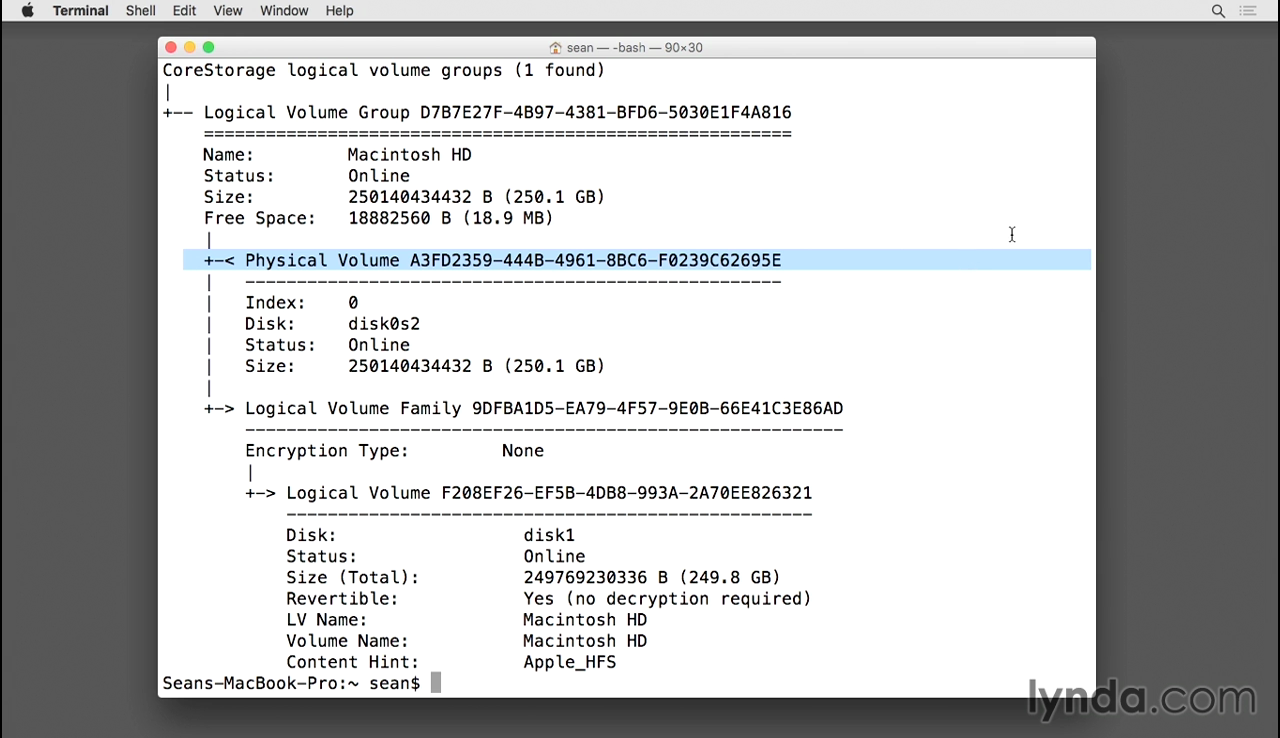
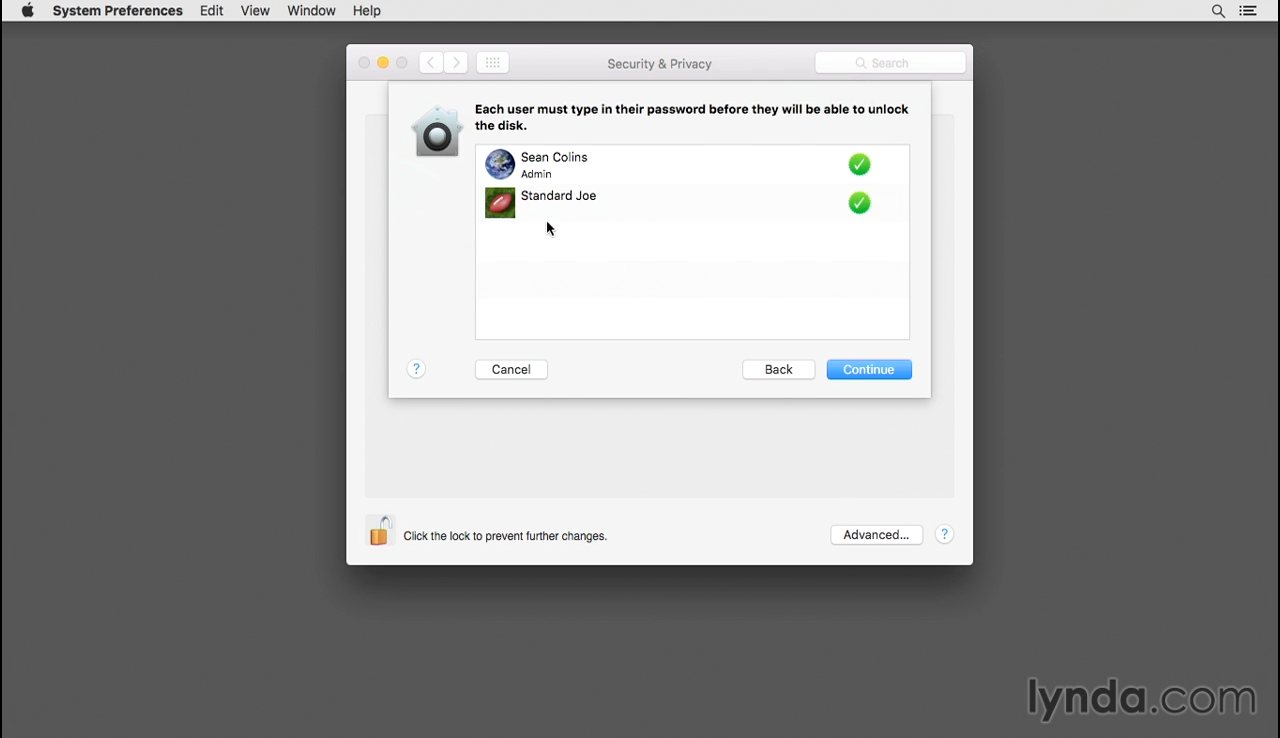
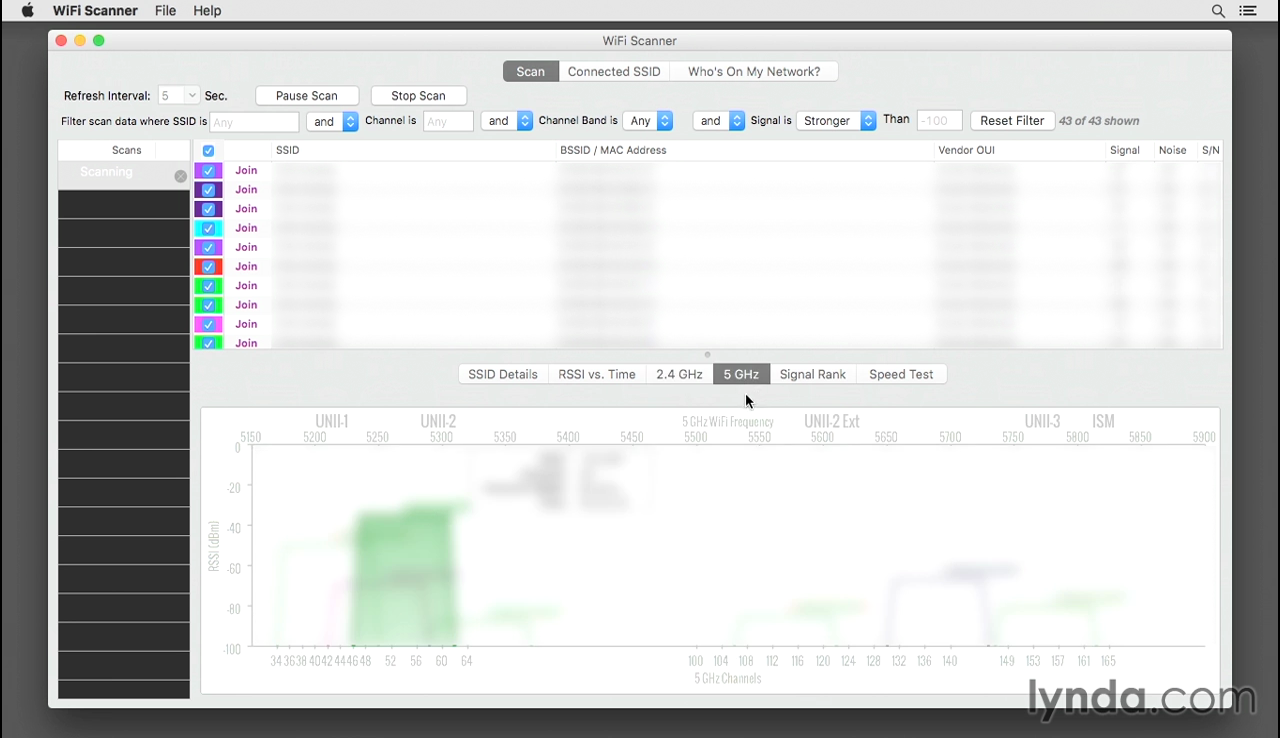
Screenshots
Frequently asked questions
How do I install the app?
Mount the image, drag the app into the "Applications" folder and launch it. If the system blocks the launch, allow it in "System Settings → Privacy & Security".
The app is damaged or won't launch
Reinstalling from a fresh image usually helps. Make sure your macOS version matches the one listed in the compatibility specs.
How do I update?
Download the new version from the site and install it over the current one — your settings will be preserved.
The download link doesn't work
Try a mirror or a download manager. For large files the browser often drops the connection.
How do I completely remove the app?
Use an uninstaller utility — it cleans up the service files that remain after moving the app to the trash.
Information
Visitors in the group Guests cannot leave comments on this publication.
Choose a download source
IT Administrator's Guide to Mac OS X El Capitan · 479.51 MB