
Audio for Video: Production and Post Sound Techniques
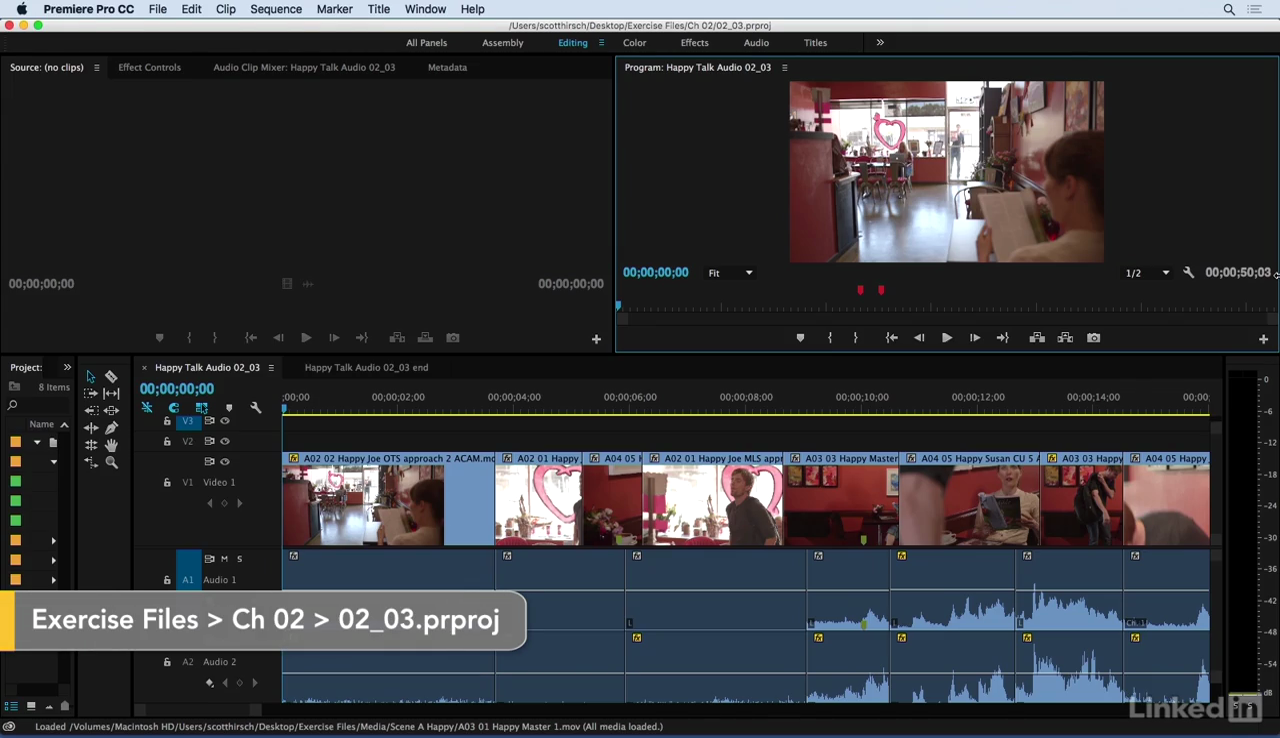
Video producers are adept at making all the visual aspects of their carefully shot projects look great. However, when it comes to the sound, many suffer unnecessarily. Audio for Video: Production and Post Sound Techniques is aimed at video professionals who are looking to manage their audio better—from start to finish. The course will take a three-point approach to
- Capturing audio and following the proper workflow for optimum results
- Sound editing—improving and restoring audio in post-production
- Mixing and exporting audio or preparing it for handoff to a professional audio engineer
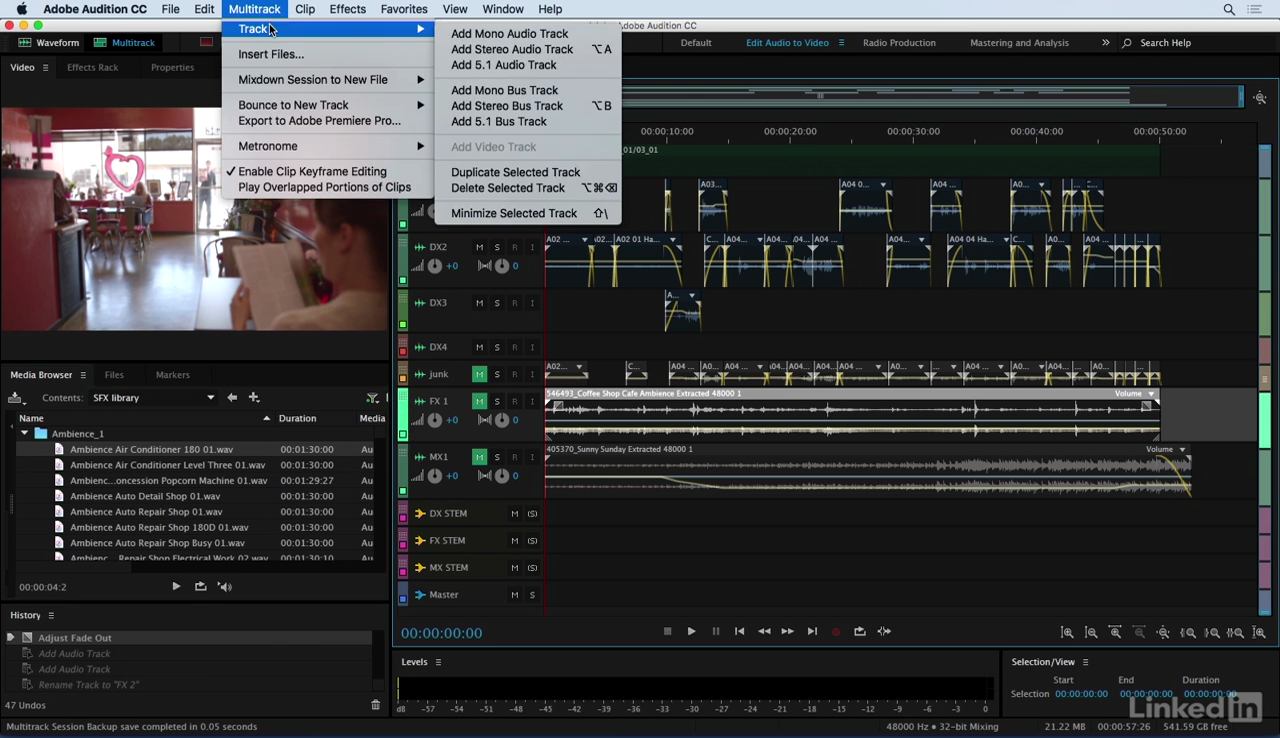
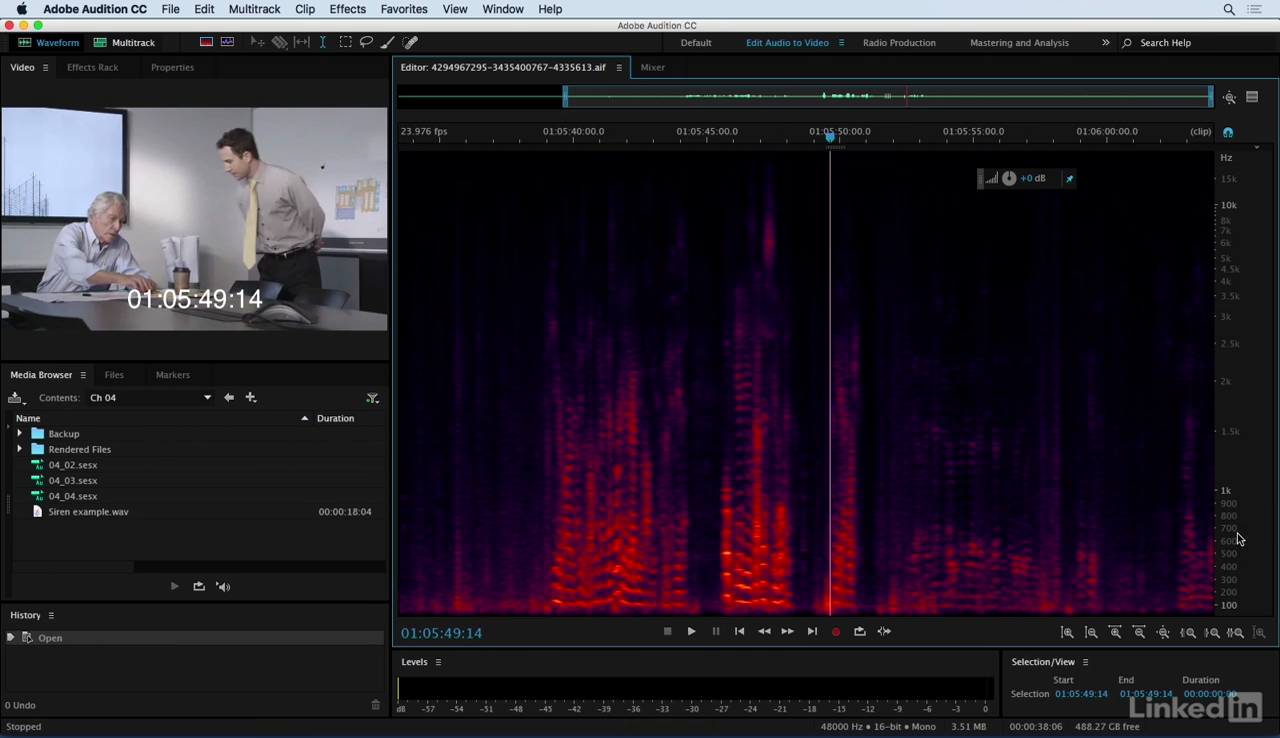
The second and third steps feature Adobe Audition CC, a powerful audio post-production program with a host of tools to clean up, sculpt, and finesse your sound design. The seamless workflow to and from Adobe Premiere Pro makes it a powerful audio toolset. However, author Scott Hirsch's techniques work equally well in other video and sound editing applications. Watch this course to learn practical techniques for getting better sound in all your productions.
Topics include:
- Choosing the right gear, including lavalier and boom mics
- Syncing offline devices
- Working with audio in the video editor
- Moving files to Audition
- Choosing sources
- Cleaning up and getting the most out of nonideal audio
- Reducing noise
- Adding sound effects
- Mixing and adjusting levels
- Exporting and managing final files
Screenshots
Frequently asked questions
How do I install the app?
Mount the image, drag the app into the "Applications" folder and launch it. If the system blocks the launch, allow it in "System Settings → Privacy & Security".
The app is damaged or won't launch
Reinstalling from a fresh image usually helps. Make sure your macOS version matches the one listed in the compatibility specs.
How do I update?
Download the new version from the site and install it over the current one — your settings will be preserved.
The download link doesn't work
Try a mirror or a download manager. For large files the browser often drops the connection.
How do I completely remove the app?
Use an uninstaller utility — it cleans up the service files that remain after moving the app to the trash.
Information
Users of Guests are not allowed to comment this publication.
Choose a download source
Audio for Video: Production and Post Sound Techniques