

Clicker for YouTube 1.21
Screenshots
Click to enlarge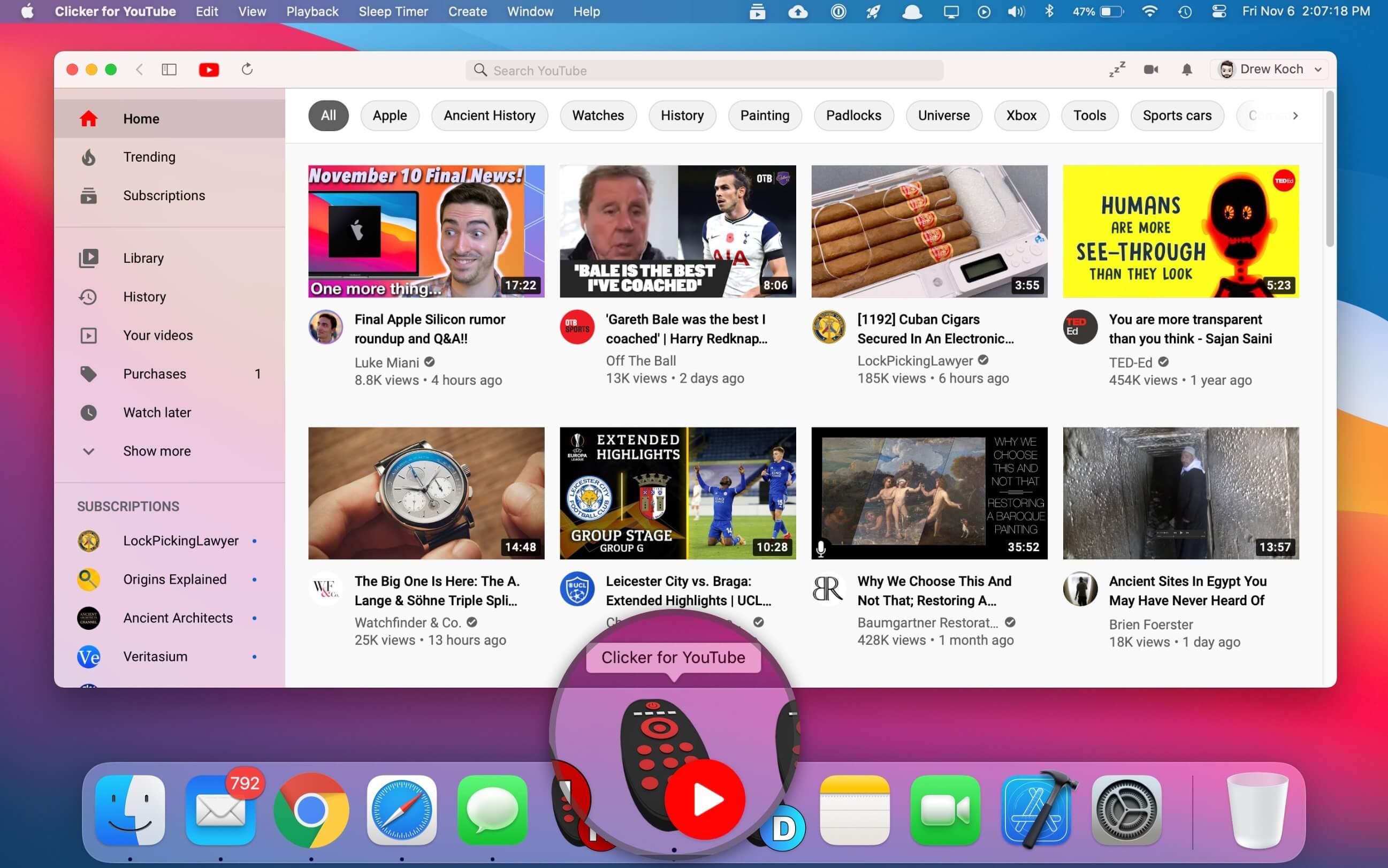
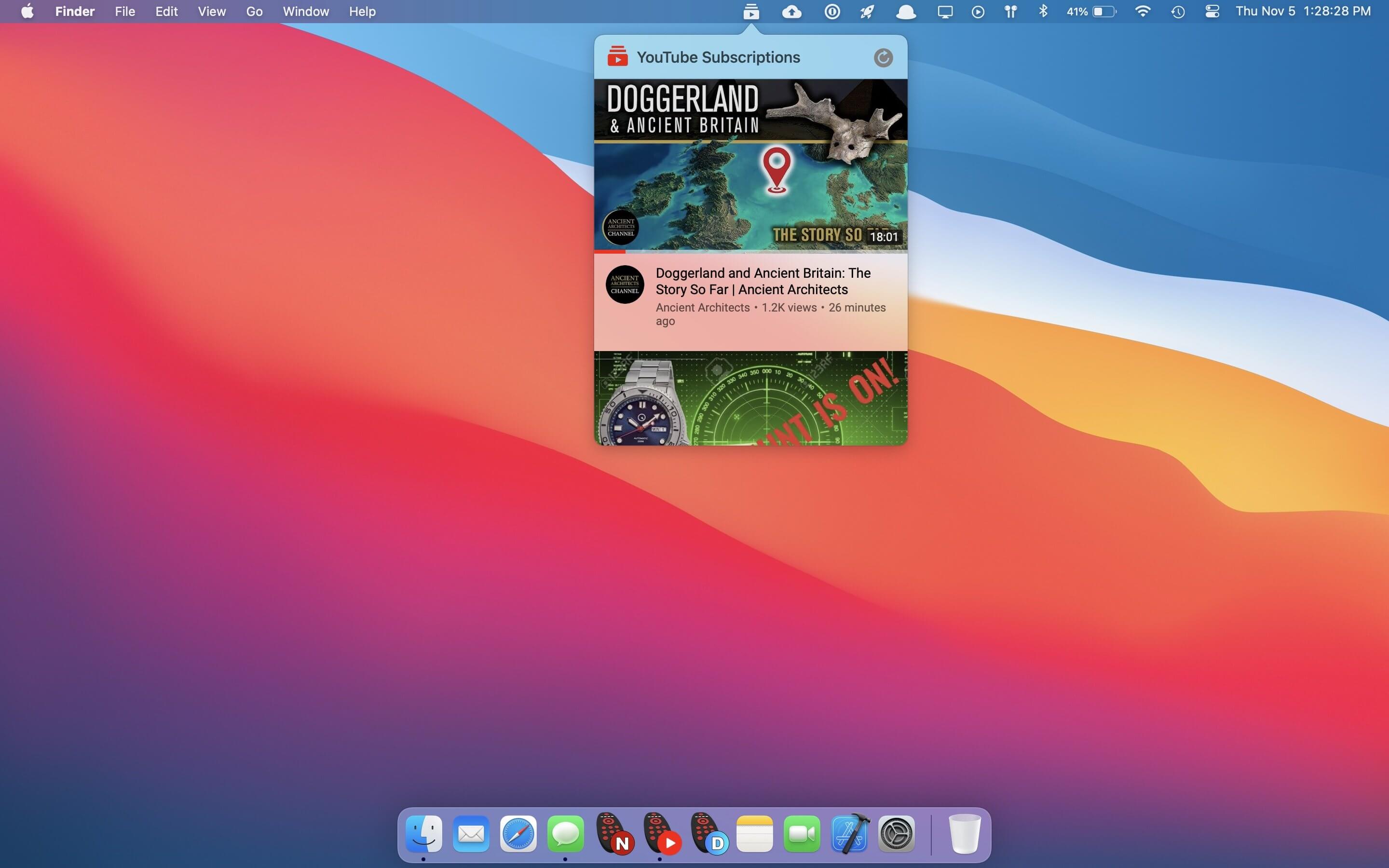
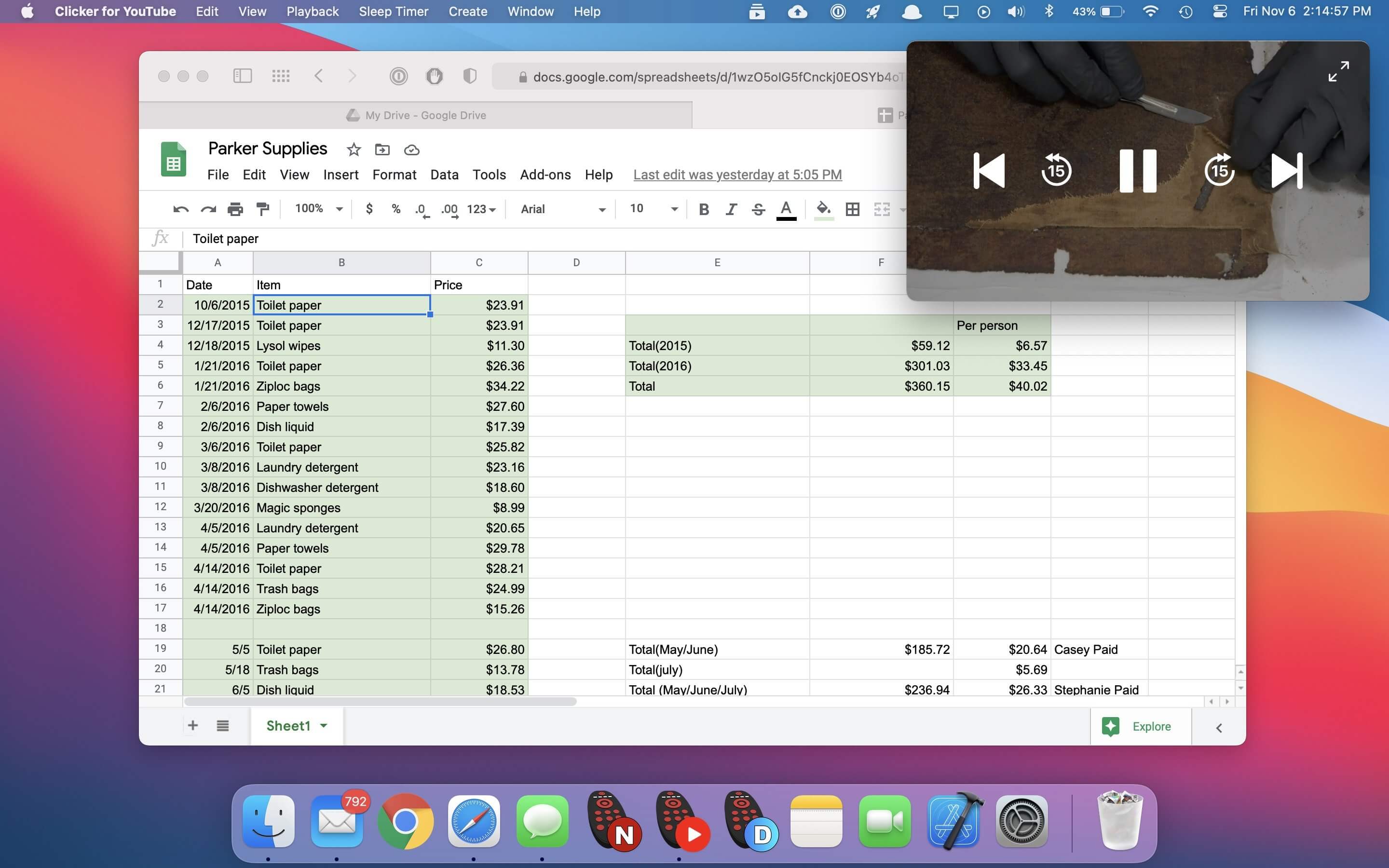
The best standalone YouTube app for macOS. Native YouTube player that provides the same functionality as the website in an efficient Swift-based app, with a built-in ad-blocker, sleep timer, pop-out player, Touch Bar support, and more.
Features
- Launch YouTube right from your Dock
- Picture-in-Picture w/ video controls
- Built-in ad blocker
- Like/Dislike and Autoplay from Touch Bar
- Sleep timer w/ auto-shut off
- Native push notifications
- Quick access from the Menu Bar
- Native macOS design language
- Truly Full Screen Browsing
- Upload video from within the app
- Auto-switch to Dark Mode
- Written in Swift for great performance
Version 1.21:
- Release notes were unavailable when this listing was updated.
Comments
No comments yet. Be the first.
Information
Visitors in the group Guests cannot leave comments on this publication.