

Clicker for Netflix 2.13
Screenshots
Click to enlarge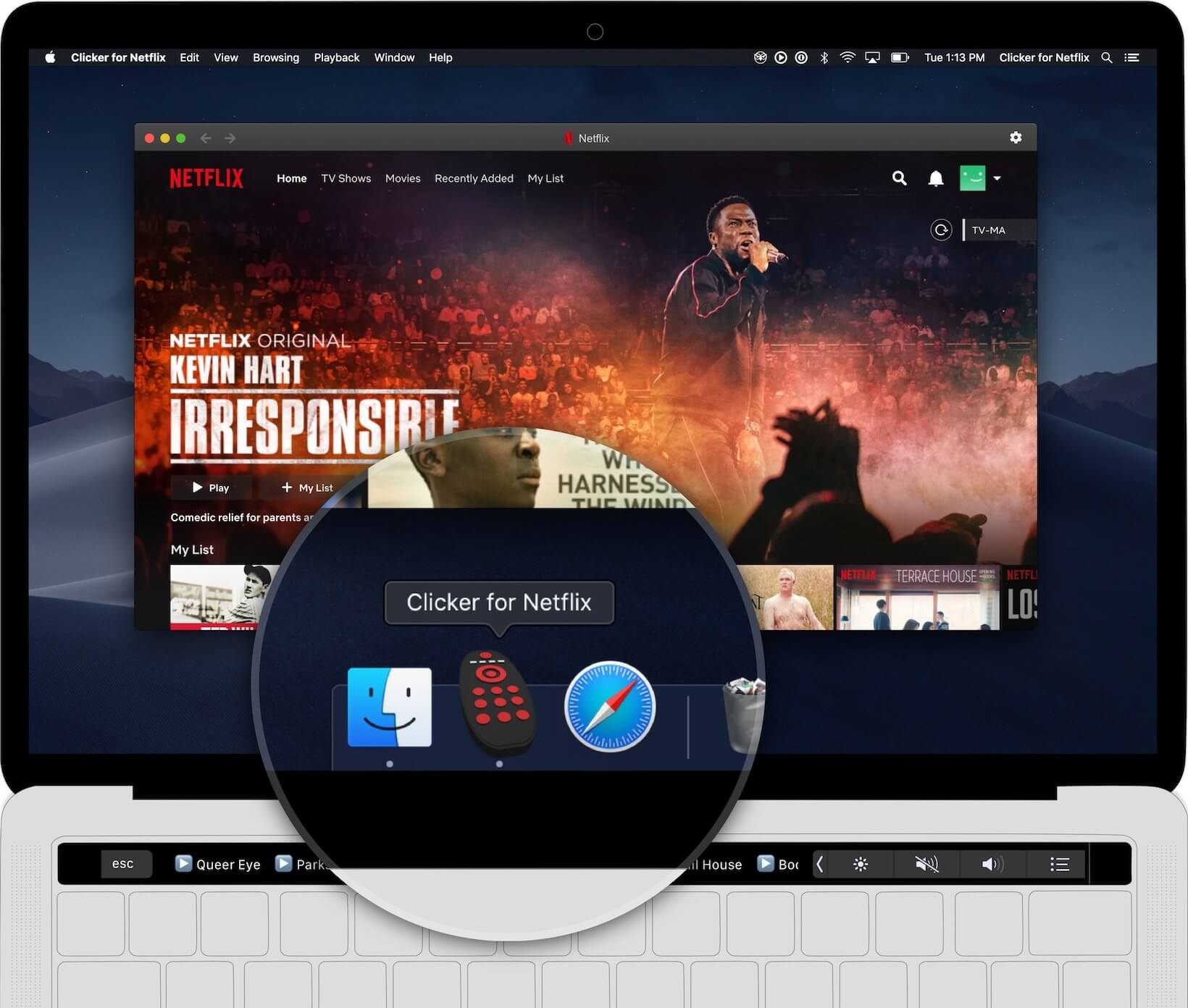
Clicker for Netflix is the standalone Netflix player for Mac.
Features:
- Launch Netflix right from your Dock
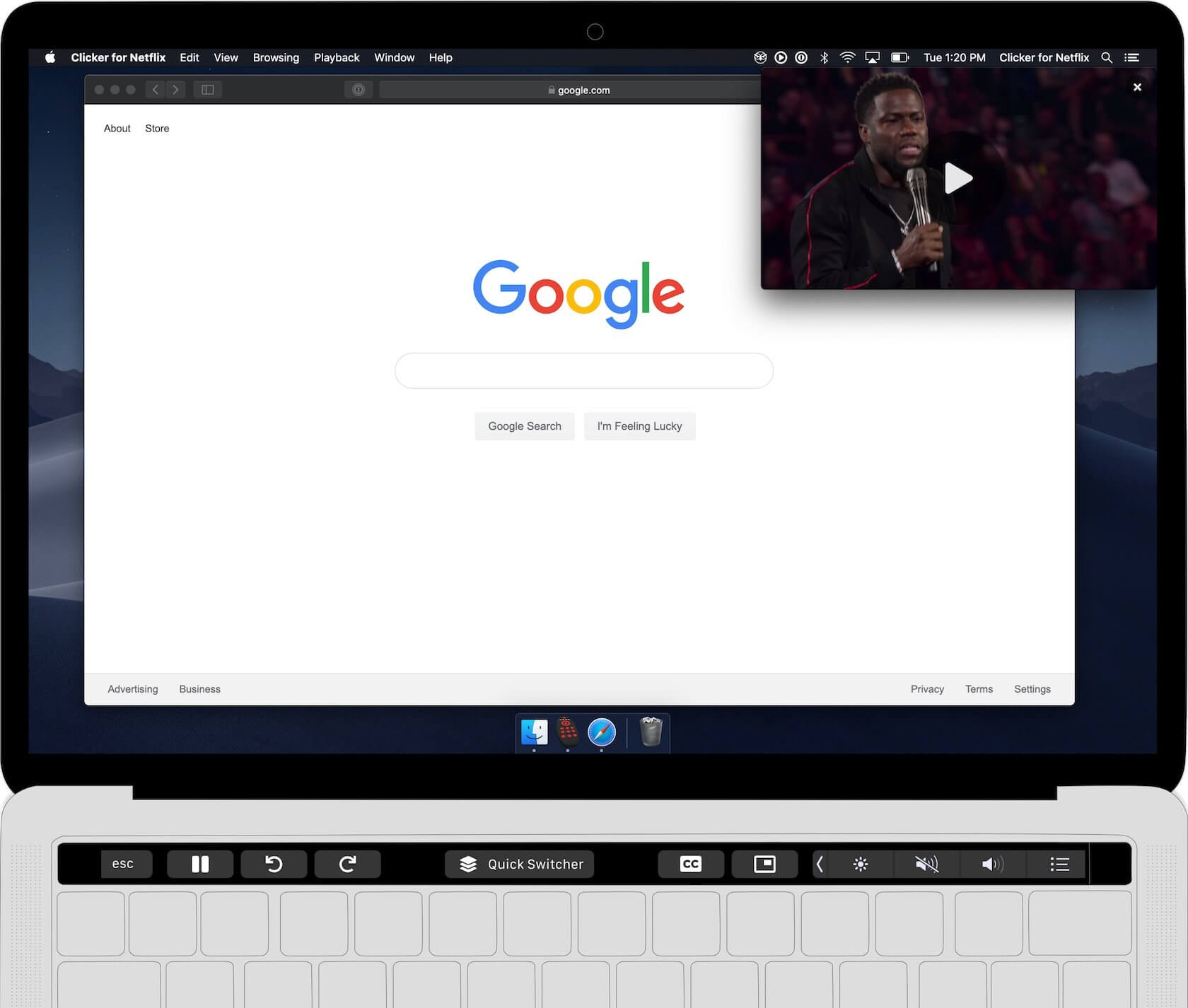
- Control Netflix from the Touch Bar
- Picture-in-Picture support
- Quick Resume Dropdown
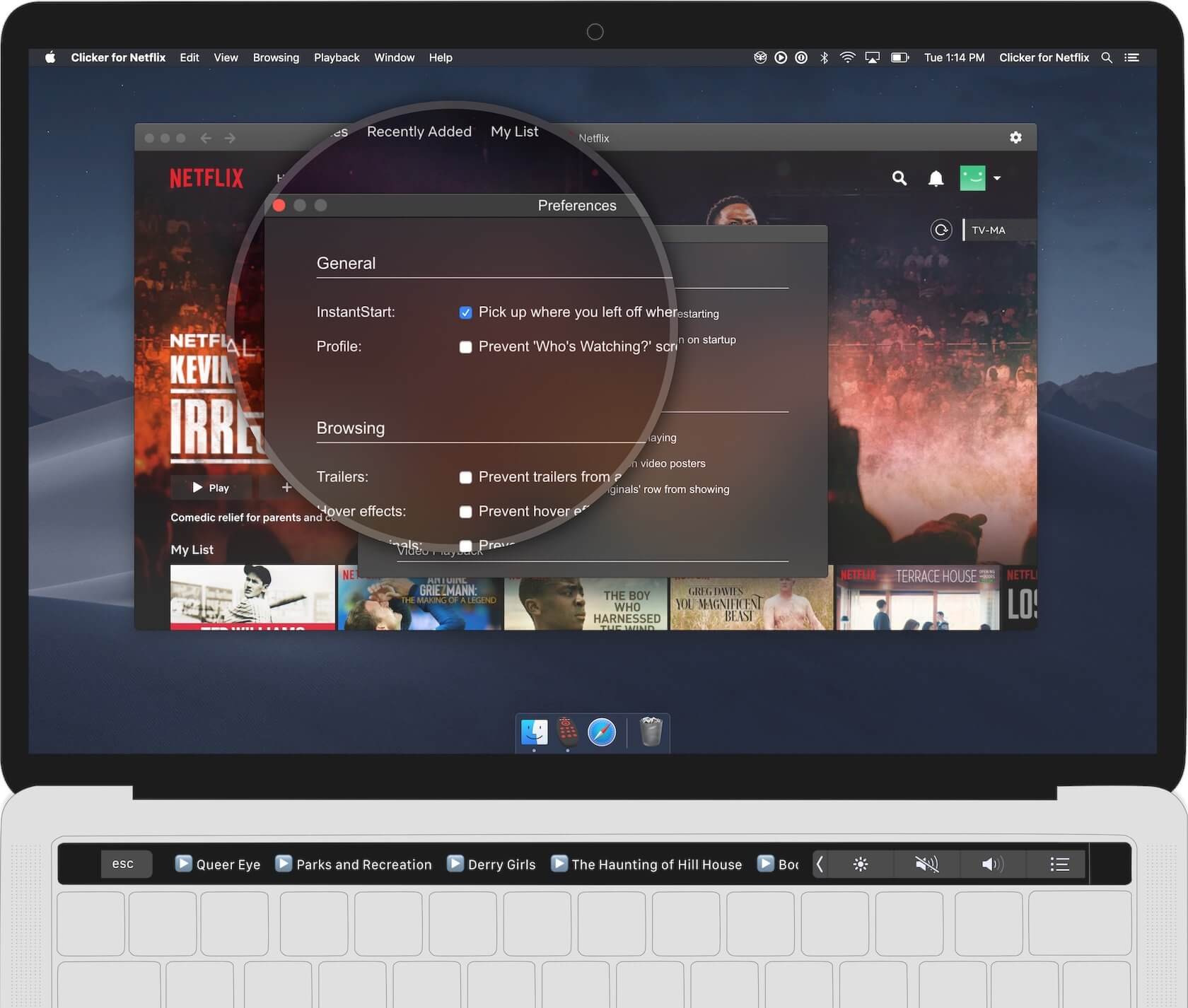
- Prevent trailers from auto-playing
- Truly full screen browsing
- Auto-resume last played video
- Auto-skip video intro
- Auto-advance to next episode
- No more crazy hover effects on posters
- Hide "Who's Watching?" popup
- Remove 'Netflix Originals' row
Version 2.11.0:
- 4K HDR playback now works! Requirements: macOS Big Sur, a Mac with a T2 chip (Mac from 2018 or later), and Netflix's UHD plan.
- You can now customize the items in the toolbar by going to View > Customize Toolbar
- Fix spacing of items in toolbar
- Fix sizing of buttons in Touch Bar
Comments
No comments yet. Be the first.
Information
Visitors in the group Guests cannot leave comments on this publication.