
FotoMagico Pro 5.6.14
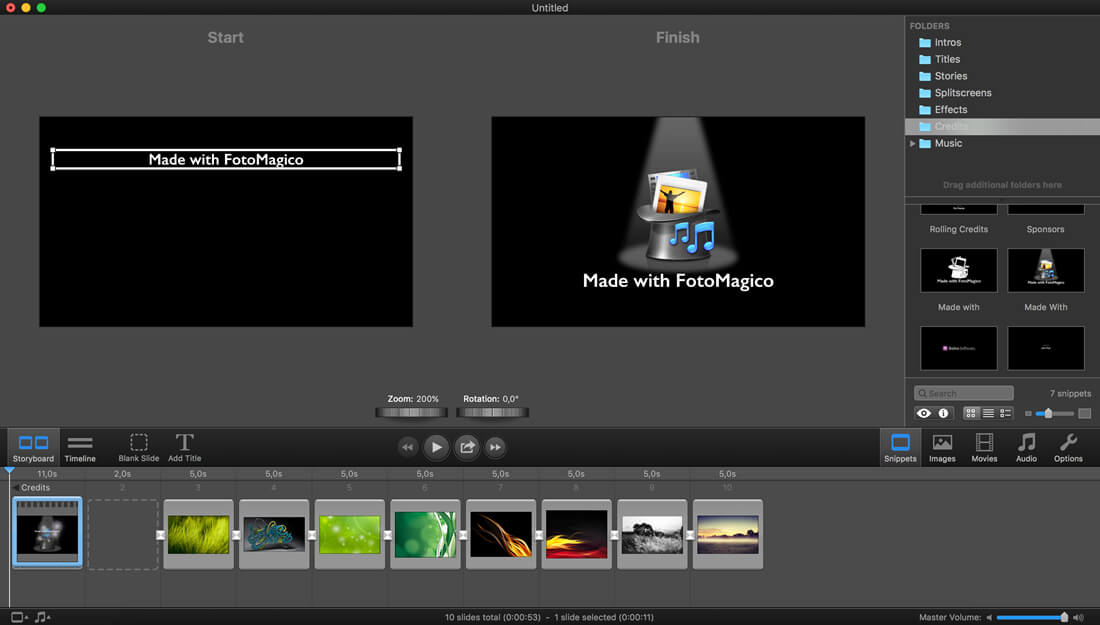
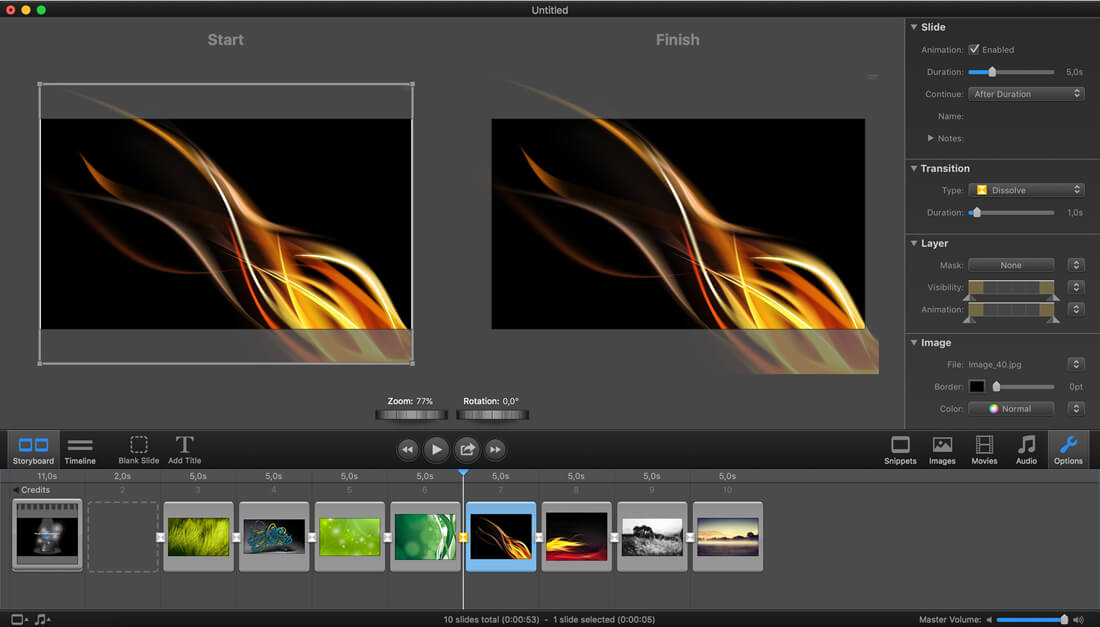
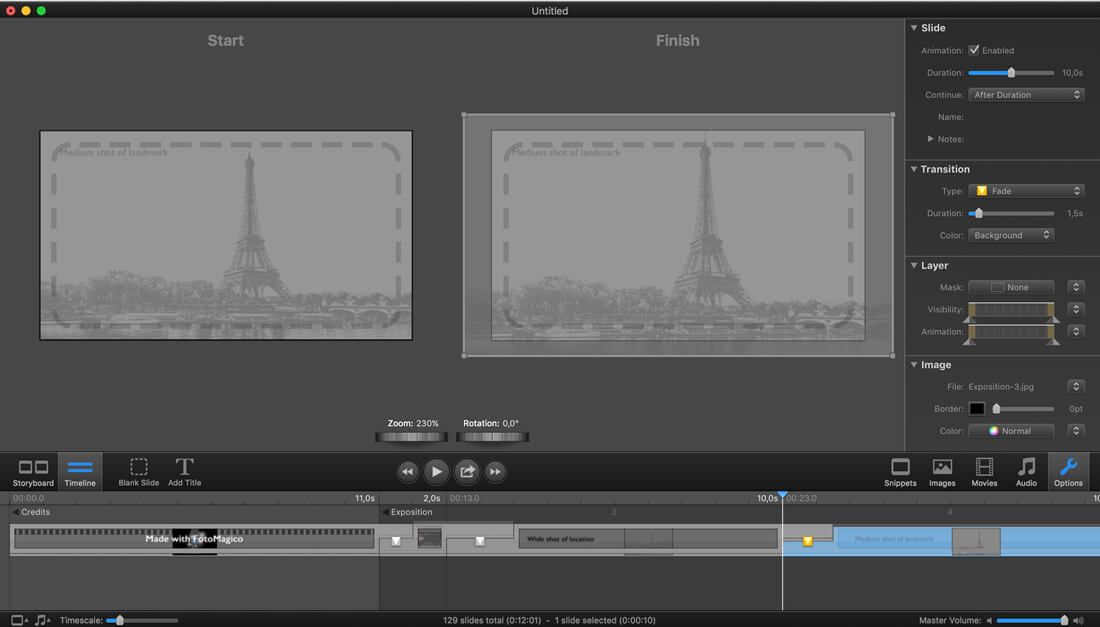
FotoMagico is an application for creating and presenting live multimedia slideshows. The primary goal is to present your pictures with the best possible image quality that your display device offers. Typical display devices are your computer's screen, a digital projector, or a television.
Aside from high image quality, the focus lies on easy and powerful authoring of your presentation. FotoMagico provides a simple, yet elegant and intuitive user interface with a relatively low learning curve, so that you can concentrate on telling your story. Using FotoMagico, you can:
Create stunning slideshow presentations.
- Use photos from an Adobe Lightroom, Aperture, Photos, iPhoto library or any folder on a local drive.
- Add videos to your slideshow. Many common video formats are supported by FotoMagico.
- Use music and sound effects from your iTunes library to create an appropriate atmosphere for your slideshow.
- Animate your photos using Pan & Zoom. This type of animation is also known as the Ken Burns effect.
- Zoom, move, and rotate the images to highlight the most important areas of your photos.
- Add titles to your slideshow to create a compelling narrative.
- Record narration directly in FotoMagico while your slideshow is playing.
- Precisely control timing and other details of your slideshow.
- Control your slideshows interactively during playback.
- Share your slideshows with others in a variety of formats.
Version 5.6.14:
- Release notes were unavailable when this listing was updated.
Frequently asked questions
How do I install the app?
Mount the image, drag the app into the "Applications" folder and launch it. If the system blocks the launch, allow it in "System Settings → Privacy & Security".
The app is damaged or won't launch
Reinstalling from a fresh image usually helps. Make sure your macOS version matches the one listed in the compatibility specs.
How do I update?
Download the new version from the site and install it over the current one — your settings will be preserved.
The download link doesn't work
Try a mirror or a download manager. For large files the browser often drops the connection.
How do I completely remove the app?
Use an uninstaller utility — it cleans up the service files that remain after moving the app to the trash.
VersionFotoMagico Pro 5.6.14
DeveloperBoinx Software Ltd.
CompatibilityOS X 10.10 or later, 64-bit processor
LanguageEnglish
IncludesSerial (block outbound connections)





Information
Visitors in the group Guests cannot leave comments on this publication.
Choose a download source
FotoMagico Pro 5.6.14 · 358.45 MB
Previous versions
FotoMagico Pro 5.6.14
Previous versions are available to registered users.