
ACDSee Photo Studio 6.3.1795
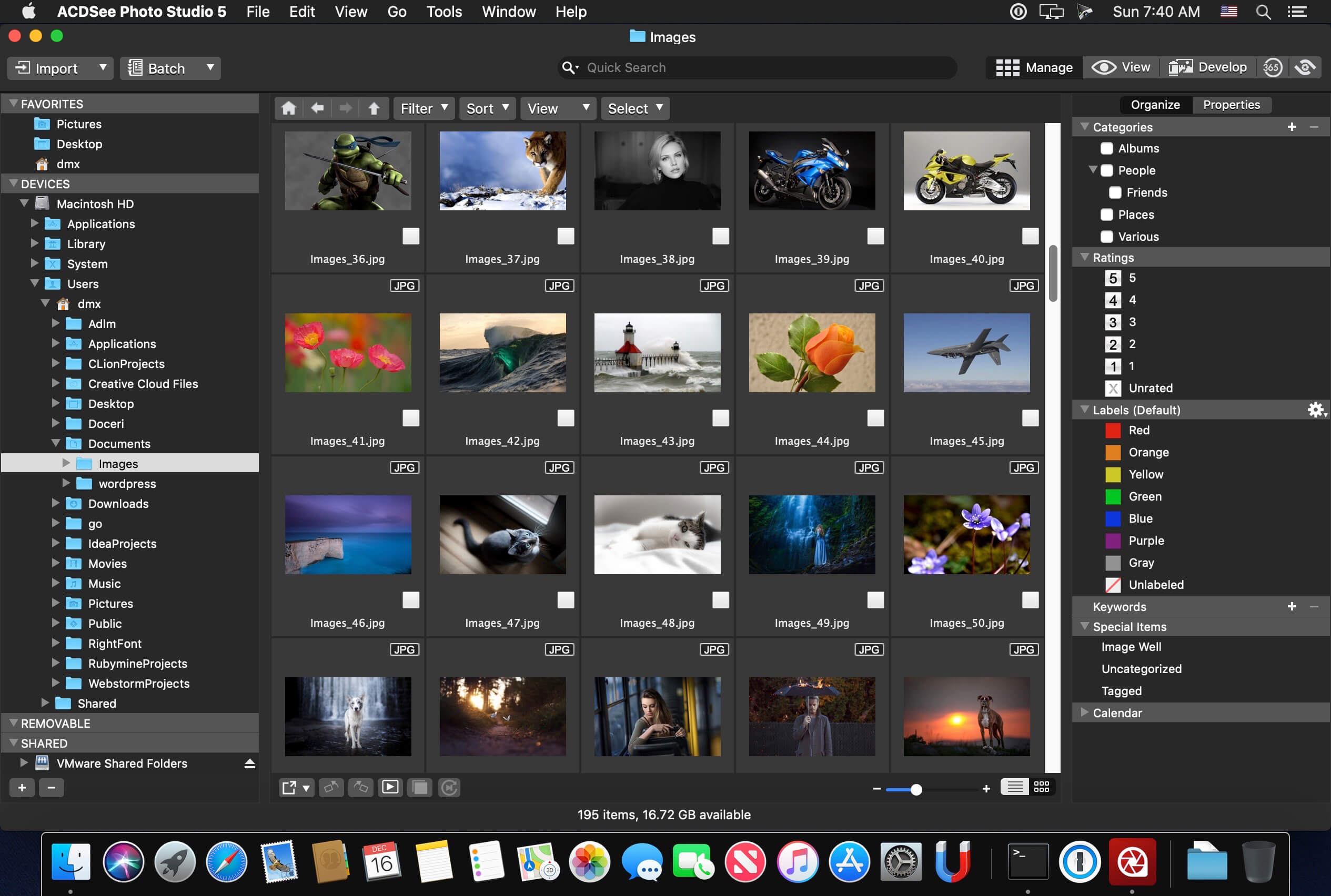
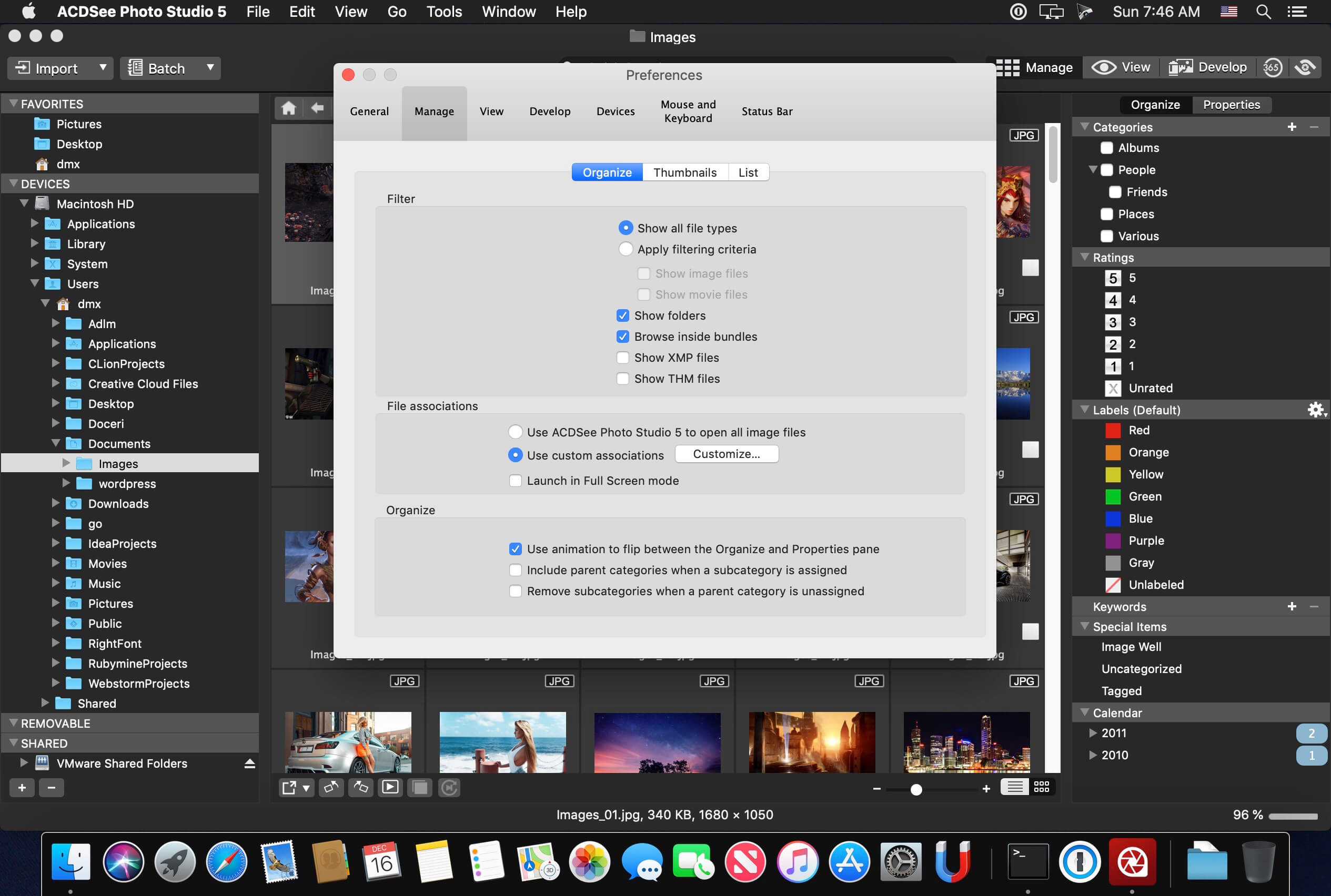
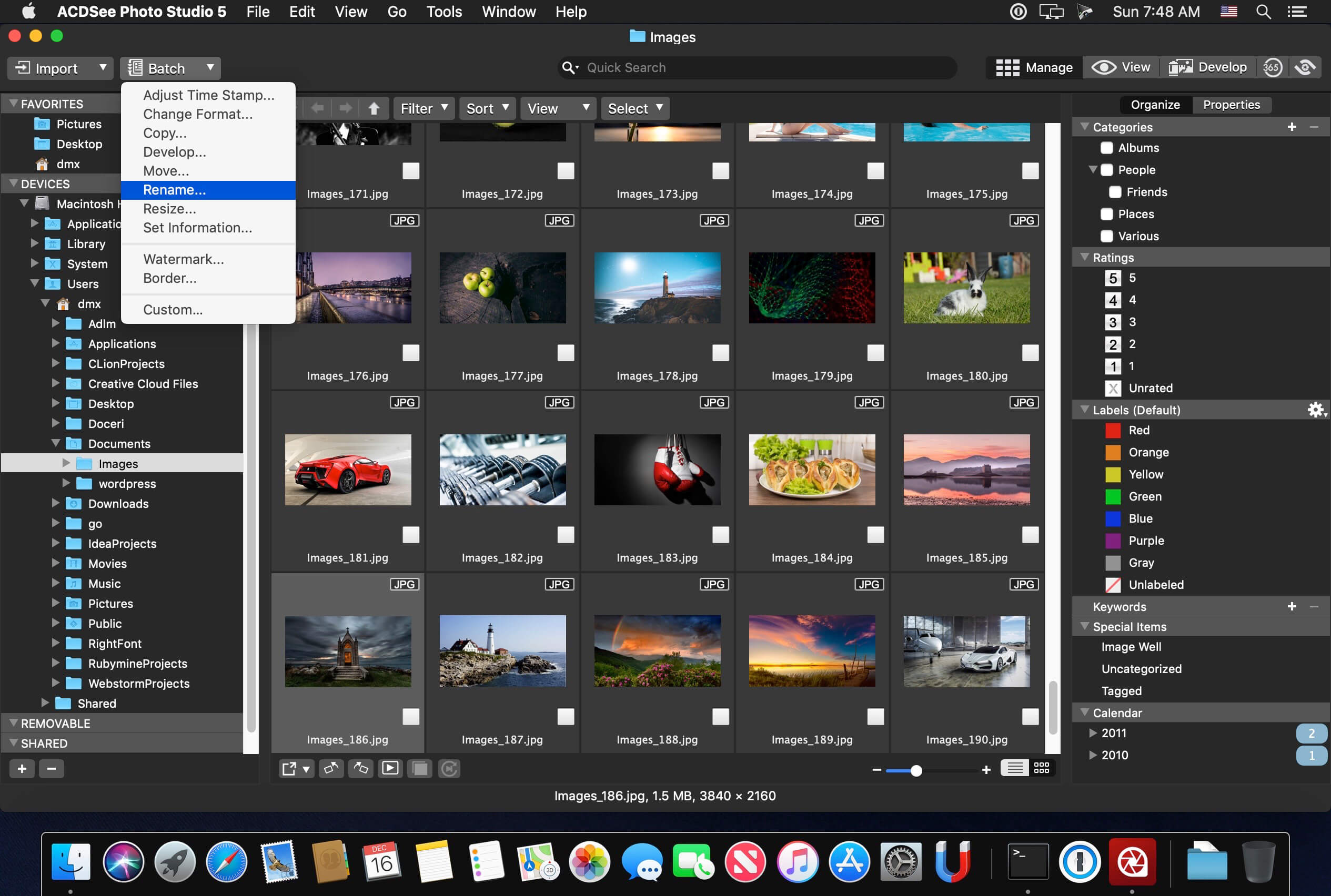
Known for best-in-class digital asset management and RAW processing power, ACDSee Photo Studio for Mac 5 gives you instant, import-free access to your photos. Flexible organizational tools to satisfy any workflow, lightning fast non-destructive adjustments, drag and drop searching, sleek customizable batch presets, and RAW support for over 450 camera models are just a few of the elements that make ACDSee Photo Studio for Mac 5 the must-have image editing software on the macOS.
Image Basket
Gather and hold images from different locations or folders in the Image Basket. Once you have your desired assortment, you can use any of the tools or features in ACDSee to view or edit these files.
Filter By
Quickly single out and display files by their metadata, such as ratings, color labels, tags, and categories. This essential component of digital asset management will also identify images by the metadata they don’t have, such as “no keywords”, “untagged”, and “uncategorized”.
Compare Images
Highlight the similarities and the differences in up to four images at once with the Compare Images tool. Use zooming and panning to identify which images to keep.
Auto Advance
Manage entire folders without ever moving your hands from the keyboard. With Auto Advance, adding metadata will move the focus to the next image in the File List pane, allowing you to seamlessly organize.
External Editors
Easily configure ACDSee to work with a variety of other image editors. Specify a default editor, and then promptly open images in other applications right from inside Manage or View mode.
Multiple Databases
Create as many ACDSee databases as you like, and swiftly and smoothly switch between them.
Batch Add Watermark
Claim your work by adding watermarks to your images. Adjust size, position, and opacity for the perfect signature, and save your settings as a preset. Apply it to one, many, or all.
Batch Add Border
Frame your favorite photos in batches with the Batch Add Border tool. Customize the color, texture, and thickness of your border, and choose from nearly 100 unique edges to complement your shots.
Import Database
Don’t lose hours of cataloging just because you want the latest software. Import your database from version 3 or 4 of ACDSee Photo Studio Mac and keep right on working.
Version 6.3.1795:
- Release notes were unavailable when this listing was updated.
Frequently asked questions
How do I install the app?
Mount the image, drag the app into the "Applications" folder and launch it. If the system blocks the launch, allow it in "System Settings → Privacy & Security".
The app is damaged or won't launch
Reinstalling from a fresh image usually helps. Make sure your macOS version matches the one listed in the compatibility specs.
How do I update?
Download the new version from the site and install it over the current one — your settings will be preserved.
The download link doesn't work
Try a mirror or a download manager. For large files the browser often drops the connection.
How do I completely remove the app?
Use an uninstaller utility — it cleans up the service files that remain after moving the app to the trash.
VersionACDSee Photo Studio 6.3.1795
DeveloperACD Systems International Inc.
CompatibilitymacOS 10.13 or later 64-bit
LanguageEnglish
IncludesK





Information
Visitors in the group Guests cannot leave comments on this publication.
Choose a download source
ACDSee Photo Studio 6.3.1795 · 43.32 MB
Previous versions
ACDSee Photo Studio 6.3.1795
Previous versions are available to registered users.