
Photo Theatre - Slideshow Movie Maker 3.5.0
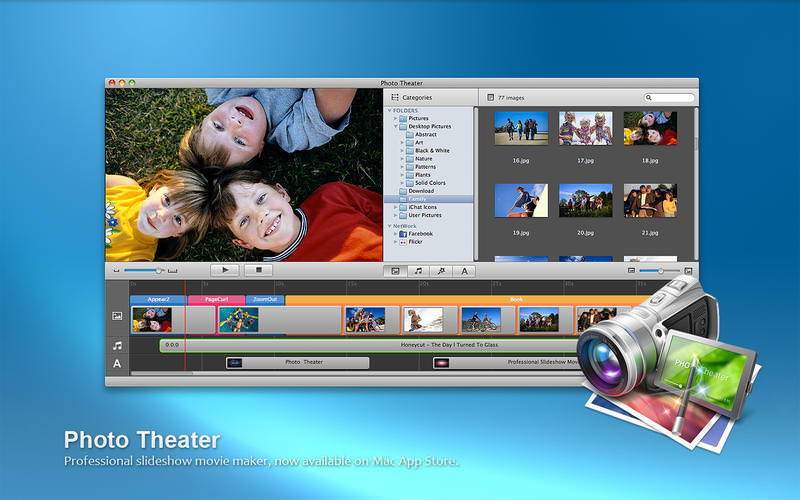
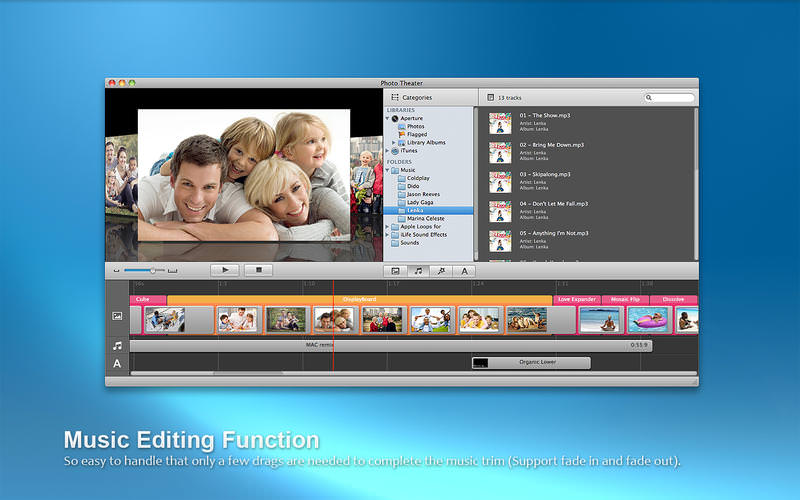
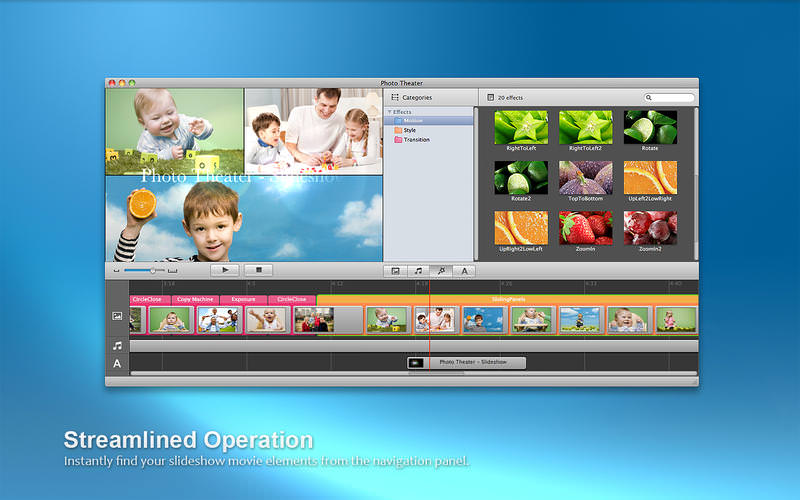
Photo Theater - Slideshow Movie Maker helps you turn your photos and music into stunning home movies. There are hundreds of built-in effects including themes and transitions to make the movies look dazzling. You can add as many background music and subtitles as you like for your personalized home movies and share home movies on Apple TV, YouTube, iPhone, etc.
Simple to use, as easy as 1-2-3:
- Drag-n-drop your favorite photos & music into Timeline
- Randomly set transition effects for photo/video when added
- One click to publish your movie
Make stunning home movies
- Choose from 25 themes effects with matching motion, transitions, layout & background
- Come with 48 transition effects to make hollywood-style movies
- Customize your own Ken Burns effect to make your movies vividly
- Nearly 50 types of subtitle styles available for you to choose from
- Crop your images to focus on the part you like
- Trim the audio to remove the portions you don’t like
- Adjust the sound volume of your audio for output
Support various media file formats & popular devices
- Add images from Photos & local Pictures folder
- Import photos from facebook/Flickr online & your iPad/iPhone devices
- Import music from iTunes if you share iTunes Library xml with other application in iTunes Preferences.
- Support image files with extension as .JPG, .BMP, .PNG, .GIF, .PSD, .TIFF and more
- Support audio files with extension as .MP3, .M4A, .WAV, .AIFF, .AMR and more
Share online, on the go and at home with family & friends
- Upload movies directly to YouTube to share online
- Export movies to Apple TV to watch on the big-screen TV with family
- Publish movies to iPhone/iPad to watch on the go
Version 3.5.0
- Fix bugs to be fully compatible with Mac OS 10.12.
Frequently asked questions
How do I install the app?
Mount the image, drag the app into the "Applications" folder and launch it. If the system blocks the launch, allow it in "System Settings → Privacy & Security".
The app is damaged or won't launch
Reinstalling from a fresh image usually helps. Make sure your macOS version matches the one listed in the compatibility specs.
How do I update?
Download the new version from the site and install it over the current one — your settings will be preserved.
The download link doesn't work
Try a mirror or a download manager. For large files the browser often drops the connection.
How do I completely remove the app?
Use an uninstaller utility — it cleans up the service files that remain after moving the app to the trash.
VersionPhoto Theatre - Slideshow Movie Maker 3.5.0
DeveloperBoniten, Inc.
CompatibilityOS X 10.9 or later, 64-bit processor
LanguageEnglish, French, German, Japanese
IncludesPre-K'ed



Information
Visitors in the group Guests cannot leave comments on this publication.
Choose a download source
Photo Theatre - Slideshow Movie Maker 3.5.0 · 33.71 MB