

Disk Drill Enterprise 3.8.977
Screenshots
Click to enlarge
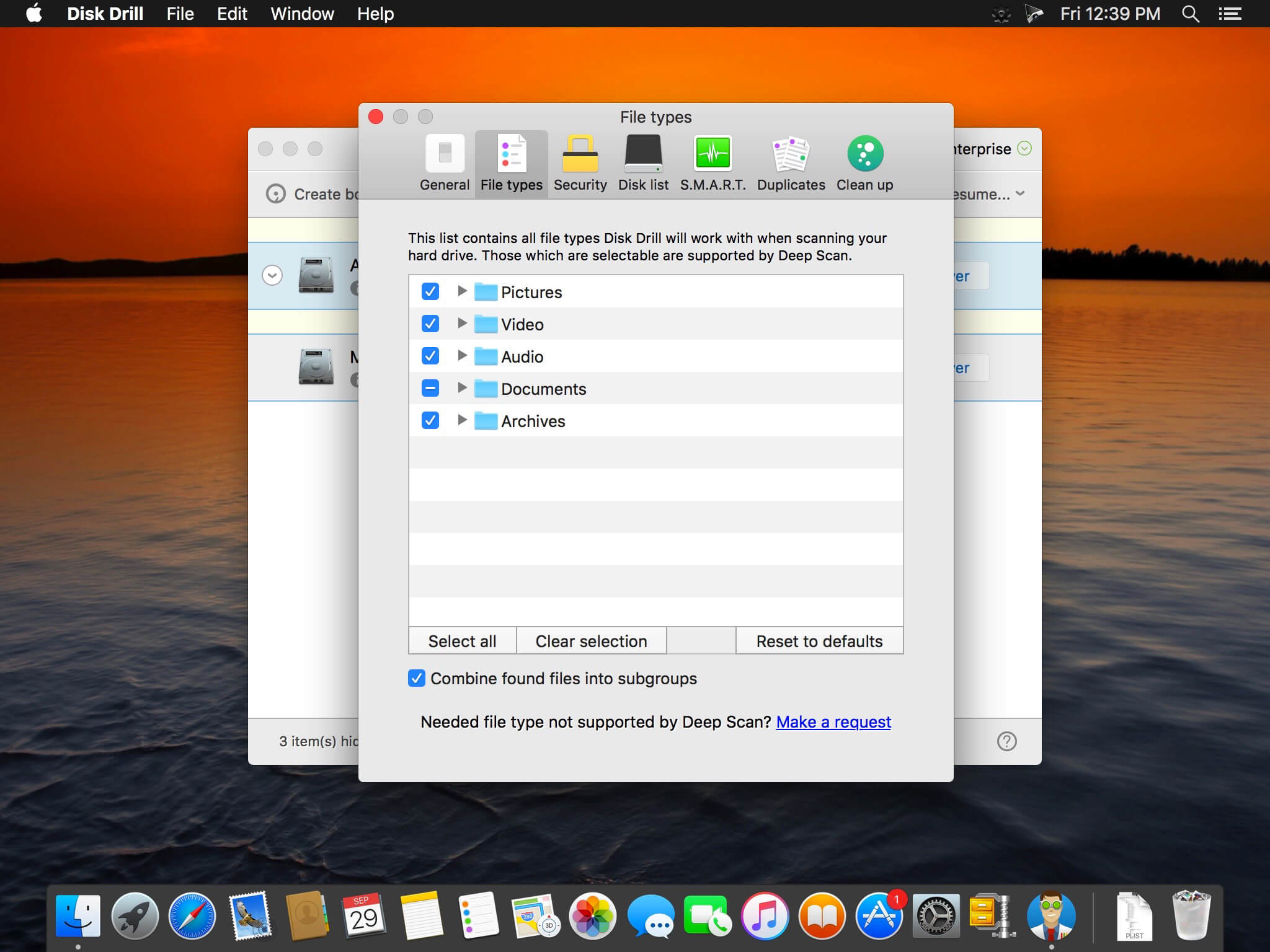
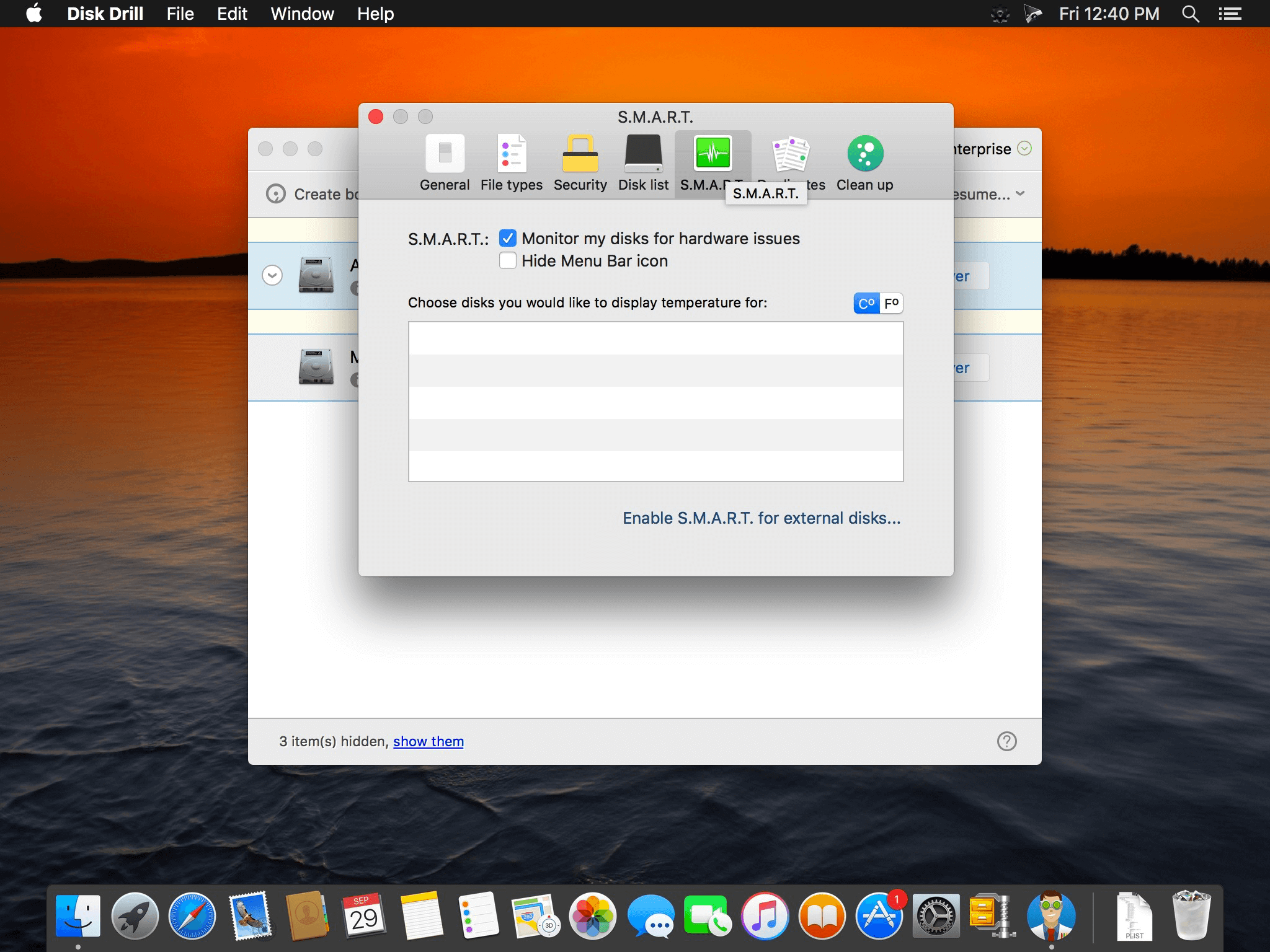
Disk Drill is a Mac data recovery software designed natively for Mac OS: easily protect your files from accidental deletion with Recovery Vault and recover lost data from Mac disks. Most of storage devices, file types and file systems are supported. You can recover deleted files from iPhone and Android devices! Disk Drill offers helpful and free tools for disk management like duplicate file finder, byte-to-byte backups, disk cleanup and space visualization, bootable data recovery drive, disk health monitoring, etc.
When something is deleted Recovery Vault makes it possible to recover not only the file itself, but also its properties, such as original file name, location, etc. So you will always be able to recover data from Mac files system (HFS/HFS+) and FAT32 partitions. Disk Drill also includes powerful S.M.A.R.T. disk monitoring right out-of-the-box; you can monitor your disks' hardware status and get automatic notifications of potential failures or other issues. If a disk or partition is failing, you can easily backup it into a disk image (DMG) which can later be mounted for recovery.
Disk Drill PRO also features a number of advanced scanning modes for data recovery of FAT, NTFS, HFS/HFS+, other file systems and formatted (initialized) drives. Using Quick Scan you can locate deleted items on FAT and NTFS disks, this scanning method is fast and accurate, but is unlikely to find data deleted long ago. With Deep Scan you can try to recover data from any disk or memory card regardless of their file system. This recovery method is long and thorough, it scans your disk in a binary mode and is capable of finding deleted files even after formatting.
Version 3.8:
New:
New:
- Disk Drill is now officially ready for macOS 10.15 Catalina
- iOS recovery now supports iOS 13 and iPadOS
- New Full Disk Access requirements and wizard in place
- New smart ExFAT recovery algorithms
- Mac OS X 10.8.5 is no longer supported in Disk Drill 3.8, the minimum Mac OS X version is now 10.9.5
- LaCie devices recovery: critical improvements, disk disconnection prevention
- iOS recovery: preview improvements
- FAT32: improved support of lost partition recovery
- Disk Drill gets better at detecting and scanning external USB storage devices on macOS 10.15 Catalina
- Guaranteed Recovery internal stabilizations, including compatibility issues with macOS 10.15
- HFS+ recovery stabilization fixes
- macOS installer download fixes
- Fixed empty disk labels on macOS Catalina
- Minor random crashes and exceptions during disk scanning
Comments
No comments yet. Be the first.
Information
Visitors in the group Guests cannot leave comments on this publication.