Awaken 7.1.1
Awaken — Music Alarm Clock & Sleep Timer
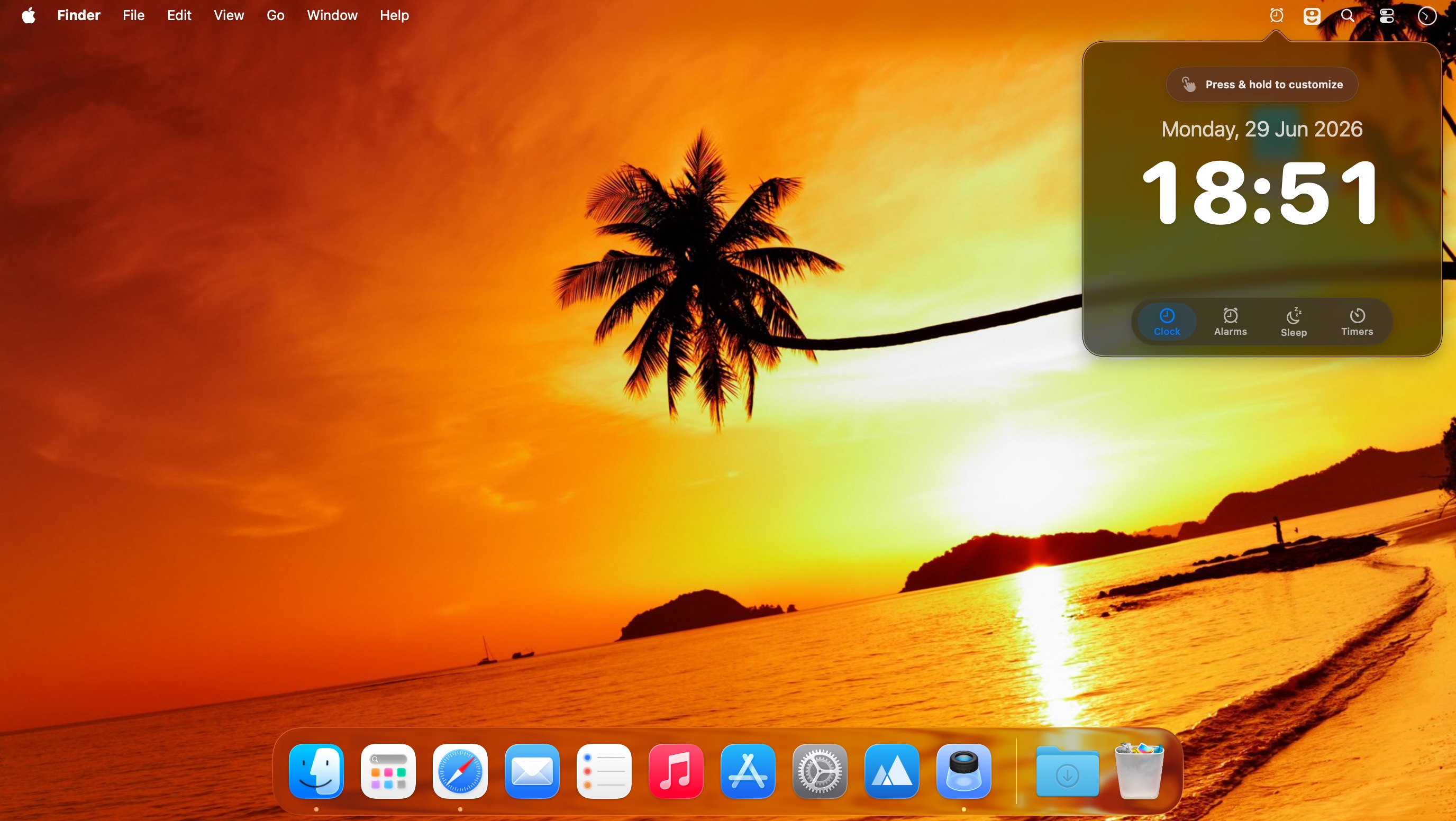
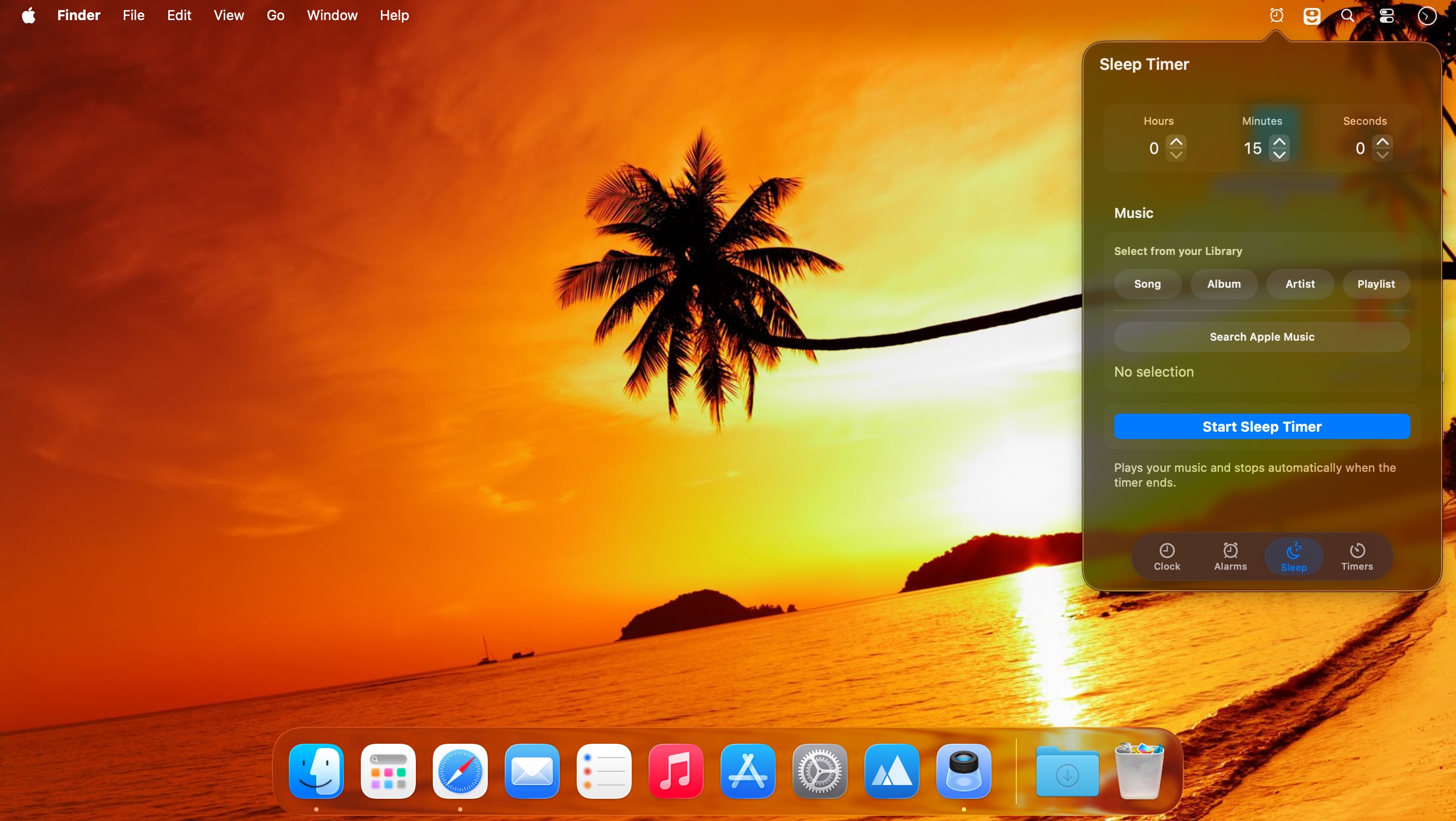
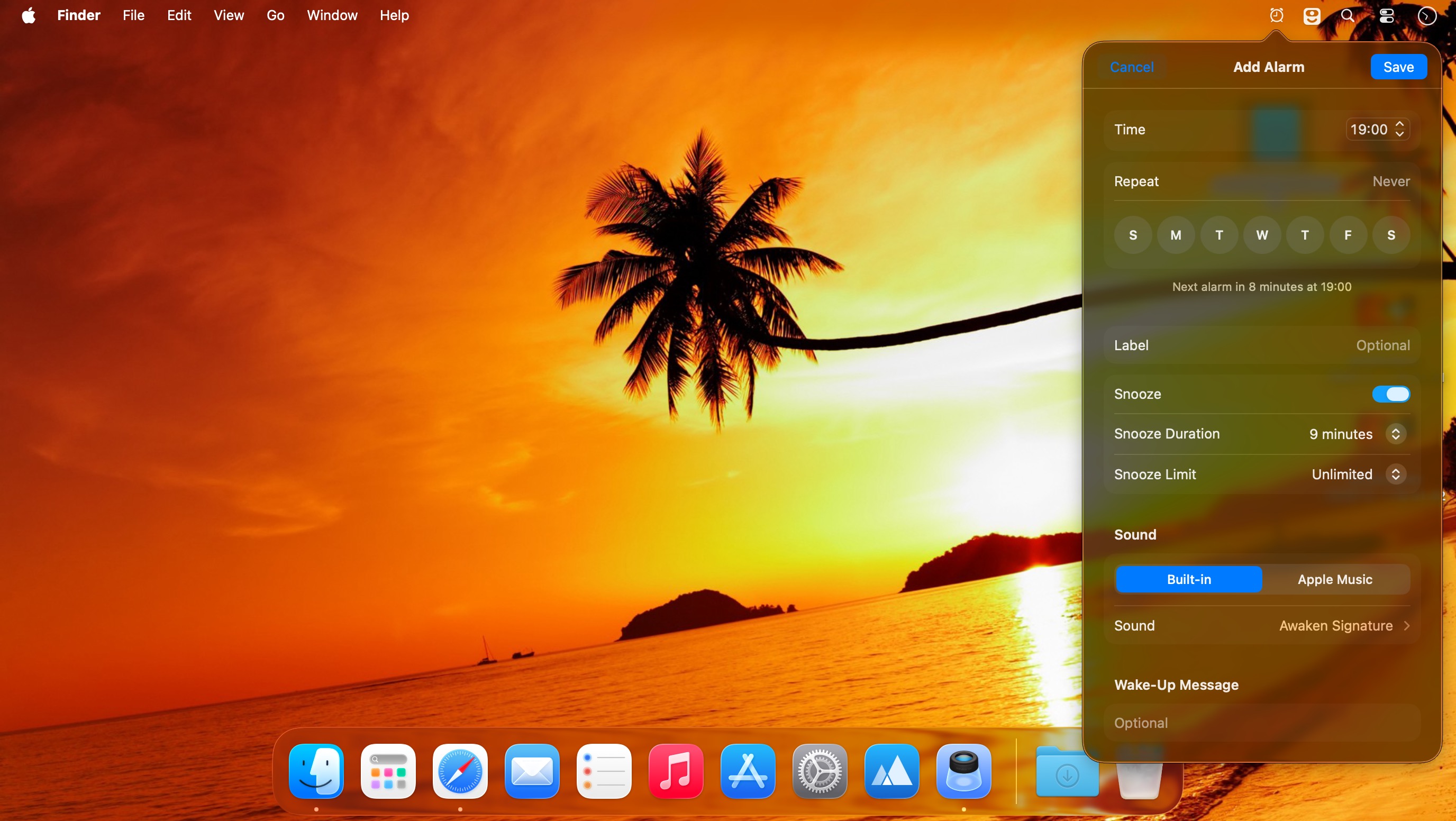
Wake up to your favorite music, wind down with relaxing sounds, and manage your time with flexible alarms and timers. Awaken transforms your Mac into a customizable music alarm clock and sleep timer.
Wake Up Your Way
- Wake up to your music or built-in alarm sounds
- Create multiple alarms with custom names and sorting
- Set one-time, weekly, or date-specific alarms
- Gradually fade in music volume and screen brightness
- Launch apps or files when an alarm goes off
- Customize snooze controls
- Control alarms with Apple Remote or keyboard shortcuts
- Automatically stop alarms after a set duration
Relax with Sleep Mode
Fall asleep to your favorite music or peaceful ambient sounds, including:
- Beach
- Forest
- Ocean
- Rainfall
- White noise
Sleep Mode gradually fades out your music and screen brightness for a more comfortable bedtime experience.
Flexible Timers
- Create multiple timers
- Sort and label timers for easy organization
- Choose from more than a dozen built-in sounds
- Launch applications or files when a timer ends
Full-Screen Display
Use Full Screen Mode to view your alarms, sleep timer, and current time from a distance.
Helpful Shortcuts
- Click the date to view the next scheduled alarm
- Press Control + Shift + Eject to put your display to sleep
Awaken gives you simple, flexible control over waking up, falling asleep, and staying on schedule—all from your Mac.
Version 7.1.1:
Bug fixes and improvements:
- Fixed the menu bar icon sometimes opening on the wrong display when using multiple monitors
- Fixed Apple Music buttons freezing after granting access for the first time
- Awaken now properly requests permission to find AirPlay speakers on your network
Frequently asked questions
How do I install the app?
Mount the image, drag the app into the "Applications" folder and launch it. If the system blocks the launch, allow it in "System Settings → Privacy & Security".
The app is damaged or won't launch
Reinstalling from a fresh image usually helps. Make sure your macOS version matches the one listed in the compatibility specs.
How do I update?
Download the new version from the site and install it over the current one — your settings will be preserved.
The download link doesn't work
Try a mirror or a download manager. For large files the browser often drops the connection.
How do I completely remove the app?
Use an uninstaller utility — it cleans up the service files that remain after moving the app to the trash.


Choose a download source
Awaken 7.1.1 · 32.88 MB
Previous versions
Awaken 7.1.1
Previous versions are available to registered users.