NoSleep 1.1.7
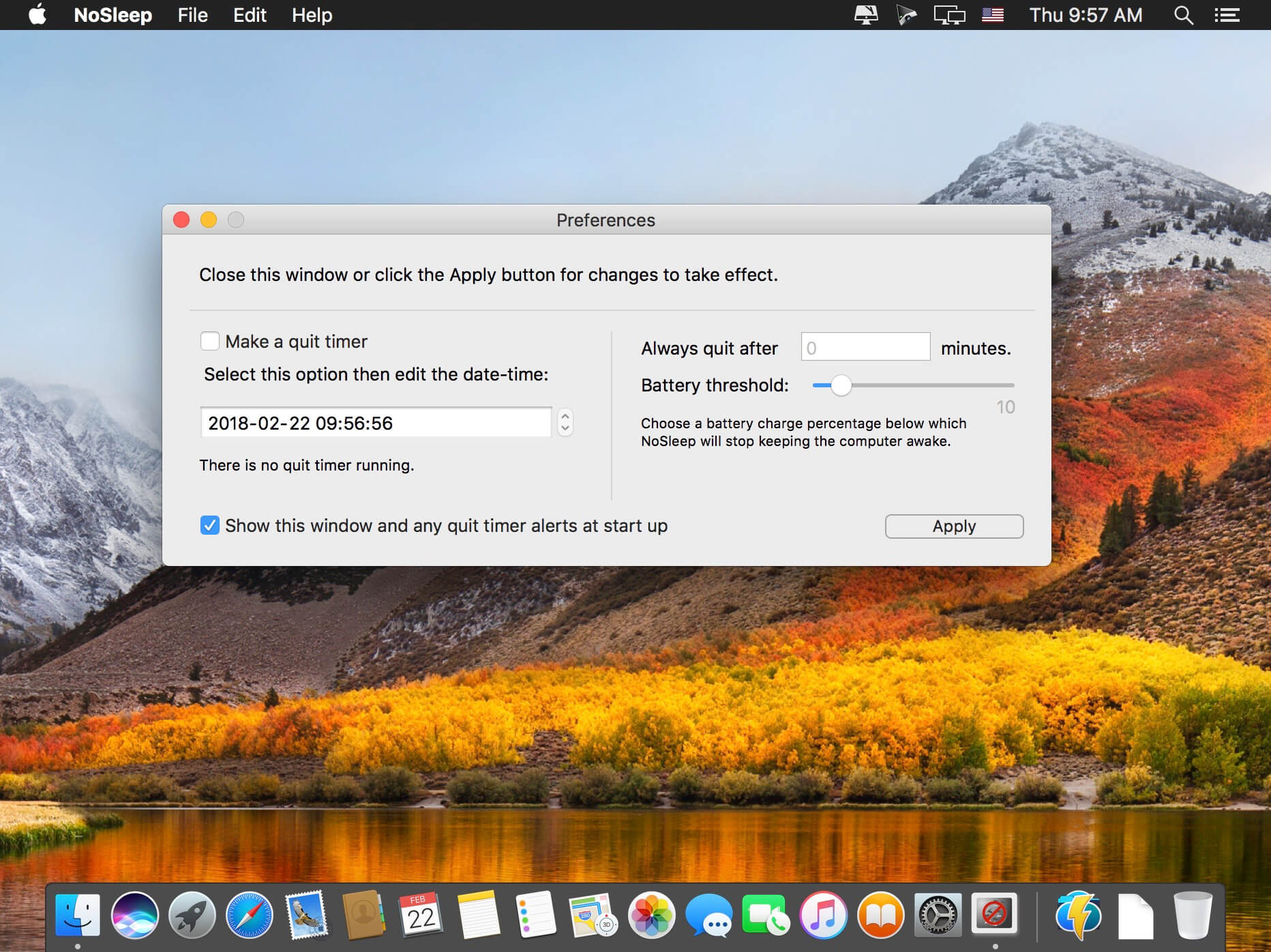
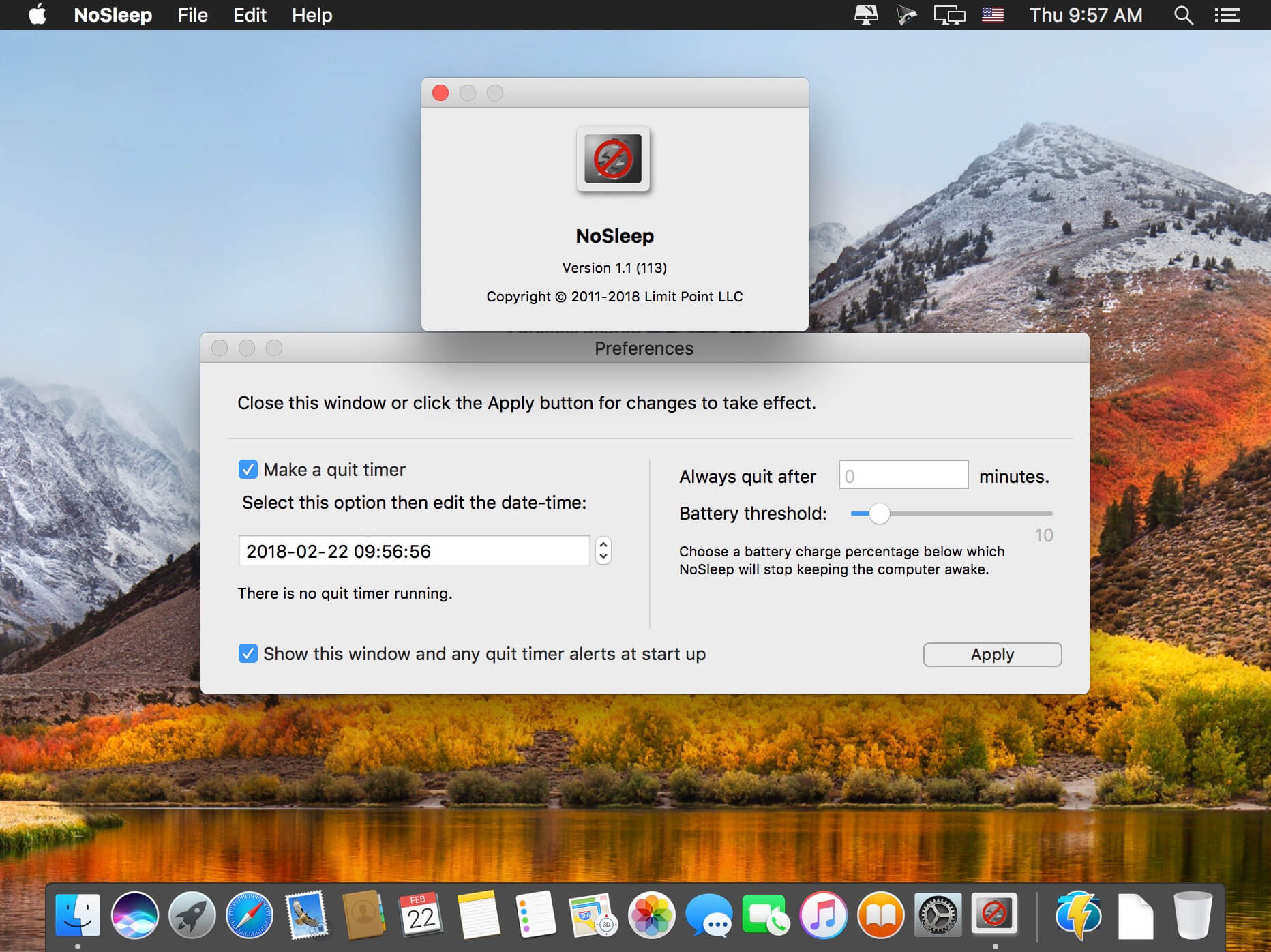
Prevent computer sleep.
NoSleep is an application that you use to prevent your Mac from going to sleep.
Version 1.1.1
FIXED:
- The date-time picker control for creating a timer to quit the app was not properly displaying the date and time. Also, alerts display that time similarly formatted to avoid confusion.
NEW:
- In the main window, each timer displays its time remaining until it quits the app. (Note that if you have two timers running then the first expired timer will quit the app.)
IMPROVED:
- For Macs that do not have a battery (desktop Macs) the battery threshold slider for disabling the app when the battery is low is hidden since it is not applicable.
Frequently asked questions
How do I install the app?
Mount the image, drag the app into the "Applications" folder and launch it. If the system blocks the launch, allow it in "System Settings → Privacy & Security".
The app is damaged or won't launch
Reinstalling from a fresh image usually helps. Make sure your macOS version matches the one listed in the compatibility specs.
How do I update?
Download the new version from the site and install it over the current one — your settings will be preserved.
The download link doesn't work
Try a mirror or a download manager. For large files the browser often drops the connection.
How do I completely remove the app?
Use an uninstaller utility — it cleans up the service files that remain after moving the app to the trash.




Choose a download source
NoSleep 1.1.7 · 7.75 MB
Comments 1