
IconKit: The Icon Resizer 10.1.2
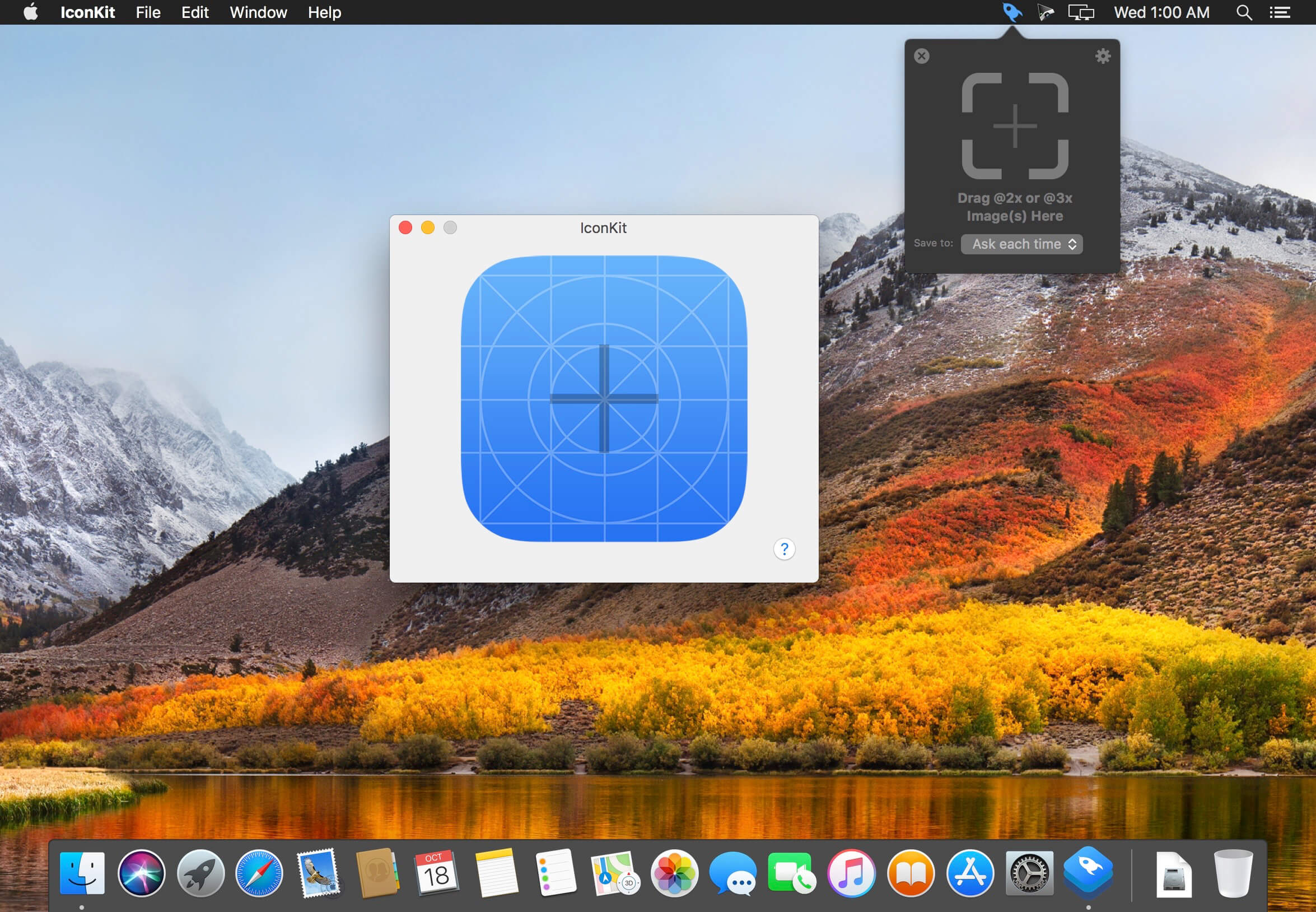
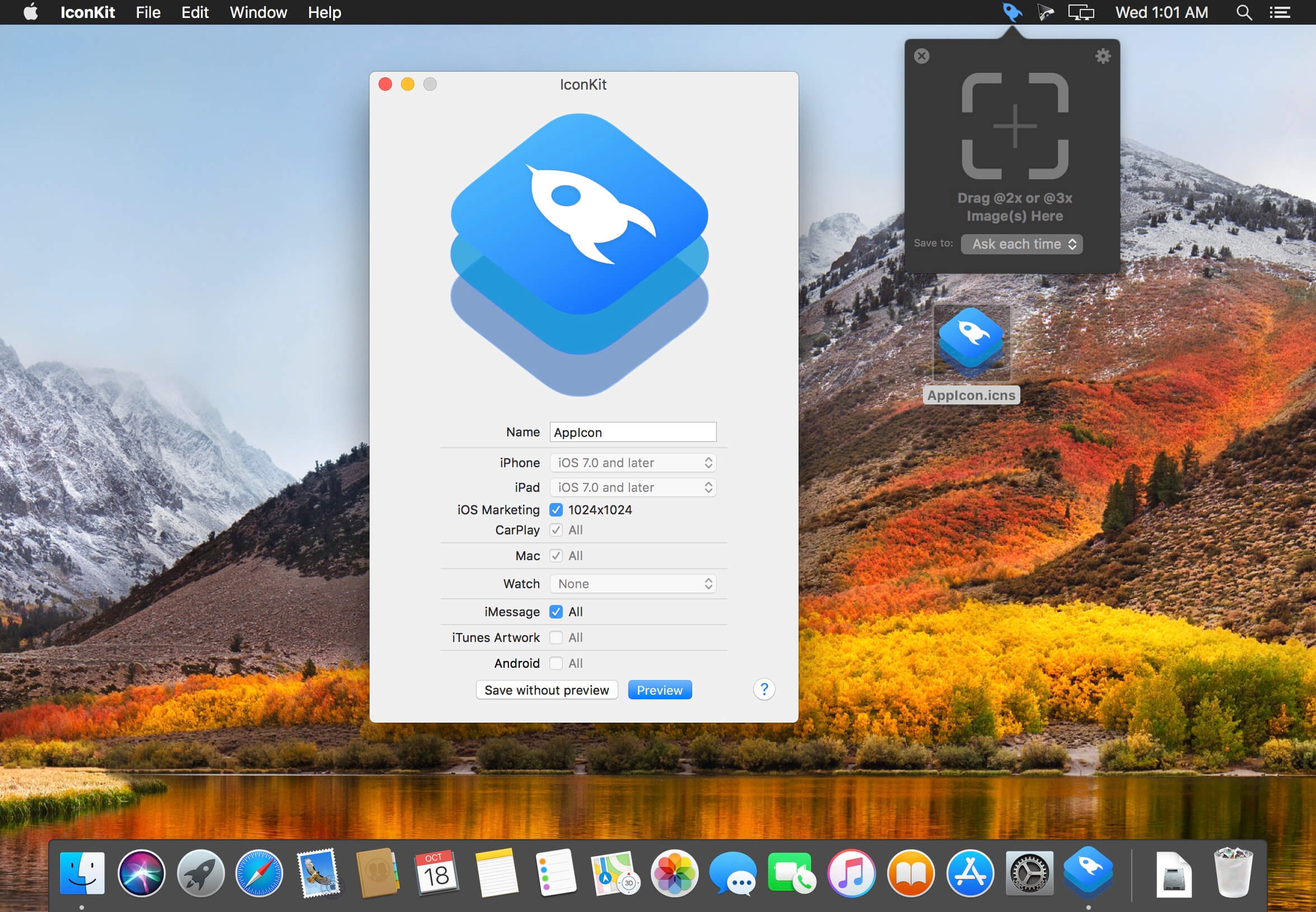
Do you want to include all of your app icons at the correct sizes without having to resize every single one manually? Are you tired of confusing apps?
IconKit brings you a great new experience of icon generator for developers and designers, just drag your image into IconKit to start.
Features:
- Export icons for iOS, watchOS, CarPlay, iMessage and macOS applications.
- Support for Android mipmap and drawable icon sets.
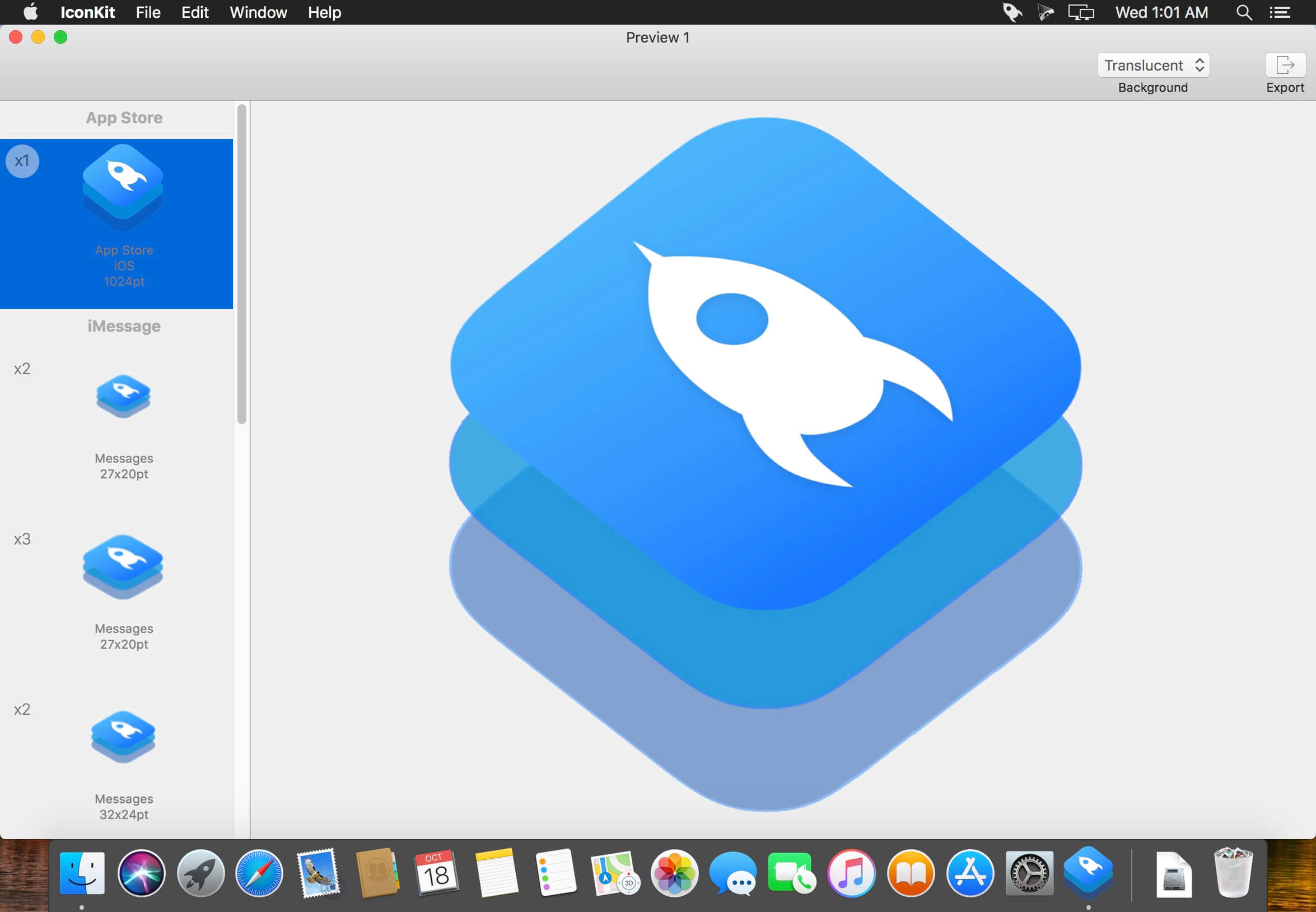
- Preview your icons before export.
- Tired of assigning every single icon in Xcode? Generate AppIcon.appiconset including properly formatted JSON file for Asset Catalogs.
- Reduction of @2x or @3x icons to 1x scale factor with a tiny tool called ScaleReducer right on your status bar.
Version 10.1.2
- Updates app icon
Frequently asked questions
How do I install the app?
Mount the image, drag the app into the "Applications" folder and launch it. If the system blocks the launch, allow it in "System Settings → Privacy & Security".
The app is damaged or won't launch
Reinstalling from a fresh image usually helps. Make sure your macOS version matches the one listed in the compatibility specs.
How do I update?
Download the new version from the site and install it over the current one — your settings will be preserved.
The download link doesn't work
Try a mirror or a download manager. For large files the browser often drops the connection.
How do I completely remove the app?
Use an uninstaller utility — it cleans up the service files that remain after moving the app to the trash.



Choose a download source
IconKit: The Icon Resizer 10.1.2 · 3.78 MB
Previous versions
IconKit: The Icon Resizer 10.1.2
Previous versions are available to registered users.