
Tenorshare iCareFone for WhatsApp Transfer 2.5.0.17
The Quickest Way to Transfer, Backup & Restore Your WhatsApp Data
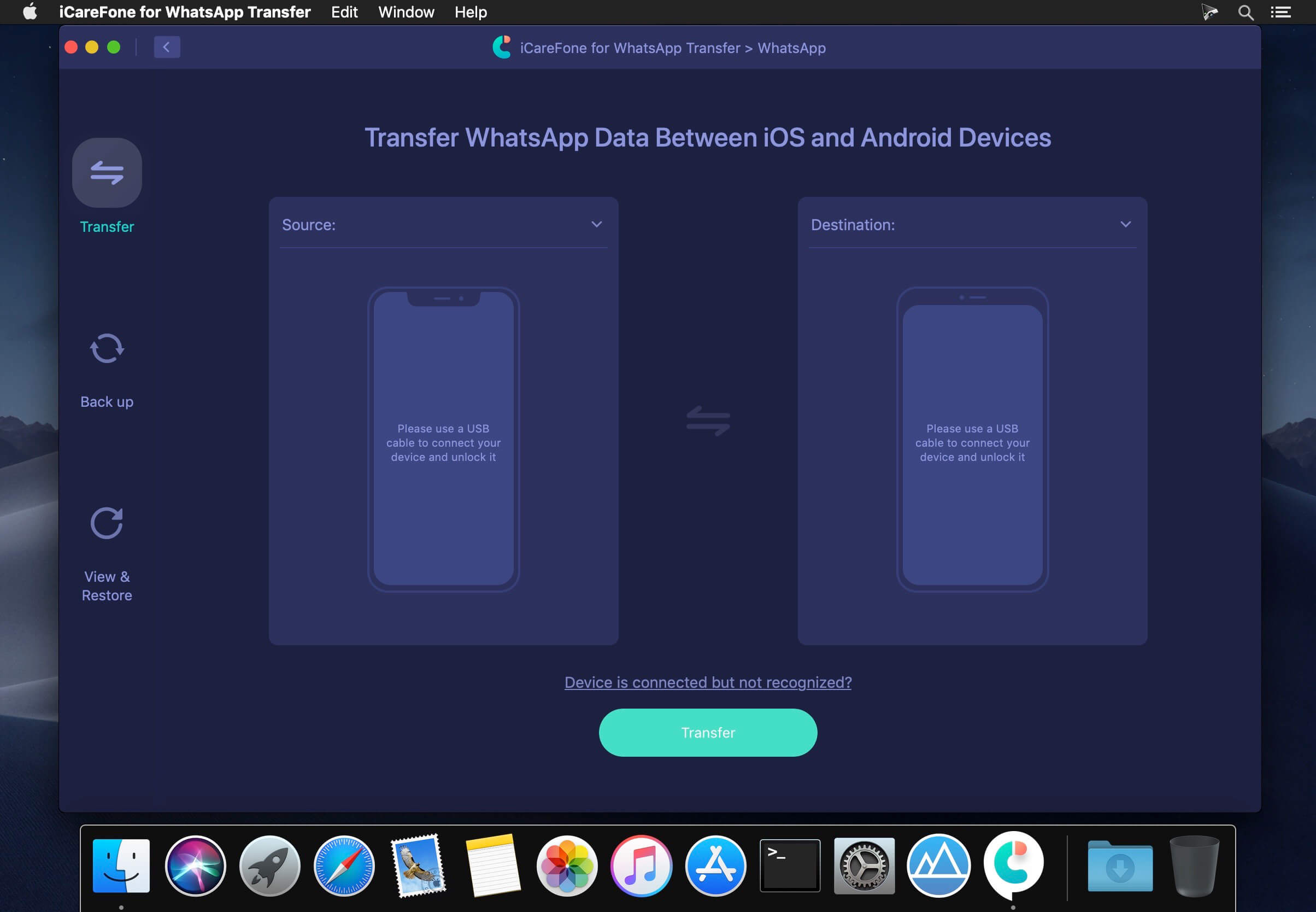
- Easily transfer WhatsApp data from iPhone/iPad to iPad/iPhone.
- Simply move WhatsApp data from Android to Android.
- Flexibly transfer WhatsApp from Android to iPhone or from iPhone to Android.
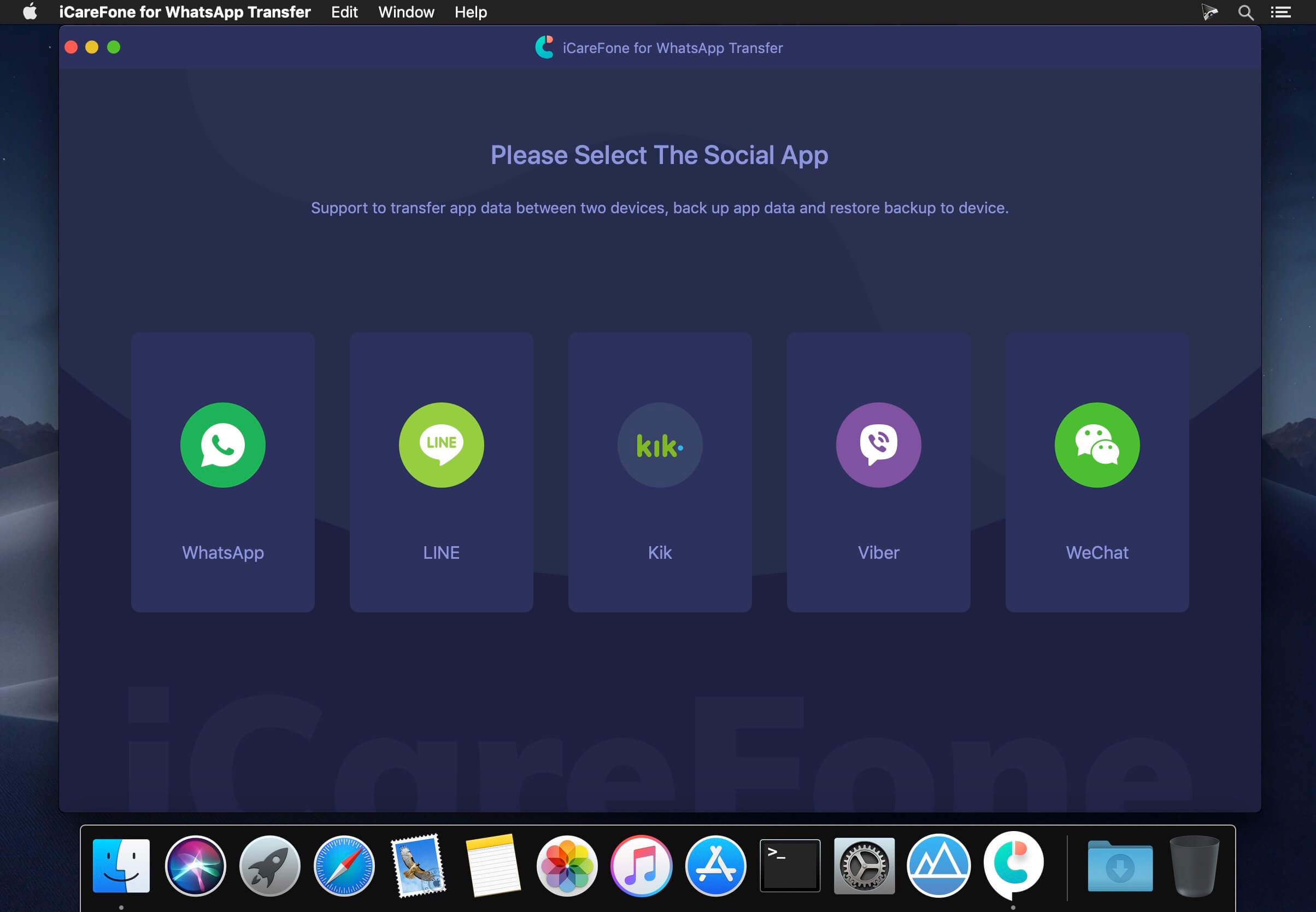
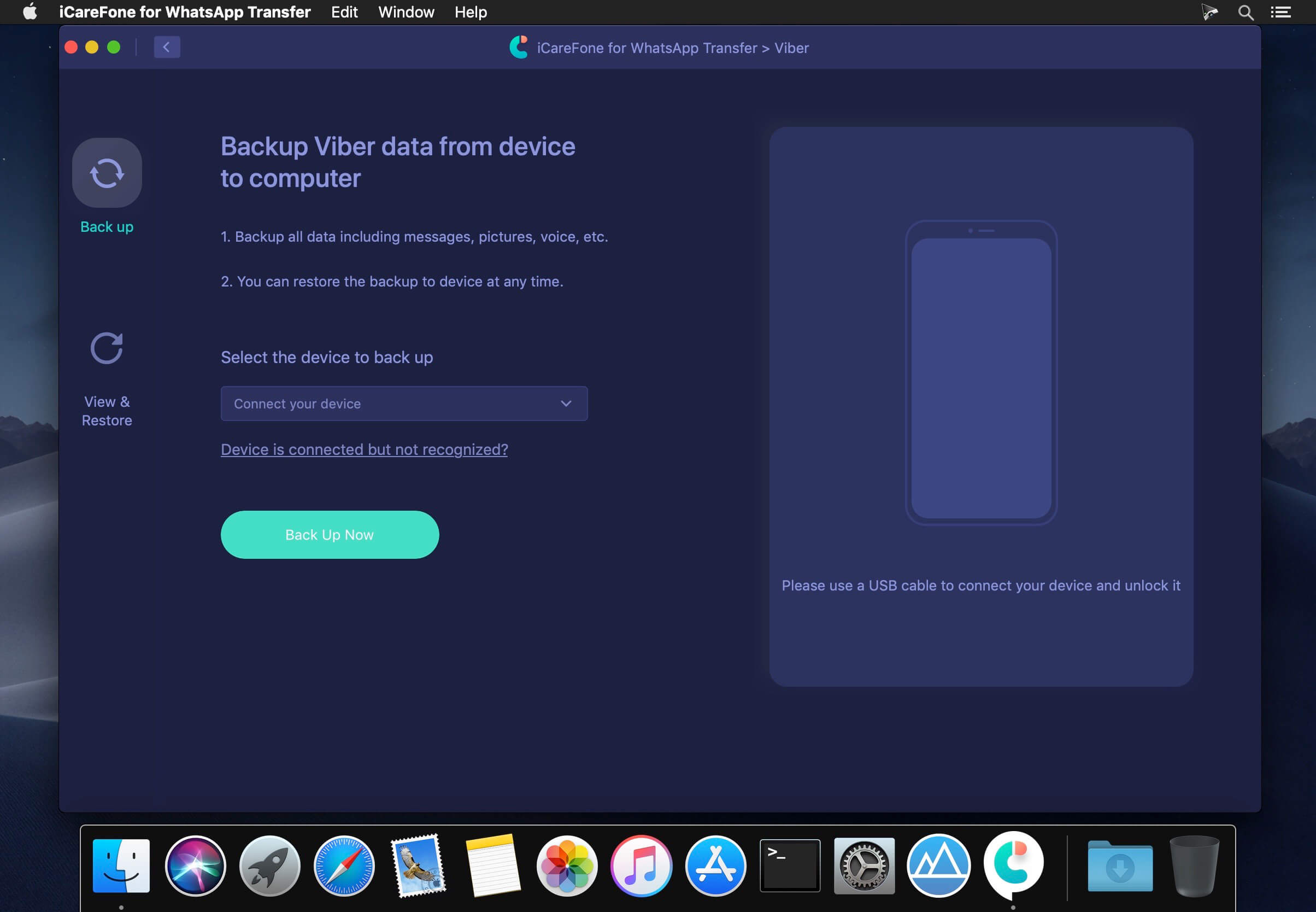
- Quickly back up & Restore WhatsApp, Kik, LINE, Viber and WeChat on Mac with ease.
- Fully support iPhone SE 2020/11/11 Pro(Max), new Galaxy S20 and more.
- Release notes were unavailable when this listing was updated.
Frequently asked questions
How do I install the app?
Mount the image, drag the app into the "Applications" folder and launch it. If the system blocks the launch, allow it in "System Settings → Privacy & Security".
The app is damaged or won't launch
Reinstalling from a fresh image usually helps. Make sure your macOS version matches the one listed in the compatibility specs.
How do I update?
Download the new version from the site and install it over the current one — your settings will be preserved.
The download link doesn't work
Try a mirror or a download manager. For large files the browser often drops the connection.
How do I completely remove the app?
Use an uninstaller utility — it cleans up the service files that remain after moving the app to the trash.





Choose a download source
Tenorshare iCareFone for WhatsApp Transfer 2.5.0.17 · 52.45 MB
Previous versions
Tenorshare iCareFone for WhatsApp Transfer 2.5.0.17
Previous versions are available to registered users.
Comments 1