
Syncios Data Transfer 1.3.0
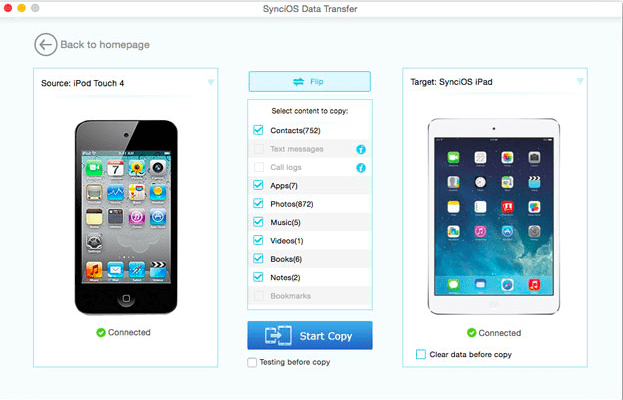
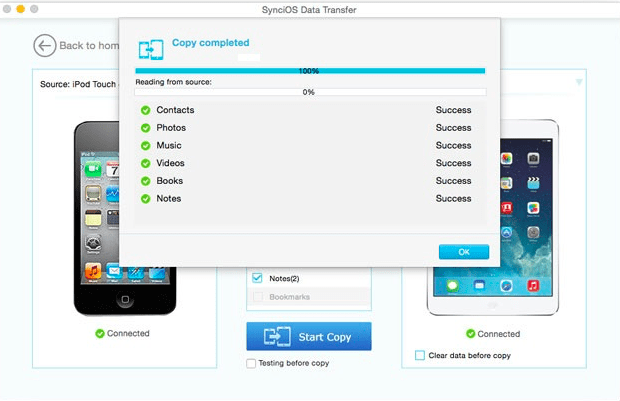
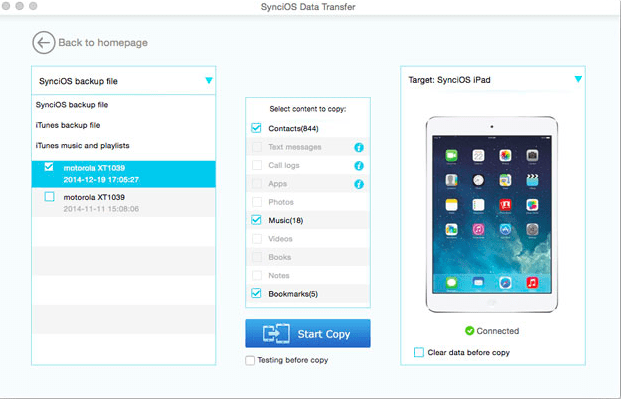
Syncios Data Transfer provides 3 recovery modes to retrieve data from your iDevice, iTunes backup, and iCloud backup:
- Recover photos, messages on your iPhone, iPad or iPod Touch, as well as contacts, reminders, calendars, bookmarks, videos, notes, call history, voicemail, voice memos, WhatsApp messages, and other files
- Restore lost data due to deletion, device damage, iOS upgrade, and others
- Selectively browse, preview, and retrieve data after scan
Version 1.2.9:
- Fixed program crashing issue on Huawei P10 and other Android devices.
- Fixed program crashing issue on Mac 10.13 and above.
Frequently asked questions
How do I install the app?
Mount the image, drag the app into the "Applications" folder and launch it. If the system blocks the launch, allow it in "System Settings → Privacy & Security".
The app is damaged or won't launch
Reinstalling from a fresh image usually helps. Make sure your macOS version matches the one listed in the compatibility specs.
How do I update?
Download the new version from the site and install it over the current one — your settings will be preserved.
The download link doesn't work
Try a mirror or a download manager. For large files the browser often drops the connection.
How do I completely remove the app?
Use an uninstaller utility — it cleans up the service files that remain after moving the app to the trash.
VersionSyncios Data Transfer 1.3.0
DeveloperAnvsoft Inc
CompatibilityOS X 10.9 or later
LanguageEnglish
IncludesK'ed by TNT




Choose a download source
Syncios Data Transfer 1.3.0 · 42.53 MB
Comments 1