
OmmBits 1.2.0
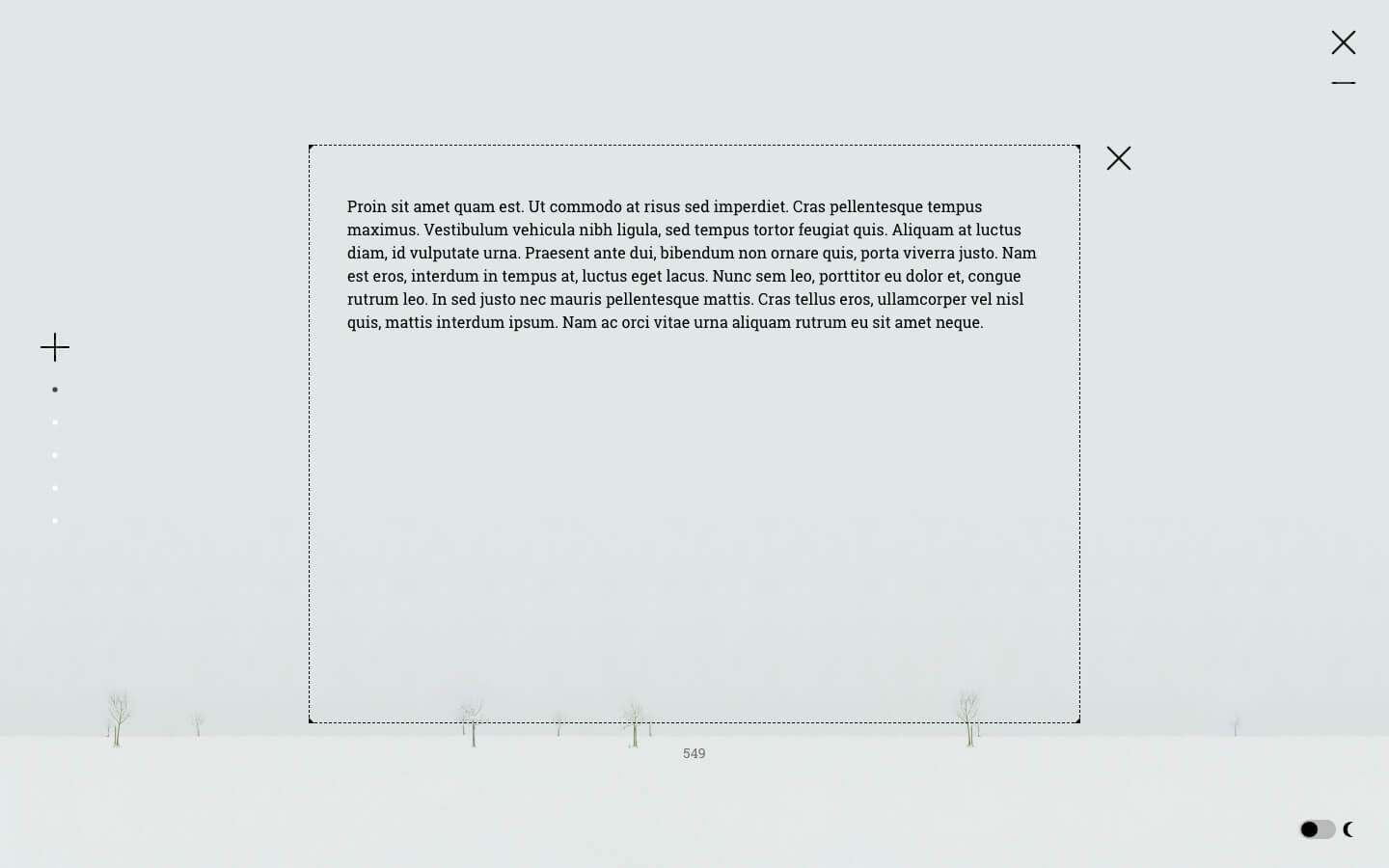
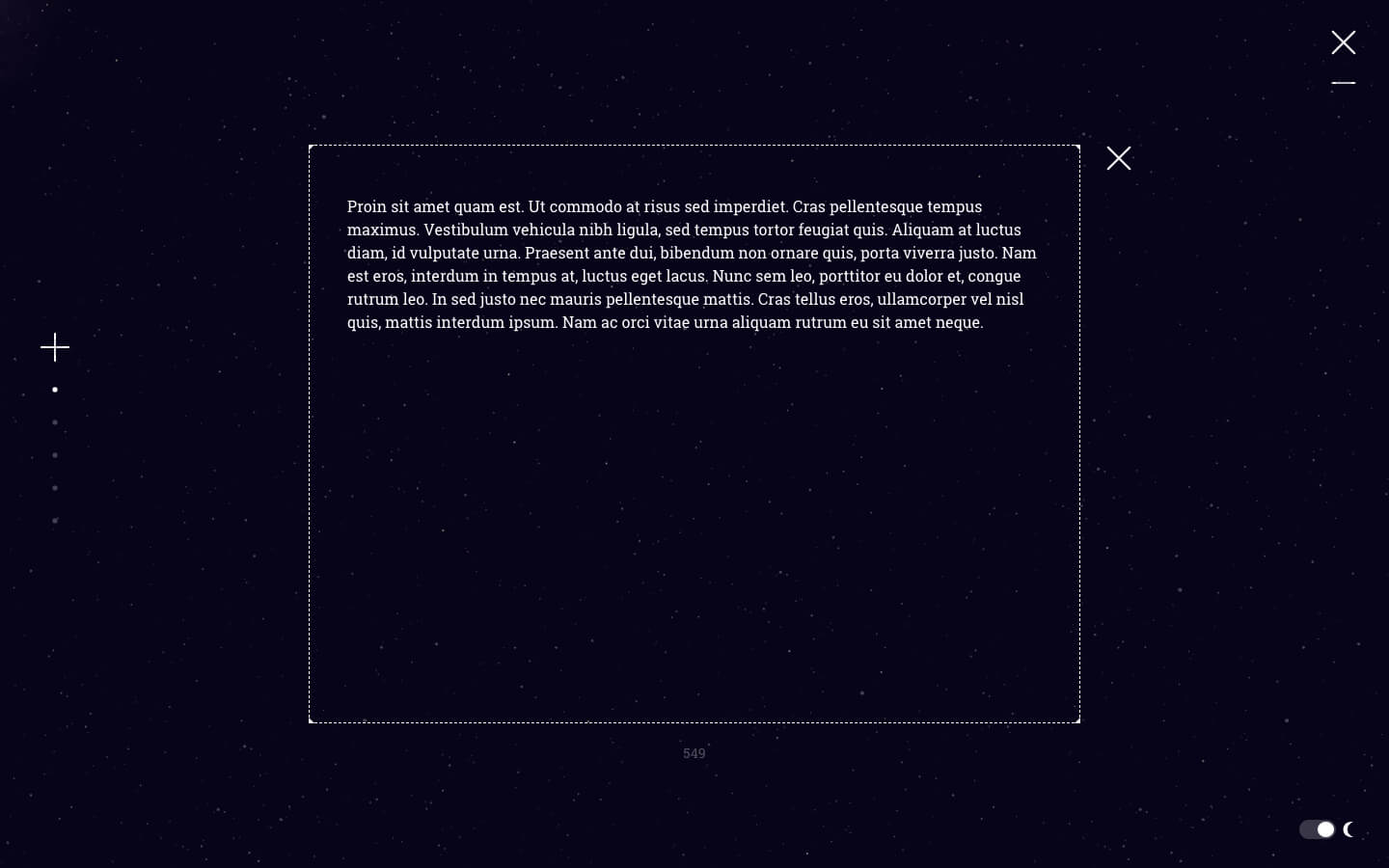
Introducing OmmBits, an instant teleport to a short writing experience. OmmBits is an instant access to a minimal world where you can better isolate your thoughts and focus on your words.
Key Features:
- Like a very short teleportation.
- Like a note taking app in a more minimal and relaxing space.
- Almost as if you could write with your eyes closed.
- We imagine OmmBits as a copy/paste canvas. You get in, you write, copy and paste into your word editor, email or presentation software.
- Although you can open as many "pages" as you want and it will always save them, there's no files manager or exporting options.
- OmmBits belongs to the OmmWriter family. And because OmmWriter can be sometimes too immersive we've created a ‘lite’ experience for short sessions.
- OmmBits has no music background, keyboard sound effects, or background choices. Just a clean window, silence and a minimal interface that will disappear when you stop writing.
- OmmBits. It’s your blank writing canvas.
This is when OmmBits helps. With instant access to a minimal world where you can better isolate your thoughts and focus on your words. Like a very short teleportation. Like a note taking app in a more minimal and relaxing space. Almost like you could write with your eyes closed. Let OmmBits take you to this place.
Version 1.2.0
New feature: Accidentally deleted a note? Now you can retrieve it from the File options menu.
New feature: Accidentally deleted a note? Now you can retrieve it from the File options menu.
- Deleted notes are permanently deleted after 30 days
- General bug fixes and improvements
- Smaller file footprint
Frequently asked questions
How do I install the app?
Mount the image, drag the app into the "Applications" folder and launch it. If the system blocks the launch, allow it in "System Settings → Privacy & Security".
The app is damaged or won't launch
Reinstalling from a fresh image usually helps. Make sure your macOS version matches the one listed in the compatibility specs.
How do I update?
Download the new version from the site and install it over the current one — your settings will be preserved.
The download link doesn't work
Try a mirror or a download manager. For large files the browser often drops the connection.
How do I completely remove the app?
Use an uninstaller utility — it cleans up the service files that remain after moving the app to the trash.
VersionOmmBits 1.2.0
DeveloperHerraiz Soto & Asociados SL
CompatibilityOS X 10.10 or later, 64-bit processor
LanguageMultilangual
IncludesK'ed by TNT




Information
Visitors in the group Guests cannot leave comments on this publication.
Choose a download source
OmmBits 1.2.0 · 91.66 MB