
iSMARTtrain 4.2.2
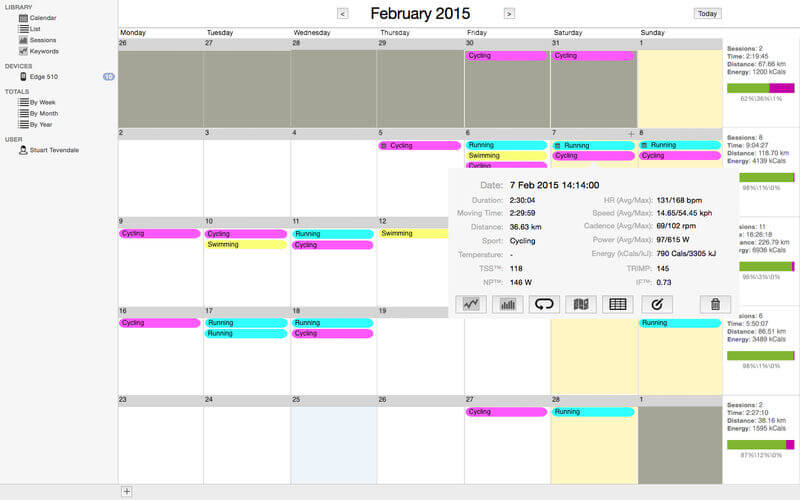
iSMARTtrain is a powerful and flexible training journal application that allows all levels of athletes and fitness enthusiasts to get the most from their training and racing. It allows you to easily and quickly track your training, monitor your progress, and build a history of your training. You can manually enter your data or download from your heart rate monitor or power meter.
Data can also be imported other applications such as Garmin Training Centre, Saris PowerAgent and Polar PPP. You can download and review your performance during training and racing.
The following devices are supported in this release:
- Most Garmin Forerunner & Edge devices (note that the Forerunner 205, 301 & 305 and Edge 205 & 305 are not supported in this release).
- Powertap Joule 2.0, Joule 3.0, Joule GPS & Cervo
- SRM Powercontrol V, VI, VII & VIII
Version 4.2:
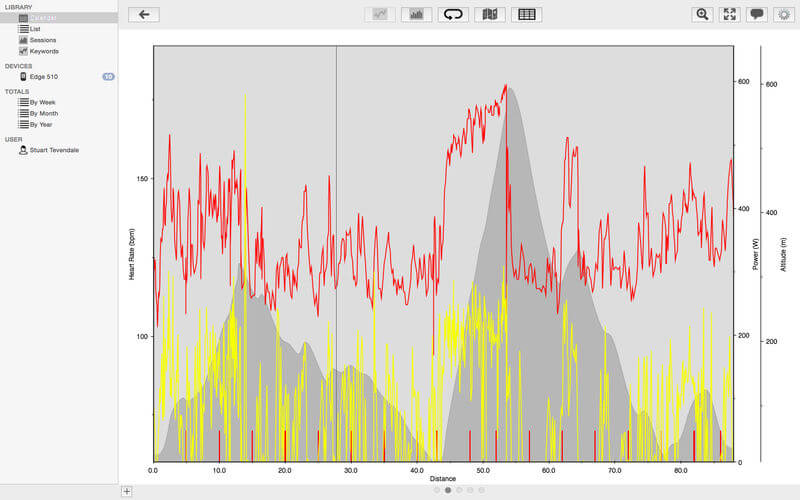
- New Data Graph Stacked View
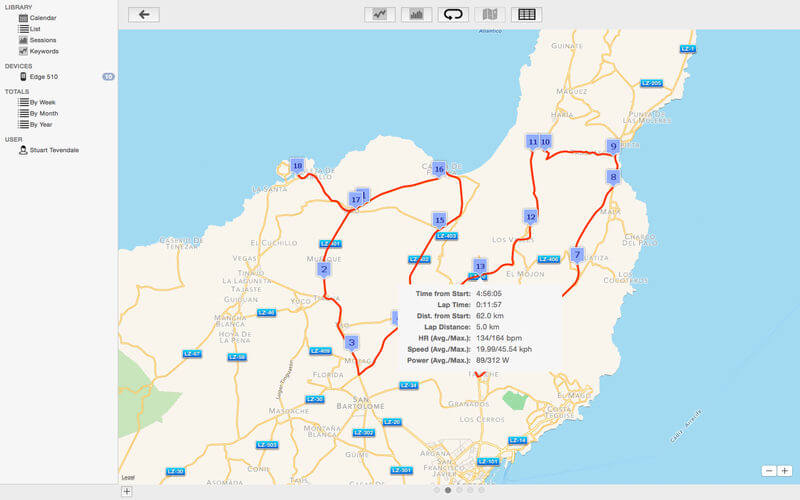
- Map now shows elevation graph
- Bug fixes & improvements
Frequently asked questions
How do I install the app?
Mount the image, drag the app into the "Applications" folder and launch it. If the system blocks the launch, allow it in "System Settings → Privacy & Security".
The app is damaged or won't launch
Reinstalling from a fresh image usually helps. Make sure your macOS version matches the one listed in the compatibility specs.
How do I update?
Download the new version from the site and install it over the current one — your settings will be preserved.
The download link doesn't work
Try a mirror or a download manager. For large files the browser often drops the connection.
How do I completely remove the app?
Use an uninstaller utility — it cleans up the service files that remain after moving the app to the trash.
VersioniSMARTtrain 4.2.2
DeveloperYellow Field Technologies Ltd
CompatibilityOS X 10.11 or later, 64-bit processor
LanguageEnglish
IncludesK'ed by TNT


Information
Visitors in the group Guests cannot leave comments on this publication.
Choose a download source
iSMARTtrain 4.2.2 · 21.5 MB