Rigid Audio Sodium KONTAKT
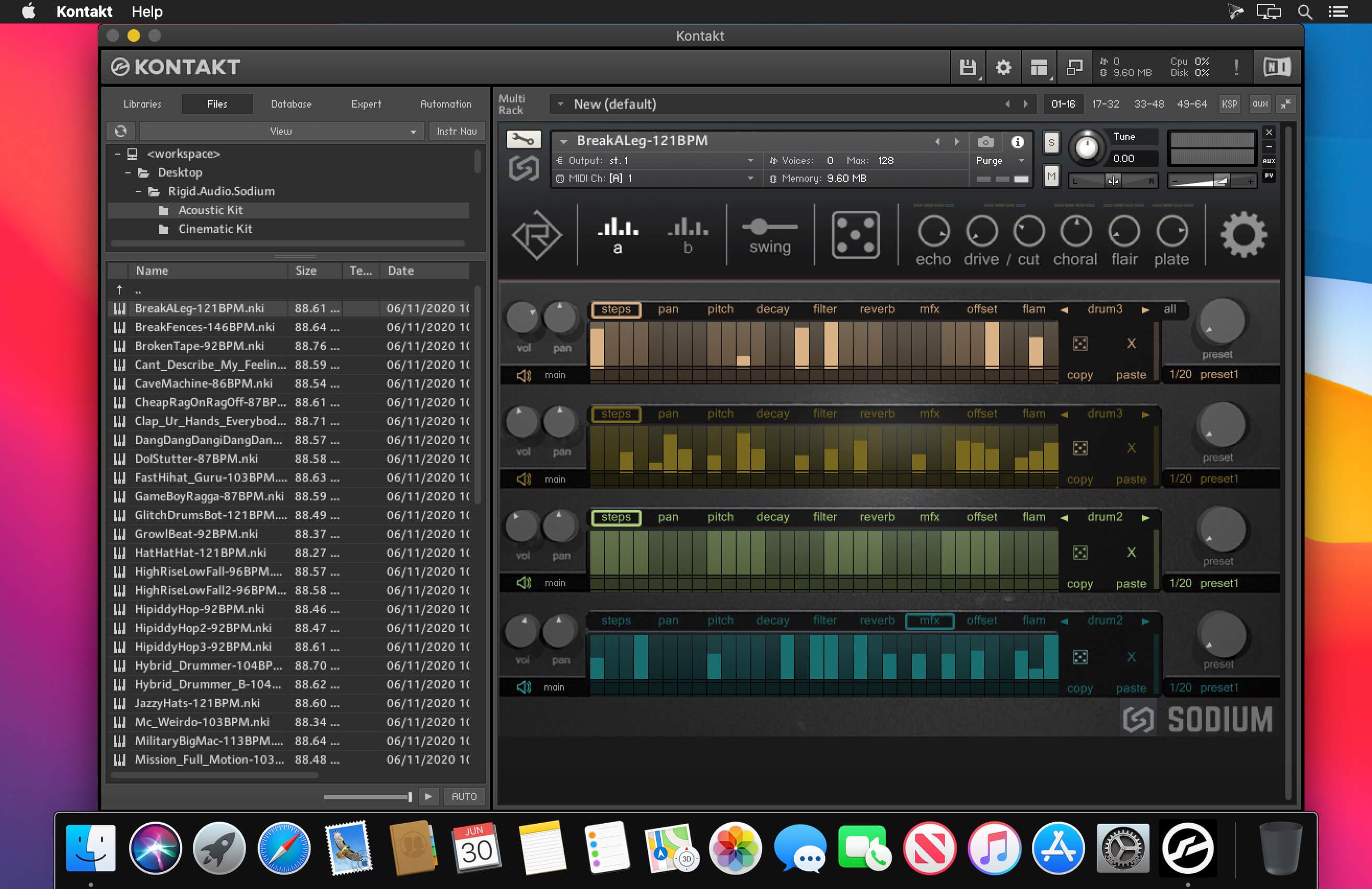
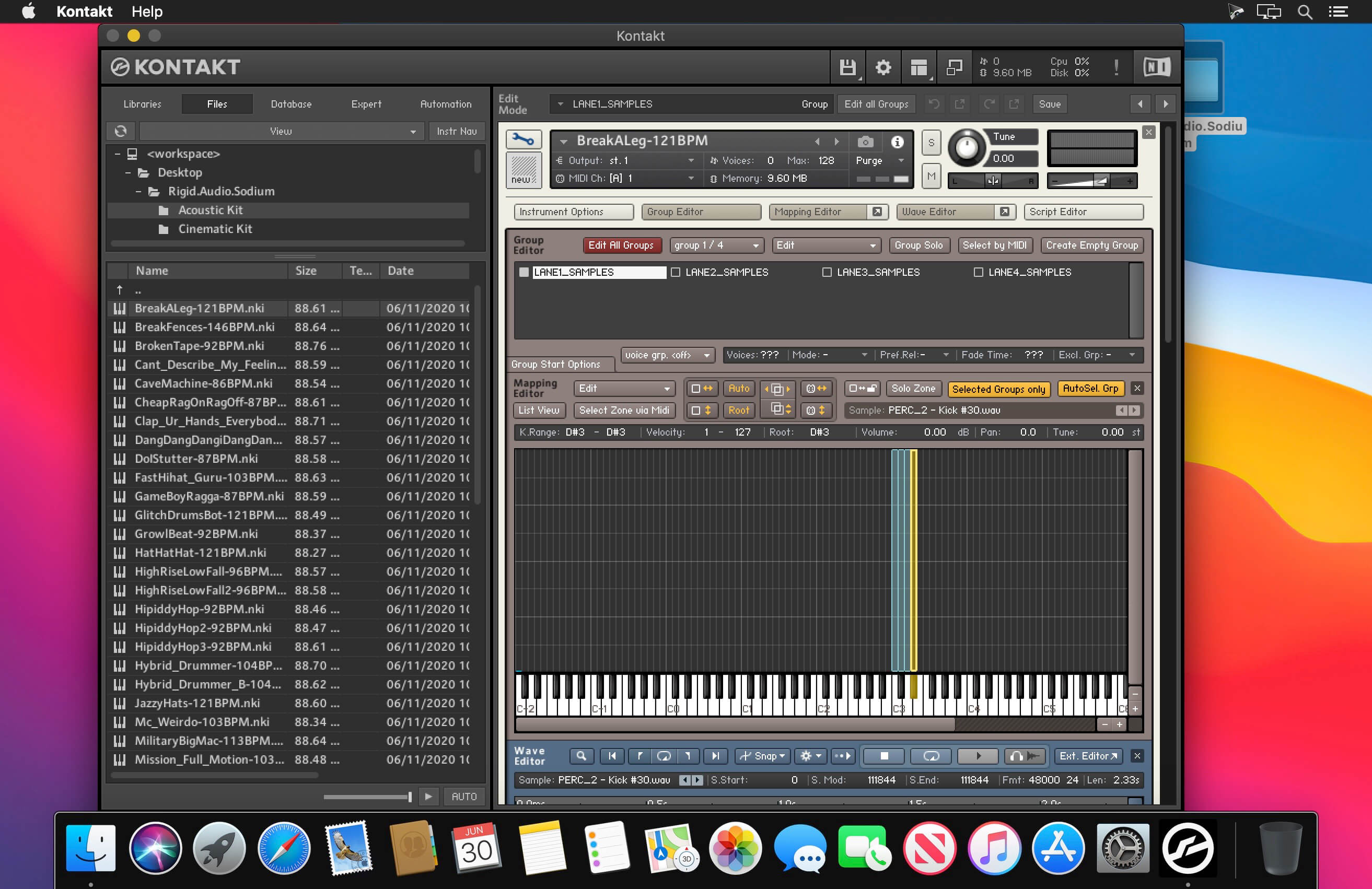
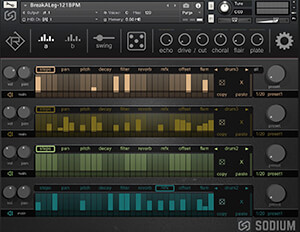
SODIUM is a creative drum and beatsequencer for KONTAKT. It features 200 inspiring contemporary factory kits. It also comes with hundreds of included drum sounds to get you started. (You can also import your own WAV samples via drag and drop).
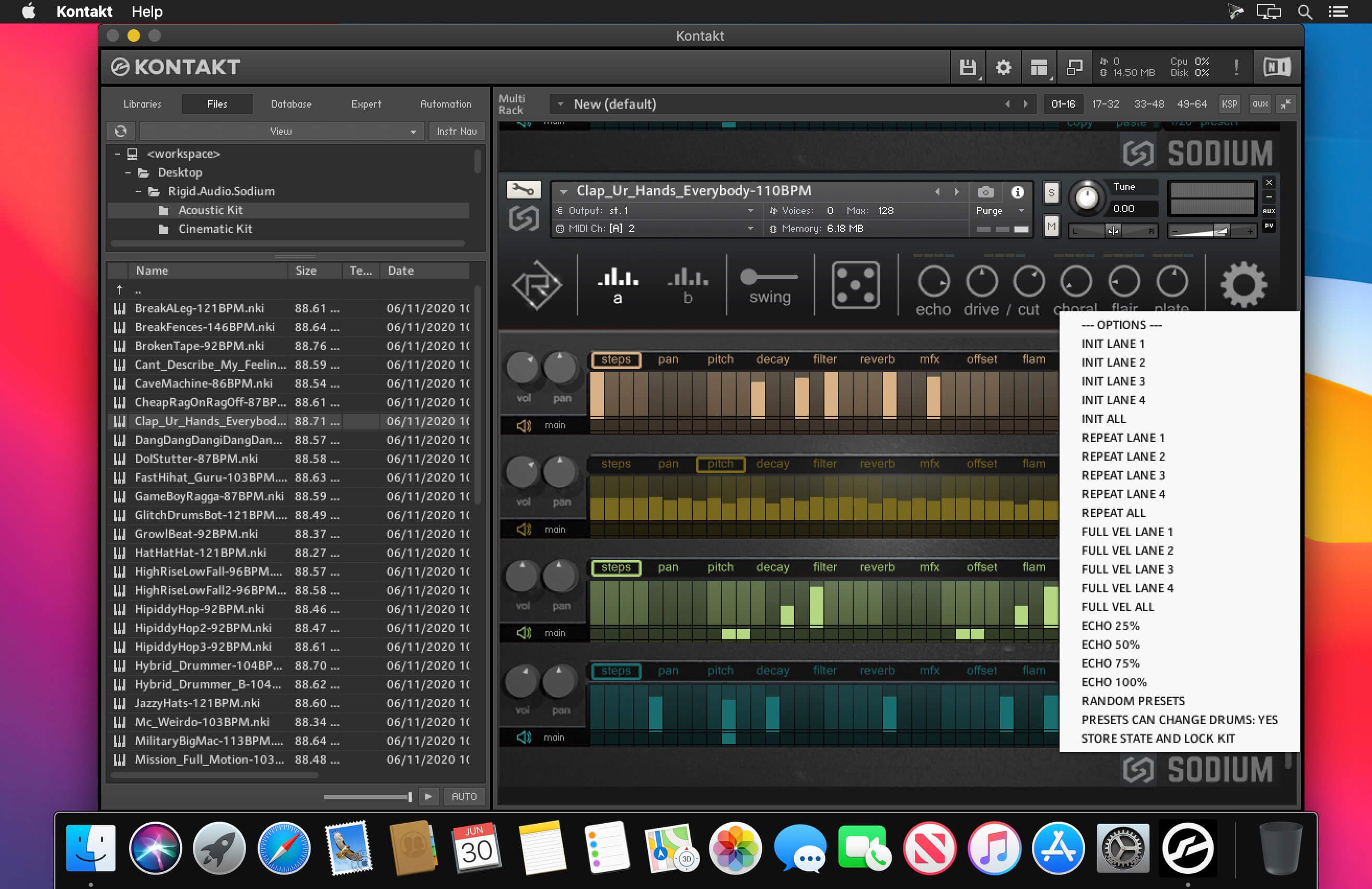
32 steps (divided into two key-switchable patterns). Each sequencer gives you control over velocity, volume and panning, pitch, decay, (lowcut) filter, reverb, multi-fx, sample offset and flam. Creativity is just one knob away - dial in different preset pattern variations for each sequencer using the preset knobs. Or completely randomize the kit with a single button.
You can also “lock” a kit once you like the pattern and exchange it with drumsounds from different preset kits easily. Multi output routing is also available for further processing and mixing in your DAW. Each pattern in SODIUM can play back one of four included drumsounds. With this, you can switch sounds on the fly to try variations with a breeze. There are some special modes included like “cycle” and “random” to alter patterns in a refreshing way.
WHAT YOU GET
- 200 inspiring drumkits
- a wealth of cinematic, electronic, acoustic and hybrid drumkits
- hundreds of included drumsounds
- four sequencers with 20 internal presets
- pattern editing (copy, paste, randomize, init, repeat)
- eight different sample playback modes
- play patterns separately or all together
- trigger samples without patterns
- multi-fx engine with echo, drive, choral and flair
- production quality plate reverb built-in
- multi output routing (route each drumsound into its own channel)
- swing slider and musical kit randomization
Frequently asked questions
How do I install the app?
Mount the image, drag the app into the "Applications" folder and launch it. If the system blocks the launch, allow it in "System Settings → Privacy & Security".
The app is damaged or won't launch
Reinstalling from a fresh image usually helps. Make sure your macOS version matches the one listed in the compatibility specs.
How do I update?
Download the new version from the site and install it over the current one — your settings will be preserved.
The download link doesn't work
Try a mirror or a download manager. For large files the browser often drops the connection.
How do I completely remove the app?
Use an uninstaller utility — it cleans up the service files that remain after moving the app to the trash.
VersionRigid Audio Sodium KONTAKT
DeveloperRigid Audio
CompatibilityKONTAKT 6.2.2 Full +
LanguageEnglish


Information
Visitors in the group Guests cannot leave comments on this publication.
Choose a download source
Rigid Audio Sodium KONTAKT · 111.56 MB