Rigid Audio Acoustic Isolation KONTAKT
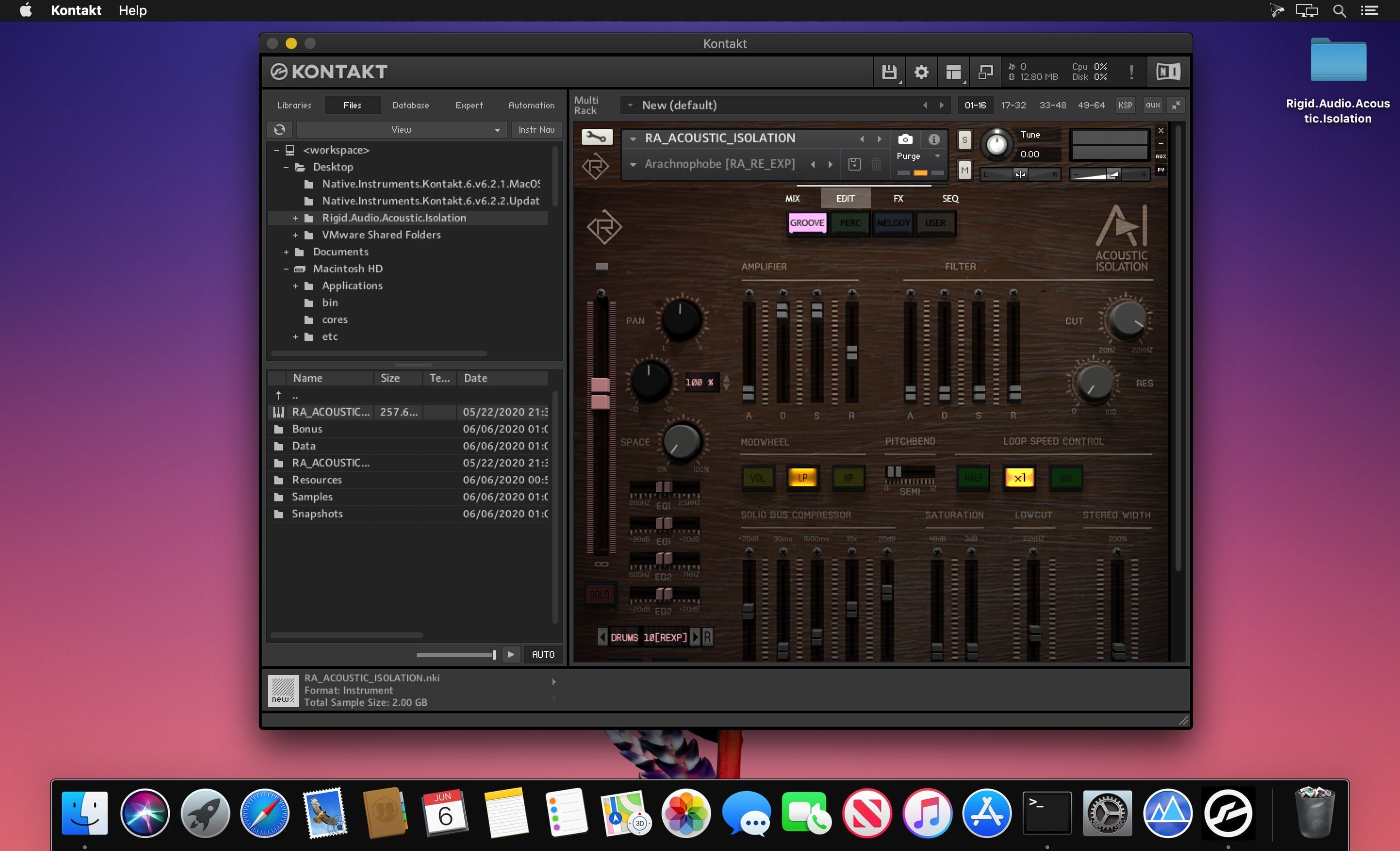
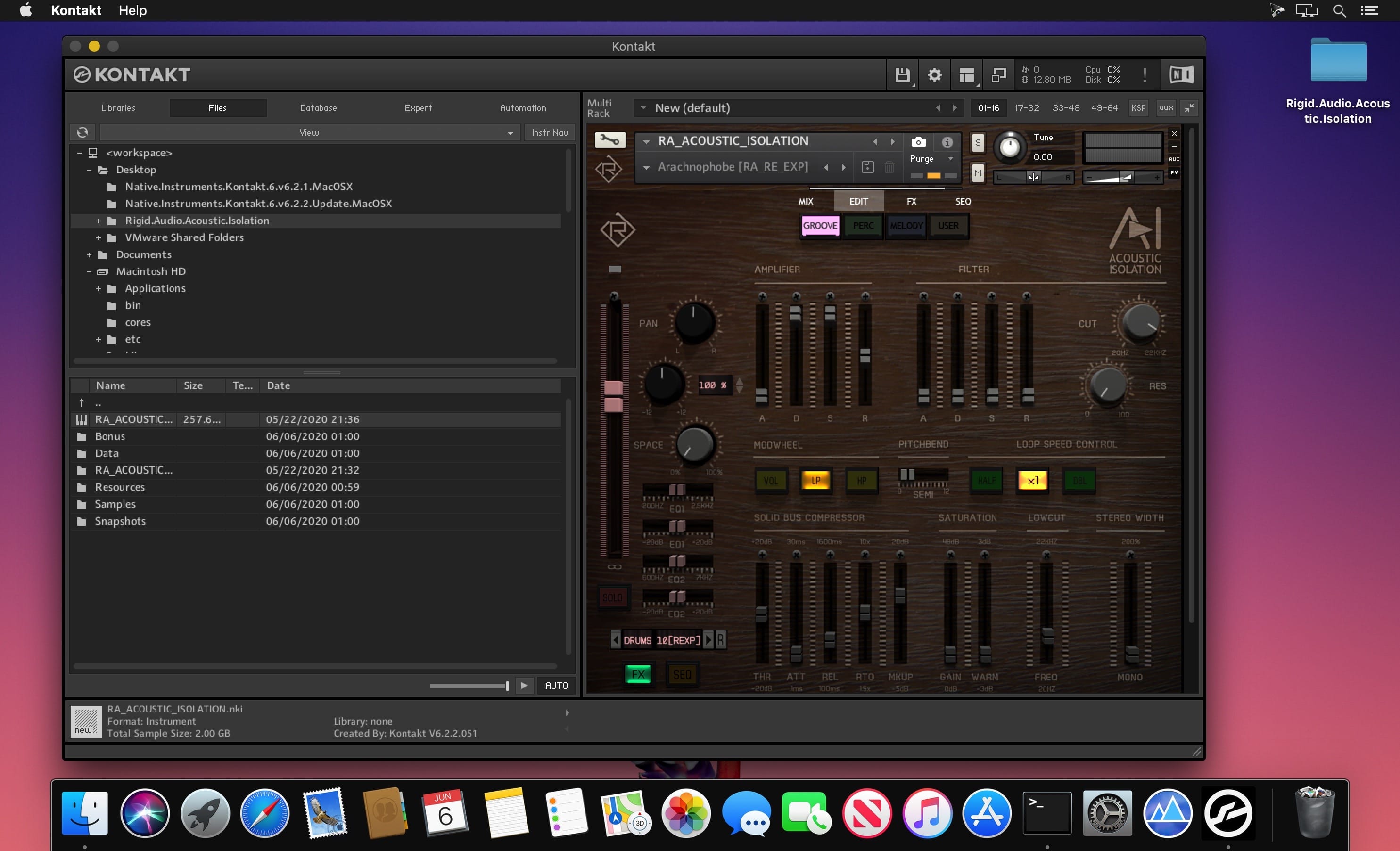
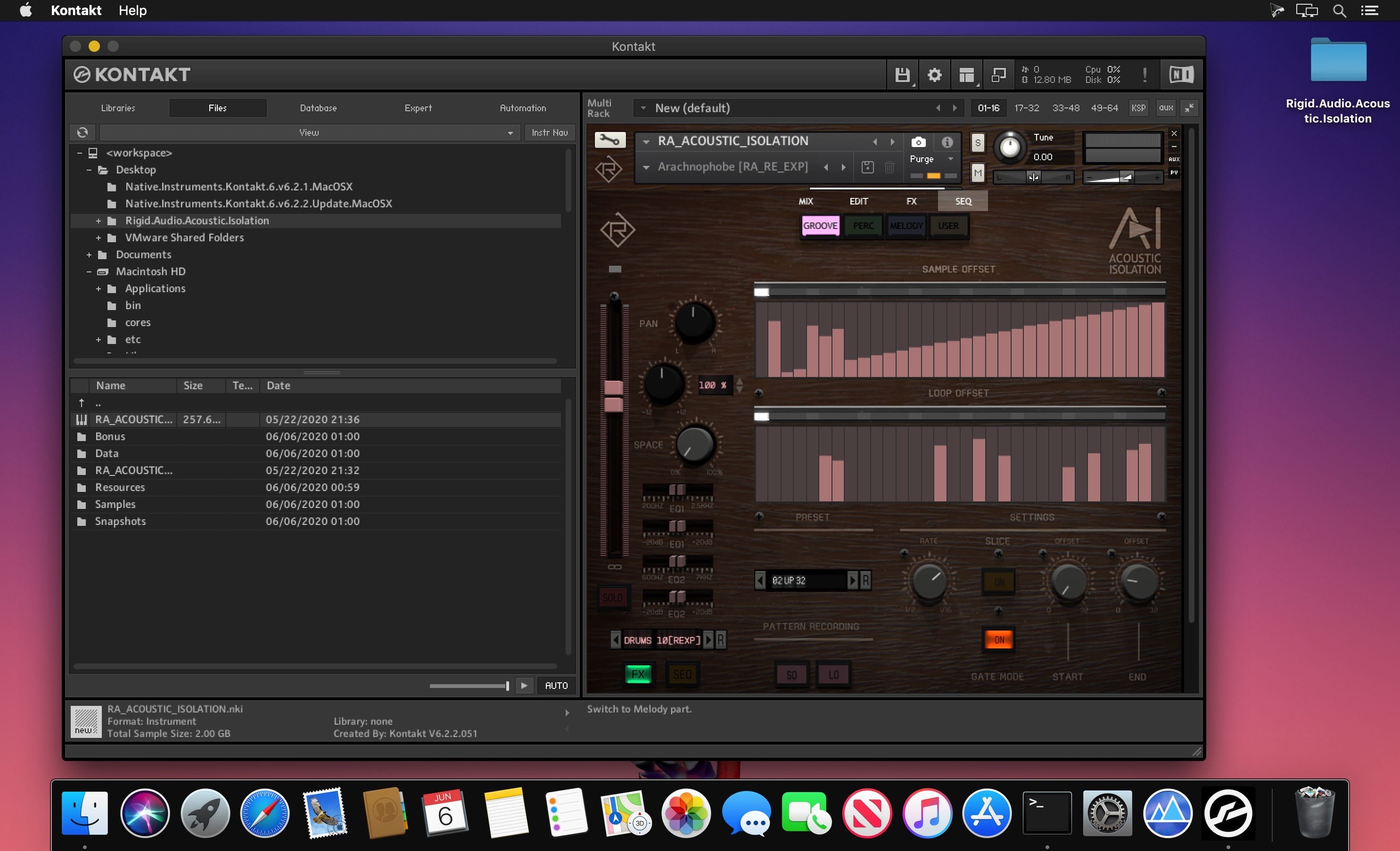
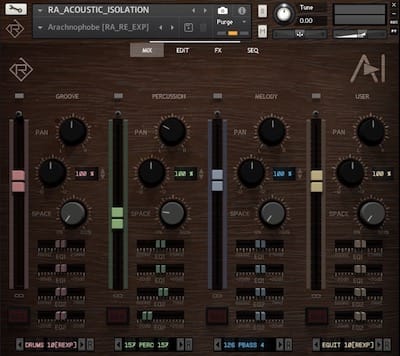
ACOUSTIC ISOLATION delivers 200 ready-to-rock kits covering stunning sounding drumgrooves and percussion loops as well as a huge range of pianos, strings, guitars and synthesizer loops. It is a state-of-the-art loop module for KONTAKT containing 800 different loops that can be played in tandem across three categories (Groove, Percussion and Melody). A fourth user part lets you import your own WAV loops via drag and drop with a breeze.
All loops are (unencrypted) 24-bit / 48KHz WAV files. These loops can be played polyphonically timestretched within a range of two octaves (24 semitones). Each part has it´s own color-coded range on the keyboard. You can alternatively play the loops sliced using the "SLICE" button in the sequencer pages. There are special MIDI trigger keys/notes that enable you to retrigger a currently playing slice (when a sequencer is turned on) or to trigger a volume "trancegate" per part.
- 750 24-bit / 48KHz host-synced WAV loops (2.2GB)
- RA “Rock Essentials” Mini Expansion (50 BONUS WAV Loops)
- drag and drop WAV file(s) import for each layer
- 200 preset snapshots
- based on the powerful CINEMATRIX engine (14k+ lines of script code)
- central mixing section with 2x parametric EQ per part
- seperate edit, fx and sequencer pages
- comprehensive effects section with 4x convolution reverb
- polyphonic timestretching, MIDI hotkeys
- intelligent randomization
- per-part step sequencer with sample and loop offset
- awesome editing and sound-shaping capabilities
- mix and match loops for endless posibilities
- unencrypted WAV loops - ready for any DAW
- fast preset kit browsing utilizing KONTAKT’s snapshot feature
Frequently asked questions
How do I install the app?
Mount the image, drag the app into the "Applications" folder and launch it. If the system blocks the launch, allow it in "System Settings → Privacy & Security".
The app is damaged or won't launch
Reinstalling from a fresh image usually helps. Make sure your macOS version matches the one listed in the compatibility specs.
How do I update?
Download the new version from the site and install it over the current one — your settings will be preserved.
The download link doesn't work
Try a mirror or a download manager. For large files the browser often drops the connection.
How do I completely remove the app?
Use an uninstaller utility — it cleans up the service files that remain after moving the app to the trash.
VersionRigid Audio Acoustic Isolation KONTAKT
DeveloperRigid Audio
CompatibilityKONTAKT 6.2.2+, WAV
LanguageEnglish
Includes1.1 GB
Related posts
Information
Visitors in the group Guests cannot leave comments on this publication.
Choose a download source
Rigid Audio Acoustic Isolation KONTAKT