
Native Instruments Battery 4.3.1
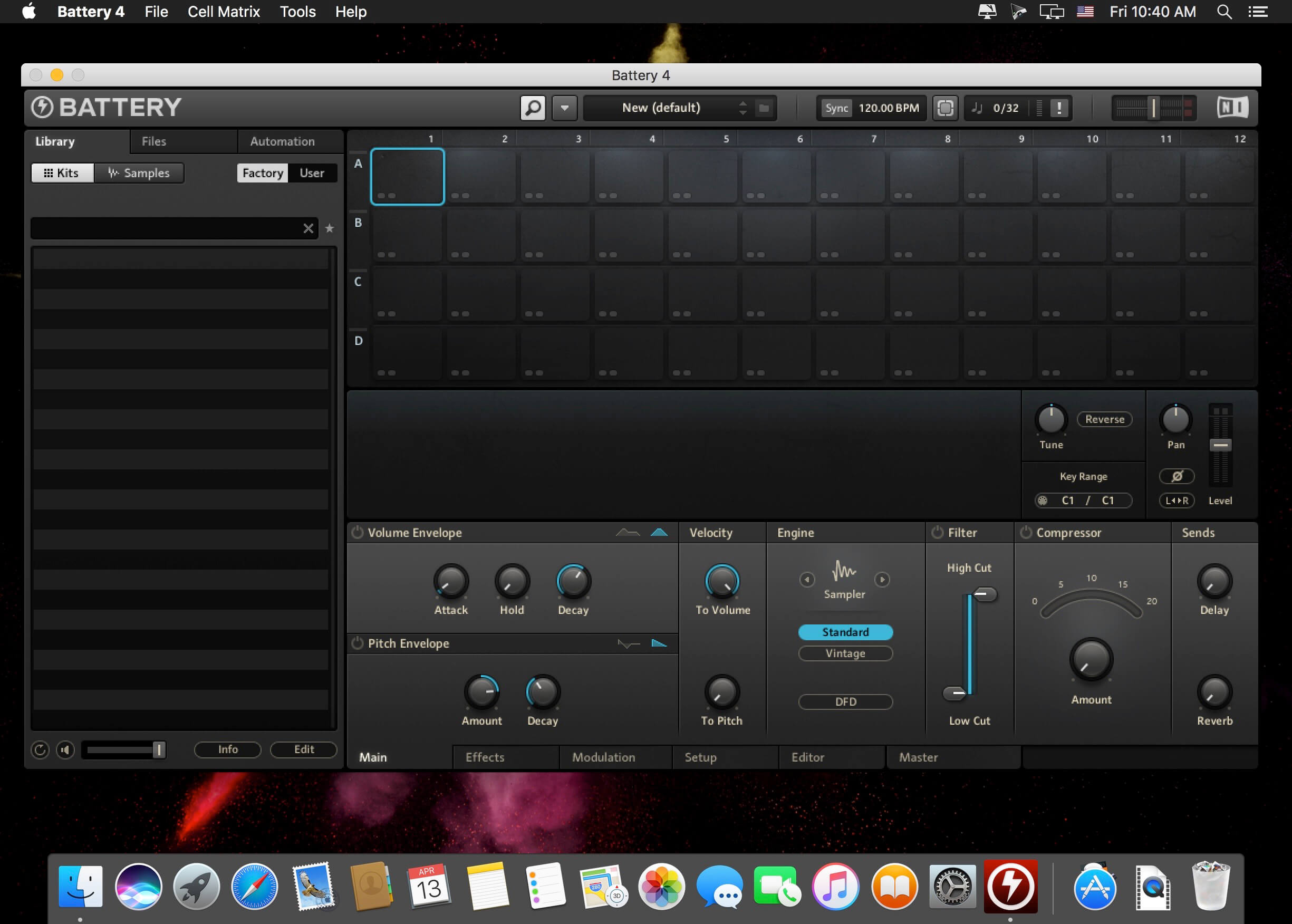
BATTERY breathes life into your drum samples. It boasts separate sound parameters for 54 Instruments, powerful modulation capabilities and an unbeatable ease of use. BATTERY is fast, effective, intelligent and convenient. It has sample-accurate timing, internal 32-bit resolution, up to 128 velocity layers per instrument and can play samples at any pitch - BATTERY fulfills even the highest demands regarding precision, sound quality and flexibility. BATTERY has access to all the biggest sound libraries because it is compatible with the formats AKAI, SF2, LM4, AIFF, WAV and MAP. Also, more than 30 high quality soundsets (590 MB) are already included on a second CD.
Features:
- Sampler designed for drum sounds, but also good for pitched sounds
- Internal 32-bit resolution and sample-accurate timing
- Reads samples in the formats AKAI S-1000™, SF2™, REAKTOR Map, LM4™, AIFF and WAV, from 8 to 32 bits
- More than 30 high-quality soundsets with 590 MB samples of all music styles included
- 54 instruments, each with 128 velocity layers, tuning, volume envelope, pitch envelope, bit reduction, shaper and FX Loop for innovative effects
- Six modulation inputs per instrument with many drum-oriented presets
- Real-time wave display
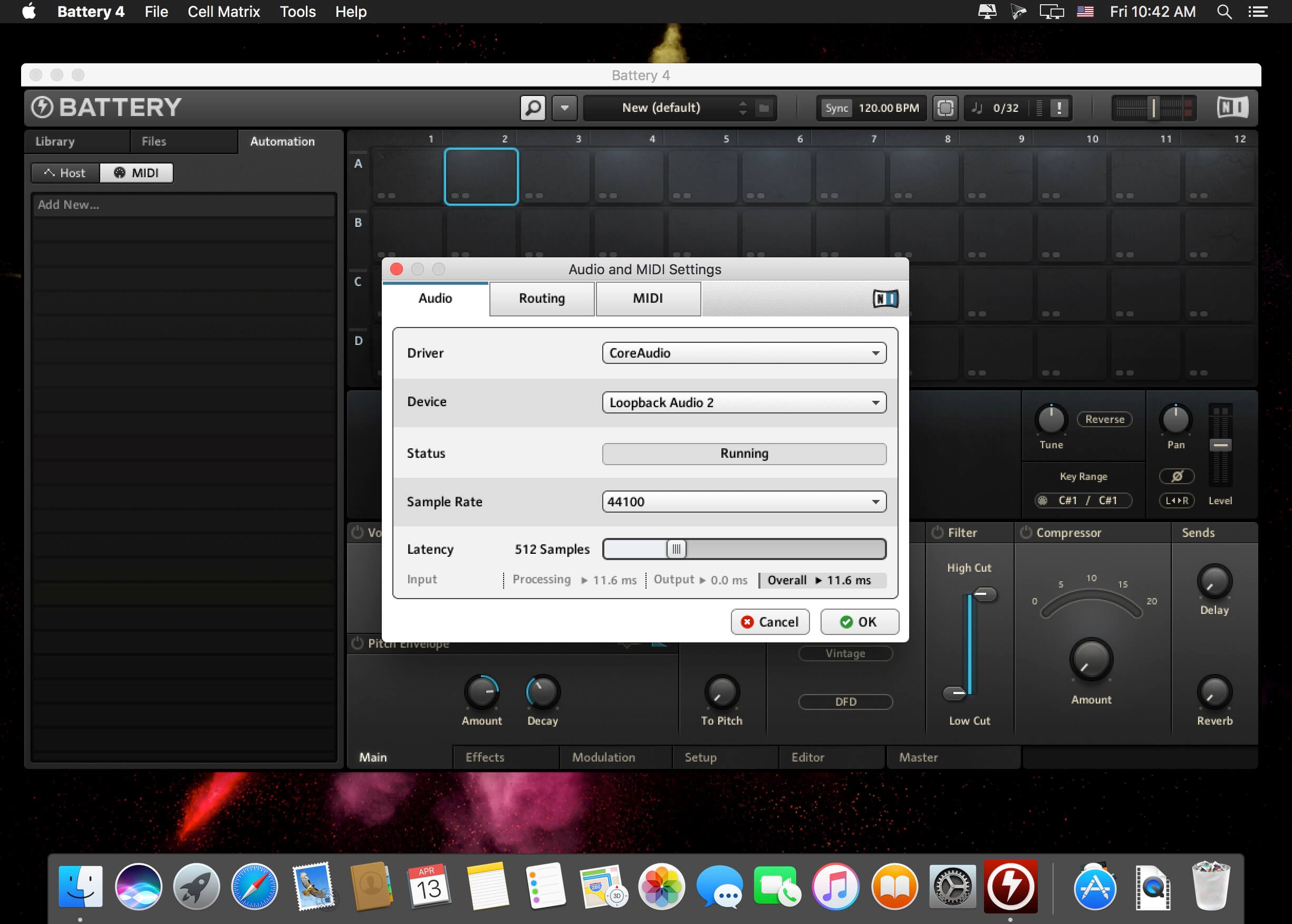
- Runs stand-alone with MME™, Direct Sound™, Sound Manager™, MAS™, DirectConnect™ and ASIO™ or as a Dxi™- and VST 2™-Plugin
- Dynamic resource allocation for optimal performance
- Can be played and modulated via MIDI, with complete VST automation
Version 4.3.1:
- ADDED Support for macOS 15 Sequoia
- ADDED Support for macOS 14 Sonoma##FIXED “Missing Samples” window was not triggered in some situations
- FIXED Skipping “Missing Sample” could cause cells to remain blank
- FIXED Komplete Kontrol crashes Logic Pro X when closed if hosting Battery
- FIXED Project file including Battery instances increases in size every time it is saved (Cubase)
- FIXED Moving cell broken after missing sample has been relocated
- FIXED Vintage Sampler MP60/SP1200 modes do not affect output
- FIXED Saved kit missing from user section in browser after resave
Frequently asked questions
How do I install the app?
Mount the image, drag the app into the "Applications" folder and launch it. If the system blocks the launch, allow it in "System Settings → Privacy & Security".
The app is damaged or won't launch
Reinstalling from a fresh image usually helps. Make sure your macOS version matches the one listed in the compatibility specs.
How do I update?
Download the new version from the site and install it over the current one — your settings will be preserved.
The download link doesn't work
Try a mirror or a download manager. For large files the browser often drops the connection.
How do I completely remove the app?
Use an uninstaller utility — it cleans up the service files that remain after moving the app to the trash.
Related posts



Choose a download source
Native Instruments Battery 4.3.1 · 322.22 MB
Previous versions
Native Instruments Battery 4.3.1
Previous versions are available to registered users.