Desktop Clock: Wallpaper Clock & Live Dock Icon 2.2.0
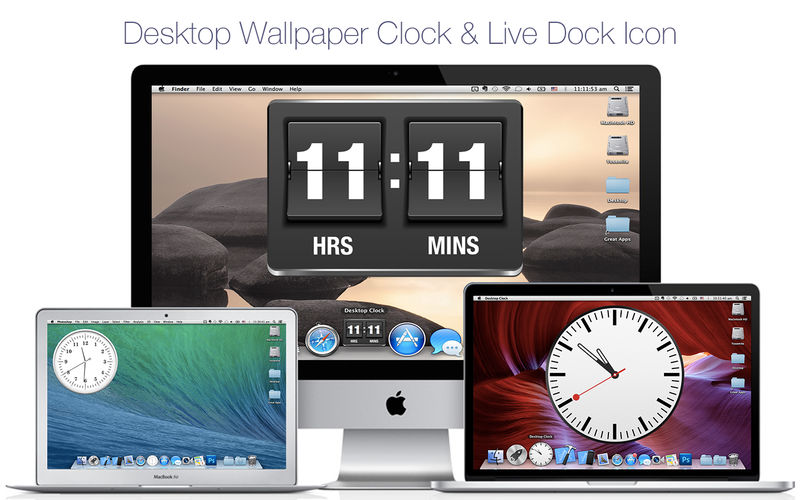
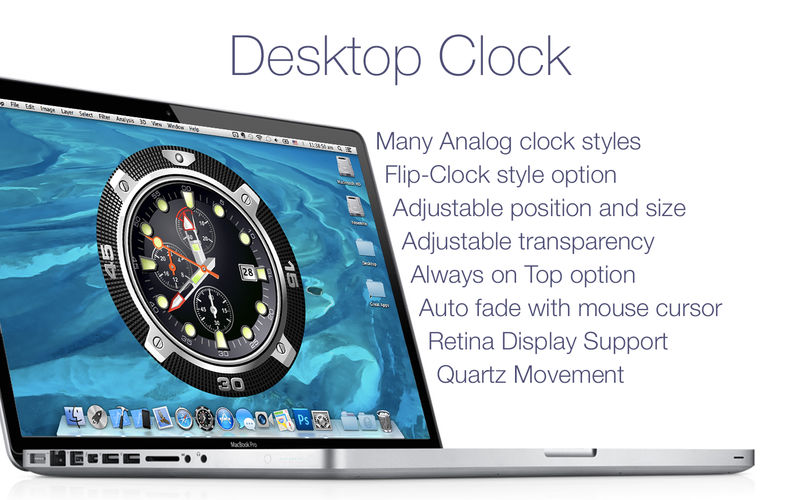
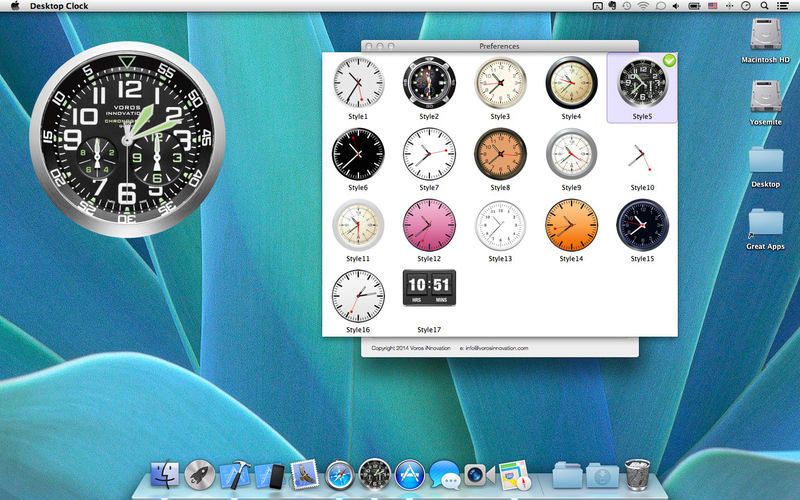
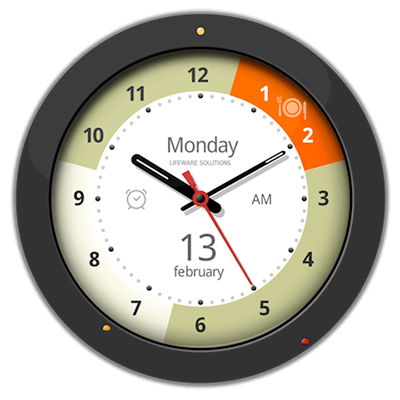
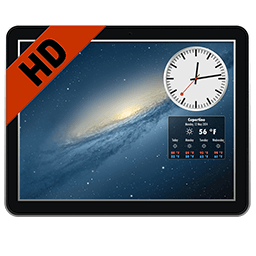
The "Desktop Clock" app puts a beautiful and practical clock on your Mac's desktop and Dock. The app offers 23 beautiful designs to choose from depending on your taste and preference.
Clock Designs:
- Analog Clocks
- Flip-Clock design
- Animated Quartz movement for analog clocks
- Adjustable position and clock size
- Adjustable clock transparency
- "Always on top" Option
- "Hot Corners" to bring the clock above all windows
- Clocks are shown on ALL desktops
- App uses very little system resources
- bug fixes and general improvements
Frequently asked questions
How do I install the app?
Mount the image, drag the app into the "Applications" folder and launch it. If the system blocks the launch, allow it in "System Settings → Privacy & Security".
The app is damaged or won't launch
Reinstalling from a fresh image usually helps. Make sure your macOS version matches the one listed in the compatibility specs.
How do I update?
Download the new version from the site and install it over the current one — your settings will be preserved.
The download link doesn't work
Try a mirror or a download manager. For large files the browser often drops the connection.
How do I completely remove the app?
Use an uninstaller utility — it cleans up the service files that remain after moving the app to the trash.

Choose a download source
Desktop Clock: Wallpaper Clock & Live Dock Icon 2.2.0 · 44.83 MB
Previous versions
Desktop Clock: Wallpaper Clock & Live Dock Icon 2.2.0
Previous versions are available to registered users.
Comments 2