Cinesamples Sew What KONTAKT
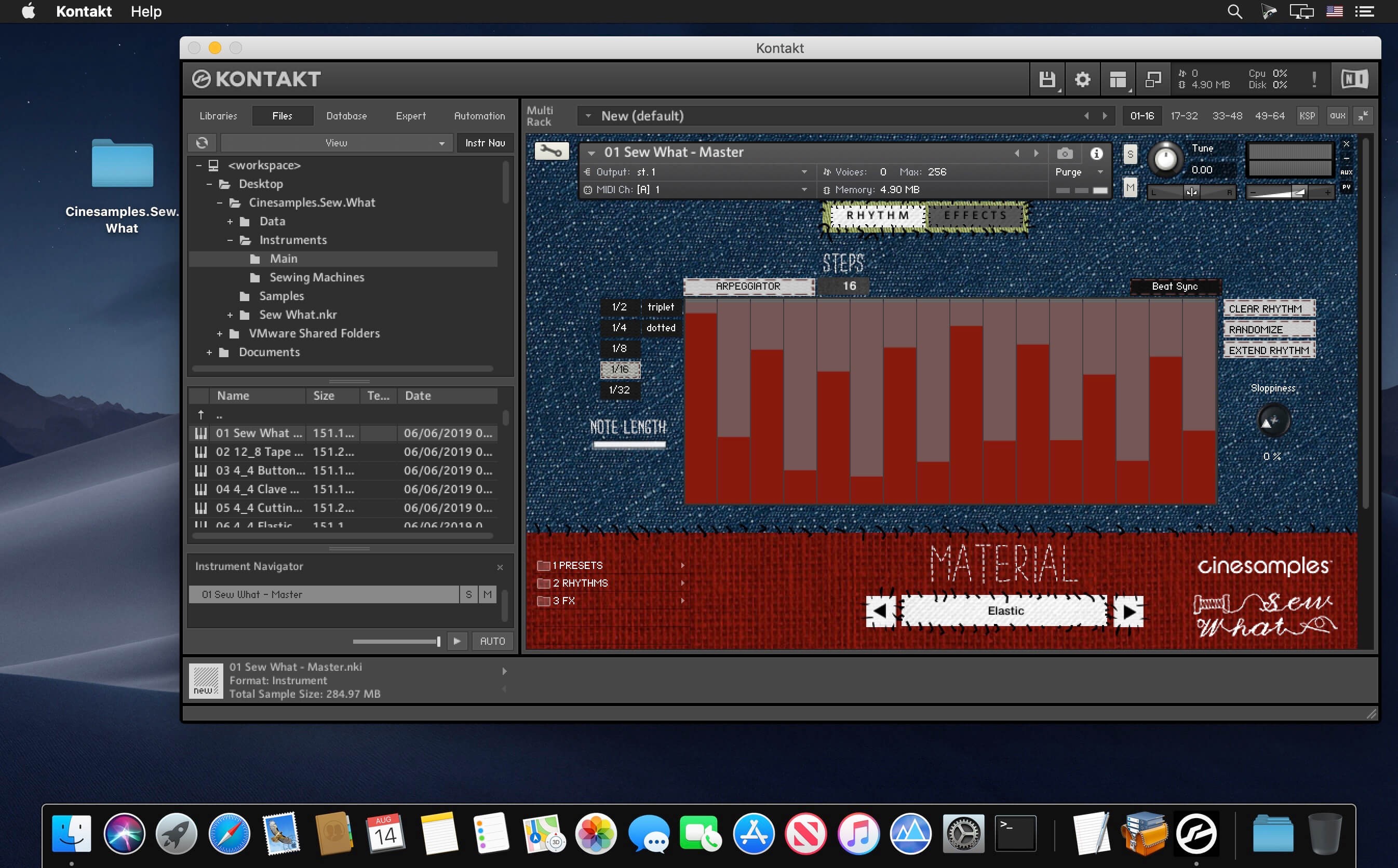
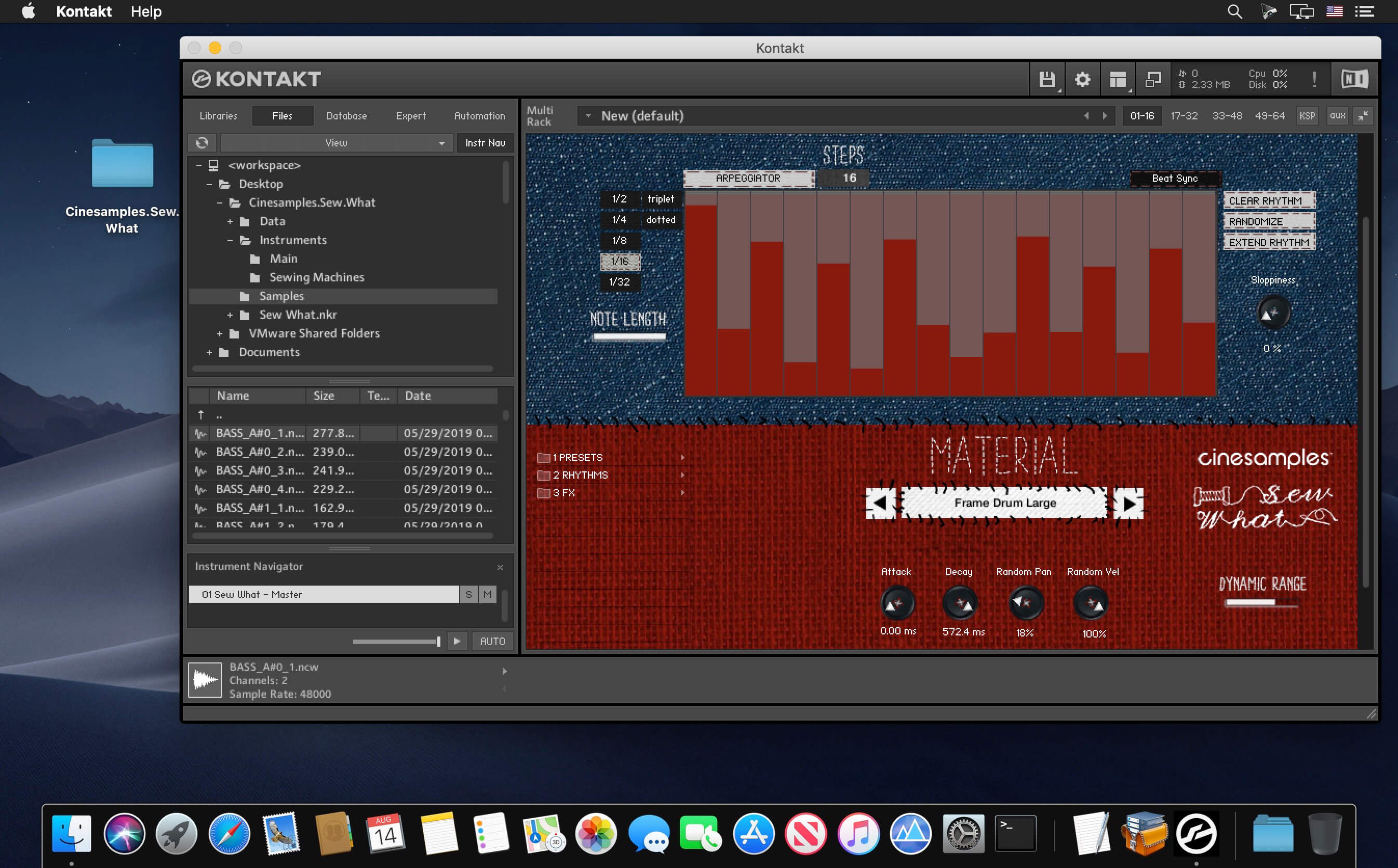
Here is one of the most unique percussion libraries you'll hear. We sampled nearly every sewing item you can imagine - pitched and non-pitched, from sewing machines and knitting needles to buttons, cloth, and scissors. Play them as single shots or custom defined arpeggiations. The sewing machines are tempo-synched.
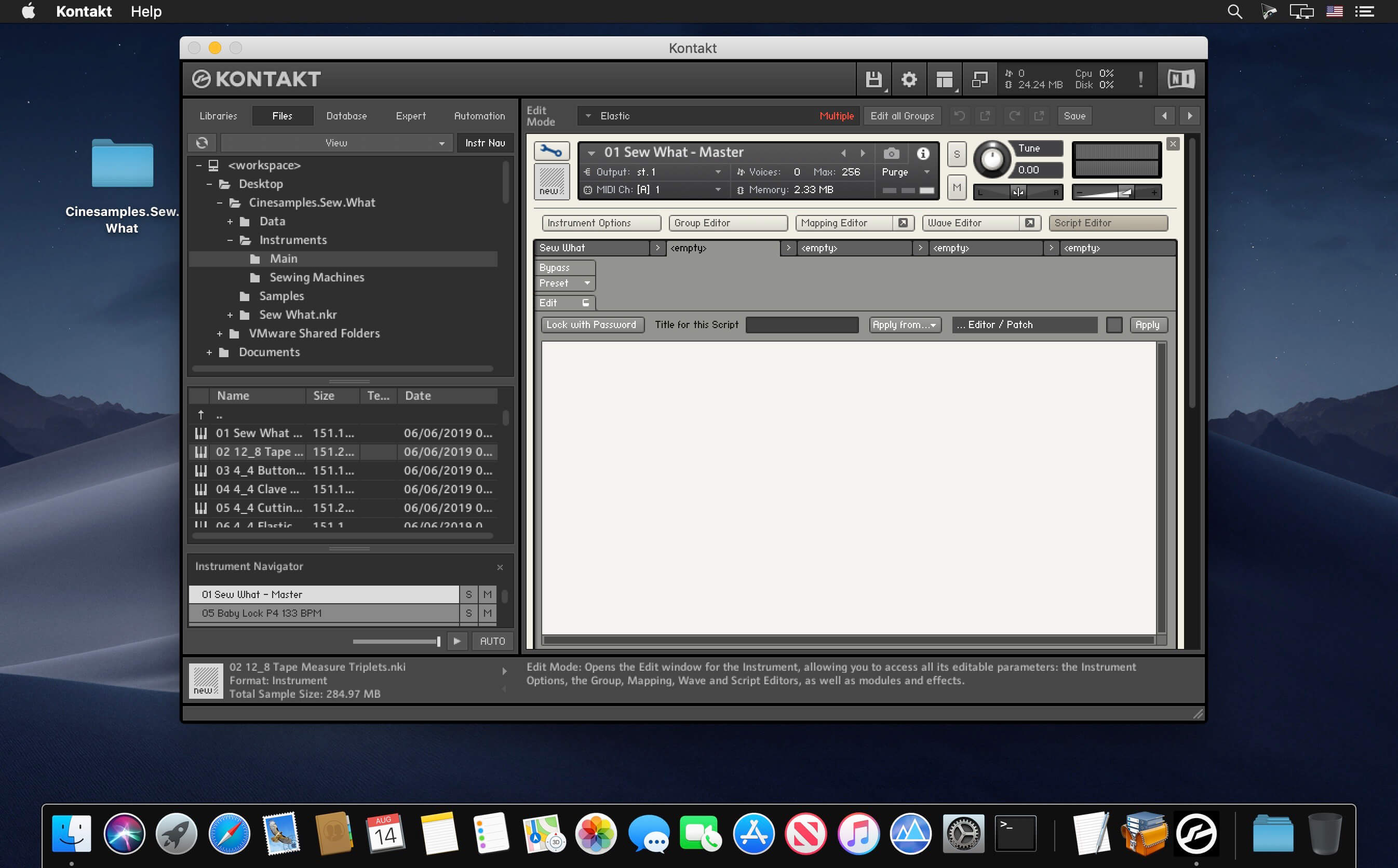
SEW WHAT is a combo of single shot pitched and non-pitched percussion with the option of a built-in arppegiator and effects rack. We were approached by composer Christopher Lennertz to build a custom library for a recent animated film. His request - all sounds related to sewing. So, off we went to the craft shop to get our materials. We got funny looks in Michael's Craft Shop while we "played" all of their merchandise, but they were happy when we walked out with full carts of everything sewing related!
- Thread
- Elastic
- Shoelaces
- Cardboard
- Fabric
- Cloth
- Embroidery Hoops
- Scissors
- Buttons
- Beads
- Knitting Needles
- Tape measure
- Velcro
- Zippers
Then came the sewing machines! Everyone brought in their family sewing machine – from a vintage 1930 crank model to an ultra modern programmable electronic machine and everything in between. We recorded them at different speeds (when possible) and programmed them to tempo-sync to your DAW. We included an arpeggiation section in which you can design your own tempo-synced rhythms and an effects page to further customise each sound.
Frequently asked questions
How do I install the app?
Mount the image, drag the app into the "Applications" folder and launch it. If the system blocks the launch, allow it in "System Settings → Privacy & Security".
The app is damaged or won't launch
Reinstalling from a fresh image usually helps. Make sure your macOS version matches the one listed in the compatibility specs.
How do I update?
Download the new version from the site and install it over the current one — your settings will be preserved.
The download link doesn't work
Try a mirror or a download manager. For large files the browser often drops the connection.
How do I completely remove the app?
Use an uninstaller utility — it cleans up the service files that remain after moving the app to the trash.
VersionCinesamples Sew What KONTAKT
DeveloperCinesamples, LLC.
CompatibilityKontakt 5.1 is required to use the Kontakt 5 instrument patches
LanguageEnglish
Related posts
-
 Cinesamples CineBells v1.2a KONTAKT
Music & Audio10.63 GB
Cinesamples CineBells v1.2a KONTAKT
Music & Audio10.63 GB
-
 Marvelous Designer 7.5 Personal v7.5 4.1
Graphic Design943.72 MB
Marvelous Designer 7.5 Personal v7.5 4.1
Graphic Design943.72 MB
-
 Strezov Sampling Lightning X3M KONTAKT
Mac Apps5.35 GB
Strezov Sampling Lightning X3M KONTAKT
Mac Apps5.35 GB
-
 Red Room Audio Cue Builders Cinematic Rhythms v1.0 KONTAKT
Mac Apps9.82 GB
Red Room Audio Cue Builders Cinematic Rhythms v1.0 KONTAKT
Mac Apps9.82 GB
-
 Soundiron Circle Bells v2.0 KONTAKT
Mac Apps3.16 GB
Soundiron Circle Bells v2.0 KONTAKT
Mac Apps3.16 GB
Information
Visitors in the group Guests cannot leave comments on this publication.
Choose a download source
Cinesamples Sew What KONTAKT · 672.03 MB