
Stringed 2.30
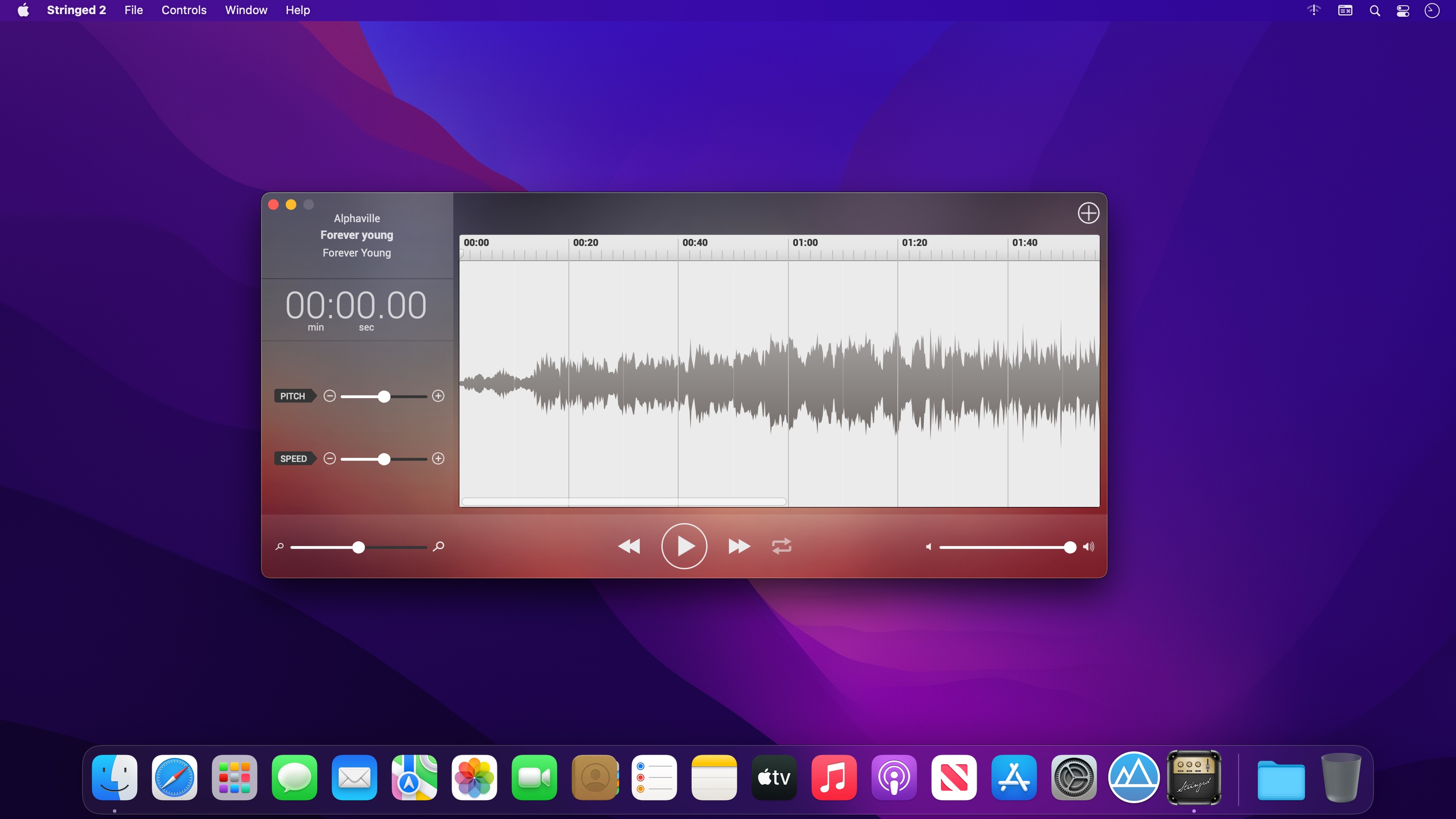
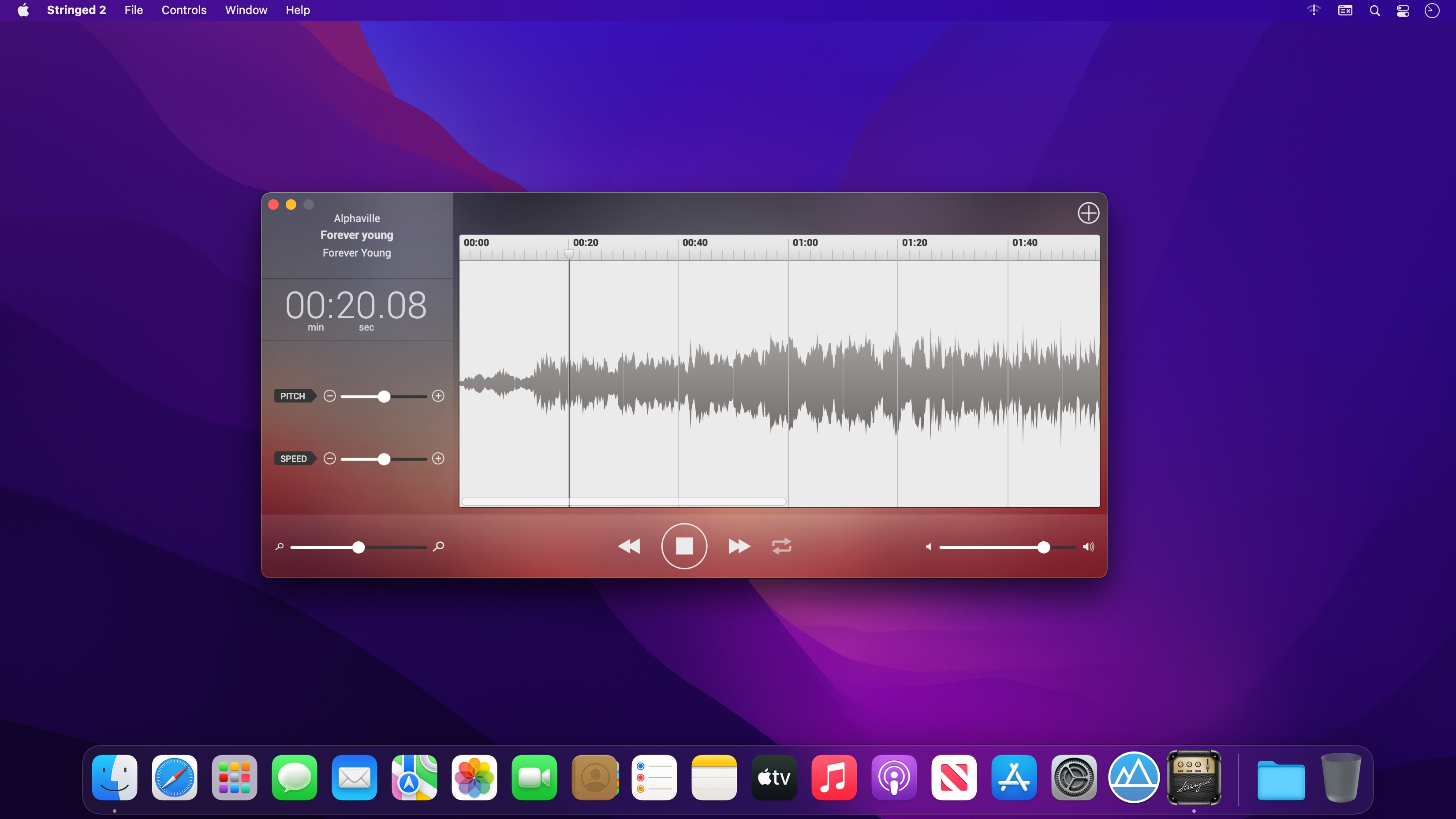
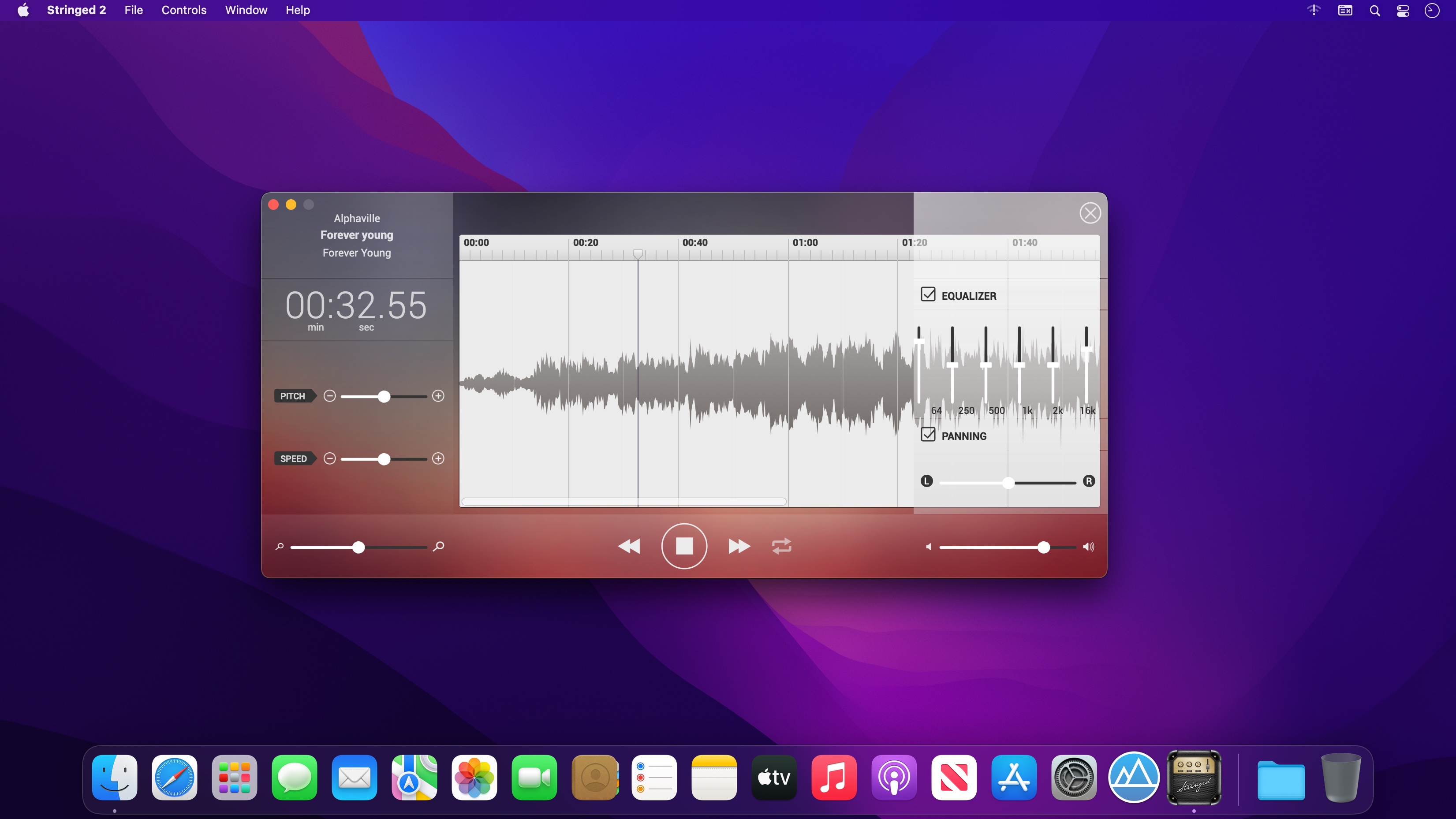
Stringed is the perfect tool for every musician. By allowing you to tweak any song's speed and pitch, you will be able to learn any song in no time!
- Pitch Shifting: You won't need to retune your instrument anymore!. With Stringed, you will be able to change any song's pitch up to 12 semitones (upordown!).
- Tempo Tuning: Slow down any tricky solo!. Speed up slow sections. With Stringed's tempo tunning feature, you will be able to tweak the tempo 50% faster or slower.
- Loops: Select any region you wanna loop, toggle the Loop switch, and hit play. That's all you'll ever need to do. You can play over your favorite song's solo, over and over again!
- Supported Formats: Stringed will open audio files encoded in: AIFF, WAV, MP4, and MP3.
Version 2.30
What's New:
- Improved stability and internal enhancements
Frequently asked questions
How do I install the app?
Mount the image, drag the app into the "Applications" folder and launch it. If the system blocks the launch, allow it in "System Settings → Privacy & Security".
The app is damaged or won't launch
Reinstalling from a fresh image usually helps. Make sure your macOS version matches the one listed in the compatibility specs.
How do I update?
Download the new version from the site and install it over the current one — your settings will be preserved.
The download link doesn't work
Try a mirror or a download manager. For large files the browser often drops the connection.
How do I completely remove the app?
Use an uninstaller utility — it cleans up the service files that remain after moving the app to the trash.


Choose a download source
Stringed 2.30 · 8.82 MB