
Joyoshare UltFix 4.5.0
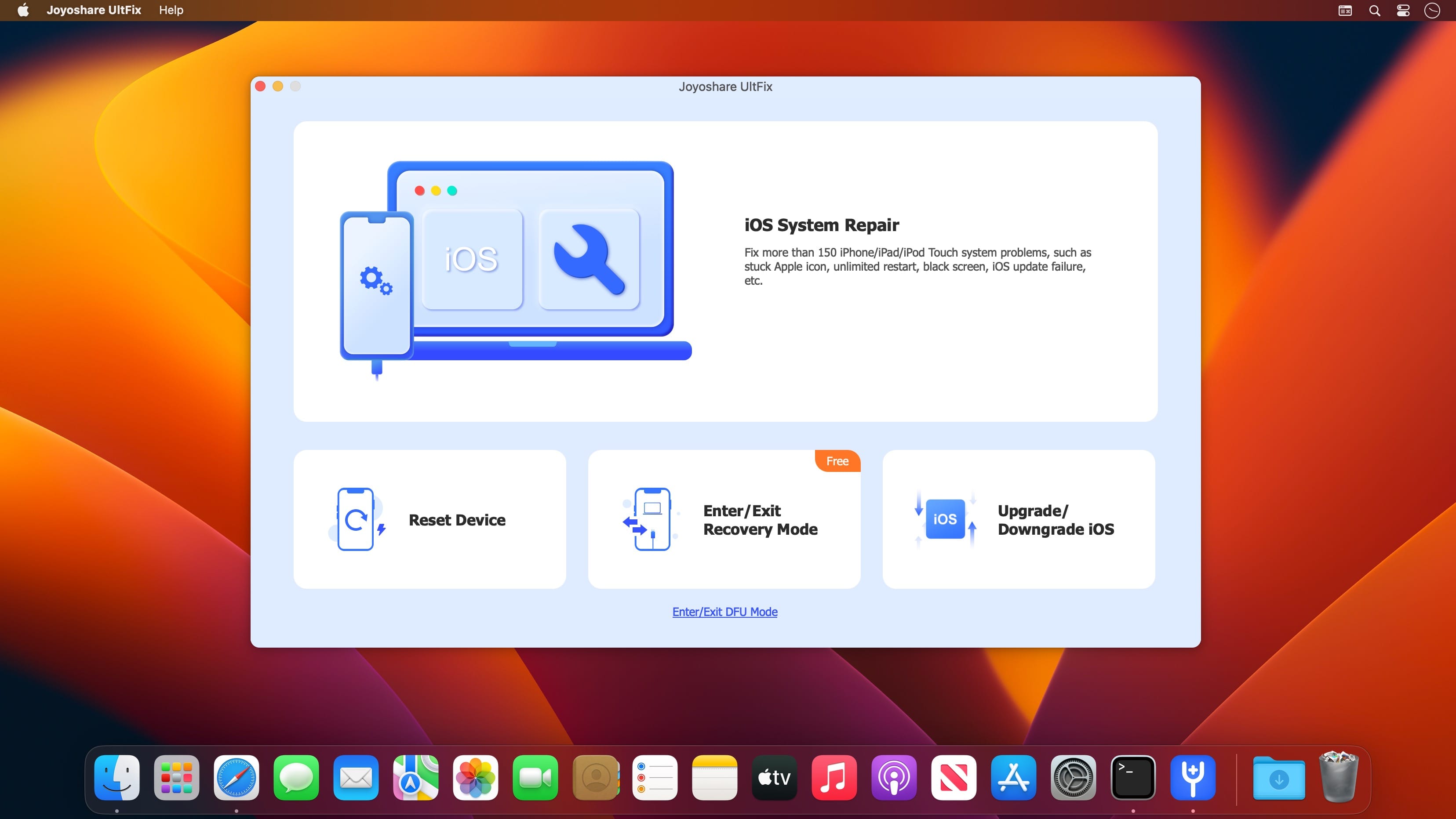
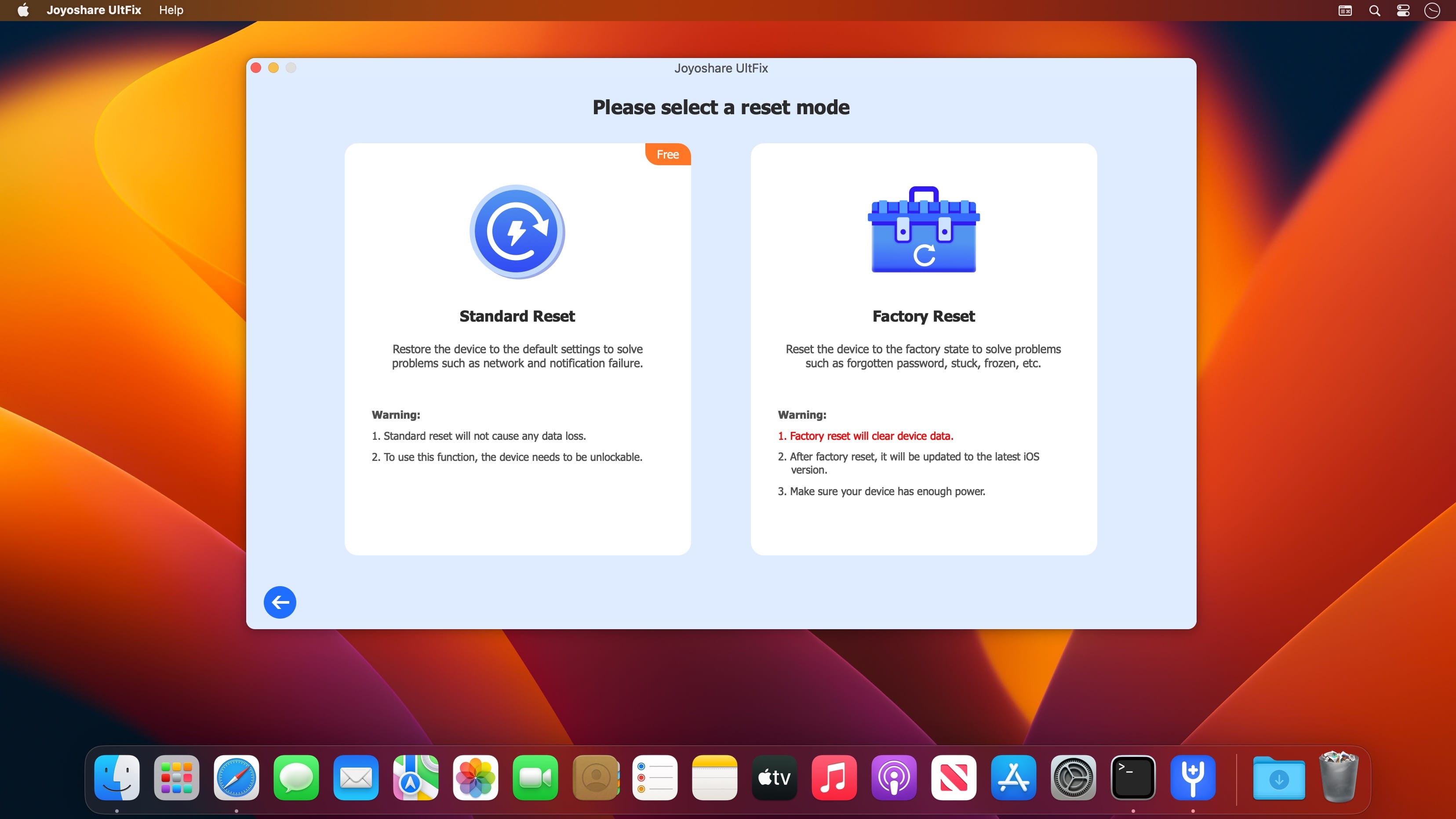
Joyoshare UltFix for macOS is an extraordinary iOS repair specialist that offers option to fix 30+ common iOS issues within 3 simple steps, such as iPhone won't charge, iPhone failed to update, iPhone is disabled connect to iTunes, etc. With its help, you are allowed to use 2 modes (Standard Mode & Advanced Mode) to either fix iOS problems without data loss or factory reset iPhone without sparing efforts.
Besides, its full compatibility to the latest iOS and a series of iOS devices also makes it a comprehensive tool for Apple users.
Fix More than 150 Possible iOS Problems by Yourself
Joyoshare UltFix comes in handy to perfectly repair 150+ iOS system issues, including white Apple logo, black screen, stuck in DFU mode, iPhone keeps restarting, iPhone no service, etc. It's considerably simple for you to independently complete the whole system repair process in 3 steps no matter which problem is.
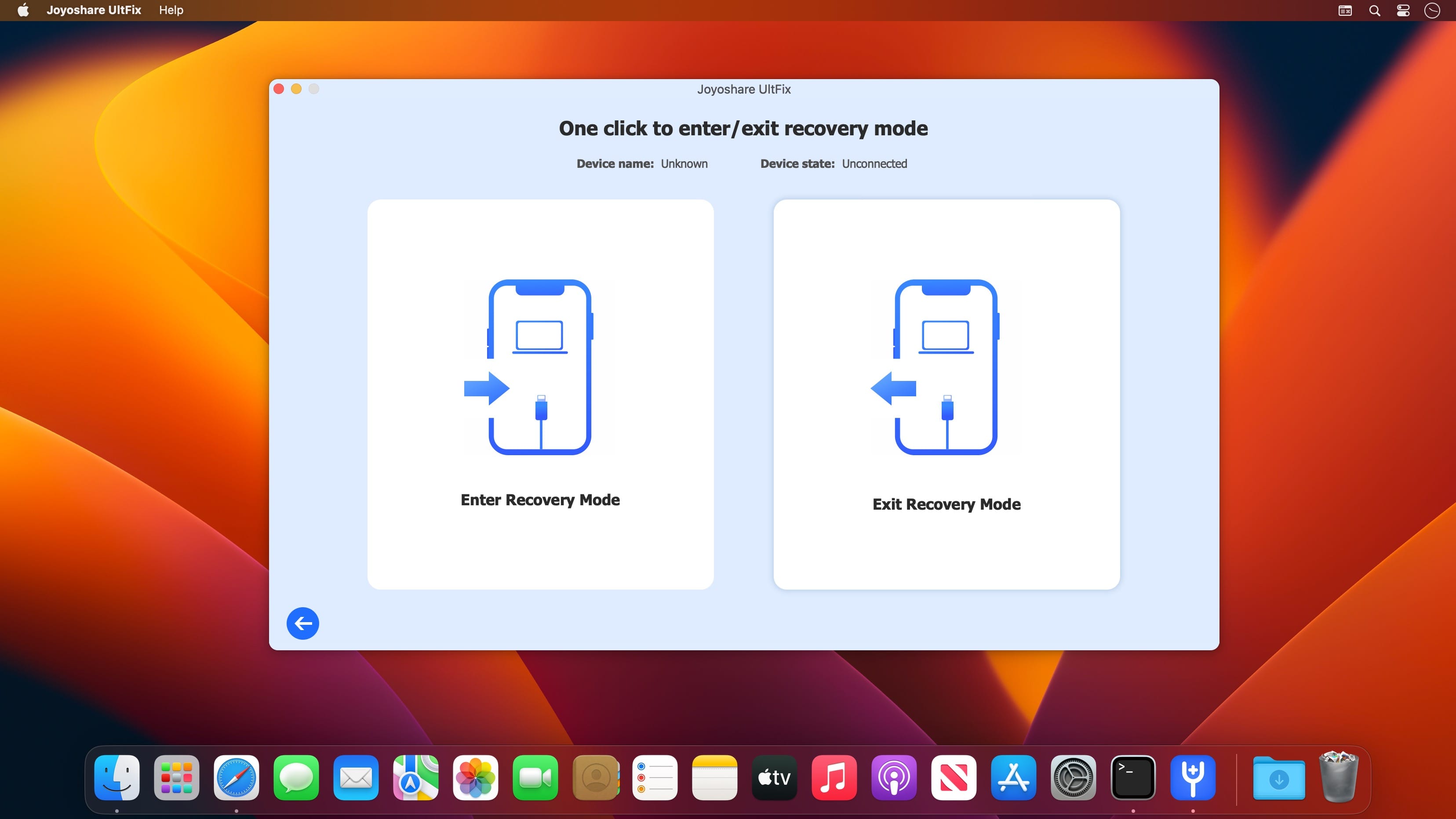
Offer Free One-click Enter/Exit Recovery Mode Option
Happily, Joyoshare UltFix iOS System Recovery enables not only registered but also unregistered Apple users to put any iDevice into recovery mode for free with one easy click. It's also fairly straightforward to get out recovery mode in case your iPhone gets stuck.
Recover iOS System without Causing Data Loss
With the help of this hassle-free iOS repair tool, you don't have to worry about the risk of data loss at all. Joyoshare UltFix comes out as a professional iOS system recovery utility to help you fix various iOS system issues and get your iPhone, iPad, iPod touch and Apple TV back to normal at home without causing any data loss. It is 100% secure, and no one can access your data except you.
Frequently asked questions
How do I install the app?
Mount the image, drag the app into the "Applications" folder and launch it. If the system blocks the launch, allow it in "System Settings → Privacy & Security".
The app is damaged or won't launch
Reinstalling from a fresh image usually helps. Make sure your macOS version matches the one listed in the compatibility specs.
How do I update?
Download the new version from the site and install it over the current one — your settings will be preserved.
The download link doesn't work
Try a mirror or a download manager. For large files the browser often drops the connection.
How do I completely remove the app?
Use an uninstaller utility — it cleans up the service files that remain after moving the app to the trash.


Choose a download source
Joyoshare UltFix 4.5.0 · 21.53 MB