

UninstallPKG 1.2.2
Screenshots
Click to enlarge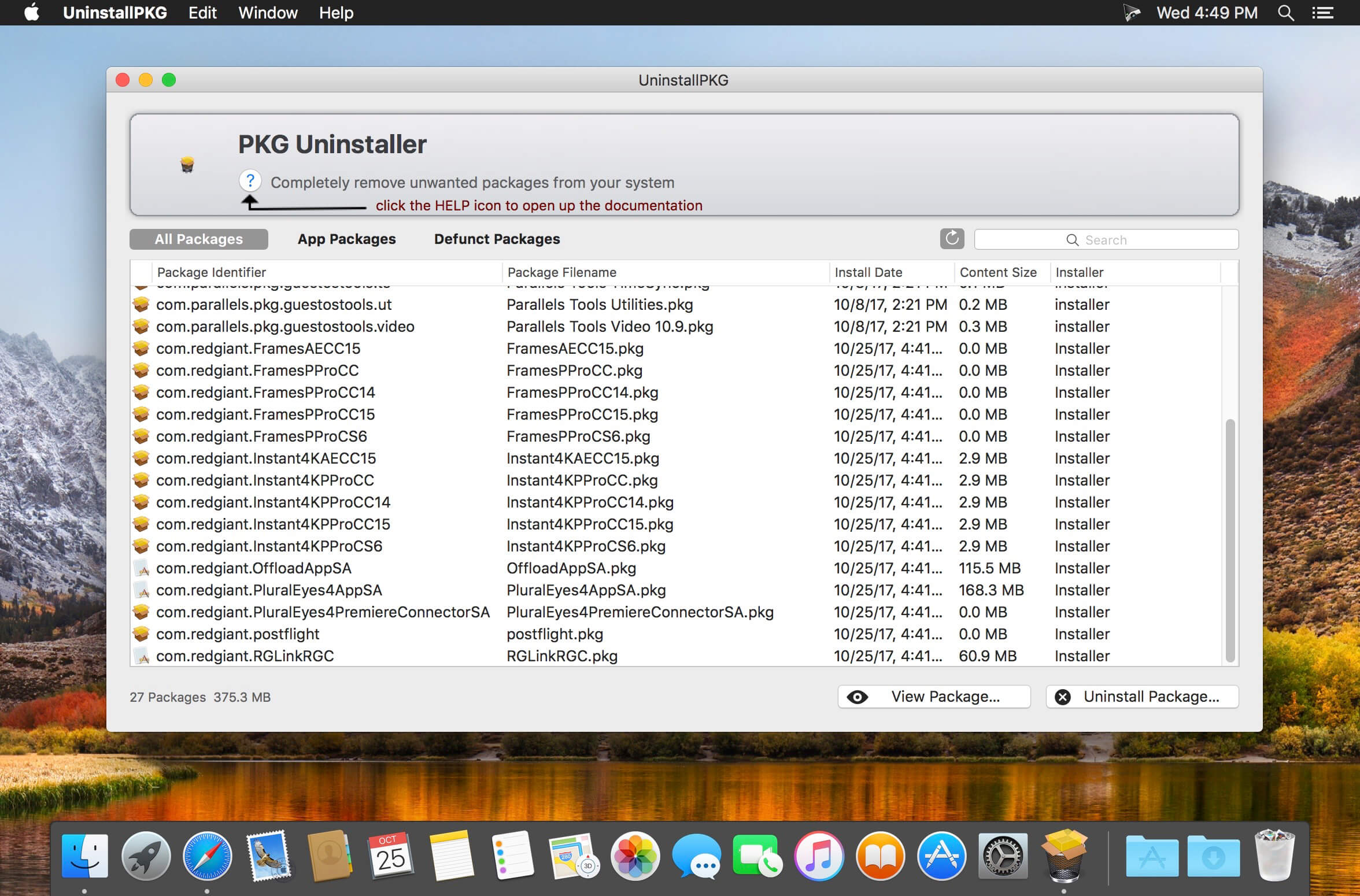
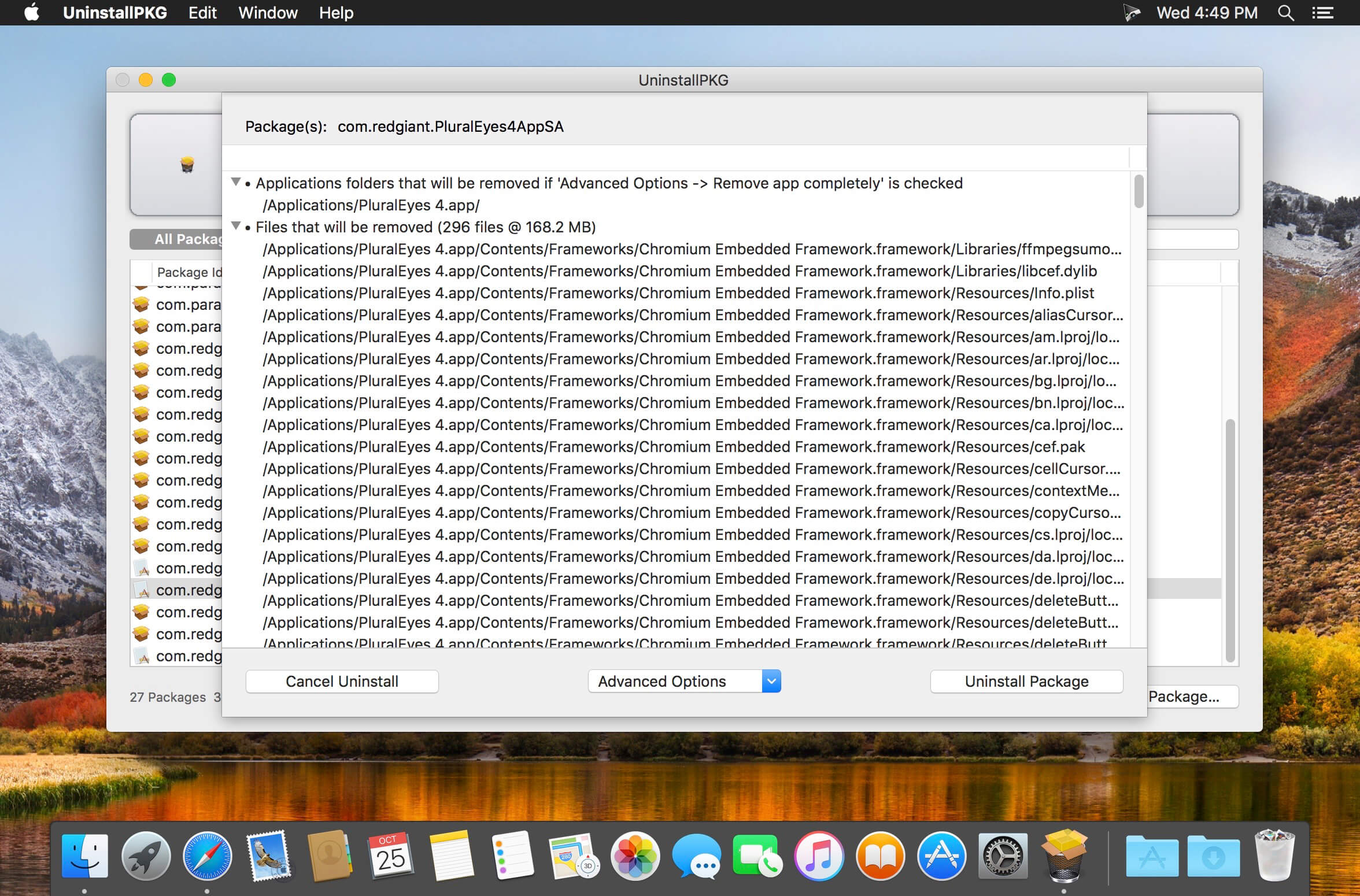
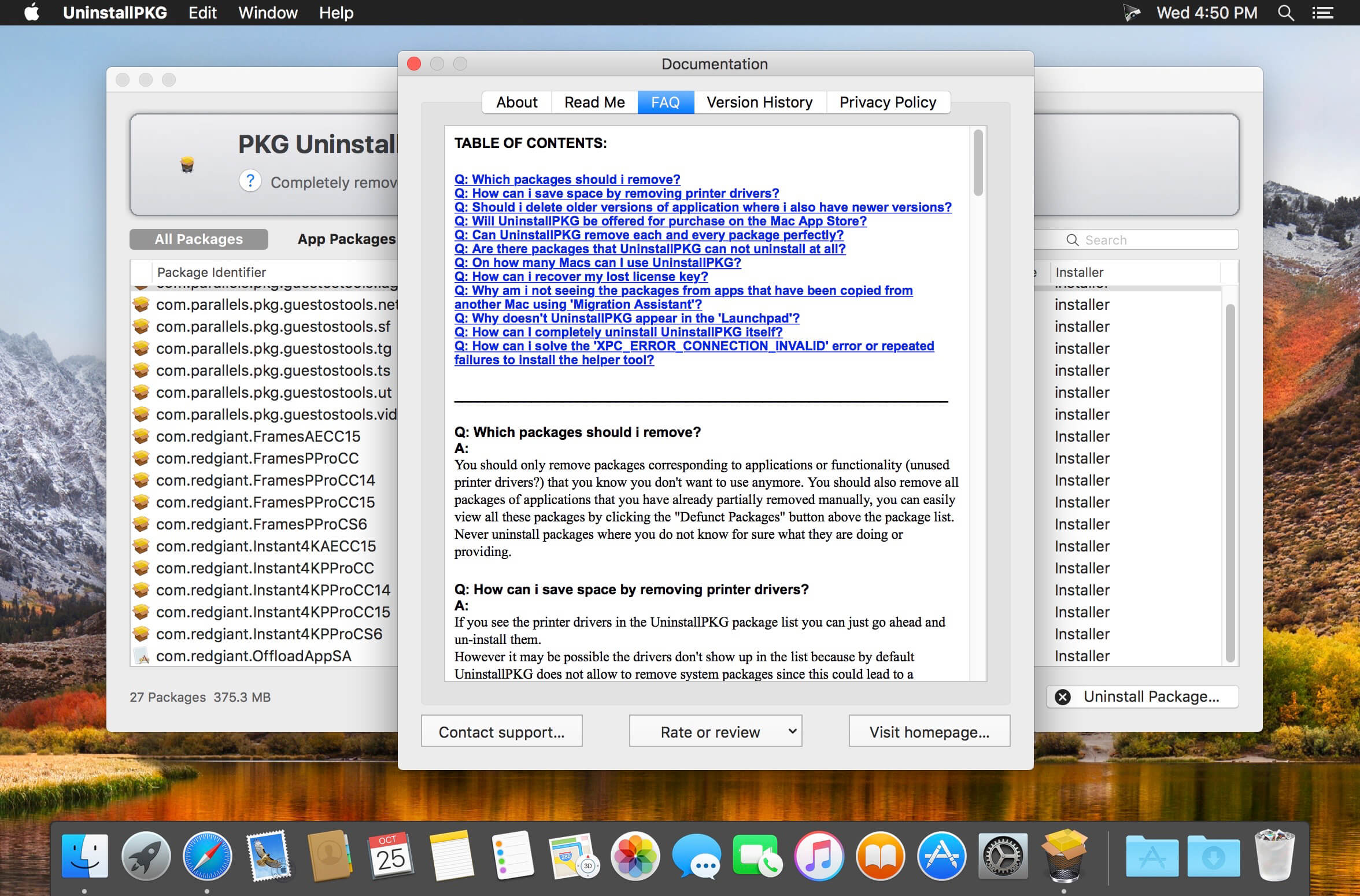
UninstallPKG allows you to completely remove so called "packages" (file extension .pkg) and all their installed contents from your Mac. It can be used to reclaim precious disk space by removing unwanted functionality like unused printer drivers, or to completely remove applications you no longer use. UninstallPKG can also keep your Mac clean by removing left-over files from applications that you have already partially removed manually. It can remove all 37290 files of Office 2011 at once, or completely remove things like Java or the Flash plugin. It is also able to clean-up after uninstalling an application by removing it from the Dock and from the LoginItems directory, and erasing the files those packages generated (preferences, etc.).
Version 1.2.2:
- Addressed compatibility issues with macOS 15 'Sequoia'
- UninstallPKG should now show up with its app-name in the 'Login Items & Extensions'
- Fixed very rare stability problem
Comments
No comments yet. Be the first.