
Aiseesoft Mac FoneTrans 9.3.16
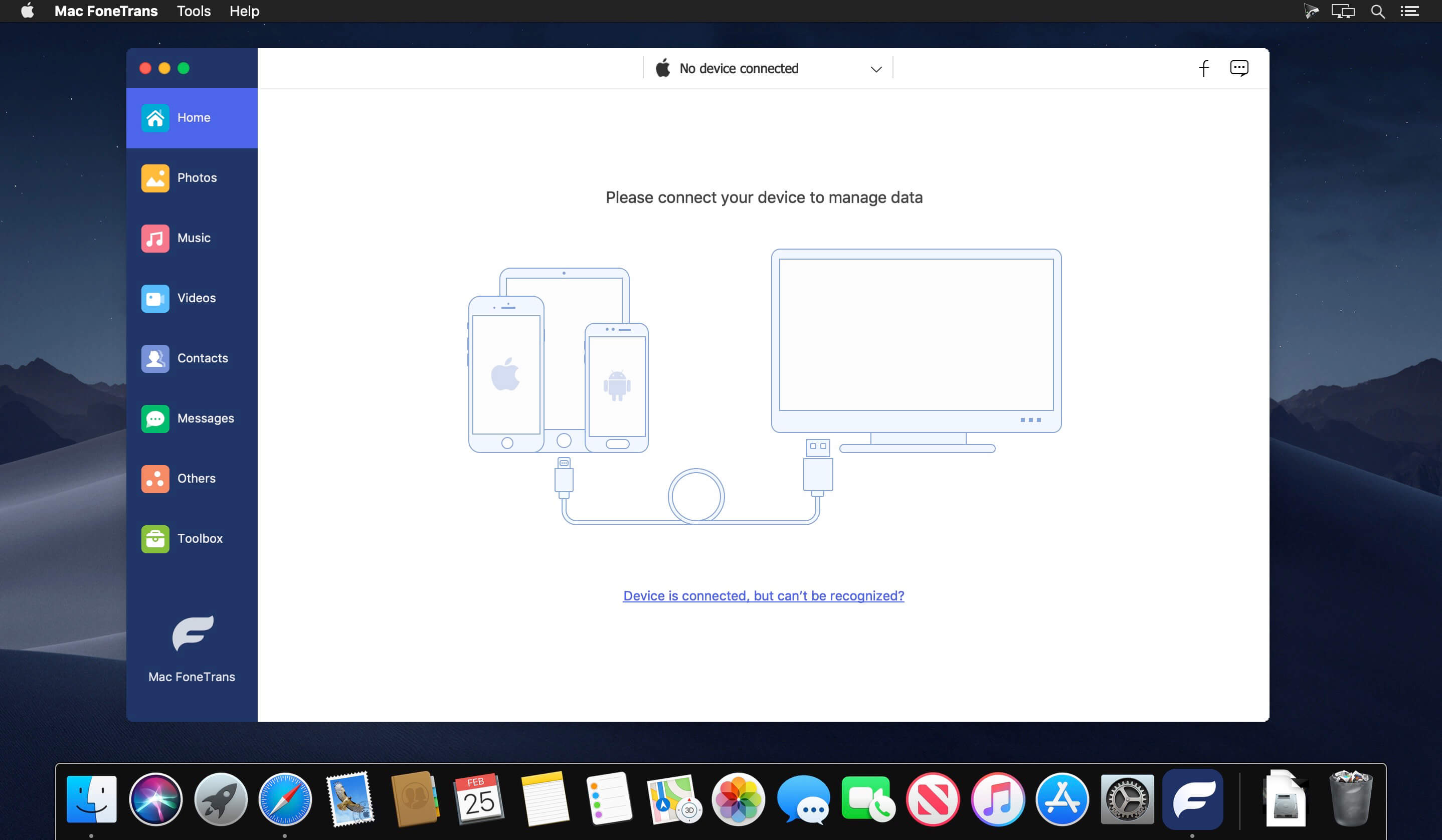

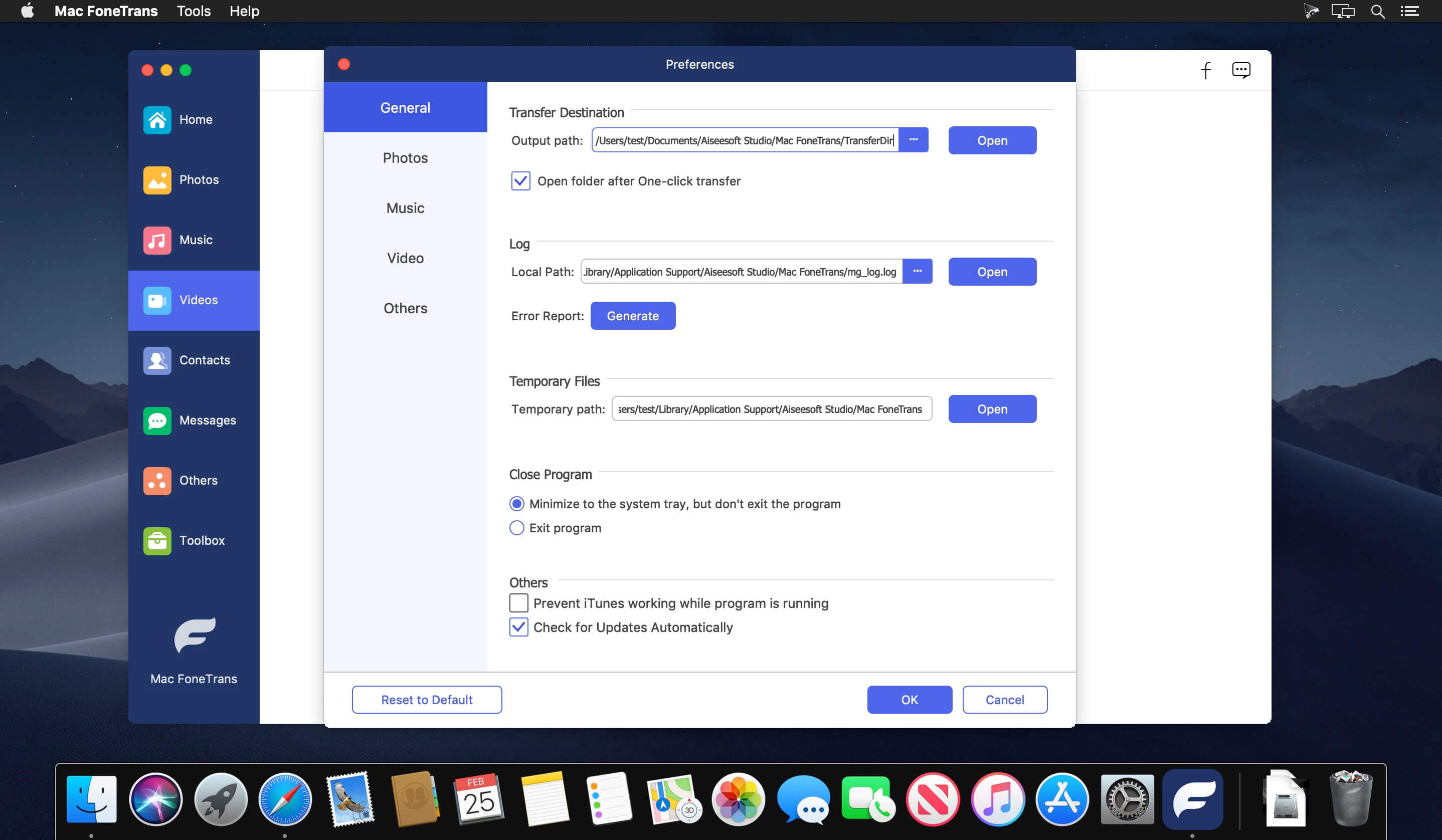
Aiseesoft Mac FoneTrans is the first-granted iPhone Transfer software, which does well in file transfer between iOS devices and computer. It can transfer video, music, photo and many other multimedia files from computer to iOS devices. It also enables you to make iPhone ringtone and convert image format from HEIC to JPG/PNG and more. And now it enables you to rotate photos when previewing them.
Key features:
- Transfer file between iOS device and Mac Aiseesoft Mac FoneTrans can help you import video, music, photo, and other media files from computer to iPhone/iPad/iPod for enjoyment anywhere and anytime. It also allows you to export files from iOS devices to Mac for backup.
- Share files between iPhone/iPod/iPad Apart from transferring files between computer and iOS devices, you are allowed to transfer files between any iOS devices for file sharing and the shareable files include music, movie, picture, TV show, Podcast, iTunes U, eBook, camera roll, ringtone, etc.
- Back up iPhone SMS (MMS) and Contacts With Mac FoneTrans, you can copy SMS to Mac for backup and they can be saved in excel, text or html format. Users can also back up the important contacts to Mac in case of losing or damaging of their iDevices.
- De-duplicate Function To avoid repeated contacts/music, you can delete repeated ones or merge different contacts of the same person.
- Ringtone Maker and HEIC Converter You can make ringtones for your iOS device at ease with this iOS data transfer tool.
Version 9.3.16:
- Release notes were unavailable when this listing was updated.
Frequently asked questions
How do I install the app?
Mount the image, drag the app into the "Applications" folder and launch it. If the system blocks the launch, allow it in "System Settings → Privacy & Security".
The app is damaged or won't launch
Reinstalling from a fresh image usually helps. Make sure your macOS version matches the one listed in the compatibility specs.
How do I update?
Download the new version from the site and install it over the current one — your settings will be preserved.
The download link doesn't work
Try a mirror or a download manager. For large files the browser often drops the connection.
How do I completely remove the app?
Use an uninstaller utility — it cleans up the service files that remain after moving the app to the trash.





Choose a download source
Aiseesoft Mac FoneTrans 9.3.16 · 82.8 MB