
Wondershare TunesGo 9.7.3.4
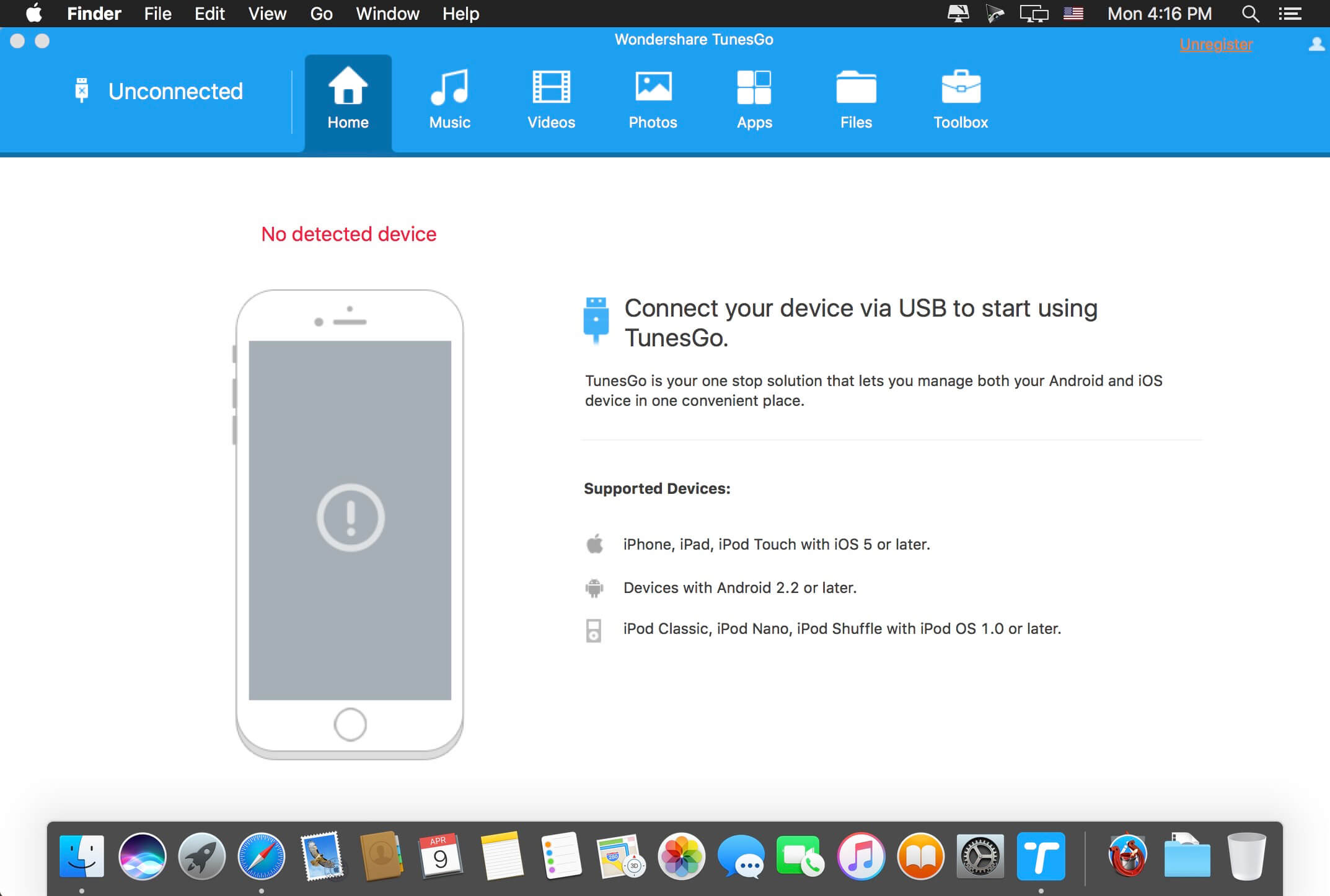
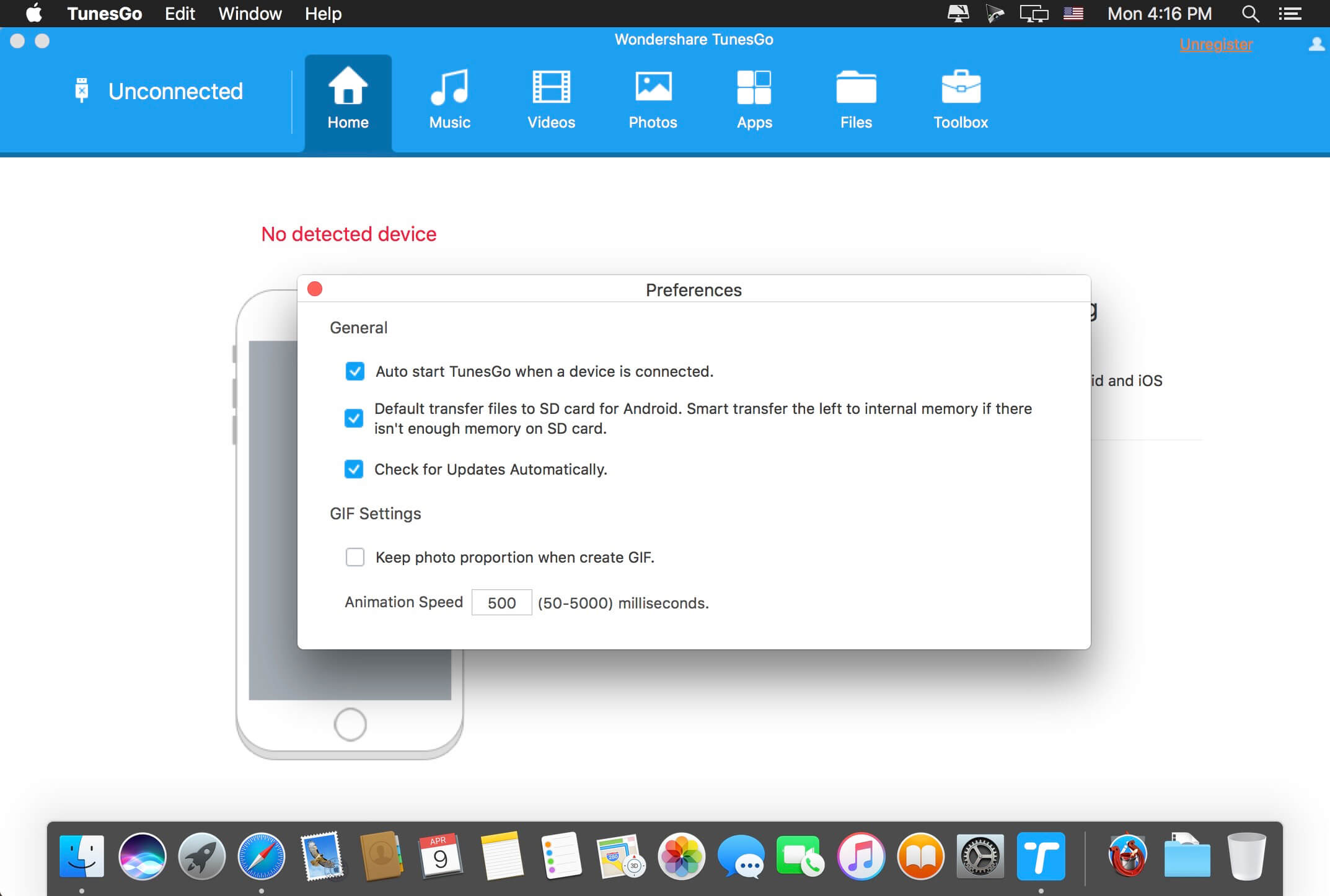
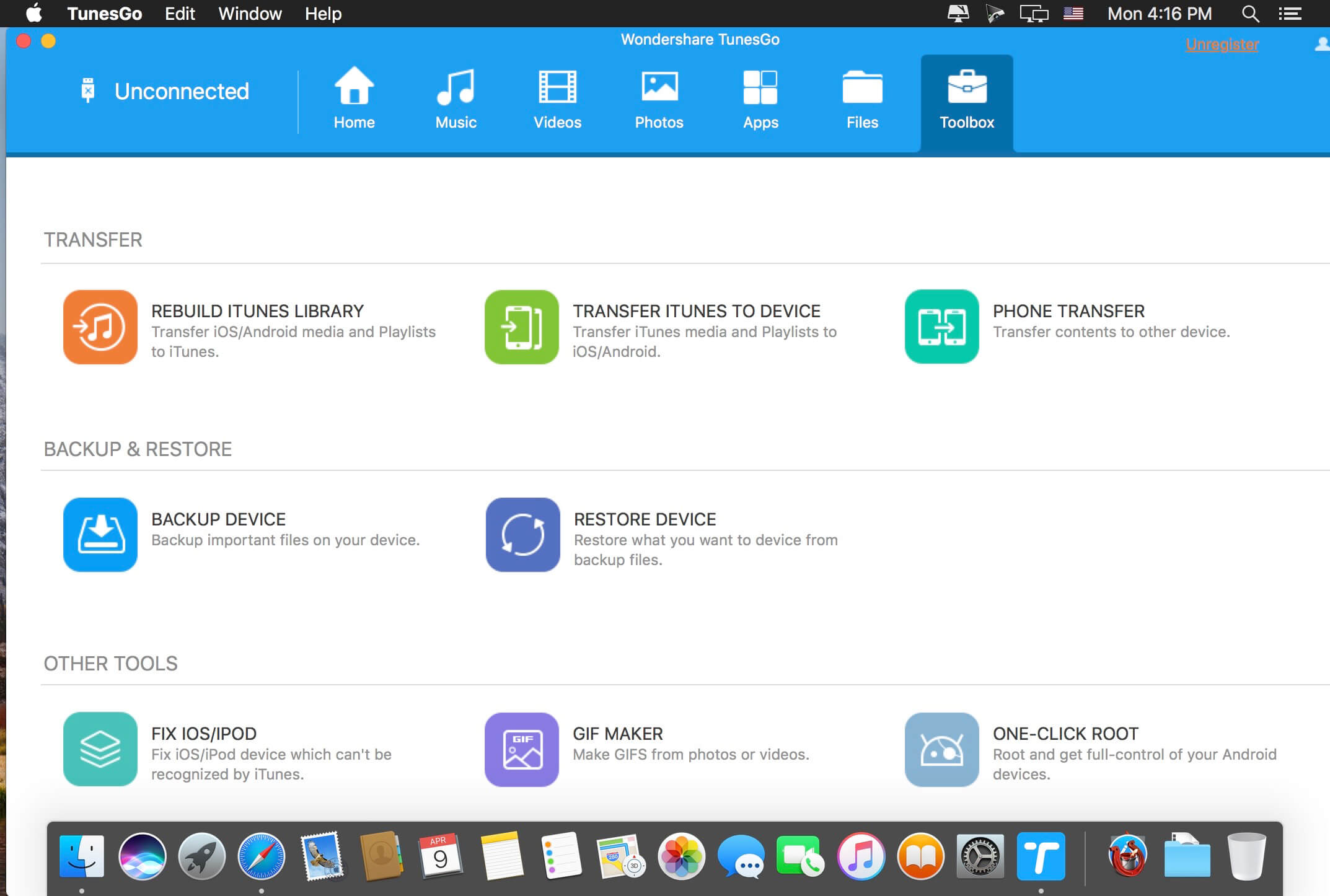
TunesGo is a must-have phone manager. It could act as your one-stop solution to manage your entire mobile lifestyle in one convenient place. iTunes is no longer needed for all iOS-related features.
- It is a powerful tool to manage media contents on iOS and Android on PC, a. Smart transfer, supporting the transfer of all files between devices, including music, playlist, videos, Podcasts, iTunes U, TV Shows, audiobooks and more. b. Click the De-Duplicate button to remove duplicate music files and fully free up storage space on your device.
- It helps you transfer photos between devices, manage and backup photos taken from Android and iOS on PC and make gifs at one click. a. Export photos taken in a single day or entire library from iOS/Android device to computer. b. Offer a brilliant photo backup solution with high transmission speed. c. Transfer photos to iDevices directly;Add Photos from PC/Camera/Camcorders to photo library on mobile; d. Create fantastic GIFs with Live photos/Motion photos
- This contact manager will help you to backup, import and manage contact with ease. a. Transfer contacts between iOS and Android devices with ease; b. Backup contacts from your iOS and Android Device to PC; c. Merge duplicate contacts on iOS and Android deivce into one complete contact. Customize the filters of contacts' info;
- It could act as a powerful yet easy-to-use Message manager for iOS and Android. a. Export and import messages from iOS and Android device to computer; b. Send texts From your computer;
- It is an efficient App Installation tool. It could batch-uninstalling useless Apps and establish a backup of important Apps;
- It could act as a powerful file explorer to browse all the files and folders on your devices and mark important folders to realize one-click access next time.
- It could root your Android at one click so you can remove ads come with your Android apps, uninstall pre-installed apps, etc.
Frequently asked questions
How do I install the app?
Mount the image, drag the app into the "Applications" folder and launch it. If the system blocks the launch, allow it in "System Settings → Privacy & Security".
The app is damaged or won't launch
Reinstalling from a fresh image usually helps. Make sure your macOS version matches the one listed in the compatibility specs.
How do I update?
Download the new version from the site and install it over the current one — your settings will be preserved.
The download link doesn't work
Try a mirror or a download manager. For large files the browser often drops the connection.
How do I completely remove the app?
Use an uninstaller utility — it cleans up the service files that remain after moving the app to the trash.
VersionWondershare TunesGo 9.7.3.4
DeveloperWondershare
CompatibilityOS X 10.7 or later, 64-bit processor
LanguageMultilangual
IncludesK'ed by TNT





Information
Visitors in the group Guests cannot leave comments on this publication.
Choose a download source
Wondershare TunesGo 9.7.3.4 · 33.13 MB