

Fetch 5.8
Screenshots
Click to enlarge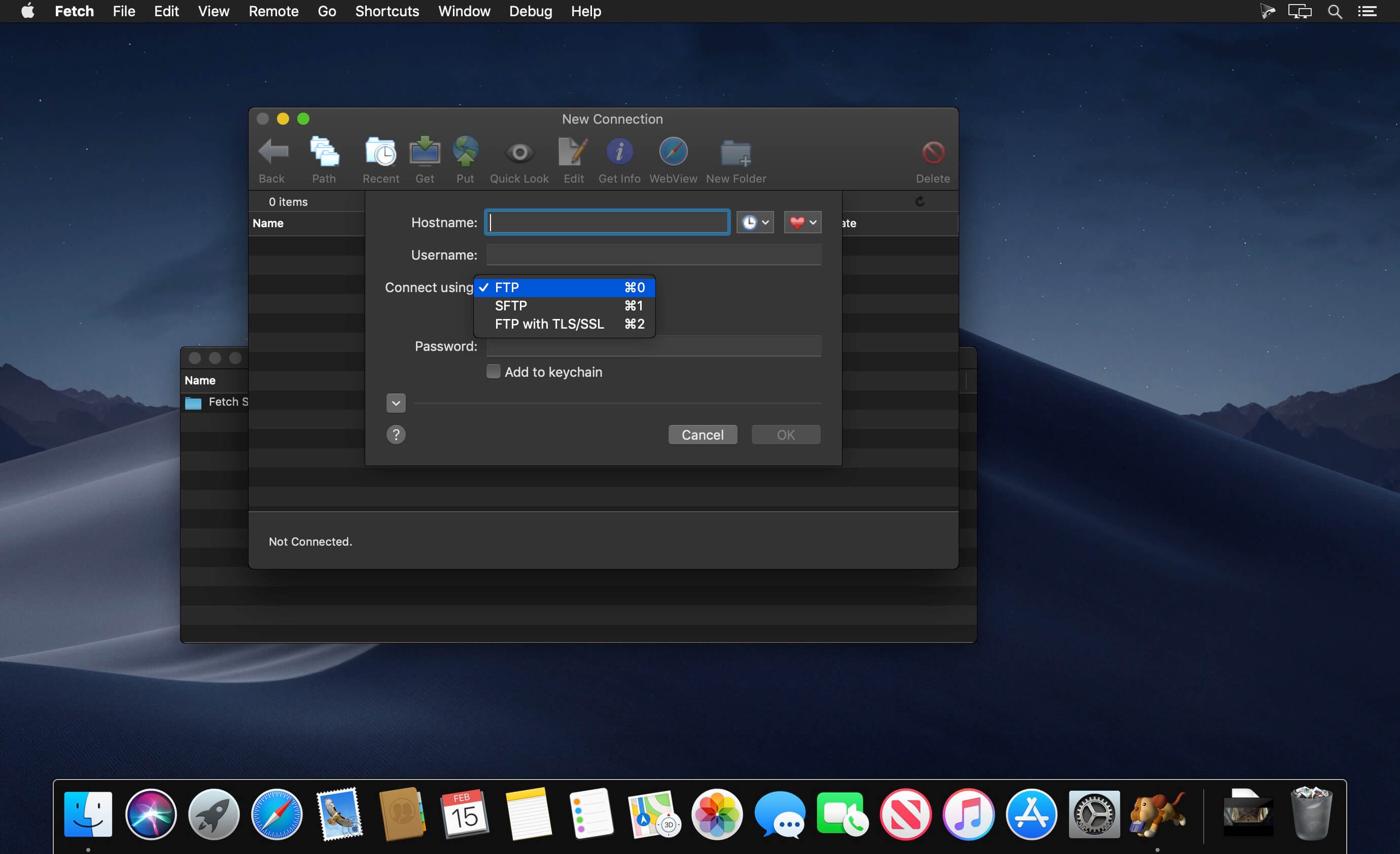

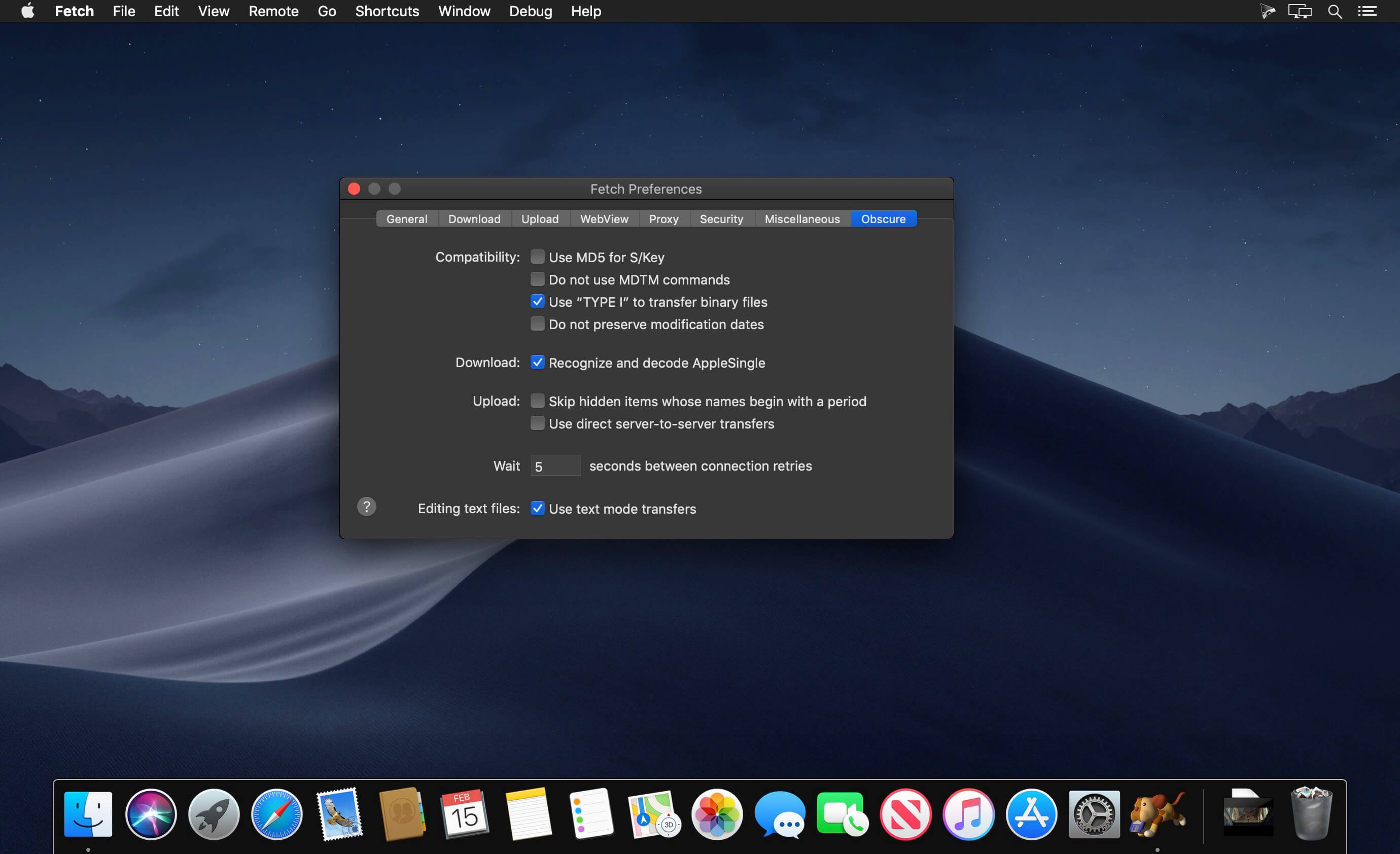
Fetch is a reliable, full-featured file transfer client for the Apple Macintosh whose user interface emphasizes simplicity and ease of use. Fetch supports FTP and SFTP, the most popular file transfer protocols on the Internet for compatibility with thousands of Internet service providers, web hosting companies, publishers, pre-press companies, and more.
Features
- Support for FTP, SFTP, and FTP with TLS/SSL (FTPS)
- A file list modeled on the familiar Mac OS X Finder
- Droplet shortcuts for easy uploading and tracking the progess of your upload
- Editing any kind of file directly on a server
- Previewing files on the server with Quick Look
- Synchronizing folders using the Mirror command
- WebView — a convenient way to view files in a web browser and copy web addresses
- Automatic resuming of stalled or failed uploads and downloads
- Automatic support for Zip, StuffIt, Gzip and other common file formats.
- Bonjour (Rendezvous) support
- Unicode file names
- Automating repetitive tasks with Automator actions and AppleScript recording
- Extensive online help
- Compatibility with OS X 10.9 Mavericks, OS X 10.8 Mountain Lion, Mac OS X 10.7 Lion, Mac OS X 10.6 Snow Leopard and Mac OS X 10.5 Leopard on Intel Macs
Version 5.8:
New:
New:
- Moved to a 64-bit architecture for compatibility with macOS 10.15 Catalina
- Support for Dark Mode on macOS 10.14 Mojave and later
- AppleScript and Automator support
- Built-in StuffIt and Zip archive support
- Kerberos (GSSAPI) support
- Bonjour support
- Non-English localizations
- A crash involving shortcuts
- A problem with not remembering proxy preferences
Comments
No comments yet. Be the first.
Information
Visitors in the group Guests cannot leave comments on this publication.