
Yummy FTP Pro 2.0.5
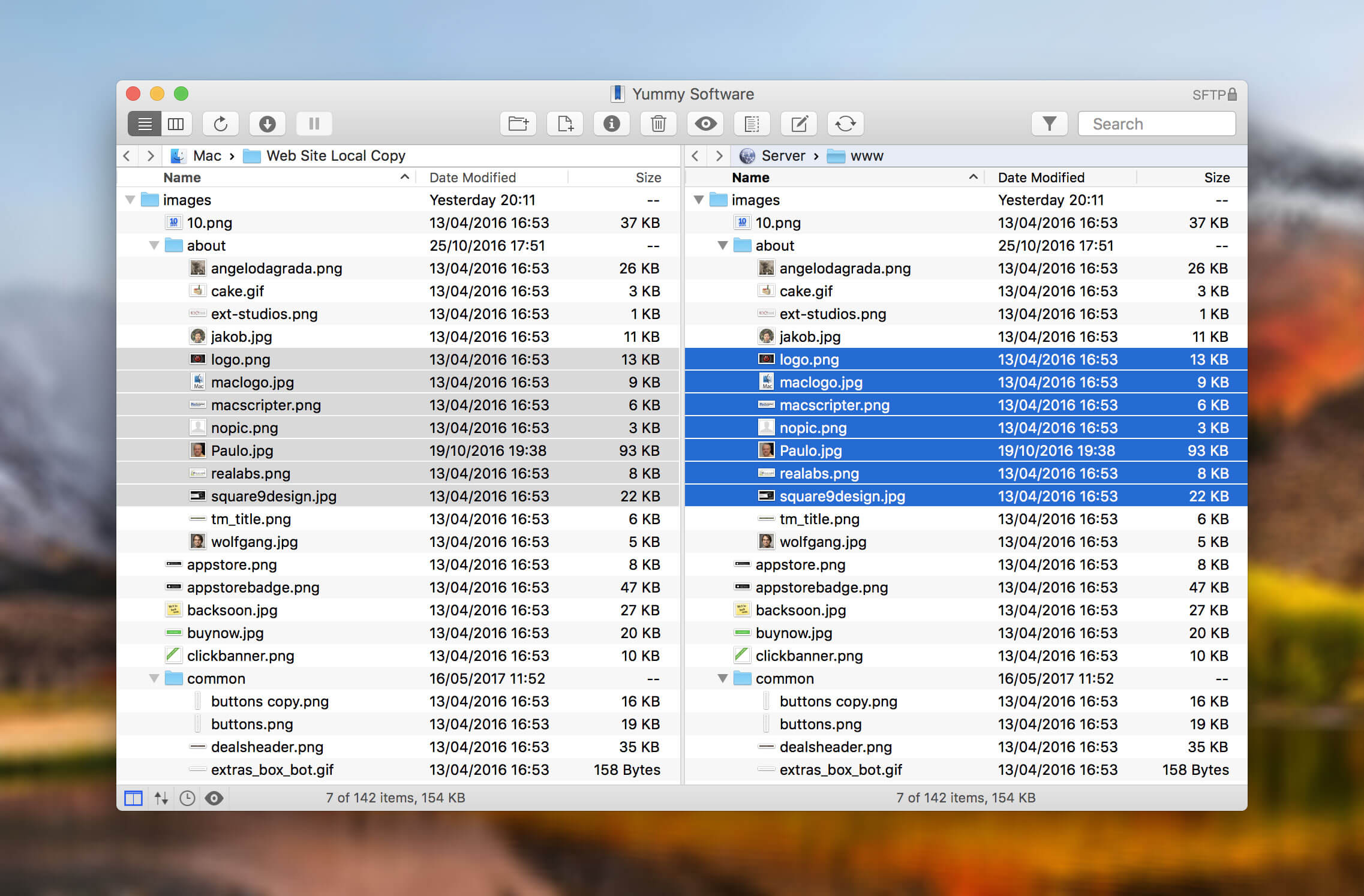
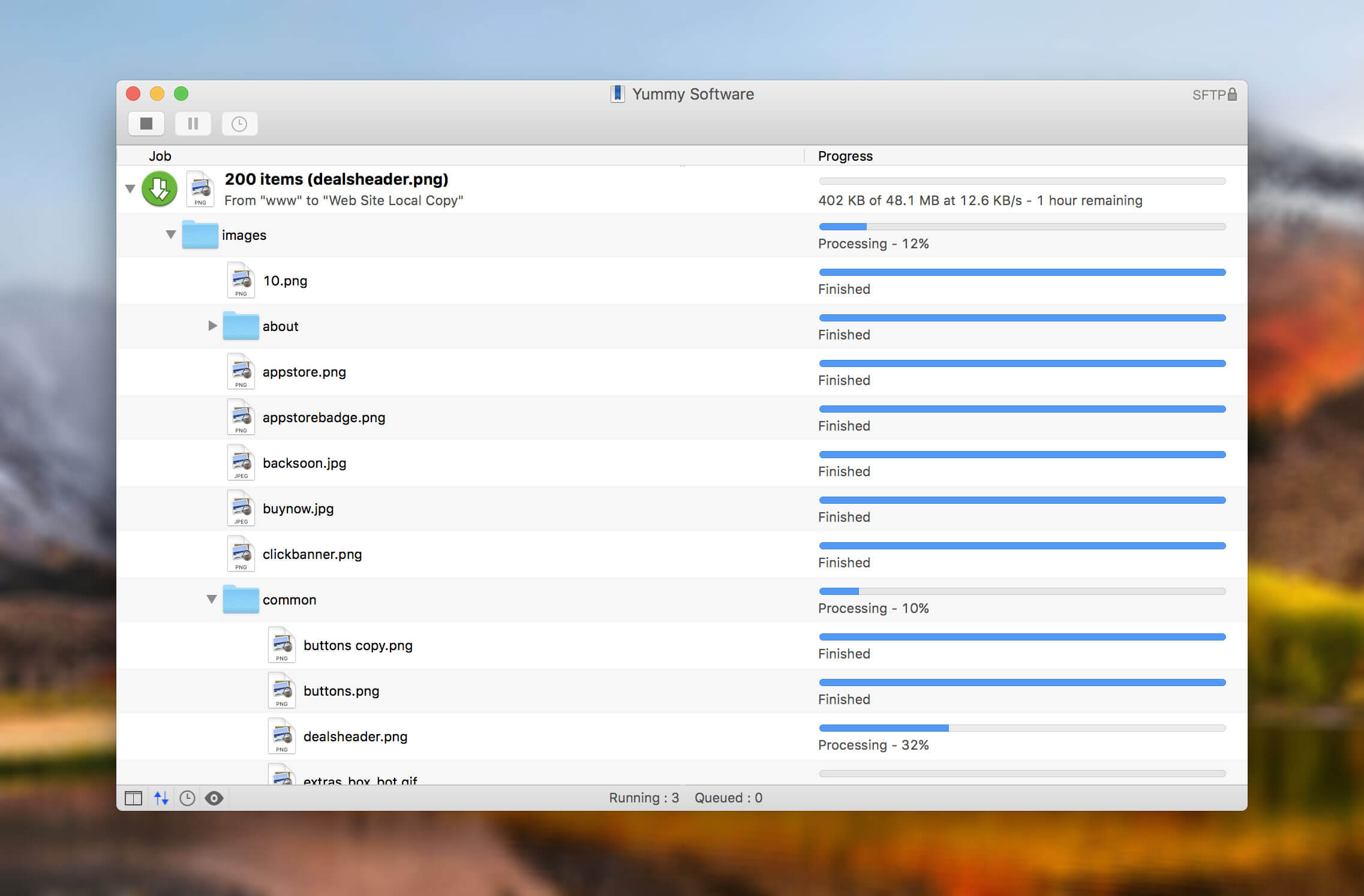
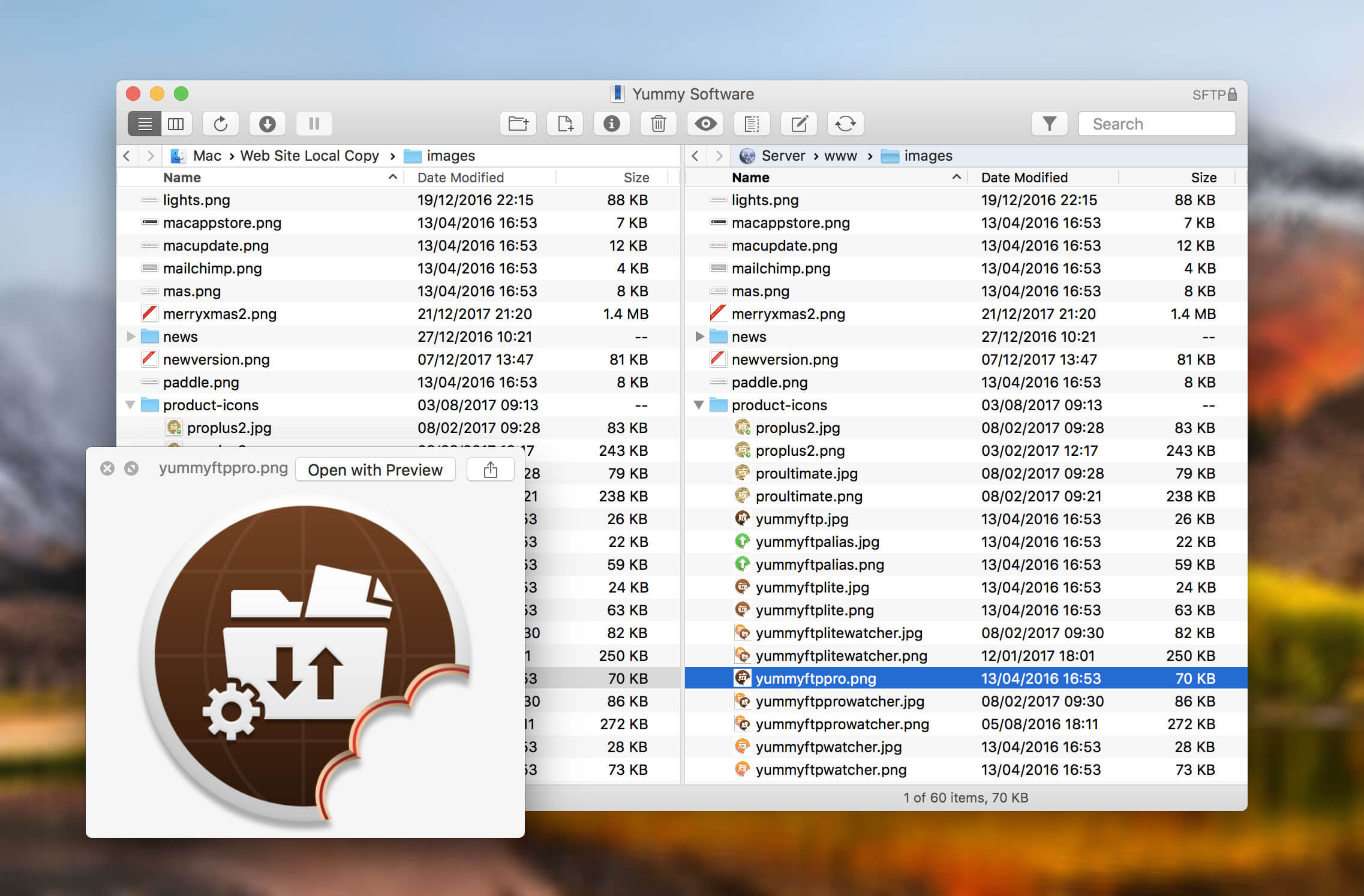

Yummy FTP is an FTP + SFTP + FTPS file transfer client which focuses on speed, reliability and productivity.
Whether you need to transfer a few files or a few thousand, schedule automatic backups, or perform website maintenance, Yummy FTP will handle it with ease.
Featuring :
- Full FTP/FTPS/SFTP protocol support
- Super-fast transfers
- Automatic failure recovery
- Directory synchronization
- Scheduling
- Bandwidth limiting
- Dual or single pane view
- Outline and column listing views
- Quick Look
- Remote editing of server files
- Built-in text editor
- Local-remote file diff
- Bookmark manager
- Open in Terminal
- Import favorites
- File/folder filtering
- Full Screen mode
- Growl support
Version 2.0.5
- Fixed truncation of some localised labels
- Fixed tilde / home folder support for Shared user
- Fixed WebDAV crash
- Fixed WebDAV transfers with large file sizes
Frequently asked questions
How do I install the app?
Mount the image, drag the app into the "Applications" folder and launch it. If the system blocks the launch, allow it in "System Settings → Privacy & Security".
The app is damaged or won't launch
Reinstalling from a fresh image usually helps. Make sure your macOS version matches the one listed in the compatibility specs.
How do I update?
Download the new version from the site and install it over the current one — your settings will be preserved.
The download link doesn't work
Try a mirror or a download manager. For large files the browser often drops the connection.
How do I completely remove the app?
Use an uninstaller utility — it cleans up the service files that remain after moving the app to the trash.
VersionYummy FTP Pro 2.0.5
DeveloperYummy Software
CompatibilityOS X 10.8 or later
LanguageEnglish, Bokmål, Norwegian, Chinese, Dutch, French, German, Japanese, Polish, Russian
IncludesK'ed by TNT





Information
Visitors in the group Guests cannot leave comments on this publication.
Choose a download source
Yummy FTP Pro 2.0.5 · 18.01 MB