
SketchUp Pro 2020.2 v20.2.171
Trimble Navigation Limited

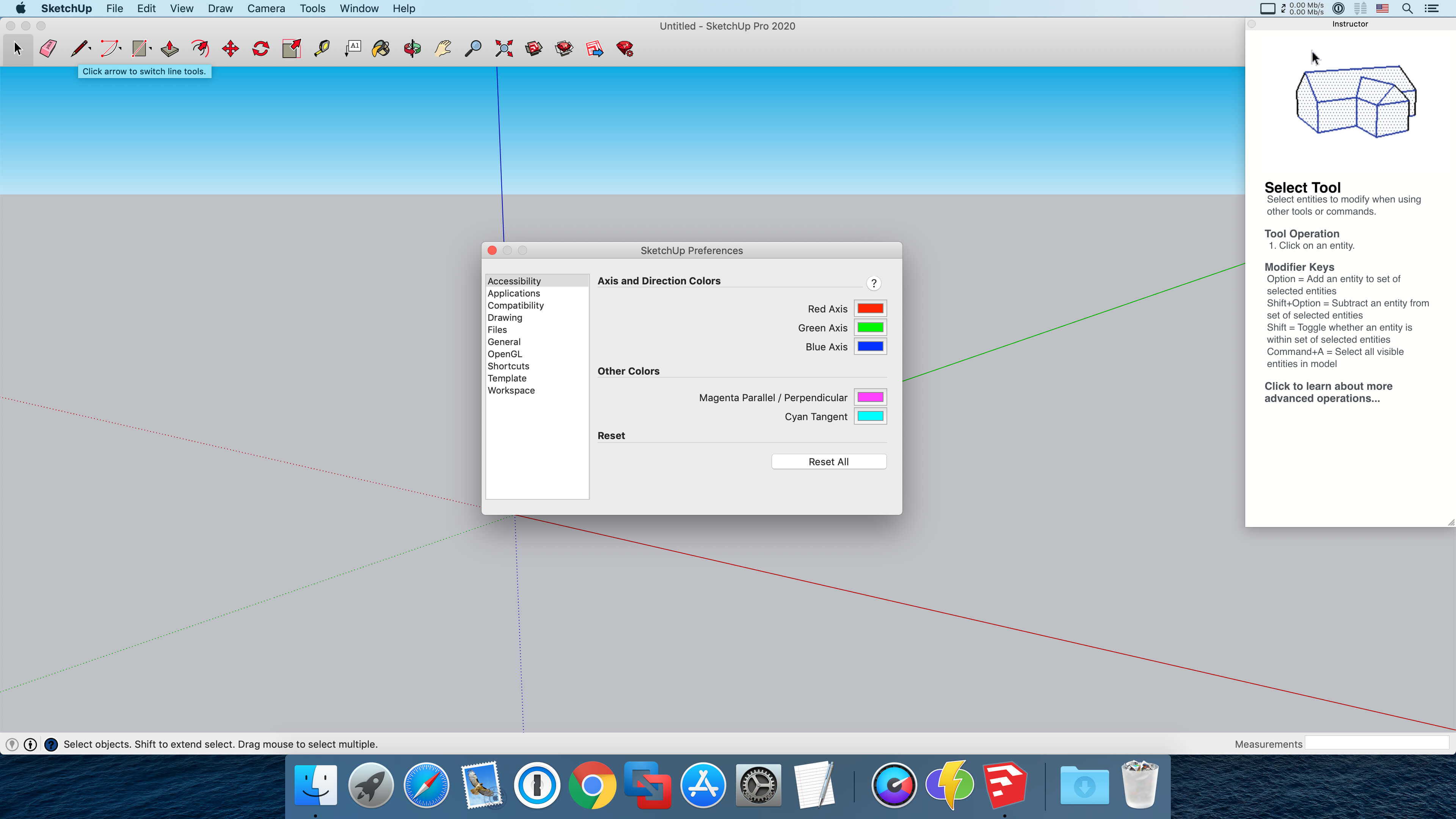
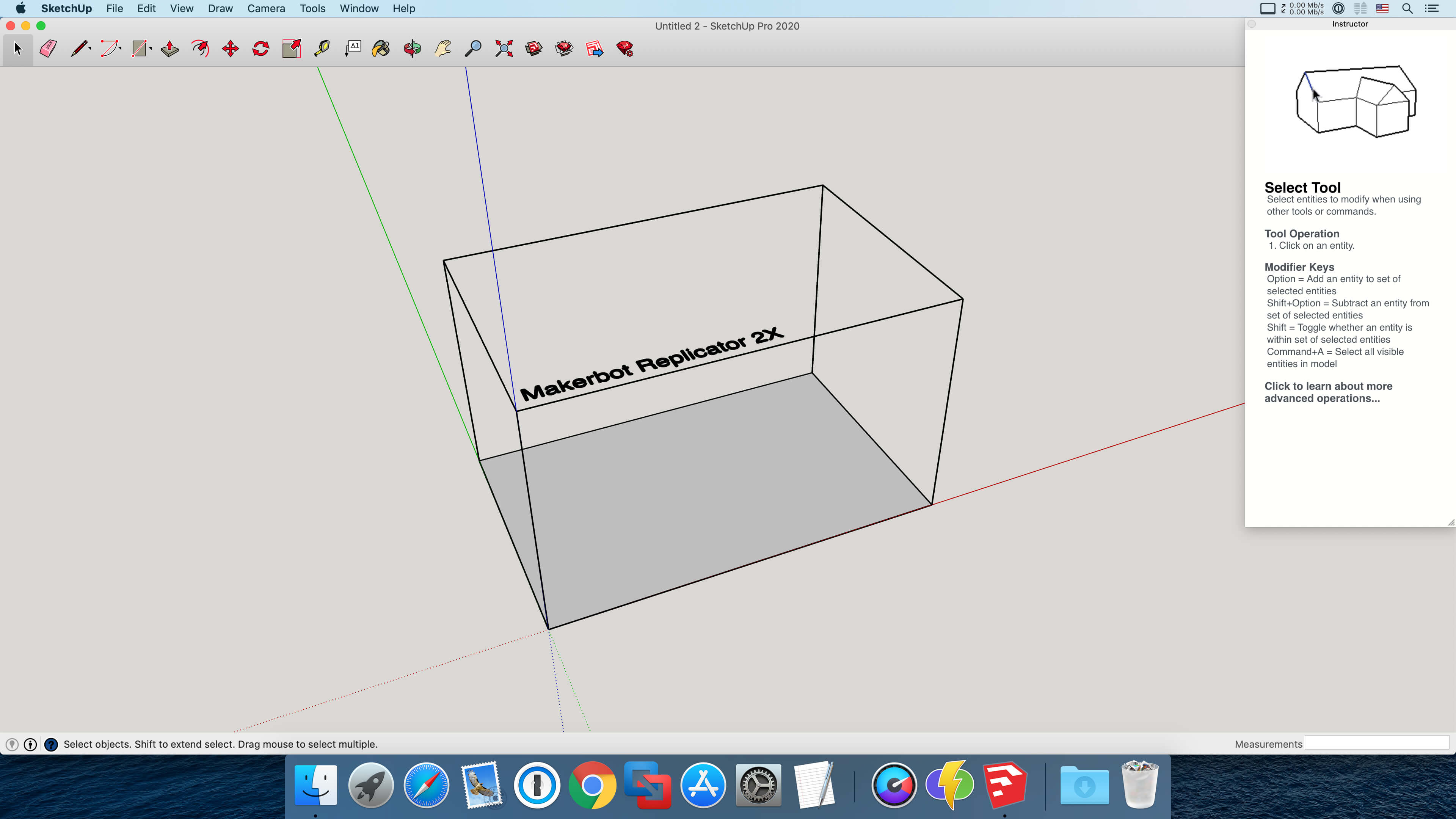
SketchUp is an easy-to-learn 3D modeling program that enables you to explore the world in 3D. With just a few simple tools, you can create 3D models of houses, sheds, decks, home additions, woodworking projects - even space ships.
Programming, diagramming, design development, detailing, documentation, RFIs—wherever you need drawings, you need SketchUp Pro.
A great mix of our classic desktop software, our shiny new SketchUp for Web modeler, and all sorts of things you’ve been asking for over the years — including the ability to publish, share, and store projects in the cloud with Trimble Connect.
Tools for your 3D modeling toolbox:
SketchUp Pro for Desktop
Fast, easy 3D modeling for anything you can imagine.
SketchUp for Web
Our powerful web modeler, with all the features you need to turn your designs into real things.
Unlimited cloud storage
Share, collaborate, and store your projects in the cloud. Gain flexibility and peace of mind.
2D design documentation
Create scaled drawing sets in 2D with LayOut.
VR model viewing
Wow your clients with a walkthrough of their project on Microsoft HoloLens, HTC Vive, or Oculus, on your phone or tablet.
Features that make your projects yours
Make your project look like only you can with custom Styles, Materials, and Outliner. And, make that work smooth and easy with Dynamic Components.
Version 2020.2 v20.2.171:
- Release notes were unavailable when this listing was updated.
Frequently asked questions
How do I install the app?
Mount the image, drag the app into the "Applications" folder and launch it. If the system blocks the launch, allow it in "System Settings → Privacy & Security".
The app is damaged or won't launch
Reinstalling from a fresh image usually helps. Make sure your macOS version matches the one listed in the compatibility specs.
How do I update?
Download the new version from the site and install it over the current one — your settings will be preserved.
The download link doesn't work
Try a mirror or a download manager. For large files the browser often drops the connection.
How do I completely remove the app?
Use an uninstaller utility — it cleans up the service files that remain after moving the app to the trash.
Information
Users of Guests are not allowed to comment this publication.
Choose a download source
SketchUp Pro 2020.2 v20.2.171 · 831.09 MB
Previous versions
SketchUp Pro 2020.2 v20.2.171
Previous versions are available to registered users.