
Autodesk AutoCAD 2018.1 for Mac
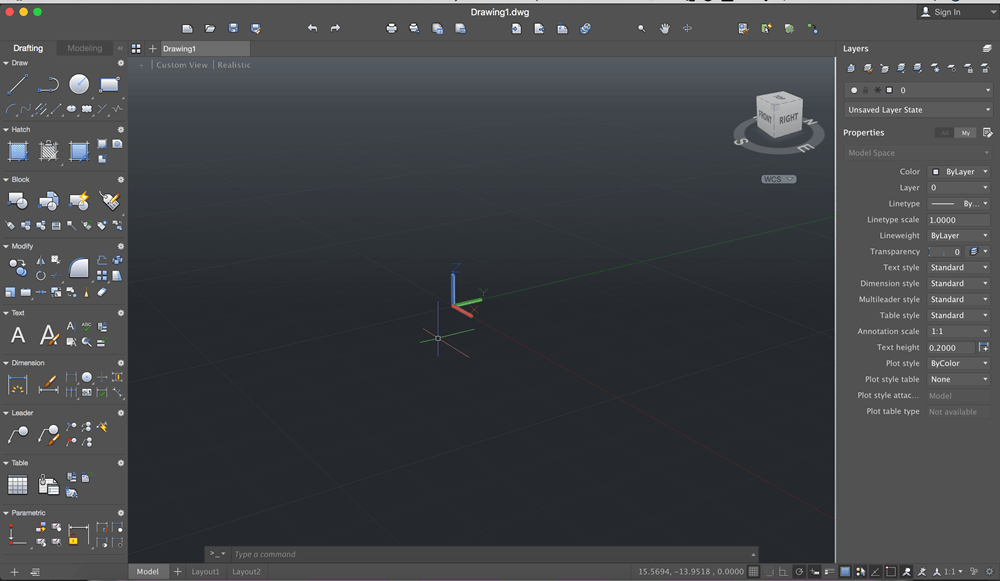
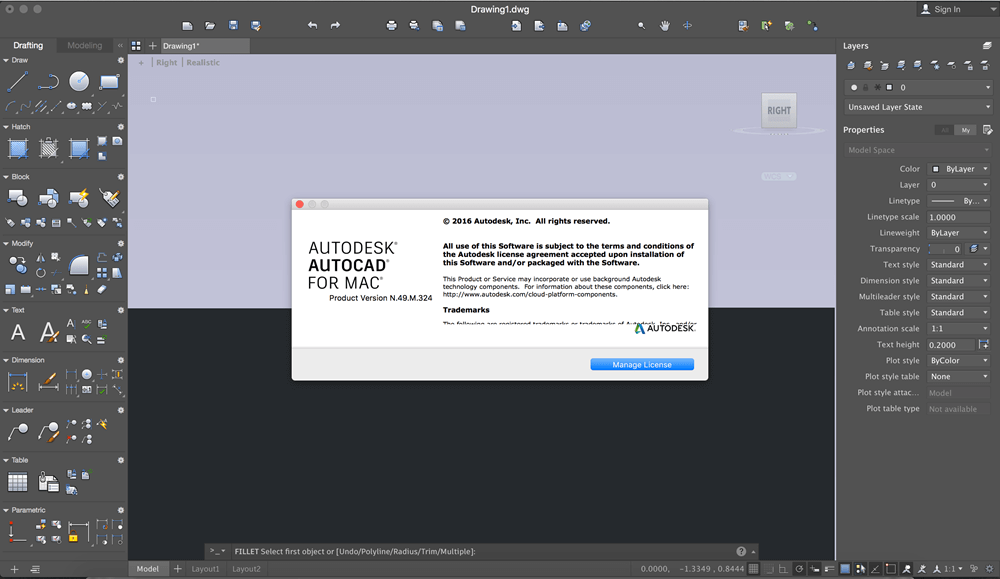
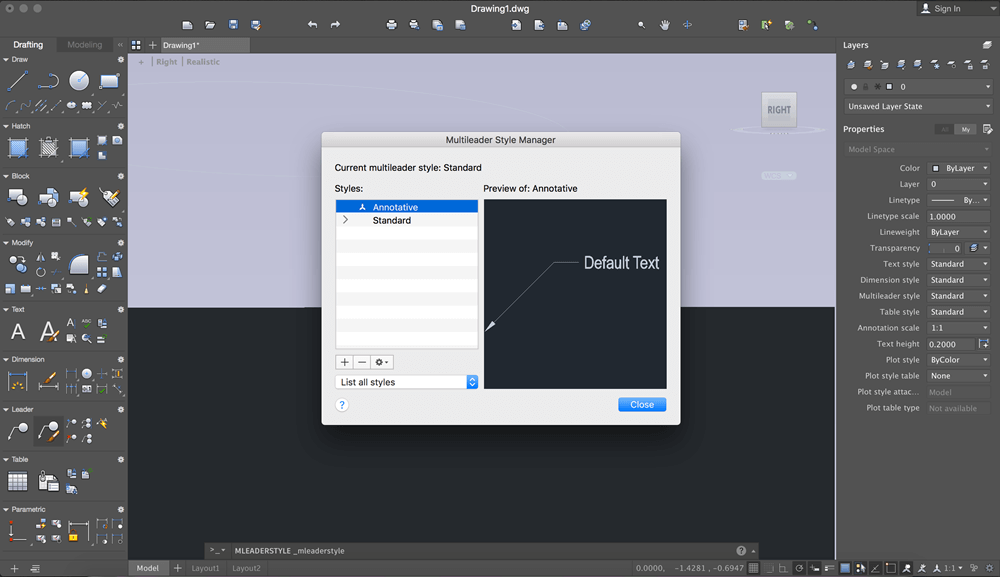

AutoCAD 2018 design and documentation software lets you create stunning designs. Speed documentation and detailing work with productivity tools, and share your work with TrustedDWG technology. Connect your workflow across integrated desktop, cloud, and mobile solutions. Select your CAD design software platform of choice with AutoCAD for Windows or AutoCAD for Mac.
New Features:
Import PDFs
Import the geometry from a PDF file into your drawing as an AutoCAD object.
Share design views
Collaborate with stakeholders by publishing your drawing views to the cloud.
Smart centerlines and center marks
Use powerful new tools to create and edit them quickly and more intuitively.
Autodesk desktop app
Get alerts on software updates, and access tutorials, content libraries, and more.
Simplified documentation
Boost detailing work with tools that create measurements based on your drawing context.
Connected design solutions
Connect your CAD workflow across desktop, cloud, and mobile solutions.
Innovative 3D design
Design and visualize virtually any concept with 3D free-form tools.
Personalized experience
Migrate your custom settings and files from previous releases.
System Requirements:
- Apple® macOS™ High Sierra v10.13 or later; Apple macOS Sierra v10.12 or later; Mac® OS® X El Capitan v10.11 or later
Version 2018:
- Release notes were unavailable when this listing was updated.
Frequently asked questions
How do I install the app?
Mount the image, drag the app into the "Applications" folder and launch it. If the system blocks the launch, allow it in "System Settings → Privacy & Security".
The app is damaged or won't launch
Reinstalling from a fresh image usually helps. Make sure your macOS version matches the one listed in the compatibility specs.
How do I update?
Download the new version from the site and install it over the current one — your settings will be preserved.
The download link doesn't work
Try a mirror or a download manager. For large files the browser often drops the connection.
How do I completely remove the app?
Use an uninstaller utility — it cleans up the service files that remain after moving the app to the trash.
VersionAutodesk AutoCAD 2018.1 for Mac
DeveloperAutodesk Inc.
CompatibilityOS X 10.10 or later, 64-bit processor
LanguageEnglish
IncludesK




Information
Visitors in the group Guests cannot leave comments on this publication.
Choose a download source
Autodesk AutoCAD 2018.1 for Mac · 1.53 GB