

SketchUp Pro 2018 v18.1.1180
Screenshots
Click to enlarge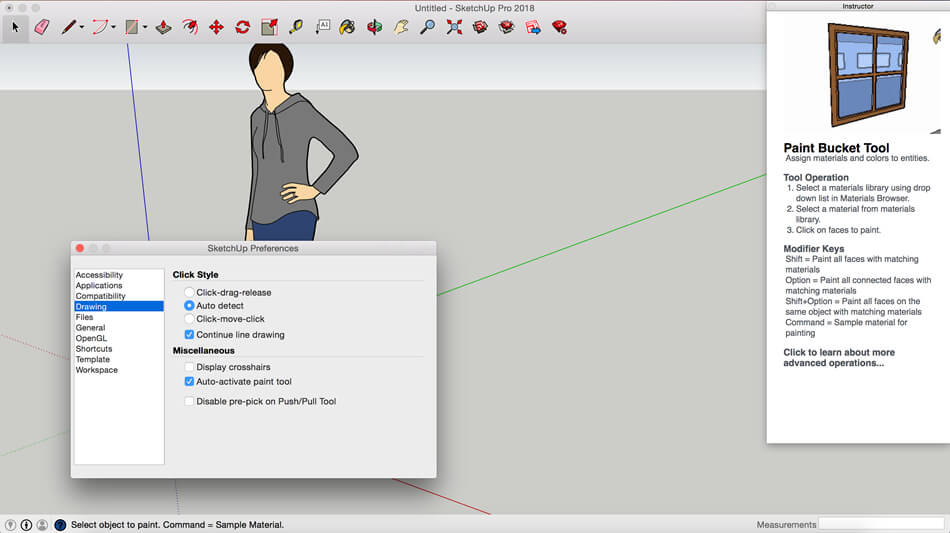
Description
SketchUP Pro - a professional version of the application allows you to create 3D-model and demonstrate them as presentations, share them. The program will be useful wherever there is a need to use of 3D-models, whether it's designing an extension to the house, teaching students geometry or to create a model for Google Earth.
A set of simple tools and the involvement of the intellectual system of drawing makes it easy to create and edit models and export them to create video or print the results. Instead of imposing the values of the coordinates, you can use the multi-function control system of the location of the object using the tag text prompts, lines of different colors. Using tools as close to real life, it is so much easier to learn and, most importantly, remember how to use them.
Trimble Connect
Trimble Connect is a new way to store, sync, reference, share, and collaborate on design/build projects. Sign up for a free account, then start uploading .skp, .pdf, .dxf, .ifc… however you work, Trimble Connect helps you work smarter together.
Reload 3D Warehouse models
In SketchUp 2018, 3D Warehouse models can work as reference objects in any project. Download a model from 3D Warehouse, then reload it to update changes to every instance of that component.
Generate Report 2.0
We thought you should have more control of what information SketchUp Pro exports from models, and how it’s organized. So we reworked ‘Generate Report’ tool to do just that.
LayOut cloud references
With this release, LayOut’s reference objects are web friendly. That means your LayOut projects can reference and update files that are stored and synced with services like Dropbox, Google Drive, and Trimble Connect Sync.
A new LayOut API
We’re proud to announce our first step towards an extension ecosystem for LayOut. Using this new API developers can now create and customize .layout files from SketchUp models.
and more...
Comments
No comments yet. Be the first.
Information
Visitors in the group Guests cannot leave comments on this publication.