
Nevercenter CameraBag Photo 2026.1

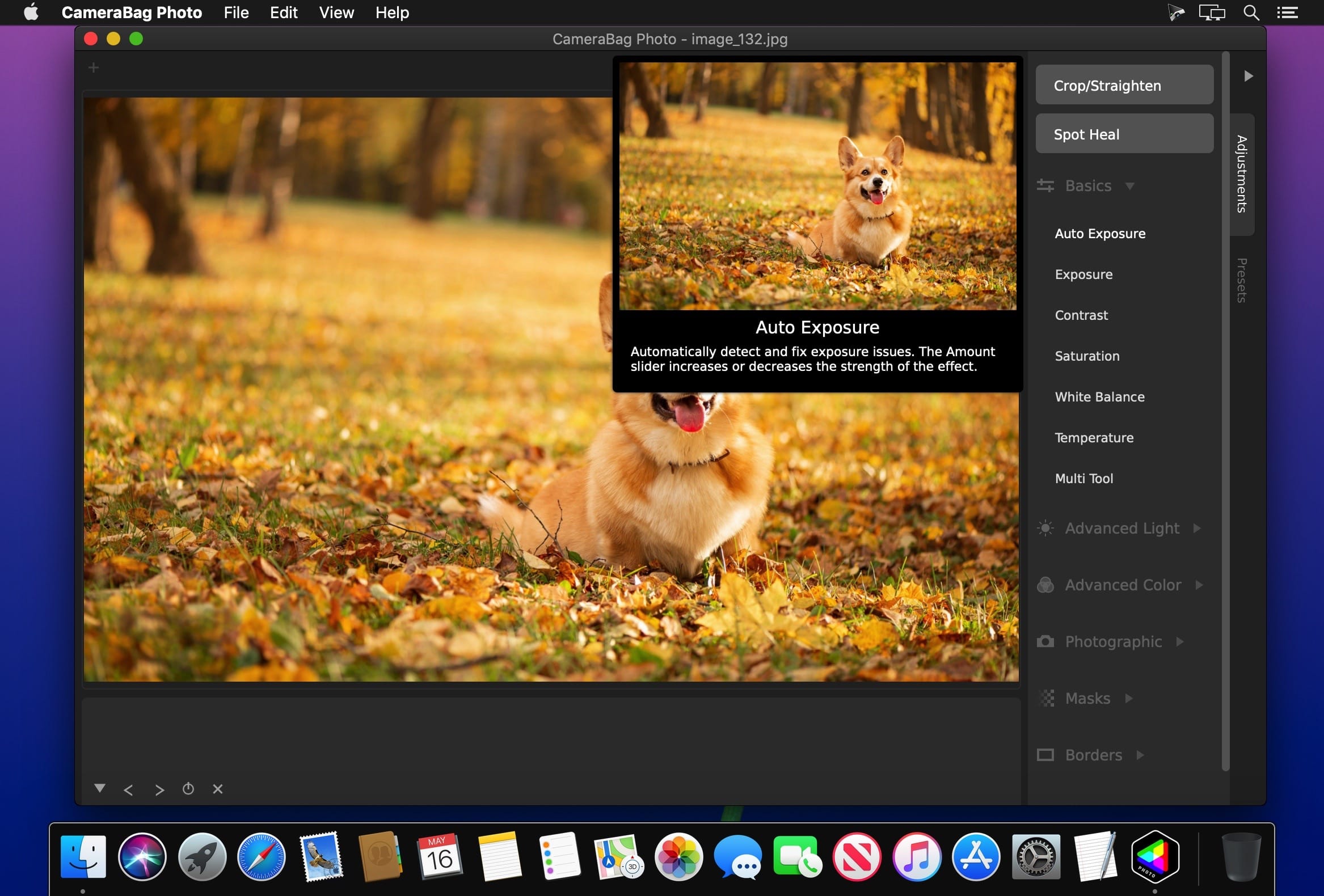
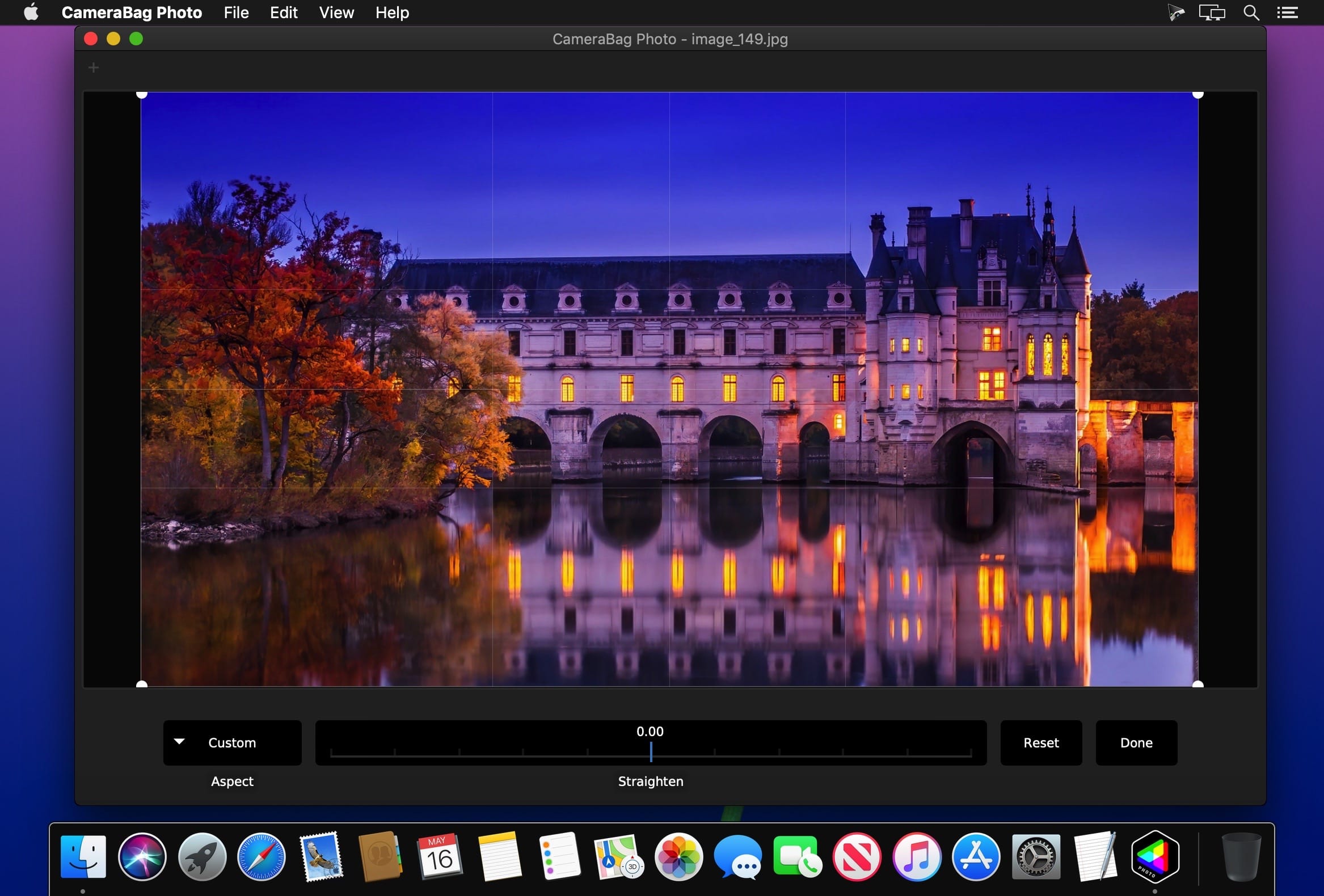
The best kept secret in photography just got a whole lot better! CameraBag lets you instantly apply one of hundreds of beautiful presets to your photos, and then dive deeper with ultra-intuitive professional adjustments.
With presets specifically designed for portraits, different landscape scenarios, faithful emulation of analog film stock from the past, popular modern photo styles, and more, CameraBag has you covered, even if you don’t yet know how to use all of its powerful tools.
For those with professional needs, what really sets CameraBag apart from other photo editors is just how intuitive and powerful its advanced tools are.
Unique curve tools, adjustment re-ordering and layering, and large precise controls let you do things you simply can’t do in other popular software.
Following are some ways CameraBag is perfect for specific groups of users.
Wedding Photography
- Easy batch filtering and watermarking
- Quick comparison tools for large sets of photos
- Tons of useful presets for wedding photography
Version 2026.1:
- Updates: official site does not provide any info about changes in this version
Frequently asked questions
How do I install the app?
Mount the image, drag the app into the "Applications" folder and launch it. If the system blocks the launch, allow it in "System Settings → Privacy & Security".
The app is damaged or won't launch
Reinstalling from a fresh image usually helps. Make sure your macOS version matches the one listed in the compatibility specs.
How do I update?
Download the new version from the site and install it over the current one — your settings will be preserved.
The download link doesn't work
Try a mirror or a download manager. For large files the browser often drops the connection.
How do I completely remove the app?
Use an uninstaller utility — it cleans up the service files that remain after moving the app to the trash.



Choose a download source
Nevercenter CameraBag Photo 2026.1 · 59.33 MB
Previous versions
Nevercenter CameraBag Photo 2026.1
Previous versions are available to registered users.