
Luminar 3.2.0
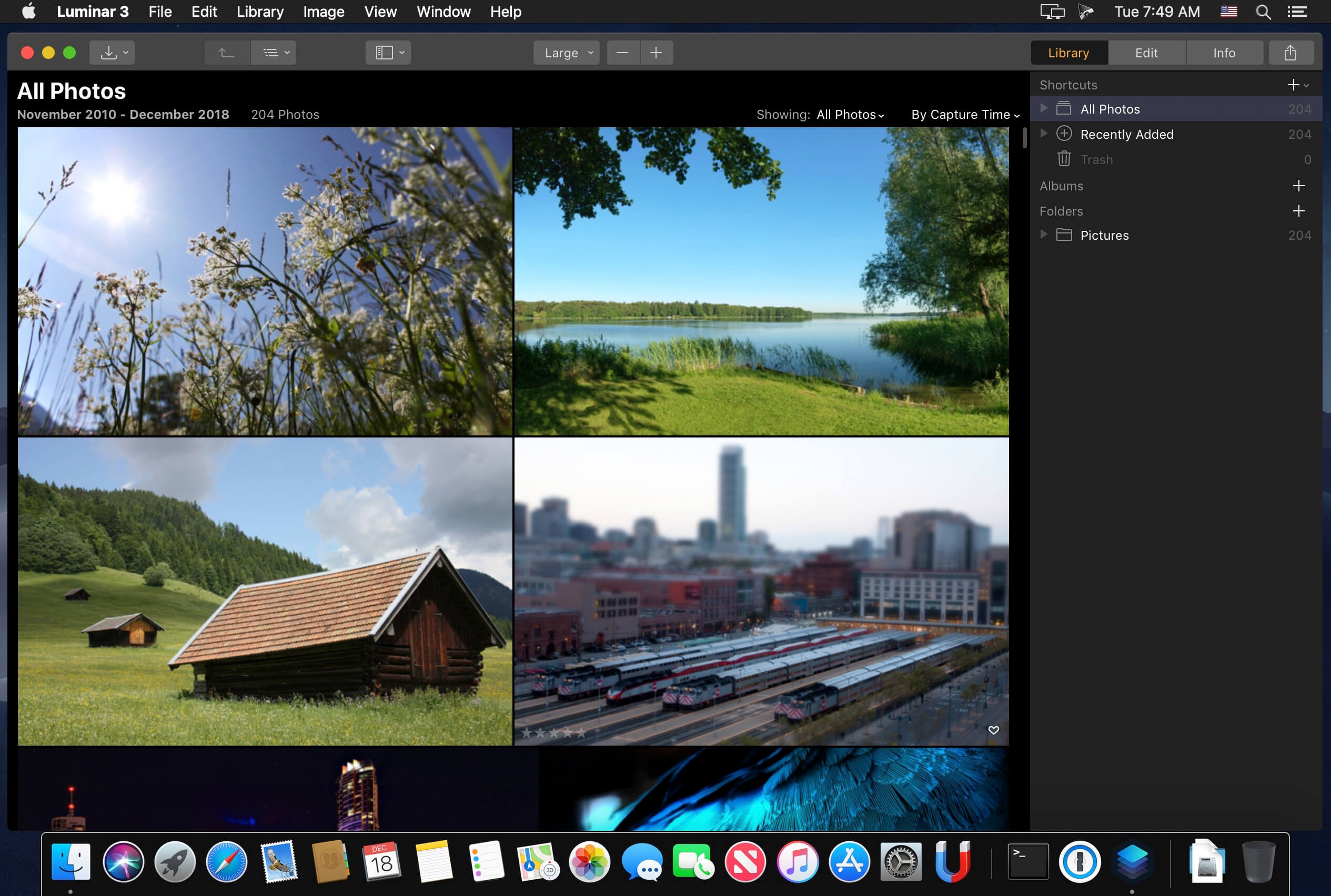
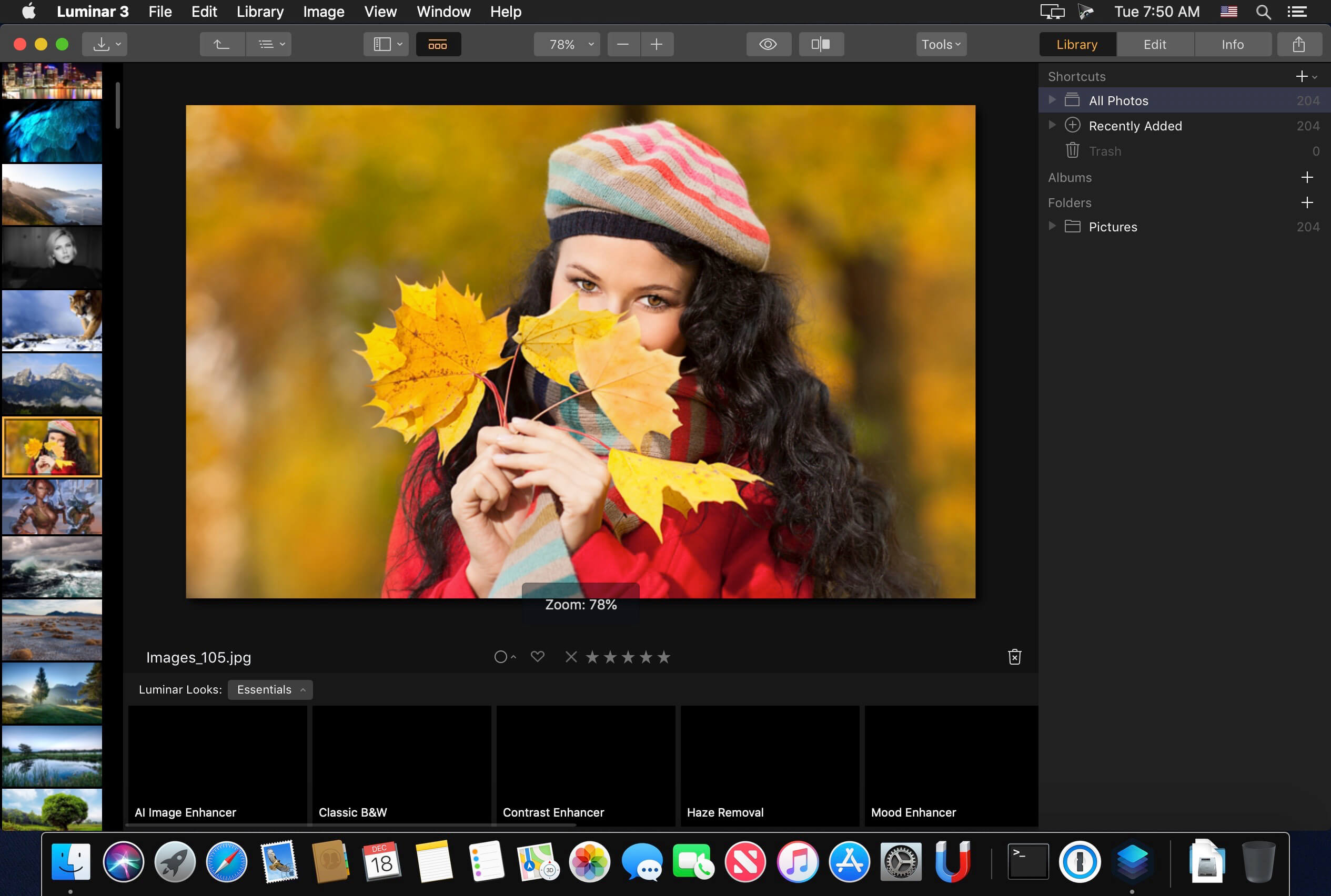
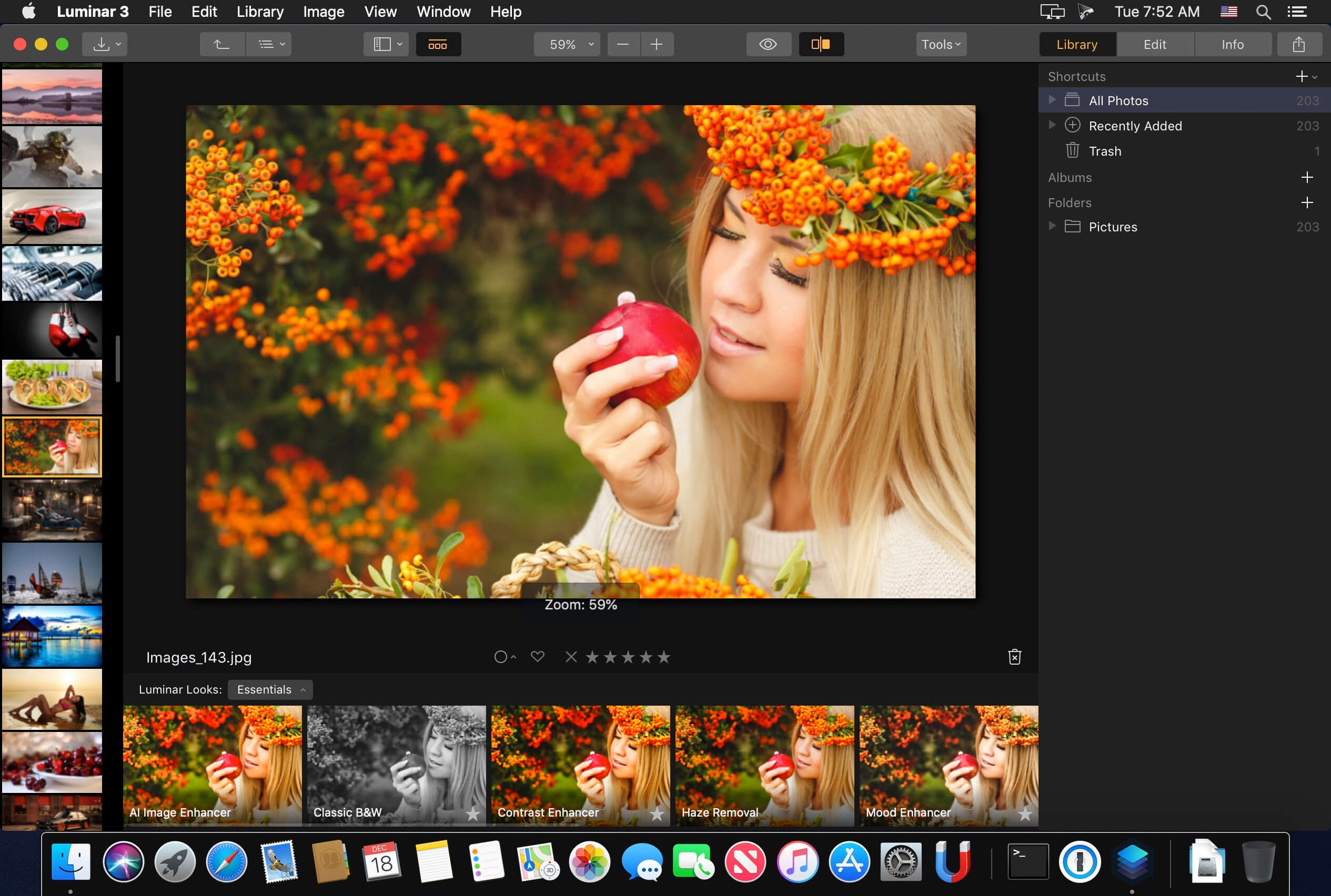
Luminar is the new full-featured image editor that adapts to the way you edit photos.
Luminar has been updated to ‘Luminar 3’ It adds a number of new features, along with general performance increases.
There are new filters, powered by artificial intelligence, that make it easy to get a “great-looking image” in seconds. Intelligent filters alongside real-time noise removal look to create a pleasing and easy user experience. Want to keep things really simple? There are over 100 one-click presets you can apply, as well as over 40 image enhancement filters.
Version 3.1.4:
- macOS Catalina supported
- Photos extension fixed
Frequently asked questions
How do I install the app?
Mount the image, drag the app into the "Applications" folder and launch it. If the system blocks the launch, allow it in "System Settings → Privacy & Security".
The app is damaged or won't launch
Reinstalling from a fresh image usually helps. Make sure your macOS version matches the one listed in the compatibility specs.
How do I update?
Download the new version from the site and install it over the current one — your settings will be preserved.
The download link doesn't work
Try a mirror or a download manager. For large files the browser often drops the connection.
How do I completely remove the app?
Use an uninstaller utility — it cleans up the service files that remain after moving the app to the trash.
VersionLuminar 3.2.0
DeveloperMacphun Software
CompatibilityOS X 10.11 or later, 64-bit processor
LanguageEnglish
IncludesK'ed by TNT





Information
Visitors in the group Guests cannot leave comments on this publication.
Choose a download source
Luminar 3.2.0 · 240.03 MB
Previous versions
Luminar 3.2.0
Previous versions are available to registered users.