CameraBag Cinema 3.0.210
Designed for professionals, CameraBag Cinema offers video filtering, color correction, and film emulation, all in a stand-alone package (which can be used alongside Final Cut, Premier, or any other NLE). It’s built around the core principles and technology of CameraBag Photo, which was chosen by Apple as Mac App Of The Year runner-up.
Professional Video And Image Processing
- 32-bits-per-channel Analog Engine offers unparalleled image quality
- Lightweight, instant-open standalone editing
- Easily use alongside Final Cut, Premier, or any other NLE
- Filter import/export via 3D LUT
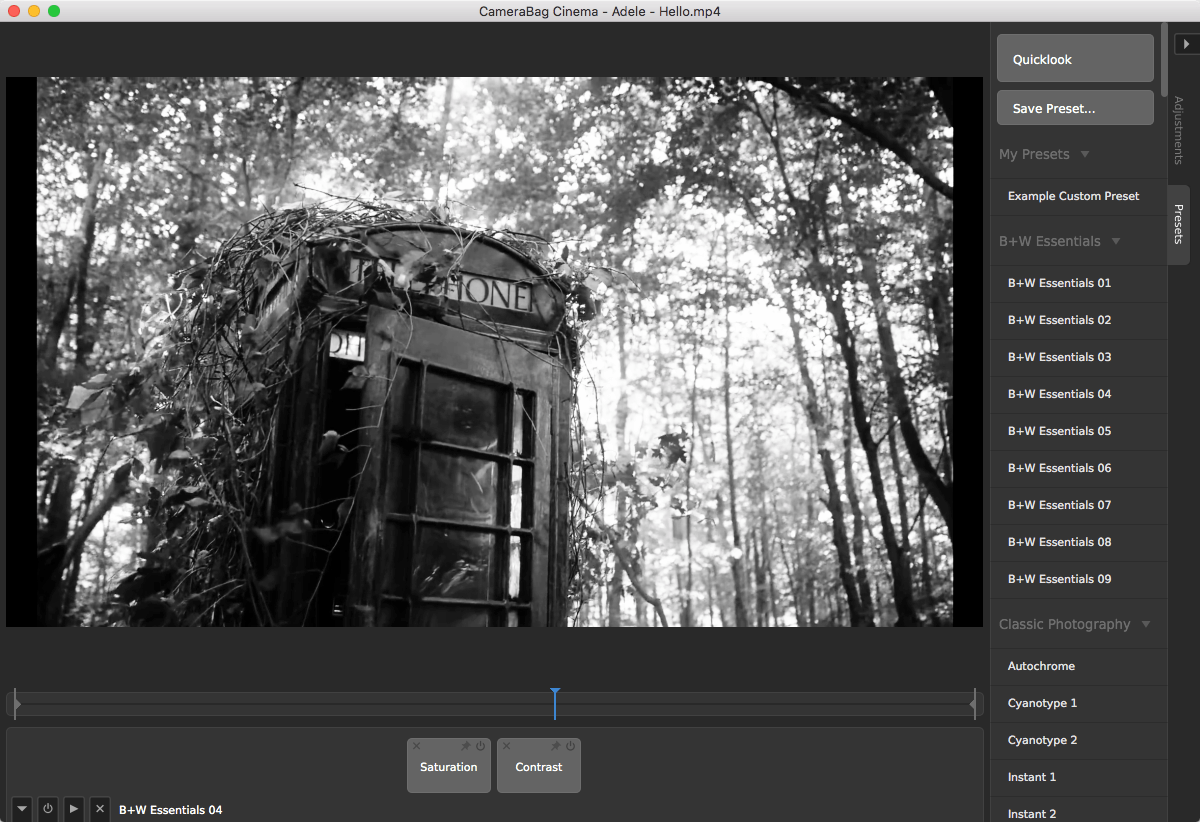
- Over 200 carefully-crafted and fully-adjustable presets to start
- Advanced color and light adjustments found nowhere else
- Supports 4K+ RED R3D files natively
- RAW photo support
Intuitive Interface And Workflow
- Tile-based adjustments show everything affecting the image
- Non-destructive editing and re-ordering of effects
- Easy preview rendering with instant cancel-and-view
- Live, animated adjustment previews
- Multi-threaded render queue
- Batch processing for images and videos
Film and Color Presets
- Hundreds of carefully-crafted film recreations and color styles, including:
- Motion and still film stock simulations
- Film tones and film processing technique simulations
- Wide array of black and white and color essentials
- Color Correction presets tuned to specific issues
- Matte, Filtered BW, Monocolor, Vintage, and other color styles
Advanced Light Adjustment Tools Include:
- RGB-based Tone Curve
- Luminance-based Tone Curve
- HSV Value-based Tone Curve
- HSL Lightness-based Tone Curve
- Gamma Curve
- Luminance Contrast
- Shadows and Highlights
- Dynamics
- Brightness
Advanced Color Adjustment Tools Include:
- Coloring (Colorize, Tint, Color Filter, Dye, Color Balance, Screen, Multiply)
- Coloring Curve (Colorize, Tint, Color Filter, Dye, Color Balance, Screen, Multiply)
- R,G,B Separated Curves
- Individual Component Curves (Red, Green, Blue, Red+Green, Green+Blue, Blue+Red)
- Hue Saturation Curves
- Hue Shift Curves
- Hue Brightness Curves
- Split Tone
- Color Balance
- Color Mixer
- Filtered B+W
Basic Tools
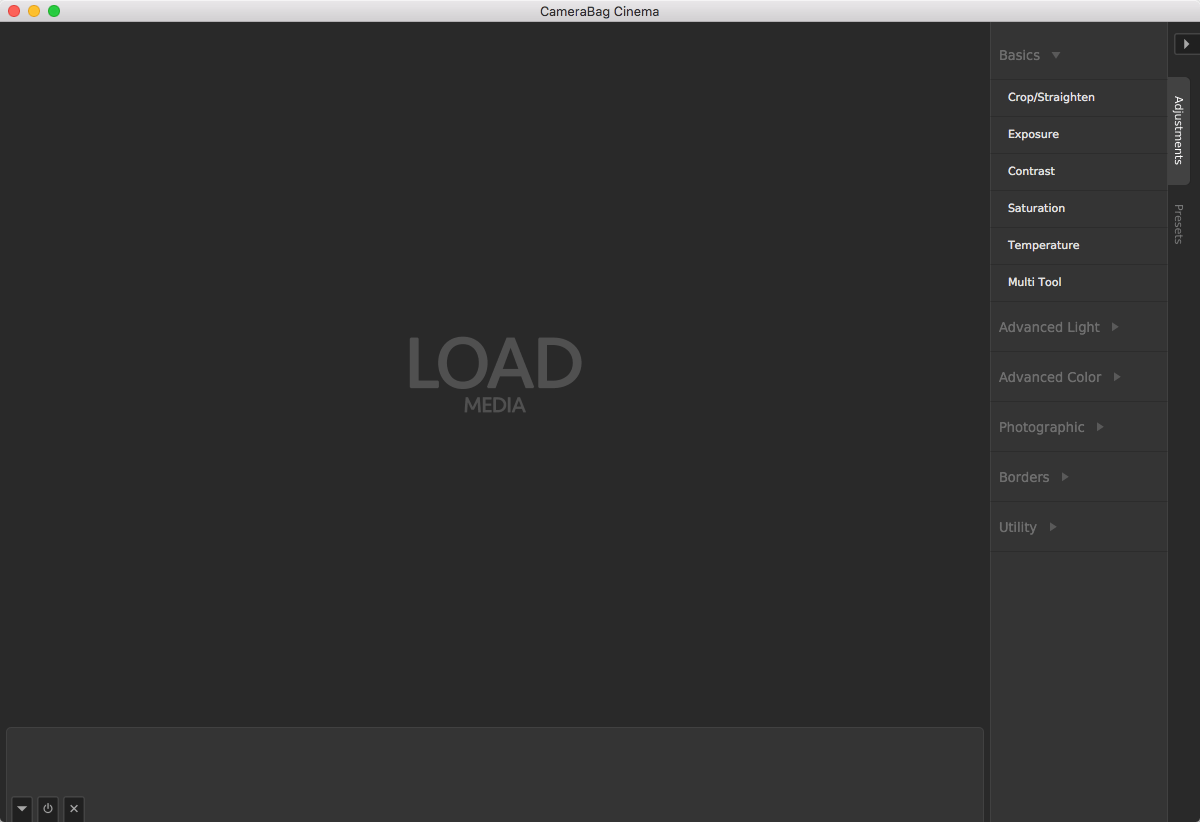
- Basic adjustments including Crop/Straighten, Exposure, Contrast, Saturation, and Temperature
- Photographic adjustments including Vignette, Grain, Sharpen, Blur, and Circular Blur
- Multi Tool which combines Exposure, Contrast, and Saturation into a single tile
- Borders (Basic, Fill, and Image)
- Watermarking
- Dead Pixel Correction
- Cube LUT import and export
WHAT’S NEW
Version 3.0.100:
- Added new filter set: B+W Films.
- Re-enabled opening next/previous image files by pressing left or right arrow keys (without holding shift).
- Fixed a bug where images on Mac wouldn't load when dragged onto the app icon or opened from within another app when CameraBag wasn't already open.
- Fixed bug in windows that stopped images loading with certain international characters in the file path.
Screenshots


Frequently asked questions
How do I install the app?
Mount the image, drag the app into the "Applications" folder and launch it. If the system blocks the launch, allow it in "System Settings → Privacy & Security".
The app is damaged or won't launch
Reinstalling from a fresh image usually helps. Make sure your macOS version matches the one listed in the compatibility specs.
How do I update?
Download the new version from the site and install it over the current one — your settings will be preserved.
The download link doesn't work
Try a mirror or a download manager. For large files the browser often drops the connection.
How do I completely remove the app?
Use an uninstaller utility — it cleans up the service files that remain after moving the app to the trash.
VersionCameraBag Cinema 3.0.210
DeveloperNevercenter Ltd.
CompatibilityOS X 10.9 or later, 64-bit processor
LanguageEnglish
IncludesK'ed by TNT
Information
Visitors in the group Guests cannot leave comments on this publication.
Choose a download source
CameraBag Cinema 3.0.210 · 30.46 MB