

Gifox Pro 2.2.5
Screenshots
Click to enlarge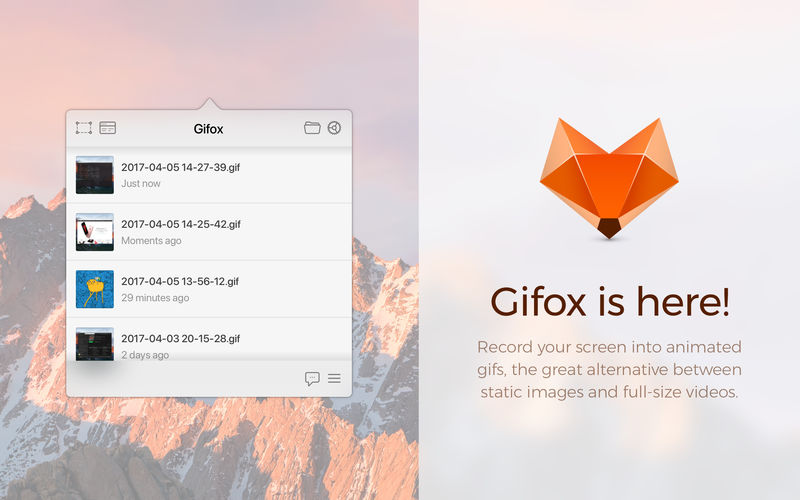
Gifox is a beautifully designed and masterfully crafted app that records your screen into animated gifs – the great alternative between static images and full-size videos. It's your best companion for:
- Micro-screencasts and product demos
- Animated instructions and bug reporting
- Selective on-screen video capturing
SELECTION MODES
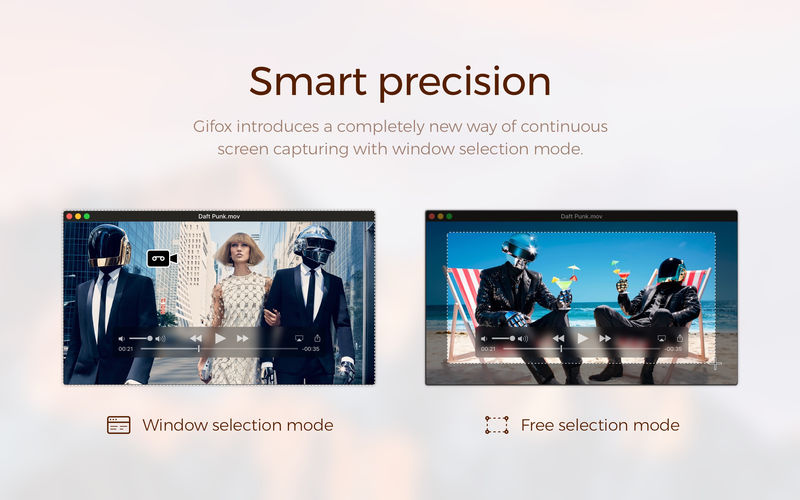
Gifox introduces a completely new way of continuous screen capturing with window selection mode – you select a window and Gifox precisely records it even when it's moved or covered up by other windows. Free selection mode is also there for you – fast-select any area on the screen and hit record, like you used with the standard grab app / Cmd+Shift+4 command.
- Pixel-sharp selection with accurate margins
- Only selected window without any overlaps
- With or without window shadow
- With or without desktop background
CAPTURE CONTROL
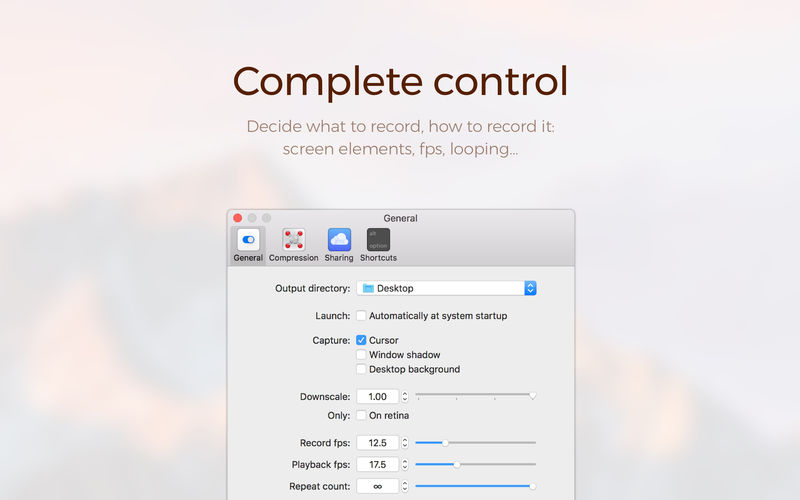
A set of capturing options accessible via preferences window let you explicitly control your recording and output.
- Record fps
- Playback fps
- Window shadow
- Desktop background
COMPRESSION OPTIONS
Advanced compression options provide complete control over output quality and file size.
- Colour
- Palette generation
- Dithering
SHORTCUTS
Open up Gifox in any selection mode using preconfigured global shortcuts.
- Cmd+Shift+5 initiates/stops free selection mode recording
- Cmd+Shift+6 initiates/stops window mode recording
- Custom shortcuts are coming in April release
SHARING
Easily share your recordings with Dropbox, Google Drive and Imgur with support for more great services underway. We want to know what integrations would be most useful for you, let us know using the in-app feedback form or contacts on our website.
Version 2.2.5:
This release addresses export issues introduced in previous 2.2.4 version and focused on smaller fixes minor improvements.
Improvements:
This release addresses export issues introduced in previous 2.2.4 version and focused on smaller fixes minor improvements.
Improvements:
- Add import media main menu item.
- Export with very high frame rate would occasionally fail.
- Gifox would sometimes freeze after creating new output directory.
- Crash when deleting output directory during recording.
- Updated editor frame rate gets applied only for consecutive exports.
- Latest key interaction wouldn't disappear over time as expected.
- First frame would sometimes capture the selection UI.
- Numeric settings with comma separator wouldn't allow typing-in decimal part.
Comments
No comments yet. Be the first.
Information
Visitors in the group Guests cannot leave comments on this publication.