HazeOver 1.9.7
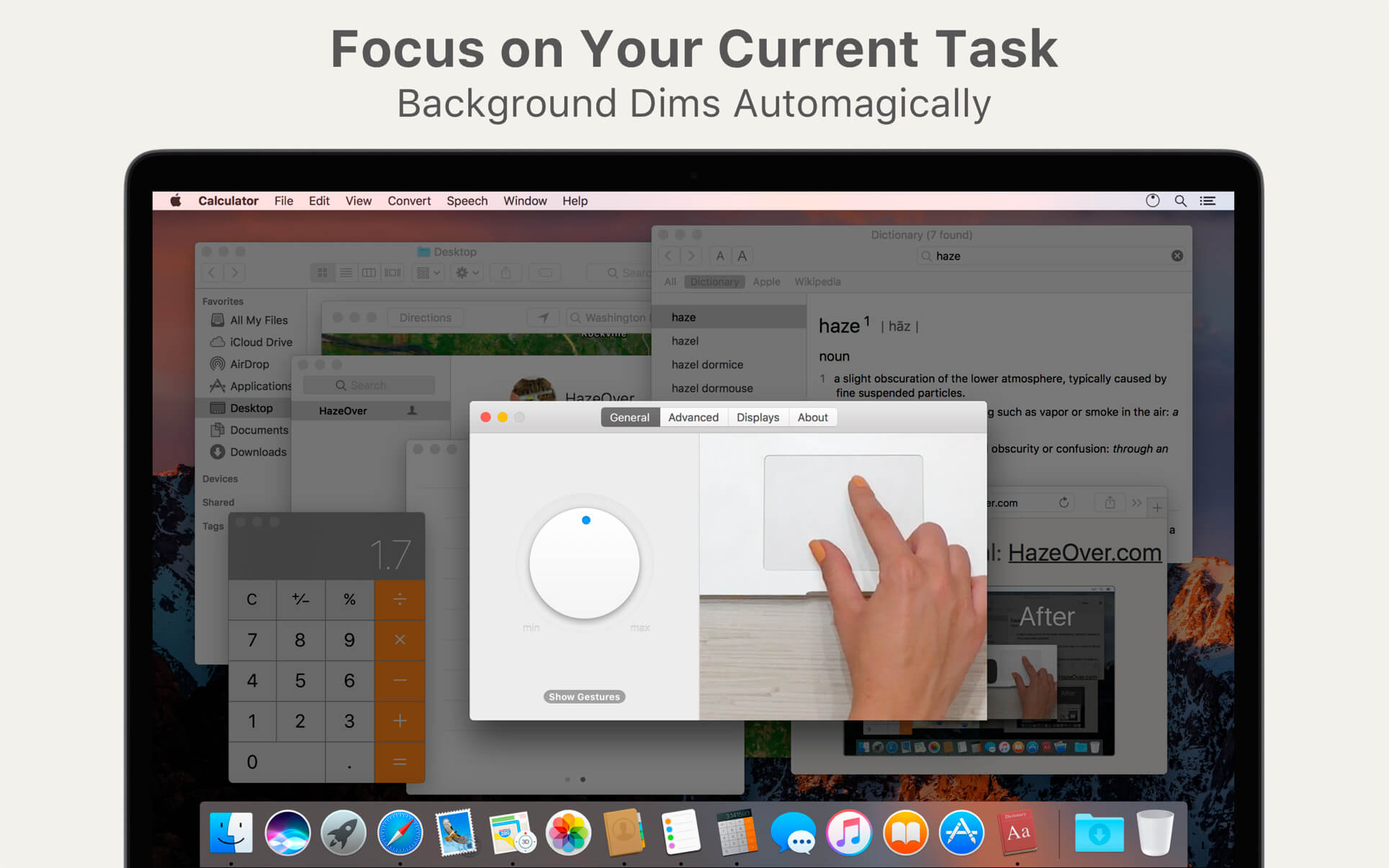
HazeOver — Distraction Dimmer for Mac. Turn distractions down and focus on your current task. Get rid of distractions and focus on your current task. HazeOver automatically highlights the front app window by fading out all the background windows.
How to Increase Productivity on Mac with HazeOver?
- Help yourself focus on one thing at a time. Automagically.
- Spend less time managing windows. Window clutter will no longer bother you.
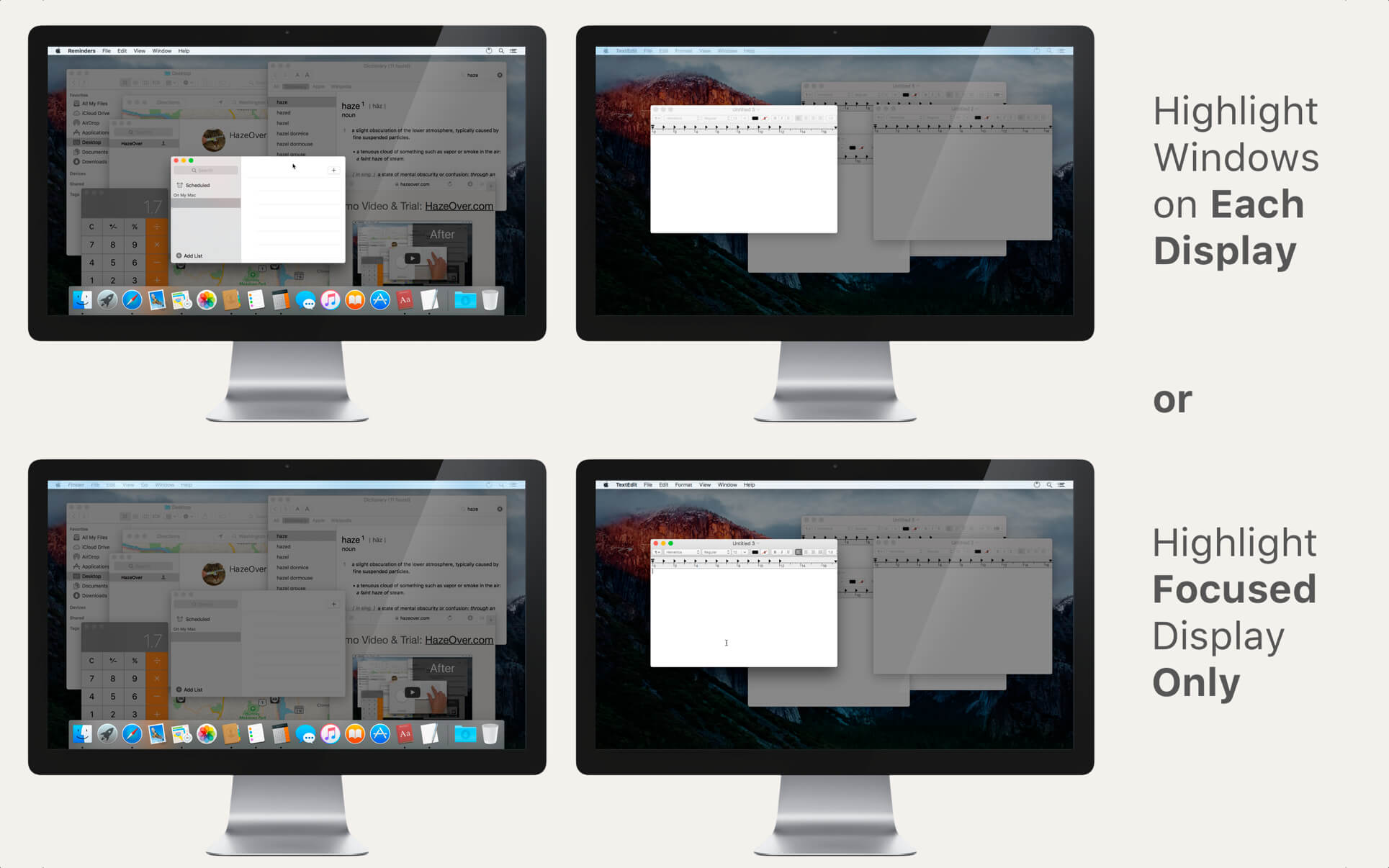
- Multiple displays? HazeOver will let you know which screen is focused or highlight a window on each monitor.
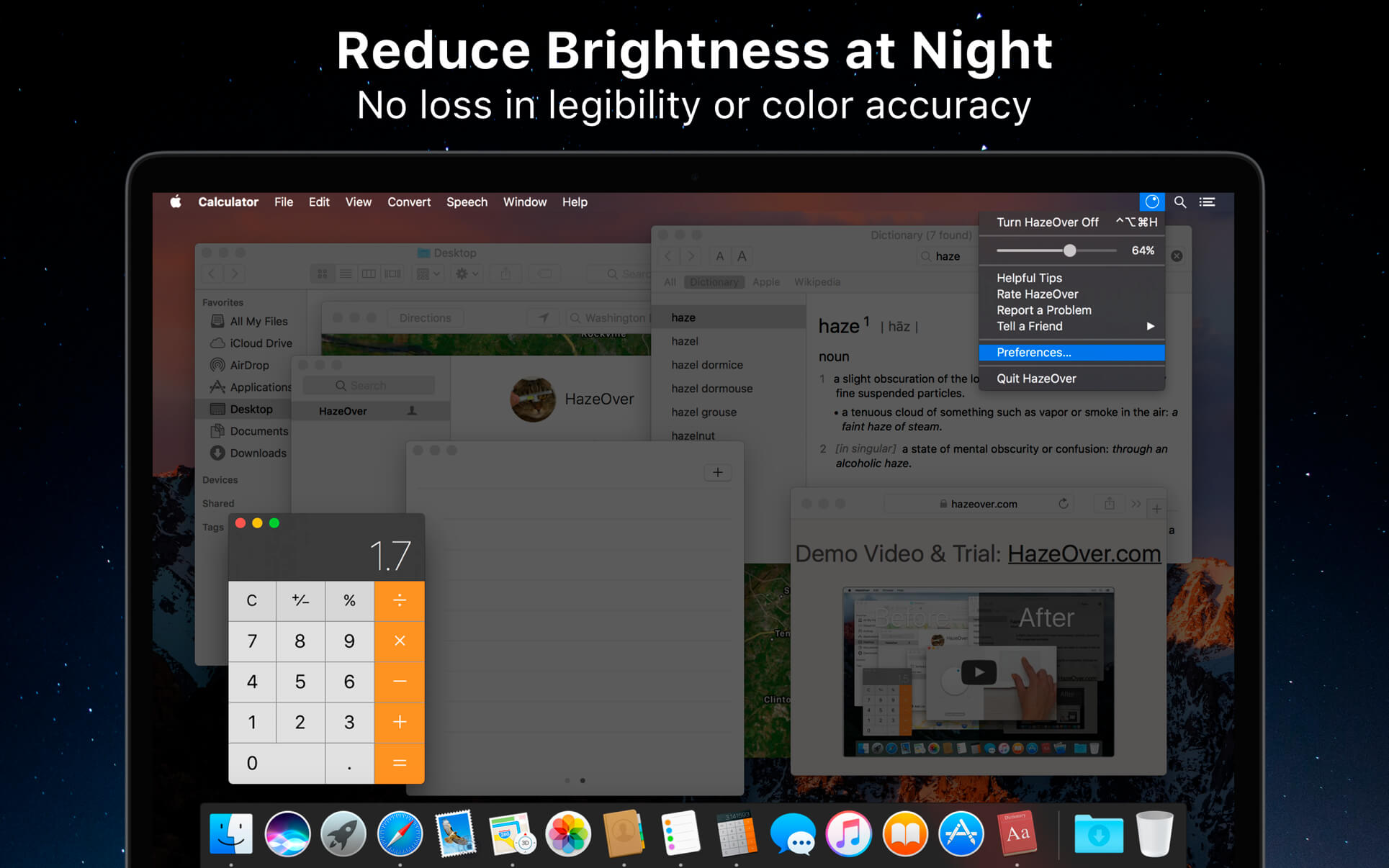
- Working at night? Reduce brightness of OS X interface without sacrificing legibility or color accuracy of the front window.
- Dark menu bar and Dock mode will look so pleasing!
Heavy multi-tasking kills your concentration. All that tweets, emails, chat messages and lolcats staring back at you from the background. They strive for your attention. And you only have that much of it.
Don't let yourself drown in scores of open windows. Hiding, switching, looking for the right one, more hiding, more switching. Calm down, breathe in, breathe out, launch HazeOver and finally concentrate on what's you've been up to.
HazeOver automatically highlights an active window or app when you switch windows. The less important things gently fade away in the background, helping increase your productivity.
Set the hazing intensity and speed to your liking. Be it a soft dimming, an undemanding hint to focus on your workflow. Or a powerful dark background for outright dedication to your current task.
- Desktop is automatically revealed when focused (requires Accessibility)
- Toggle the shade with a keyboard shortcut or adjust intensity with a gesture.
- Dragging stuff between apps? Tap "fn" key and HazeOver will gracefully fade out.
Version 1.9.7
- Updated for macOS Tahoe and Liquid Glass.
- Fixed: quitting unexpectedly when using a third-party menu bar manager.
- Improved screen reader support and keyboard navigation following Voluntary Product Accessibility Template® audit.
Frequently asked questions
How do I install the app?
Mount the image, drag the app into the "Applications" folder and launch it. If the system blocks the launch, allow it in "System Settings → Privacy & Security".
The app is damaged or won't launch
Reinstalling from a fresh image usually helps. Make sure your macOS version matches the one listed in the compatibility specs.
How do I update?
Download the new version from the site and install it over the current one — your settings will be preserved.
The download link doesn't work
Try a mirror or a download manager. For large files the browser often drops the connection.
How do I completely remove the app?
Use an uninstaller utility — it cleans up the service files that remain after moving the app to the trash.



Choose a download source
HazeOver 1.9.7 · 4.45 MB
Previous versions
HazeOver 1.9.7
Previous versions are available to registered users.