
DupeZap 4.1.4 fix
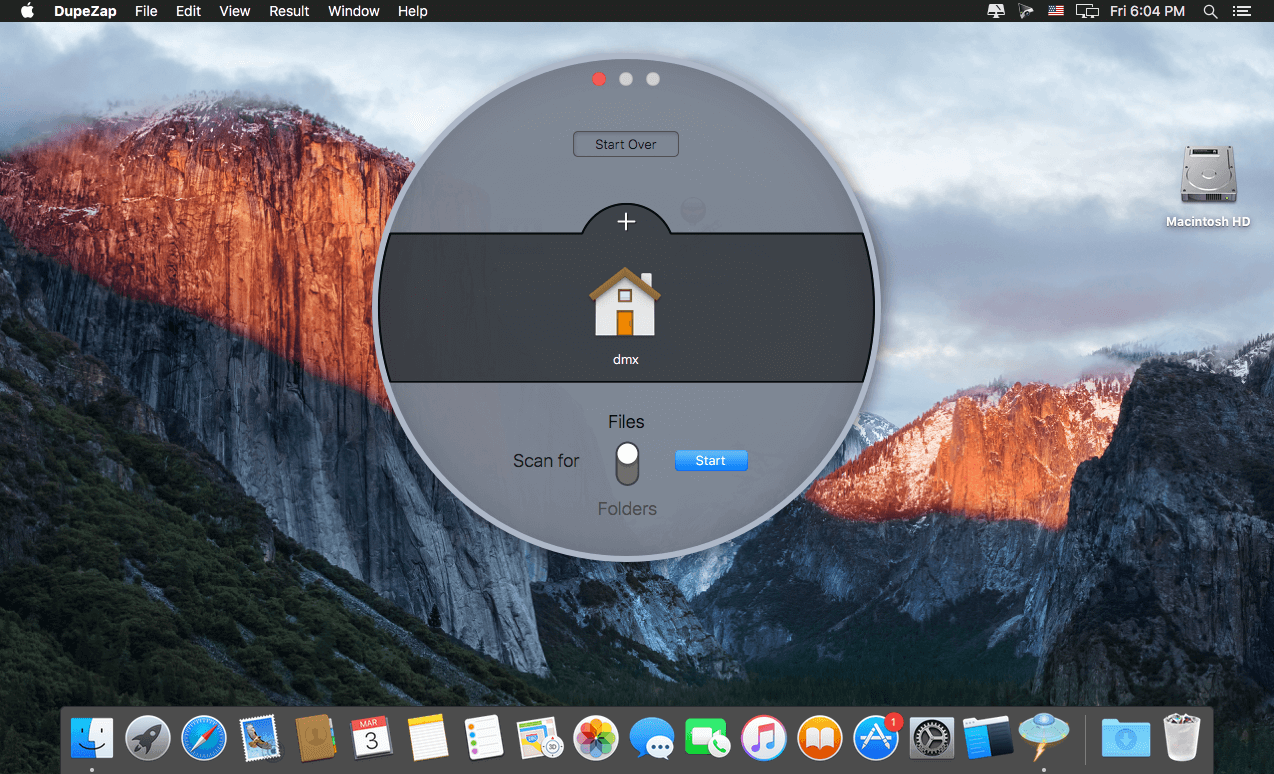
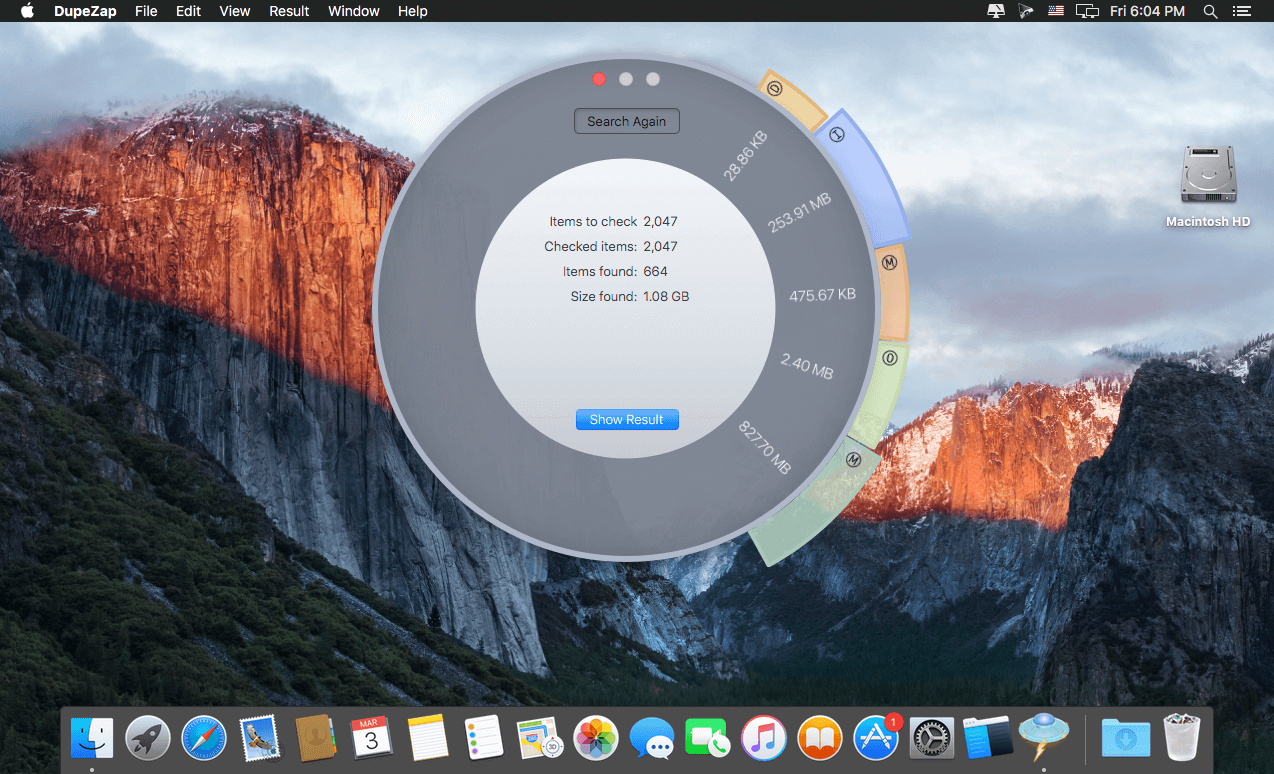
DupeZap (was DupeZap Plus) is a modern duplicate finder with a stylish interface, is easy to use, and is powerful. It is extremely fast, and scans your computer accurately.
Features
Search for any file:
- Scan for Photos and iTunes duplicate files
- Find any duplicate file type (PDFs, images, movies, etc...)
- Search for duplicate folders
Scan anywhere:
- Search in your hard drive
- Scan any mounted disk (external hard drives, USB keys, etc...)
- Search in multiple locations at the same time, and enable additional features that help you in the cleaning of duplicates
Easily select duplicate files:
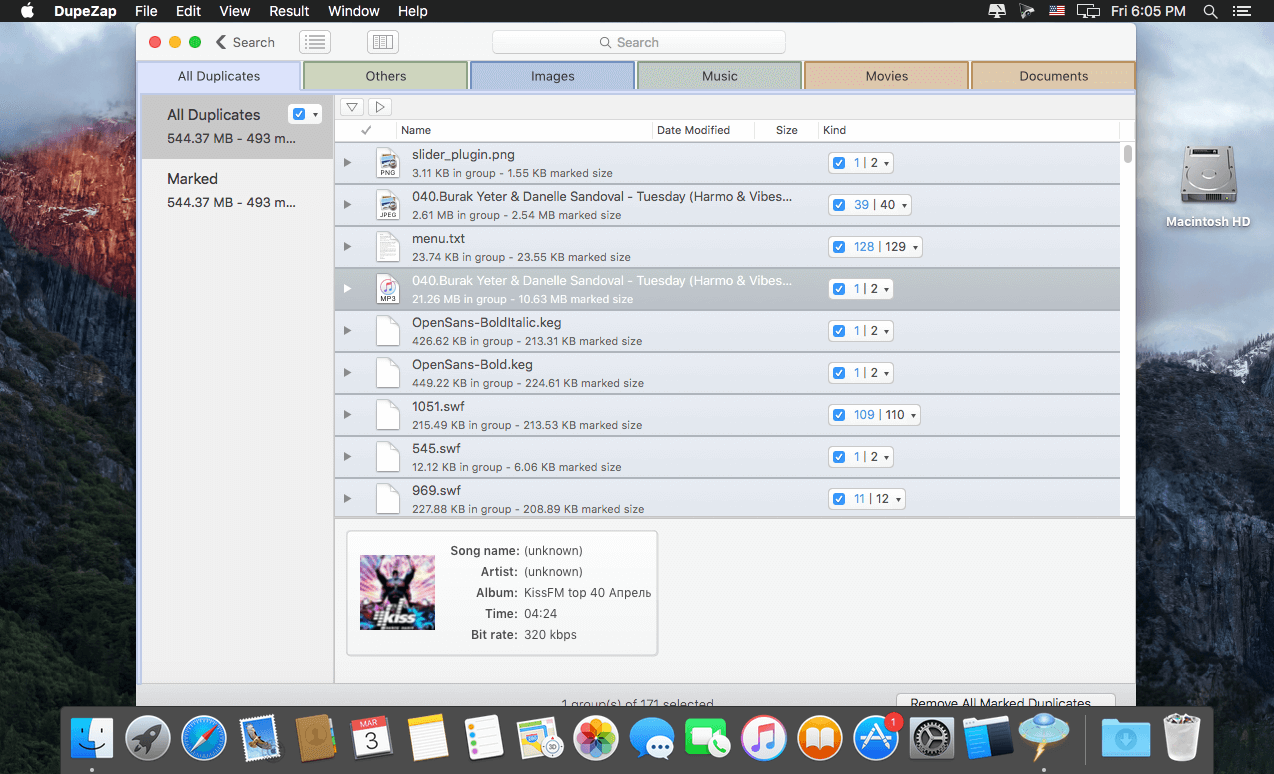
- Result organized based on file types
- Result organized based on path of files (if search was performed in multiple locations)
- Automatic marking for a fast remotion
- Several marking options (mark oldest, newest, etc...) available for single locations or for all found duplicates
- Multiple files preview
Safely delete or move marked duplicates:
- Delete the marked duplicates
- Move them to a folder instead of deleting them
- Replace the removed files with hard links, if desired
- Restore the removed (or moved) items if a mistake was made
Additional features:
- iTunes "Dead" track report
- Empty folders report
- Save the result to continue the cleaning job later
- Export the result to consult it in a spreadsheet app
Version 4.1.4:
- Added full compatibility with macOS big Sur (version 11.0).
- Bug fixes.
Frequently asked questions
How do I install the app?
Mount the image, drag the app into the "Applications" folder and launch it. If the system blocks the launch, allow it in "System Settings → Privacy & Security".
The app is damaged or won't launch
Reinstalling from a fresh image usually helps. Make sure your macOS version matches the one listed in the compatibility specs.
How do I update?
Download the new version from the site and install it over the current one — your settings will be preserved.
The download link doesn't work
Try a mirror or a download manager. For large files the browser often drops the connection.
How do I completely remove the app?
Use an uninstaller utility — it cleans up the service files that remain after moving the app to the trash.




Choose a download source
DupeZap 4.1.4 fix · 16.74 MB
Previous versions
DupeZap 4.1.4 fix
Previous versions are available to registered users.