BetterZip 4.2.5.1558
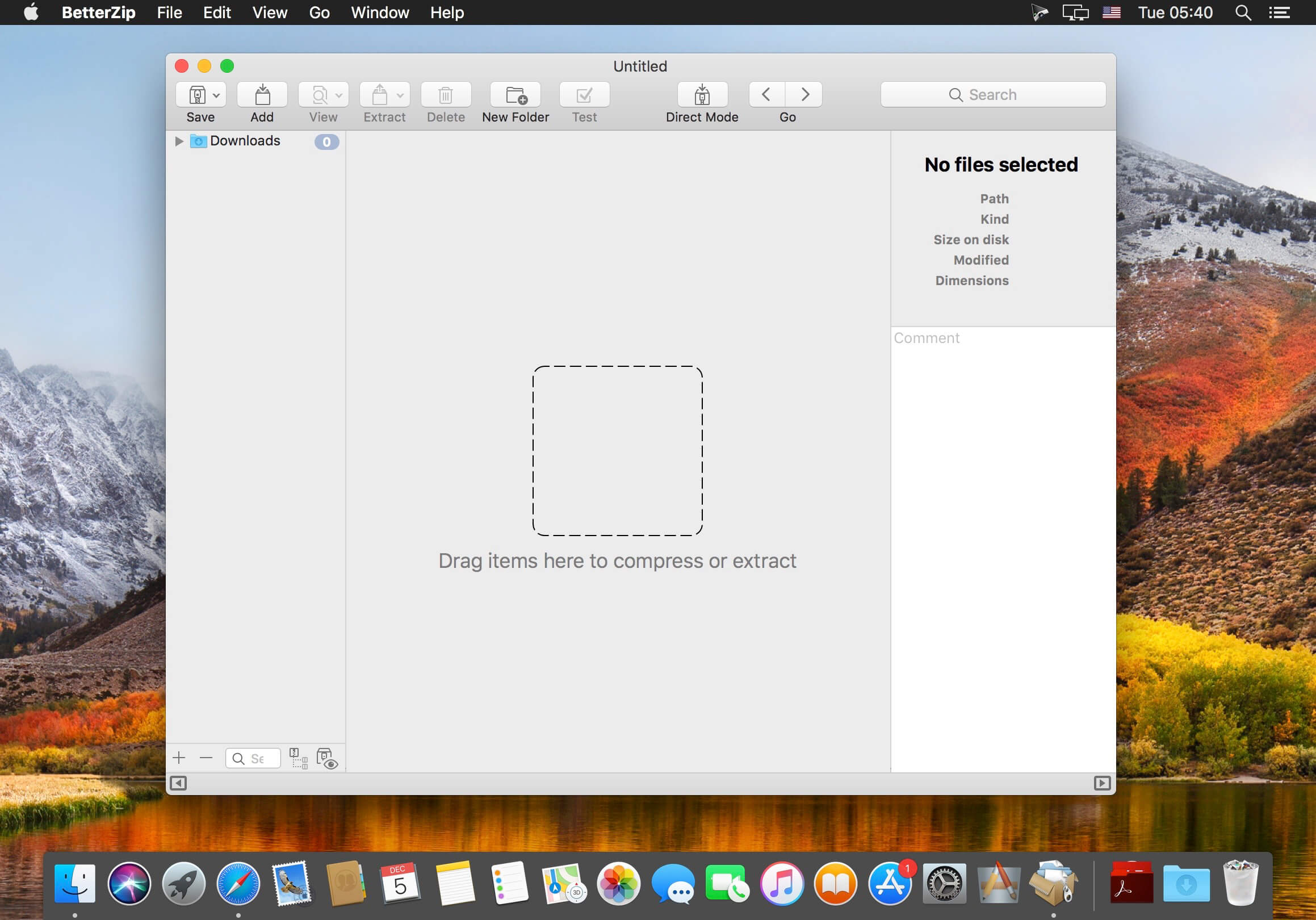
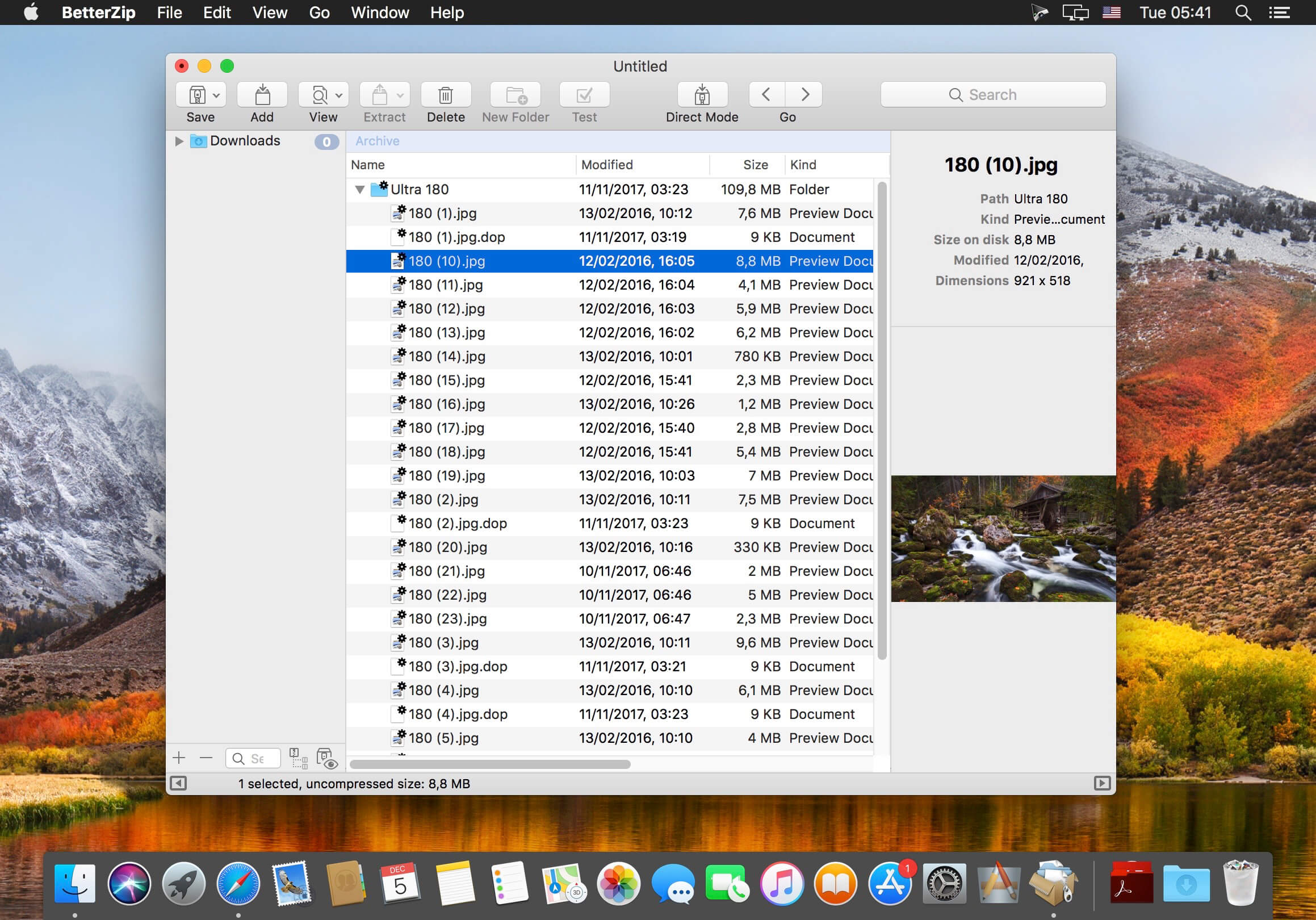
BetterZip lets you quickly inspect archives without first extracting their contents.
- Extract Only Files You Really Need: If you only need a few files or folders from a larger archive, you don’t have to extract the whole thing. Simply drag the files you need from the BetterZip window to any Finder window or the desktop.
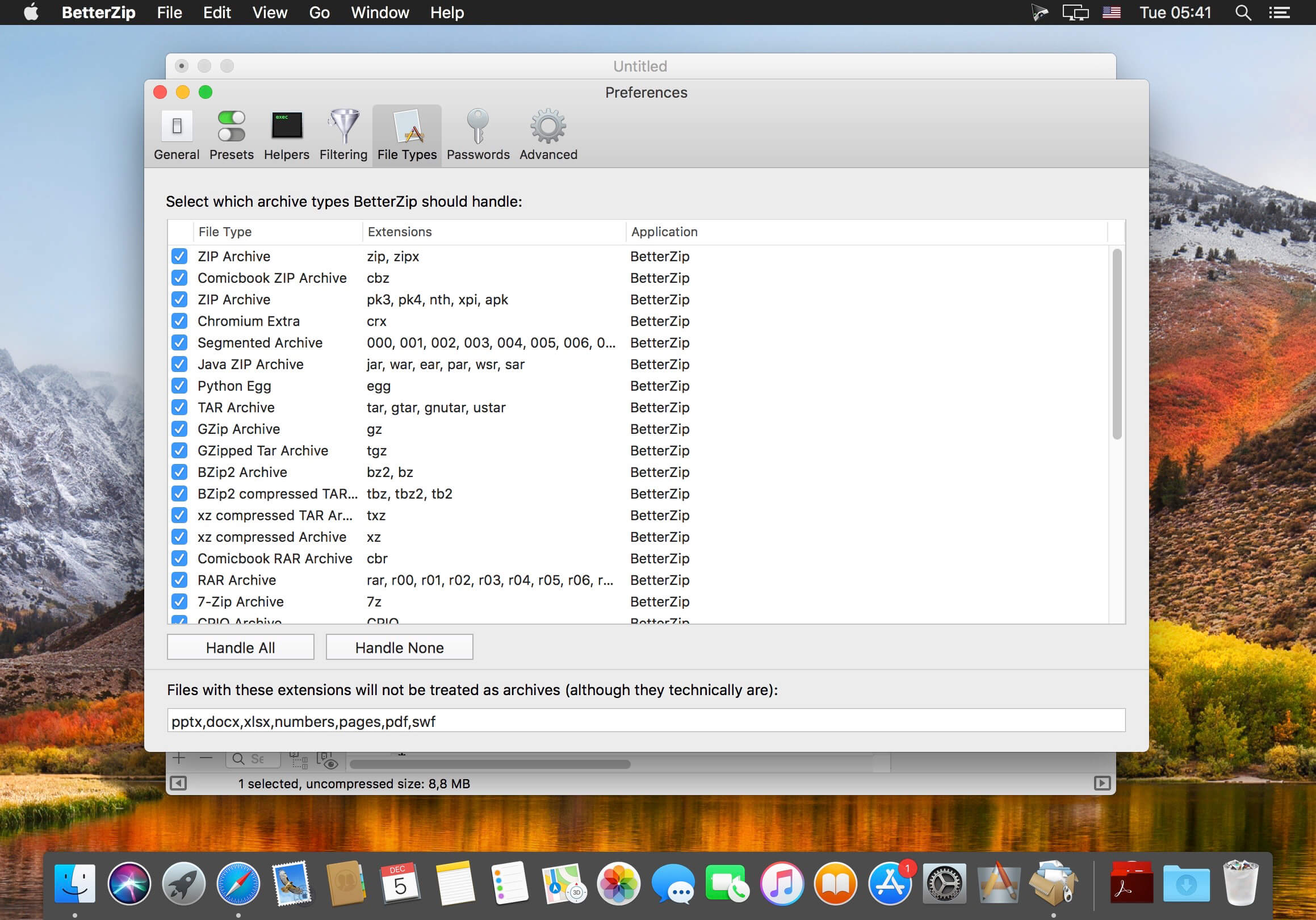
- Open Archives Without Extracting: Not only can BetterZip open archives without first extracting them but you can also search for a file using the iTunes-like interface. BetterZip can open and extract archives with the most common formats: ZIP, SIT, TAR, XAR, GZip, BZip2, RAR, 7-Zip, CPIO, ARJ, LZH/LHA, JAR, WAR, CAB, ISO, CHM, RPM, DEB, NSIS, BIN, HQX.
- Create Archives: Simply drag files and folders from your hard drives, disks, or network places into your new zip file. You no longer have to copy all the files into a temporary folder first. The supported formats are ZIP, TAR, GZip and BZip2 compressed TAR, XAR, 7-ZIP, and RAR (using the external RAR commandline tool). Large archives can also be split.
- Protect Your dаta: BetterZip can protect your data with a password and create WinZip compatible AES-256 encrypted archives. 7-zip and rar archives can also be protected.
- Update Archives: Add new or updated files to existing archives. Remove any file or folder from an archive, or even move files around inside the archive as if it were a normal folder.
- Make Archives Compatible: Strip Mac specific files and resource forks from archives for best compatibility with systems like Windows or Linux.
Version 4.2.5 (for macOS 10.10 and later)
Compatibility Fix
Compatibility Fix
- This latest version fixes the Quick Look generator to work with new security restrictions in macOS 10.15 Catalina. Catalina no longer allows users to extract files directly from the Quick Look panel, invoke presets, or save the panel configuration. Sadly, I had to remove these features for Catalina users.
Frequently asked questions
How do I install the app?
Mount the image, drag the app into the "Applications" folder and launch it. If the system blocks the launch, allow it in "System Settings → Privacy & Security".
The app is damaged or won't launch
Reinstalling from a fresh image usually helps. Make sure your macOS version matches the one listed in the compatibility specs.
How do I update?
Download the new version from the site and install it over the current one — your settings will be preserved.
The download link doesn't work
Try a mirror or a download manager. For large files the browser often drops the connection.
How do I completely remove the app?
Use an uninstaller utility — it cleans up the service files that remain after moving the app to the trash.
VersionBetterZip 4.2.5.1558
DeveloperMacItBetter, Robert Rezabek
CompatibilityOS X 10.10 or later, 64-bit processor
LanguageMultilangual
IncludesK'ed by TNT



Choose a download source
BetterZip 4.2.5.1558 · 13.68 MB
Previous versions
BetterZip 4.2.5.1558
Previous versions are available to registered users.
Comments 2