
Paragon NTFS for Mac 15.8.243
Features
- Unprecedented high NTFS performance. The transfer rate is the same as with the native HFS file system!
- Full read/write access to NTFS. macOS provides limited support of NTFS, the primary file system of any Windows® PC. With Paragon’s NTFS for you’ll get full read/write access to any version of NTFS under macOS
- Support for and macOS 10.10-11.14
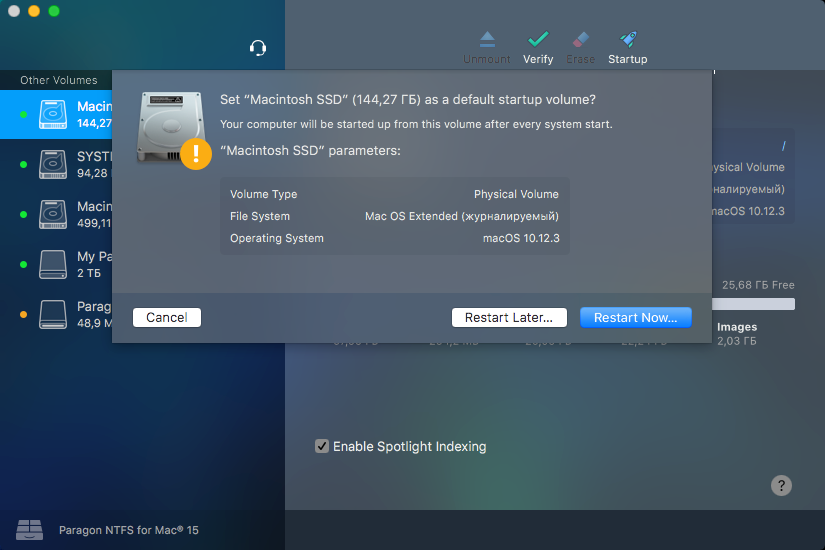
- Easy to install. The driver is easily installed through a new user-friendly wizard
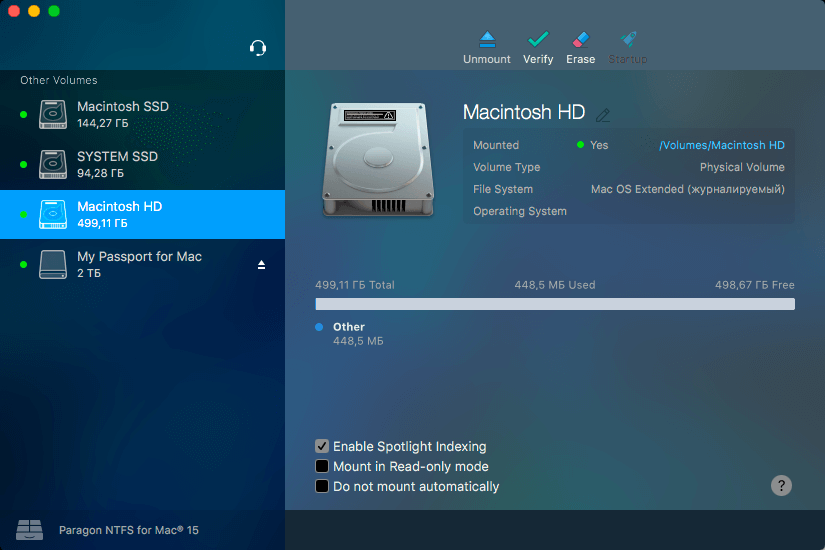
- Easy to use. Mount any NTFS partition like a native one - no need to perform special commands to get access; just attach a disk or other media with NTFS partition and use it as you wish
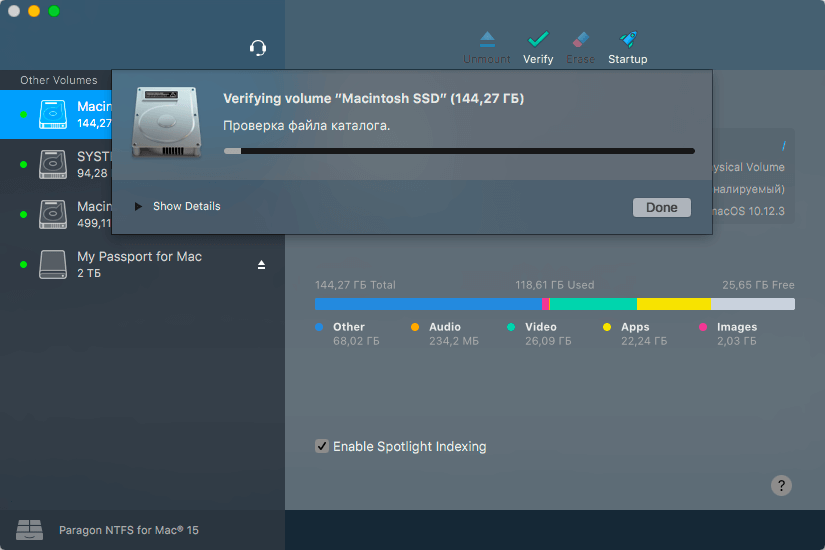
- Create and repair NTFS partitions under the same way you usually do with HFS/HFS+
- Software update center. Get notifications about new updates and perform them by clicking only one button. That's all you need to do to keep your software updated
- Non-Roman characters and languages. File and folder names in national languages, including Chinese, Korean, Japanese, Russian
- No limitation to maximum file/partition size (within OS X and NTFS specifications)
- Native support for extended attributes
Version 15.8.243:
- Release notes were unavailable when this listing was updated.
Frequently asked questions
How do I install the app?
Mount the image, drag the app into the "Applications" folder and launch it. If the system blocks the launch, allow it in "System Settings → Privacy & Security".
The app is damaged or won't launch
Reinstalling from a fresh image usually helps. Make sure your macOS version matches the one listed in the compatibility specs.
How do I update?
Download the new version from the site and install it over the current one — your settings will be preserved.
The download link doesn't work
Try a mirror or a download manager. For large files the browser often drops the connection.
How do I completely remove the app?
Use an uninstaller utility — it cleans up the service files that remain after moving the app to the trash.
VersionParagon NTFS for Mac 15.8.243
DeveloperParagon Technologie GmbH.
CompatibilityOS X 10.10 or later, 64-bit processor
LanguageMultilangual
IncludesTrial Reset


Choose a download source
Paragon NTFS for Mac 15.8.243 · 57.58 MB
Previous versions
Paragon NTFS for Mac 15.8.243
Previous versions are available to registered users.
Comments 3