
AnyDrop 1.4
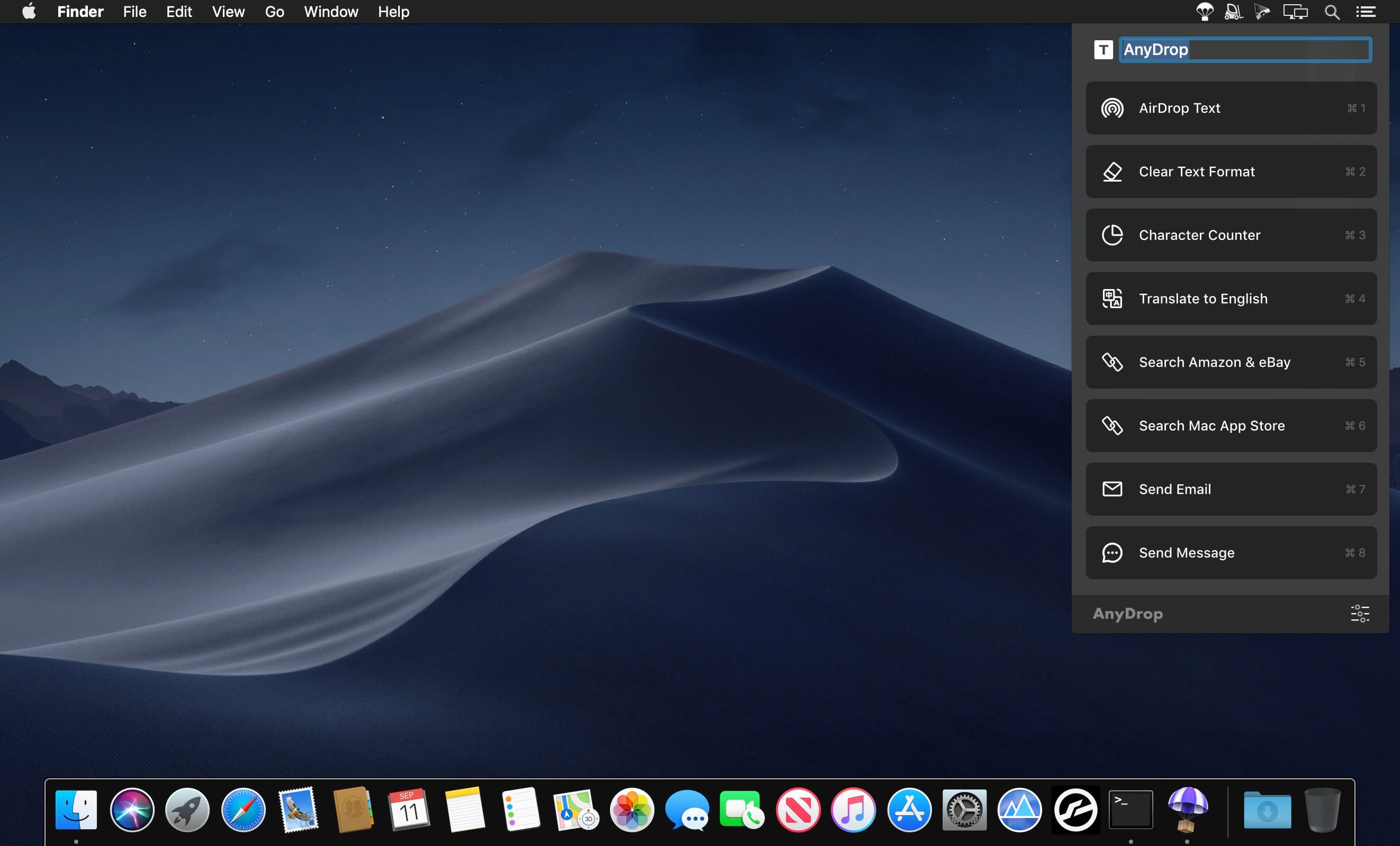
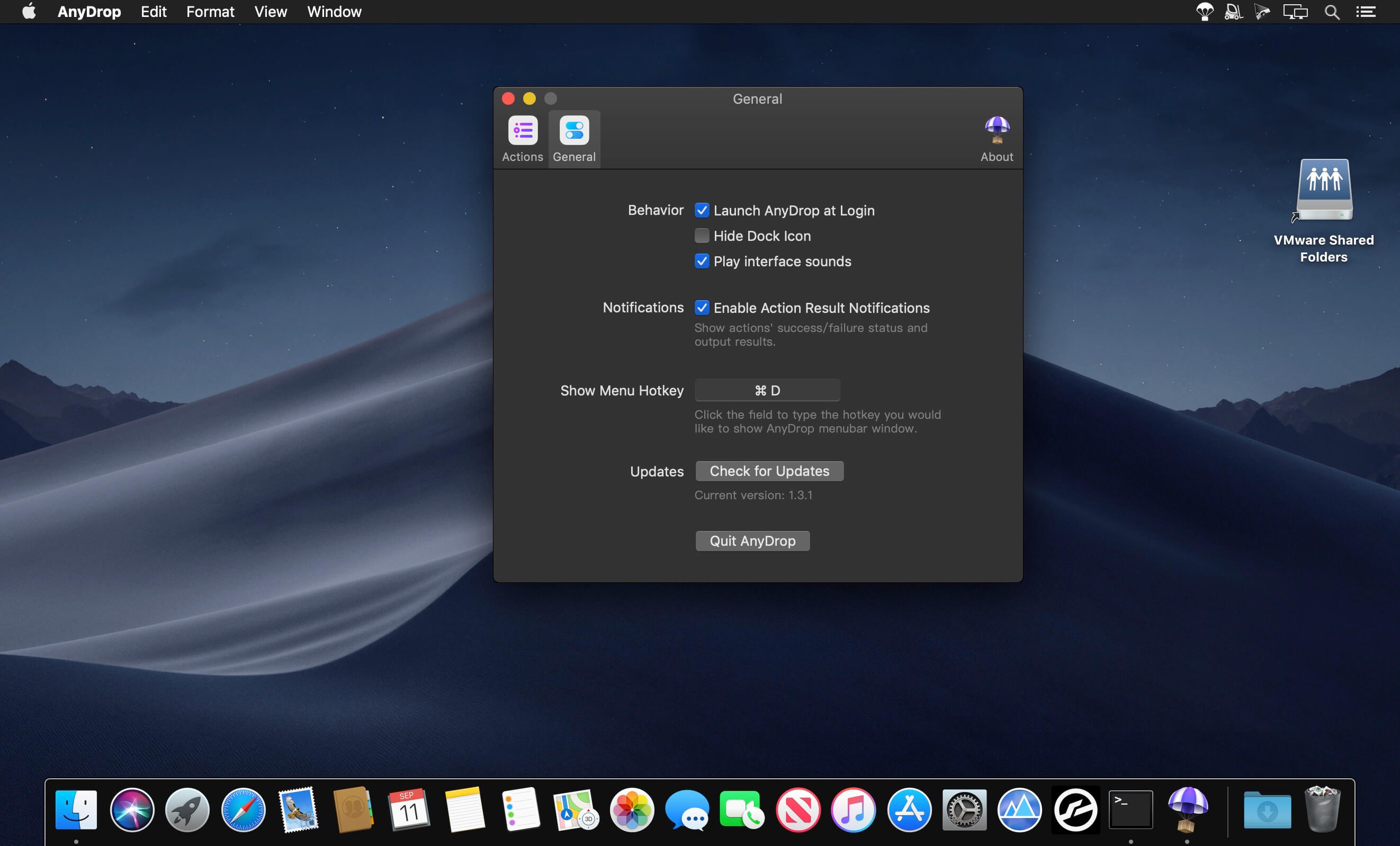
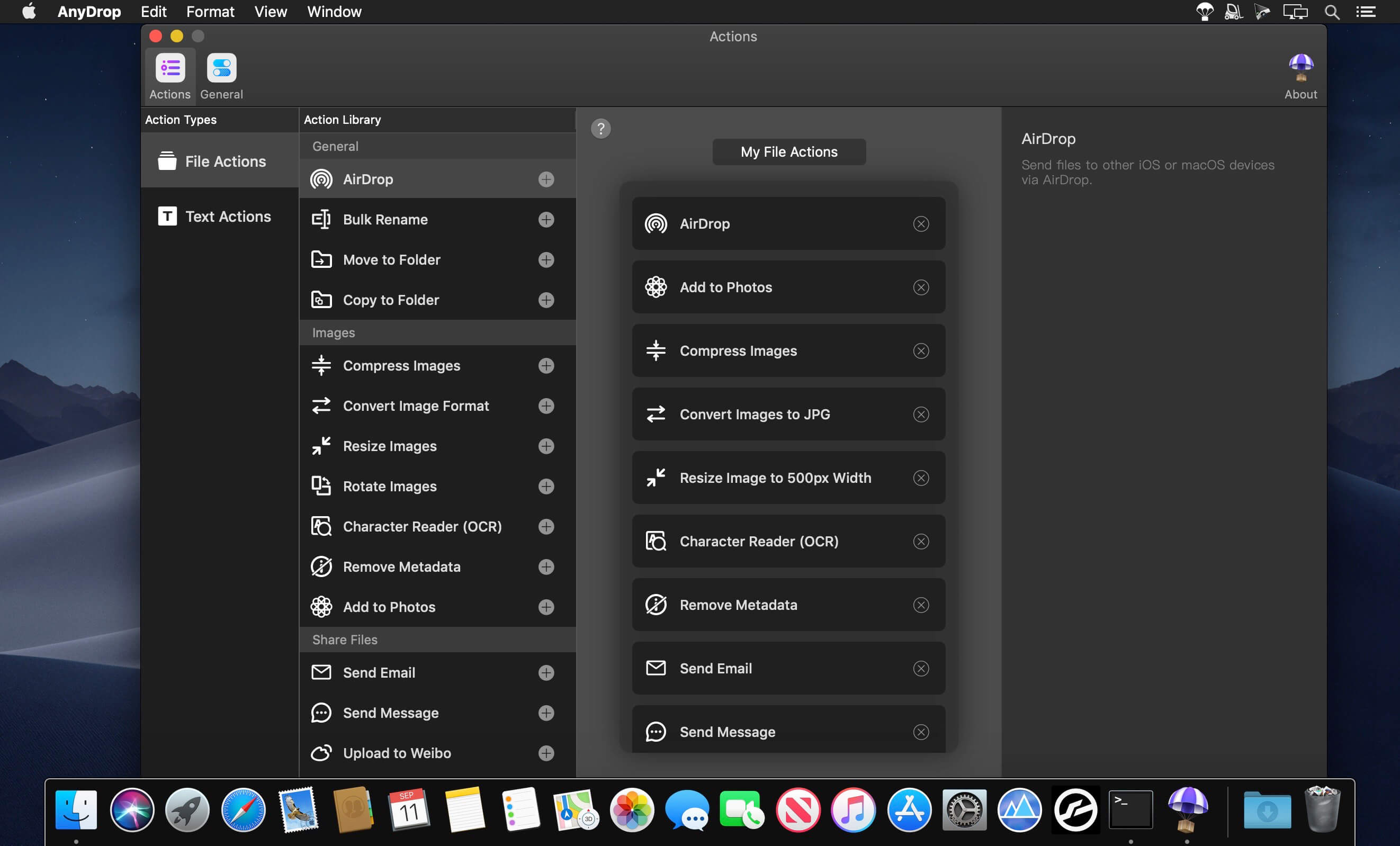
AnyDrop was designed to simplify your workflow by assembling as many of these features as possible within a tiny menu bar app, which can be used entirely with hotkeys and drag&drop. It is highly versatile and customizable, and it is especially suitable for processing text and images.
Quiet Yet Smart
AnyDrop knows when you need it and predict what actions you are going to use to process the input contents.
The Real Bulk Action
When you drag or copy multiple files or even different types of files, AnyDrop will handle them properly with multithread processing.
Easy Customization
Sort actions, change action names, options, parameters and the ways to show results. No programming skills required.
Vibrant
Feels great with progress animations, looks great on both dark and light macOS appearance.
Effortlessly Get Your Work Done!
Efficient Keyboard Shortcuts
Use customized shortcuts to copy files, open action menu or even run actions. Each action can set a unique global shortcut key, so you can run it anytime without noticing the existence of AnyDrop.
Runs in the Background
Keep focusing on your work, just run the action and leave it alone, when it’s done, you’ll get notified and the results are already in your clipboard.
Your Favorite Services
AnyDrop is integrating commonly used services’ APIs, help you to upload files, save content to them without installing many apps.
Version 1.4.0:
- Release notes were unavailable when this listing was updated.
Frequently asked questions
How do I install the app?
Mount the image, drag the app into the "Applications" folder and launch it. If the system blocks the launch, allow it in "System Settings → Privacy & Security".
The app is damaged or won't launch
Reinstalling from a fresh image usually helps. Make sure your macOS version matches the one listed in the compatibility specs.
How do I update?
Download the new version from the site and install it over the current one — your settings will be preserved.
The download link doesn't work
Try a mirror or a download manager. For large files the browser often drops the connection.
How do I completely remove the app?
Use an uninstaller utility — it cleans up the service files that remain after moving the app to the trash.





Choose a download source
AnyDrop 1.4 · 8.2 MB
Previous versions
AnyDrop 1.4
Previous versions are available to registered users.