

FileBot 4.9.1
Screenshots
Click to enlarge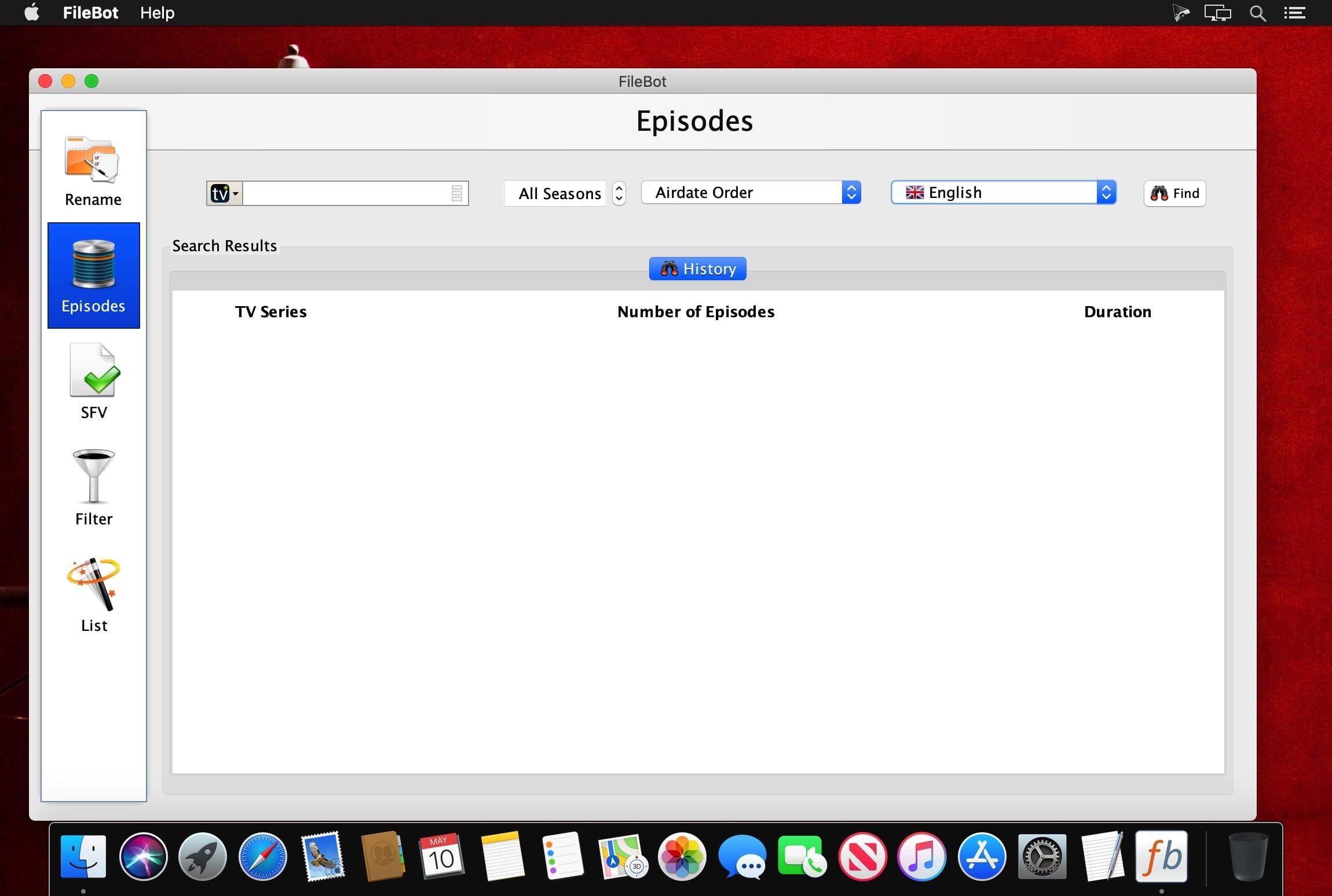
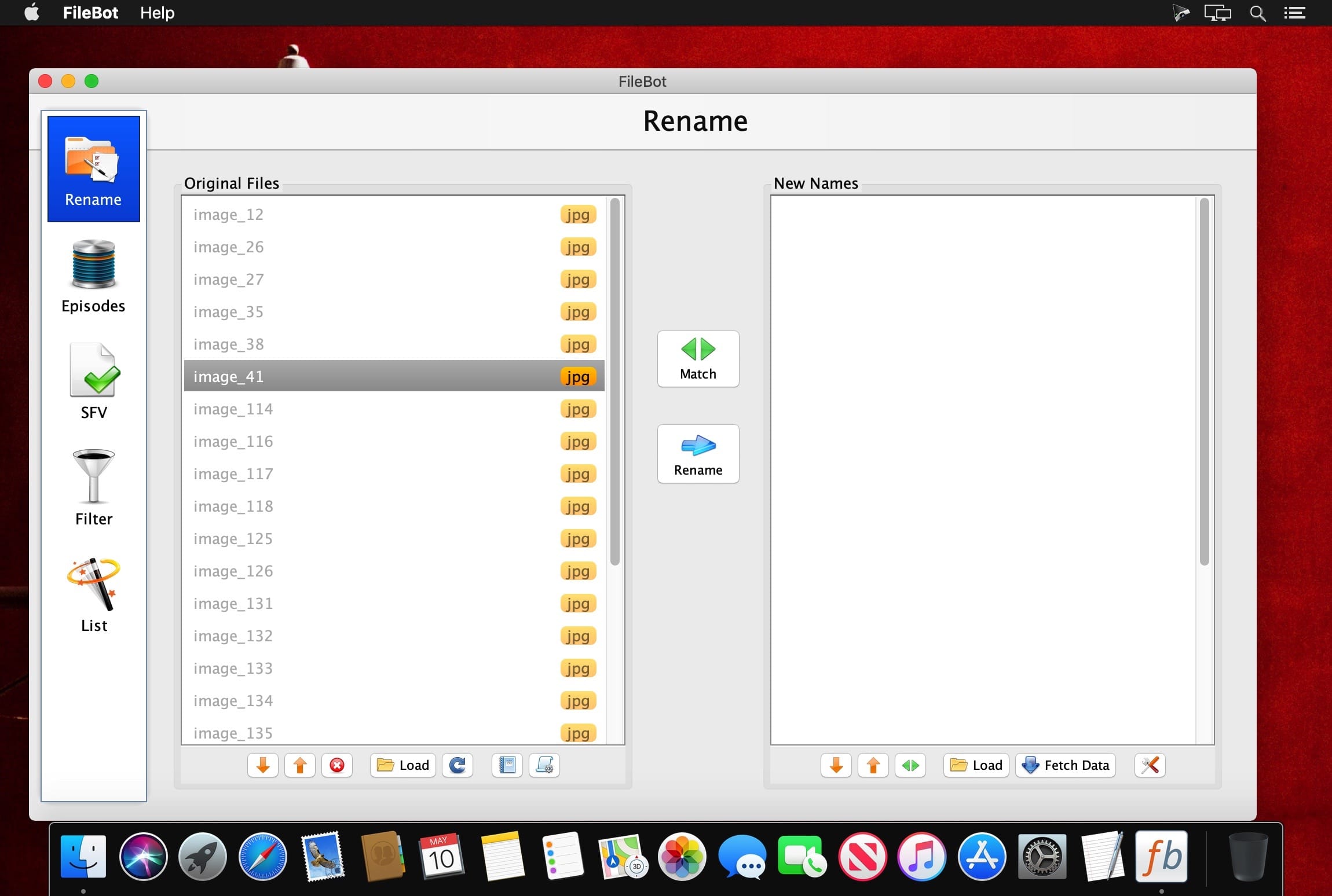
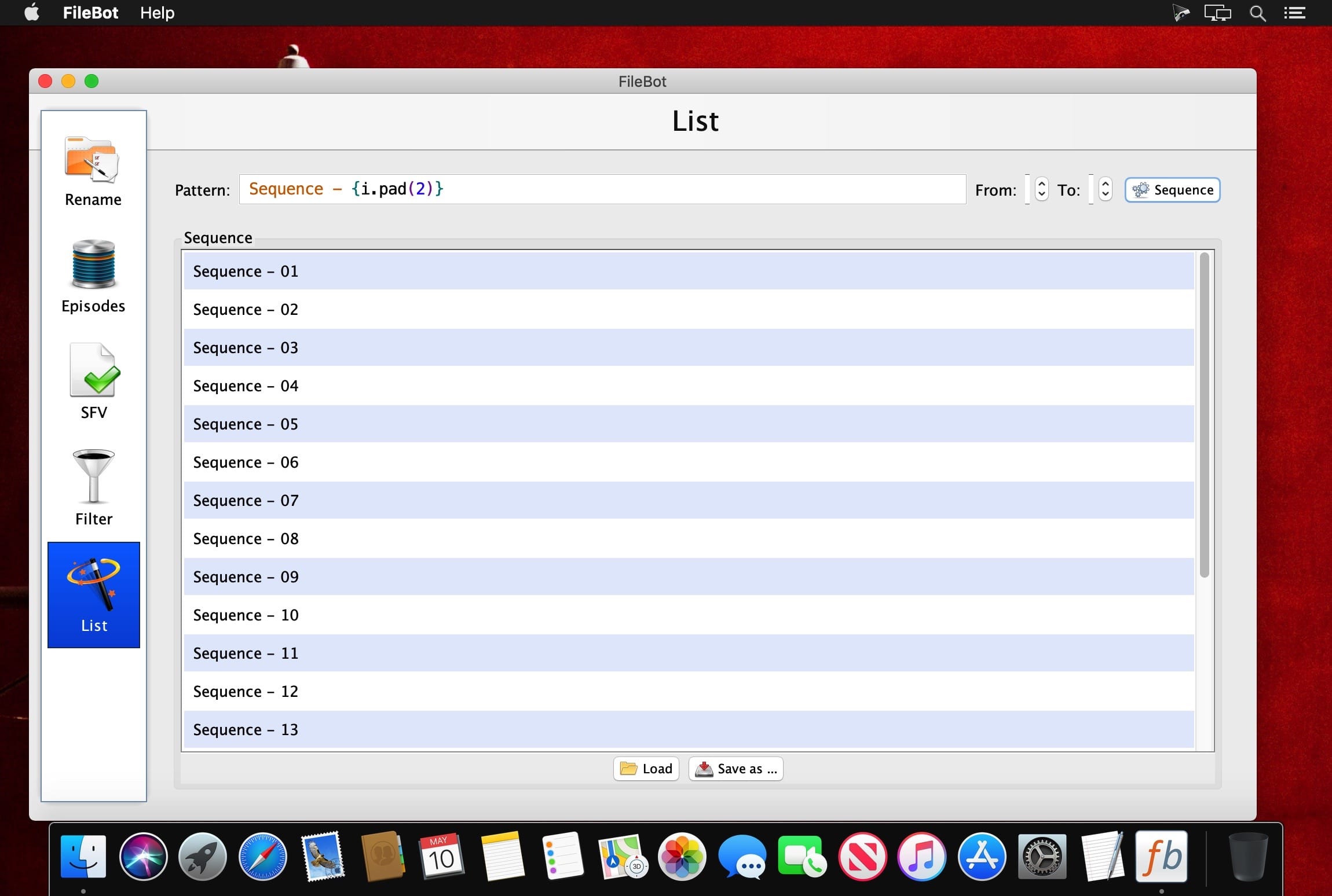
FileBot is the ultimate tool for organizing and renaming Movies, TV Shows, Anime or Music. It's smart, highly customizable, and just works.
If you're using HTPC software like Plex, Kodi or Emby then FileBot is a must-have utility!
FileBot will match your files against TheMovieDB or TheTVDB and then rename (or move / copy / symlink / hardlink) them exactly the way you want it. Anything is possible!
If you need help extracting archives en masse or checking SFV / MD5 / SHA1 / SHA256 files then FileBot will get that done too.
Getting Started:
Organize your media files:
- Drag media files onto "Original Files"
- Click "Fetch Data" and select a database
- Hit "Rename"!
Version 4.9.1
- Added Edit Format / Edit Match / Edit Name context menu
- Added Smart Mode: Attributes matcher (i.e. xattr / exif / id3 / atom)
- Use F2 shortcut for Plain File Mode
- Use F3 shortcut for Local Xattr Mode
- Enable selected post-processing features via Filter -> Attributes -> Apply
- Enable CLONE by default for all COPY operations on APFS filesystems
- Enhanced Selection Dialog with thumbnails and tooltips
- Enhanced Conflict Dialog with detailed explanations
- Enhanced manual search to support both search by name and lookup by id
- Improved support for mapping episode information between different databases and numbering schemes
- Lots of minor bug fixes
- Drop support for OS X 10.11 El Capitan and OS X 10.10 Yosemite
Comments
No comments yet. Be the first.
Information
Visitors in the group Guests cannot leave comments on this publication.