
Capture One Pro 12.1.4.24
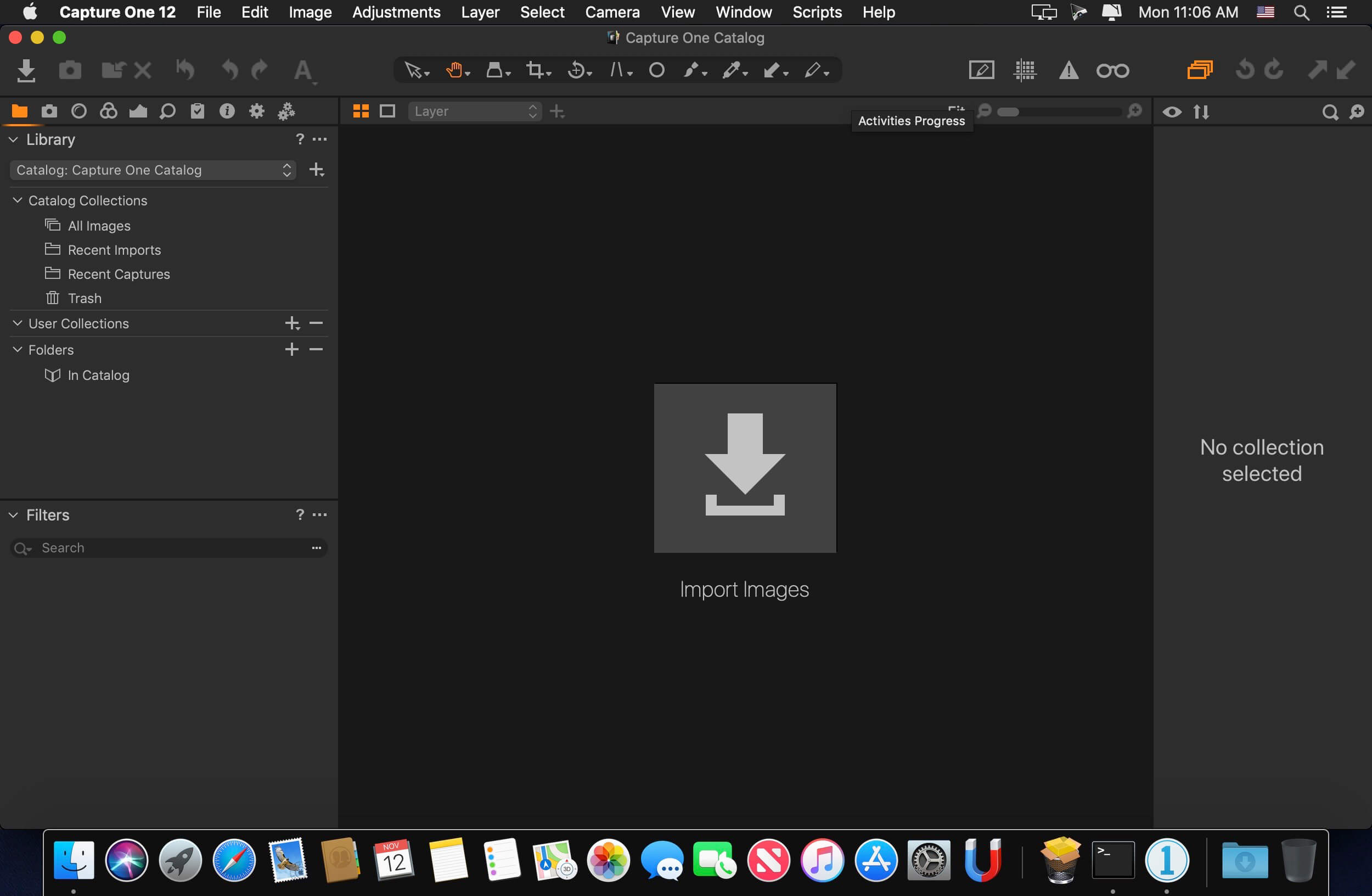
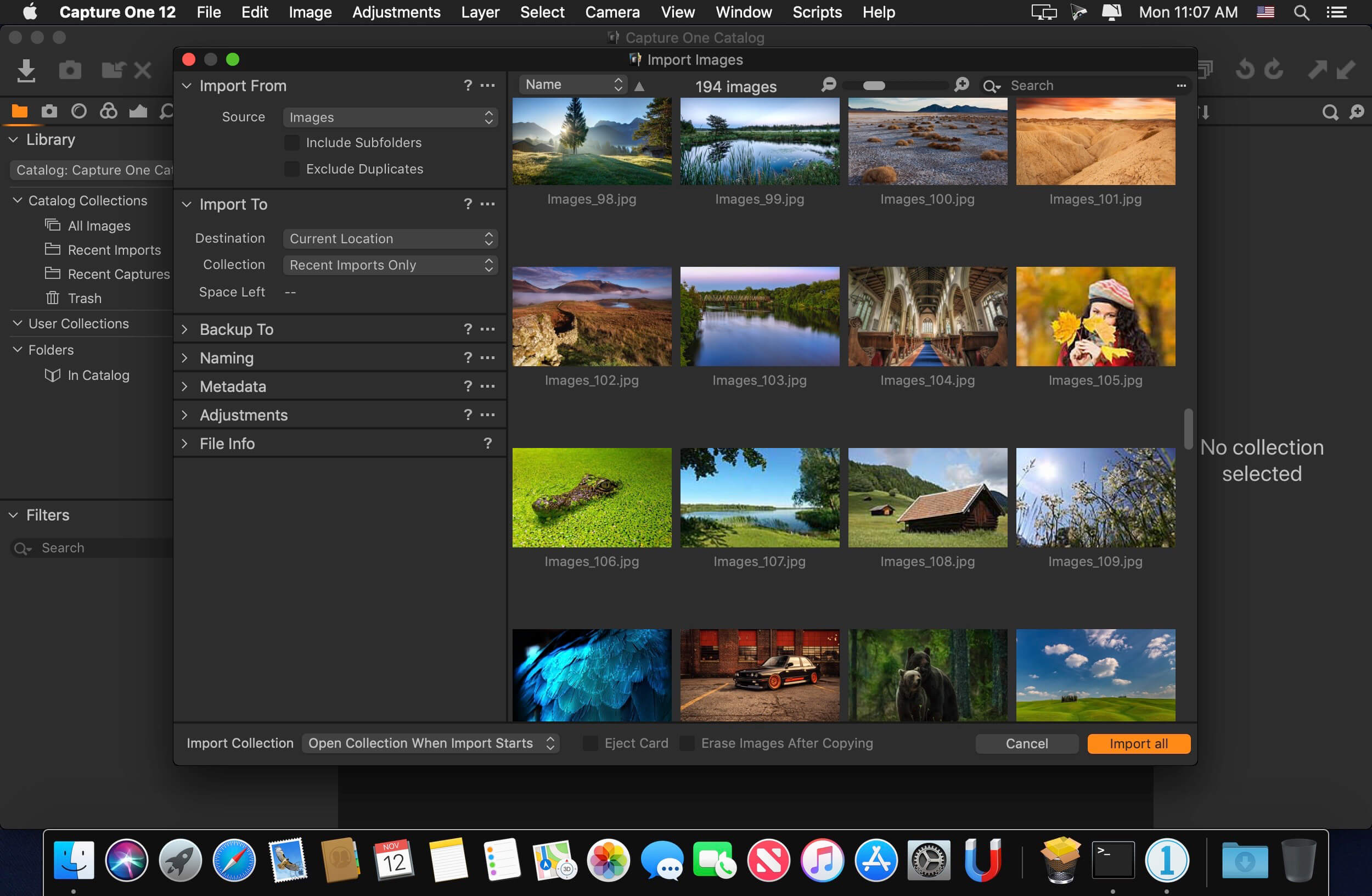
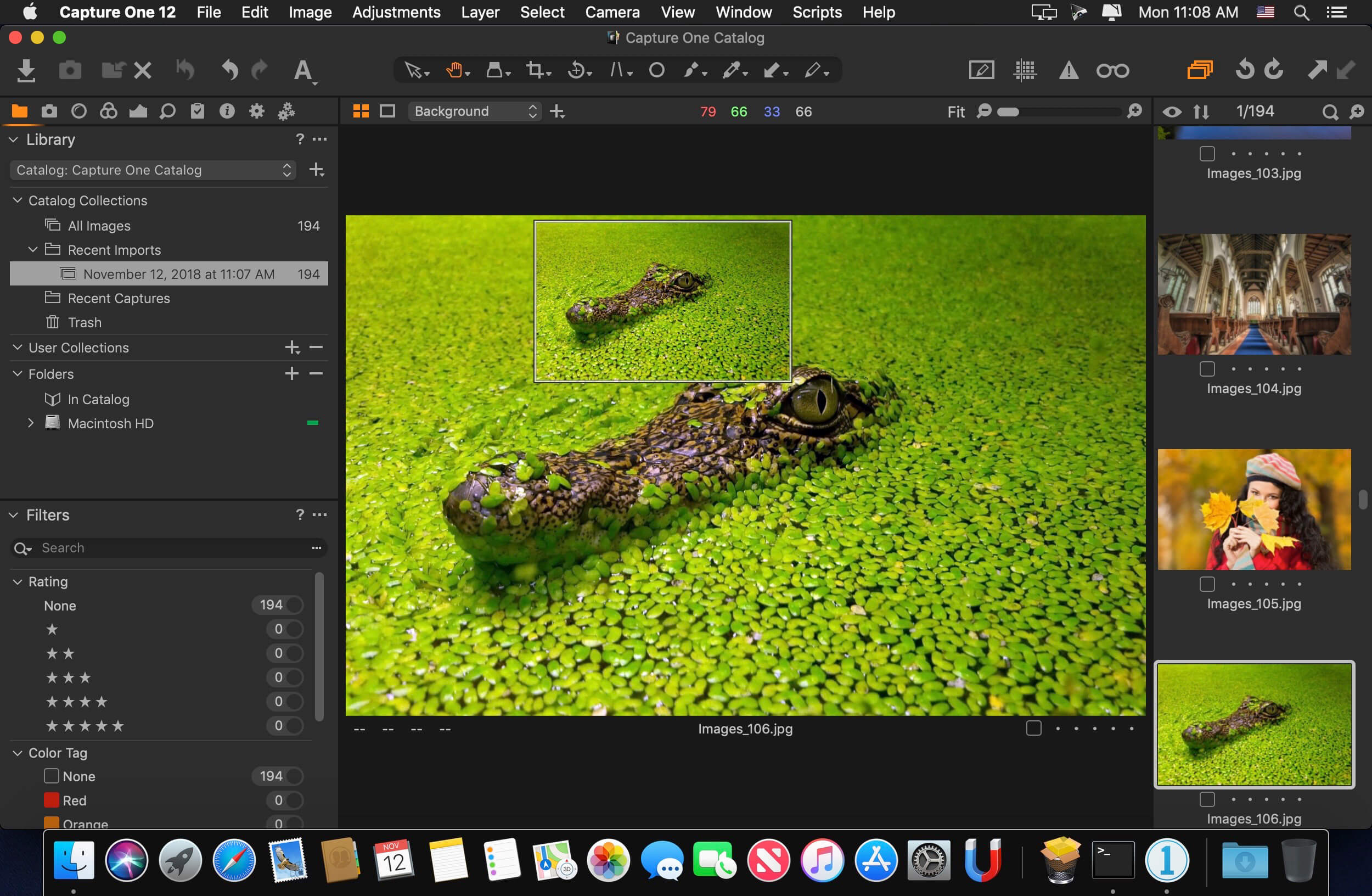
Capture One is a professional RAW converter offering you ultimate image quality with beautiful colors and incredible detail for more than 500 high-end cameras. It offers state- of-the-art tethered capture, powerful digital asset management, extensive adjustment tools and a flexible workflow through customizable workspaces.
With an updated processing engine, market-leading performance and powerful new features, Capture One is the professional choice in imaging software. You get the highly responsive precision tools you need to create stunning images from your camera's RAW files in a time-saving workflow that can be customized to fit your needs.
New features
- New interface
- New Menu system
- New Keyboard Shortcut Manager
- Luma Range Masking
- Linear Gradient Mask tool
- Radial Gradient Mask tool
- Plug-ins - Export and publish
- Revised noise reduction algorithm See notes
- User experience changes
- Extended AppleScript support
- Fujifilm Film Simulations
Frequently asked questions
How do I install the app?
Mount the image, drag the app into the "Applications" folder and launch it. If the system blocks the launch, allow it in "System Settings → Privacy & Security".
The app is damaged or won't launch
Reinstalling from a fresh image usually helps. Make sure your macOS version matches the one listed in the compatibility specs.
How do I update?
Download the new version from the site and install it over the current one — your settings will be preserved.
The download link doesn't work
Try a mirror or a download manager. For large files the browser often drops the connection.
How do I completely remove the app?
Use an uninstaller utility — it cleans up the service files that remain after moving the app to the trash.
VersionCapture One Pro 12.1.4.24
DeveloperPhase One
CompatibilitymacOS 10.12 or later, 64-bit processor
LanguageEnglish
IncludesK





Choose a download source
Capture One Pro 12.1.4.24 · 273.66 MB
Previous versions
Capture One Pro 12.1.4.24
Previous versions are available to registered users.
Comments 5