
Reeder 4.2.5
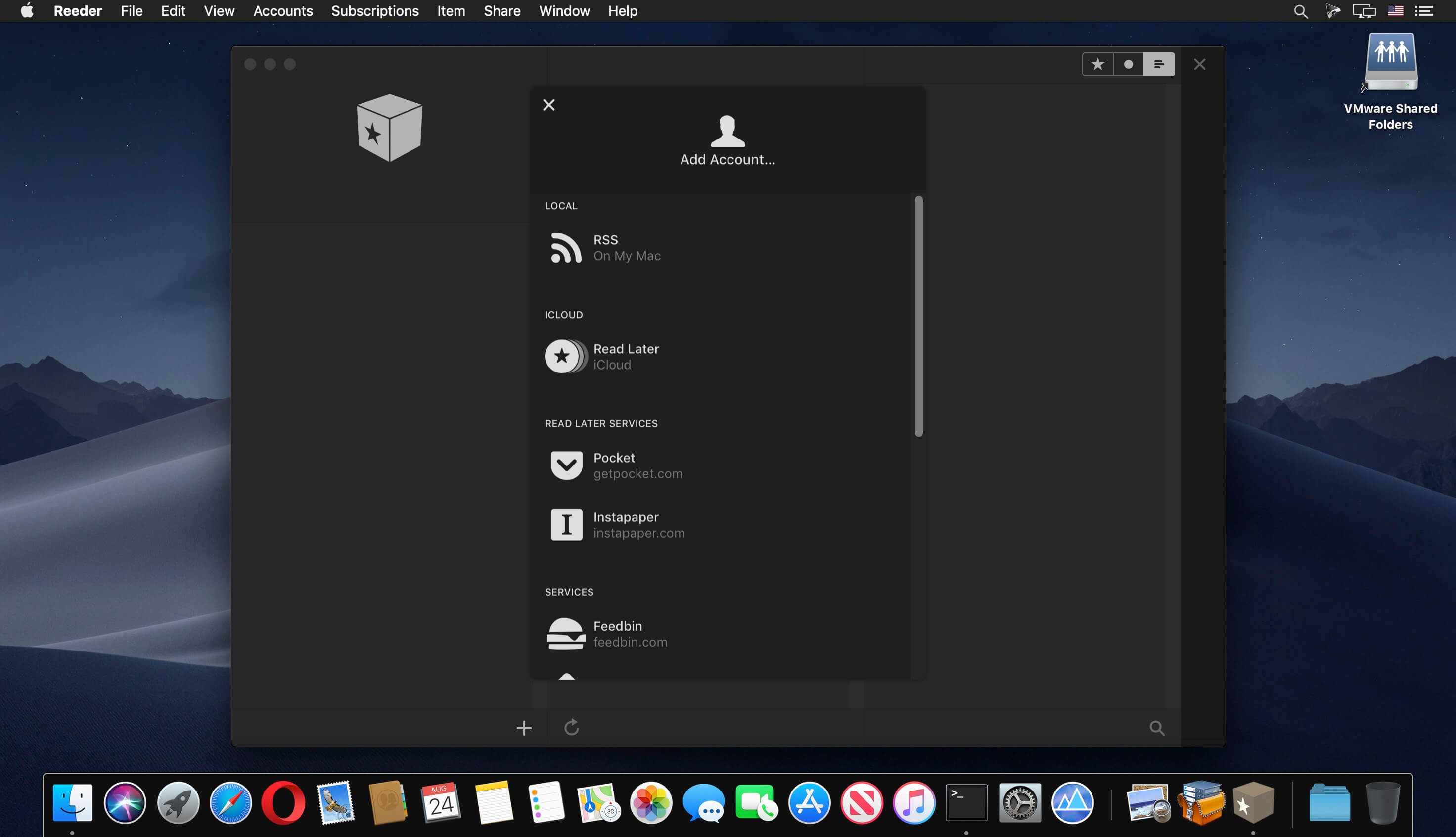
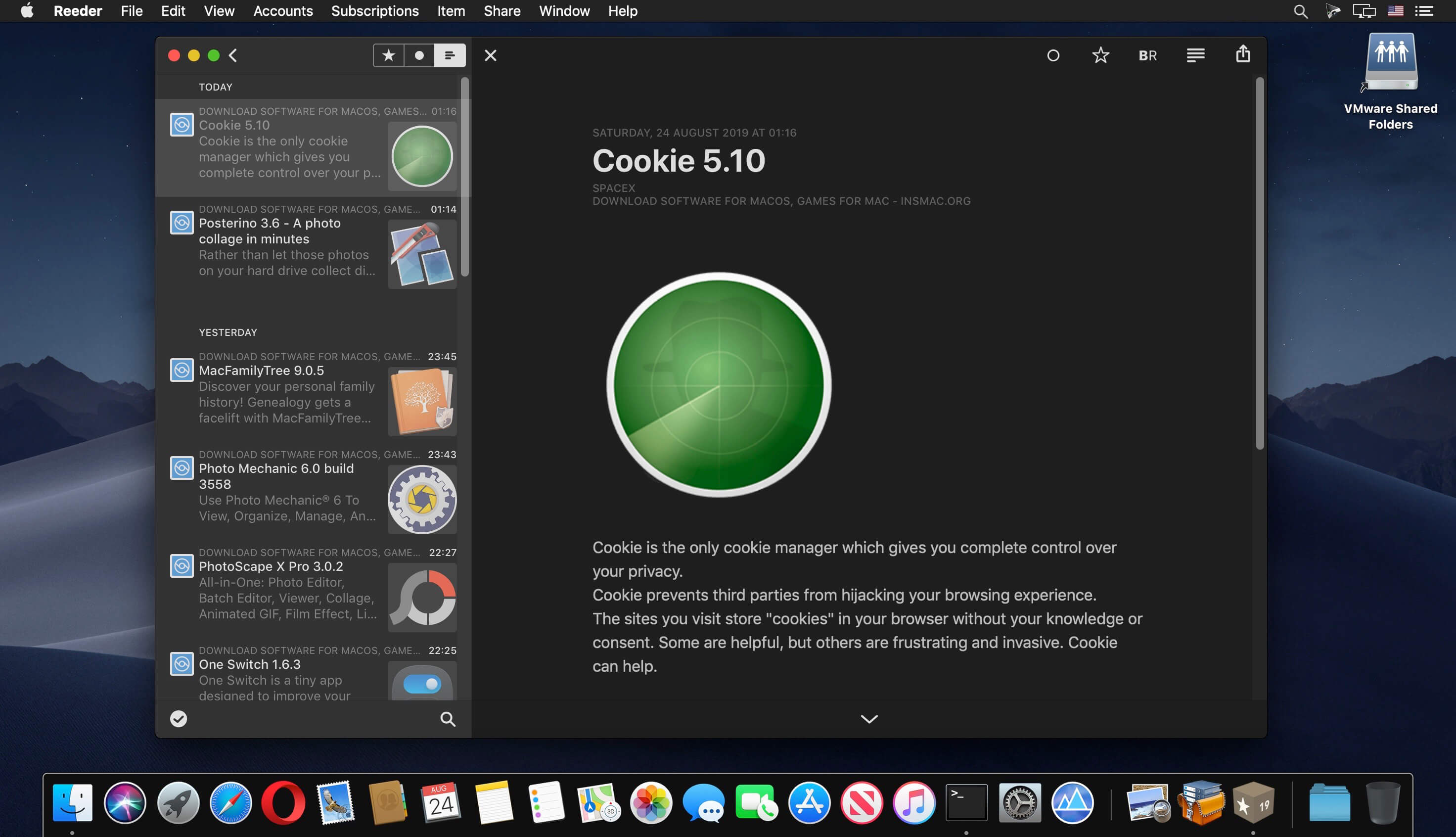
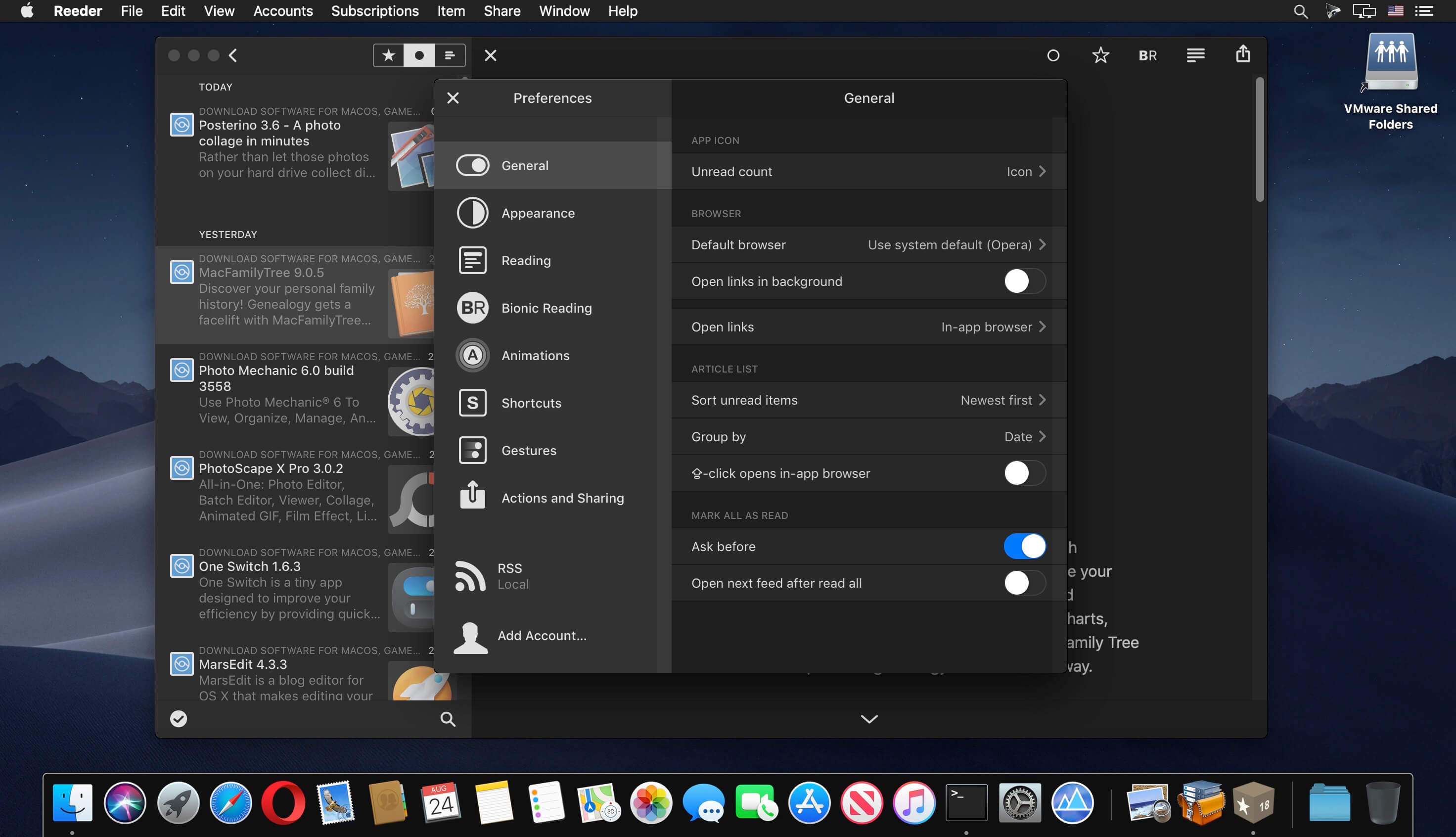
A news reader for the Mac with support for various sync services.
Reeder 4 adds new features like…
- The new Bionic Reading mode
- An in-app Read Later service which syncs with iCloud
- Image previews in the articles list (finally)
- An image viewer
- Much improved article viewer
- More layout options, including automatic layout depending on window size
- Improved reader view
Supported sync services:
- Feedbin
- Feedly
- Feed Wrangler
- FeedHQ
- NewsBlur
- The Old Reader
- Inoreader
- BazQux Reader
- Instapaper
Reeder 4 is also available for iOS.
Version 4.2.5
WHAT’S NEW
WHAT’S NEW
- Option to automatically hide and show toolbars in the article viewer (disabled by default, see Settings → Reading)
- It’s now possible to delete Read Later articles using the keyboard (“delete” key)
- Memory usage
- General performance improvements
- Article not opening when “Automatic Reader View” is enabled
- Empty article viewer
- Context menu placement
- UI freezes for accounts with a lot of articles
- Issues with searching in the article list
- Potential crash on start
- Local/RSS: Not finishing syncing
- Local/RSS: Missing dates
- Local/RSS: Missing images
- Various other minor bugfixes
Frequently asked questions
How do I install the app?
Mount the image, drag the app into the "Applications" folder and launch it. If the system blocks the launch, allow it in "System Settings → Privacy & Security".
The app is damaged or won't launch
Reinstalling from a fresh image usually helps. Make sure your macOS version matches the one listed in the compatibility specs.
How do I update?
Download the new version from the site and install it over the current one — your settings will be preserved.
The download link doesn't work
Try a mirror or a download manager. For large files the browser often drops the connection.
How do I completely remove the app?
Use an uninstaller utility — it cleans up the service files that remain after moving the app to the trash.
VersionReeder 4.2.5
DeveloperSilvio Rizzi
CompatibilitymacOS 10.14 or later, 64-bit processor
LanguageEnglish
IncludesK'ed by HCiSO





Information
Visitors in the group Guests cannot leave comments on this publication.
Choose a download source
Reeder 4.2.5 · 10.82 MB
Previous versions
Reeder 4.2.5
Previous versions are available to registered users.