Leaf - RSS News Reader 5.2.4
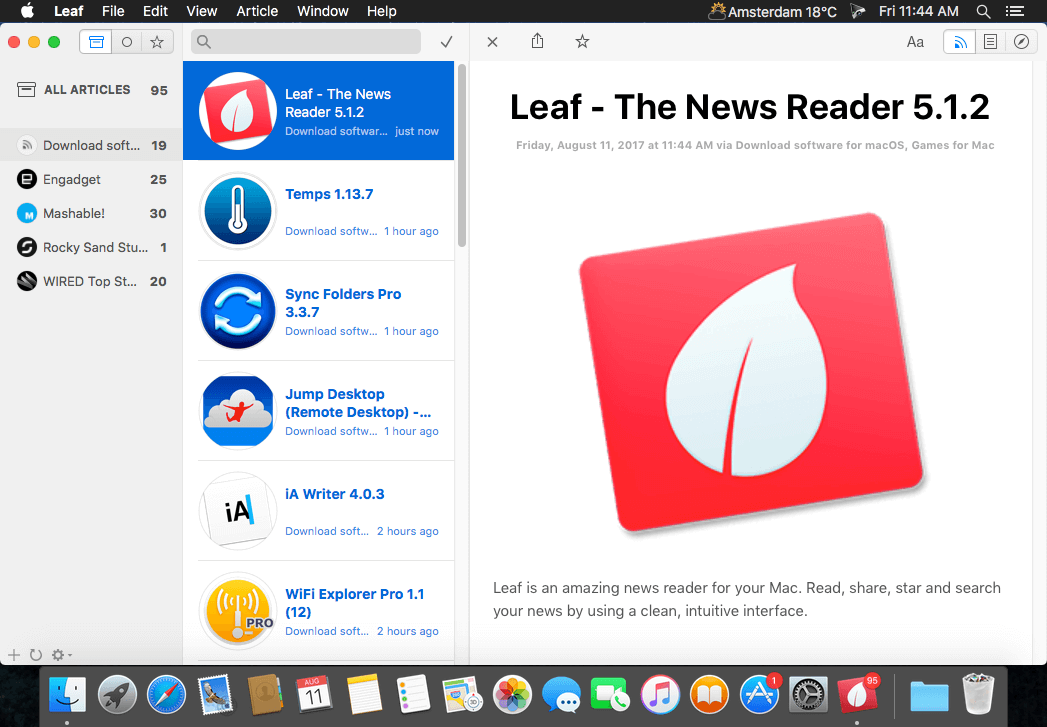
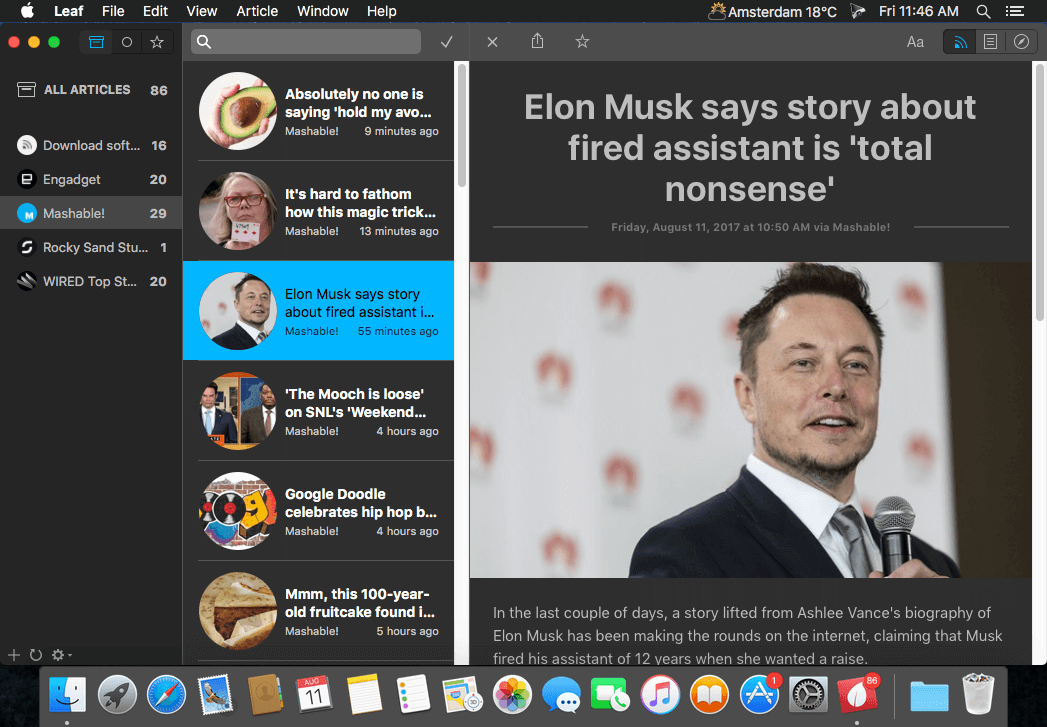
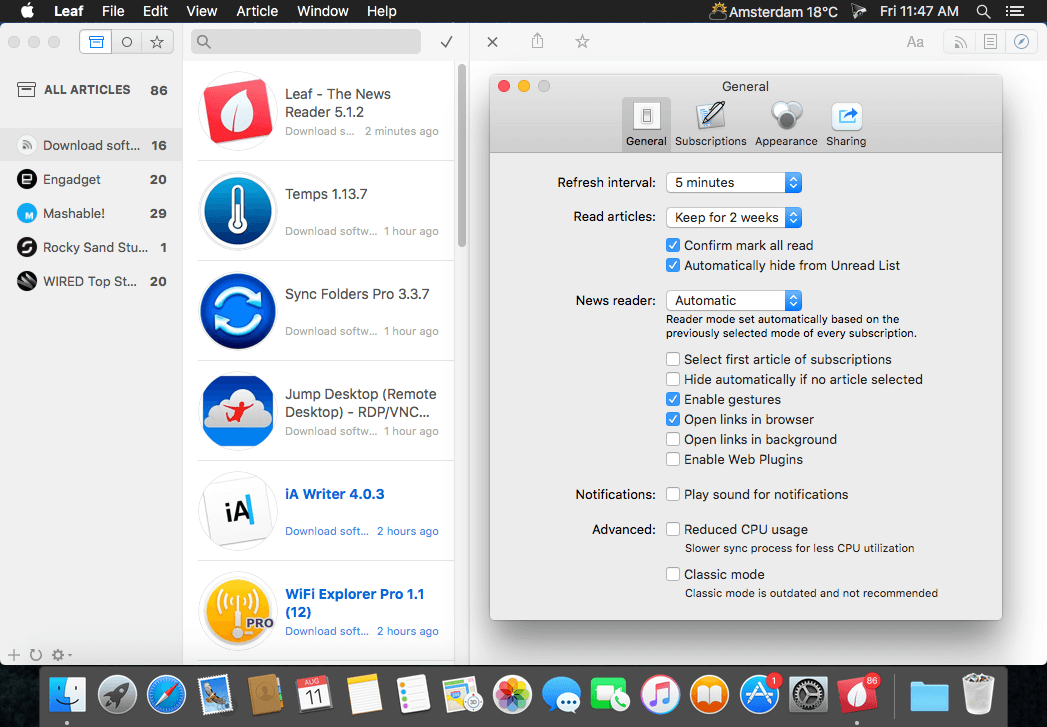
Leaf is an amazing news reader for your Mac. Read, share, star and search your news by using a clean, intuitive interface.
Highlighted features
- Enhanced for Retina display
- Quick and clean article preview with a sharing button
- Hide articles and notifications for subscriptions
- Synchronized read and starring with Google Reader
- Alerts/banners for new articles and access to past alerts in Notification Center
- Fast search for articles by title, source and content
- Swipe to mark articles read/unread
- Secure and convenient OAuth2 authorization
- Custom refresh interval + pull-to-refresh
- Default RSS Reader capability
Version 5.2.2
- [fixed] Big Sur compatibility issues
Frequently asked questions
How do I install the app?
Mount the image, drag the app into the "Applications" folder and launch it. If the system blocks the launch, allow it in "System Settings → Privacy & Security".
The app is damaged or won't launch
Reinstalling from a fresh image usually helps. Make sure your macOS version matches the one listed in the compatibility specs.
How do I update?
Download the new version from the site and install it over the current one — your settings will be preserved.
The download link doesn't work
Try a mirror or a download manager. For large files the browser often drops the connection.
How do I completely remove the app?
Use an uninstaller utility — it cleans up the service files that remain after moving the app to the trash.




Choose a download source
Leaf - RSS News Reader 5.2.4 · 10.46 MB
Comments 1