
Mindjet MindManager 12.1.191

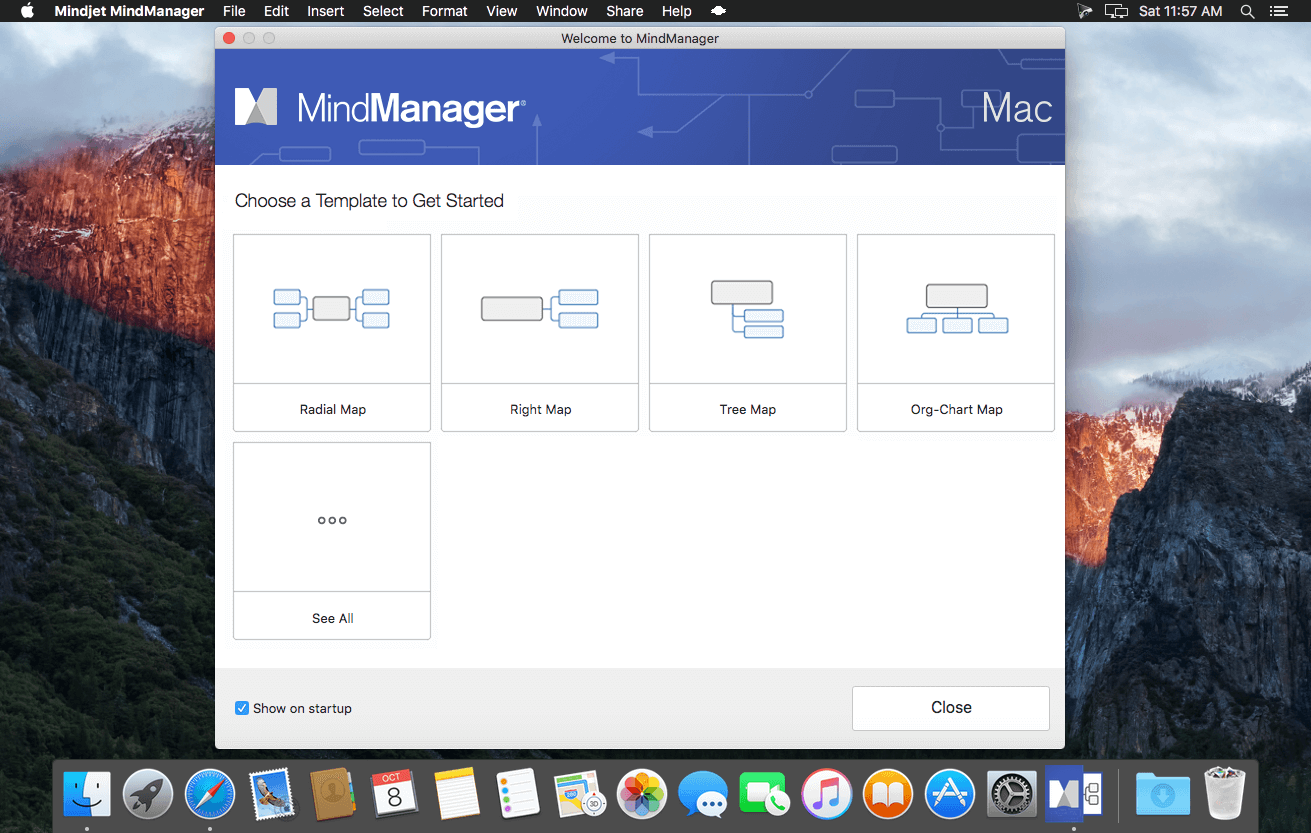
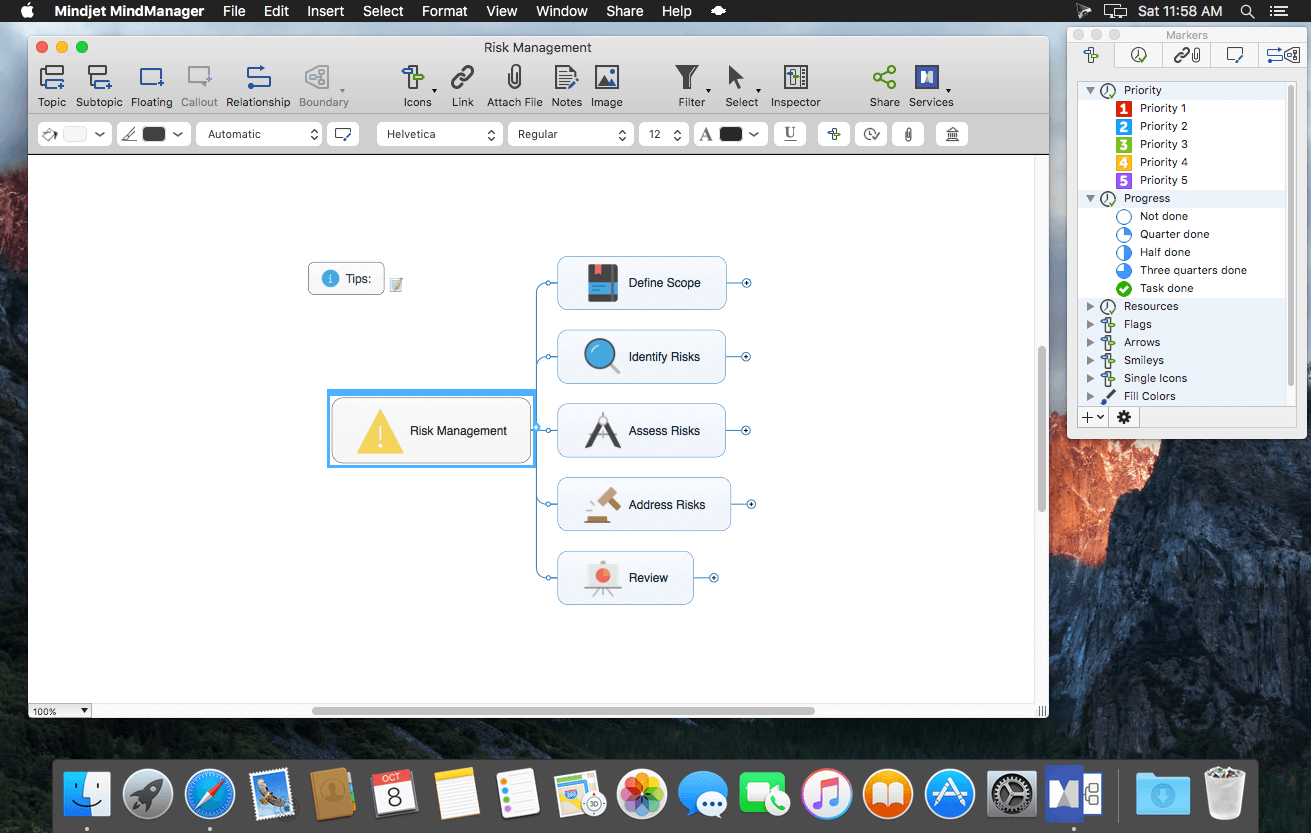
MindManager’s flexible mind maps promote creative thinking and quick organization of ideas. Mind mapping fosters a free flow of ideas which can be used to brainstorm solutions, develop business plans and strategies. It’s also the perfect tool for planning meetings & events and taking notes.
The World's Most Powerful Mind Mapping Software
- Turn mental & digital clutter into actionable clarity
- Work like your brain does: quickly & dynamically
- See the big picture and little details in one view
- Stop things from falling through the cracks
Use MindManager for Mac like a virtual whiteboard where you can visually capture your best thinking. The Quick Entry feature lets you keep up with the flow of ideas. Then just drag and drop to organize and prioritize information.
Manage Meetings
Using MindManager maps encourages team participation in meetings because everyone can see you adding notes, priority markers, and other relevant information as the conversation moves forward. Documenting your meetings in MindManager ensures all ideas are retained and can be shared for follow-up on action items.
Organize Information
MindManager is the perfect tool for aggregating and displaying information, whether your goal is to create an organization chart, assemble facts for a white paper, or create a presentation outline. With MindManager, you can collect relevant attachments, notes, and links all in one place and view notes in context.
Create and Communicate Plans
Use MindManager to lay out the details of project and strategic plans and to gain buy-in from all stakeholders. MindManager helps everyone involved see the big picture and all the details in context.
New:
- Objects & Smart Shapes
- SmartRules™
- Icon Library
- Theme Designs
- HTML Export & Publish Filtering
Frequently asked questions
How do I install the app?
Mount the image, drag the app into the "Applications" folder and launch it. If the system blocks the launch, allow it in "System Settings → Privacy & Security".
The app is damaged or won't launch
Reinstalling from a fresh image usually helps. Make sure your macOS version matches the one listed in the compatibility specs.
How do I update?
Download the new version from the site and install it over the current one — your settings will be preserved.
The download link doesn't work
Try a mirror or a download manager. For large files the browser often drops the connection.
How do I completely remove the app?
Use an uninstaller utility — it cleans up the service files that remain after moving the app to the trash.
VersionMindjet MindManager 12.1.191
DeveloperMindjet
CompatibilityOS X 10.11 or later, 64-bit processor
LanguageEnglish
IncludesSerial





Information
Visitors in the group Guests cannot leave comments on this publication.
Choose a download source
Mindjet MindManager 12.1.191 · 171.09 MB
Previous versions
Mindjet MindManager 12.1.191
Previous versions are available to registered users.