MultiDock 1.50

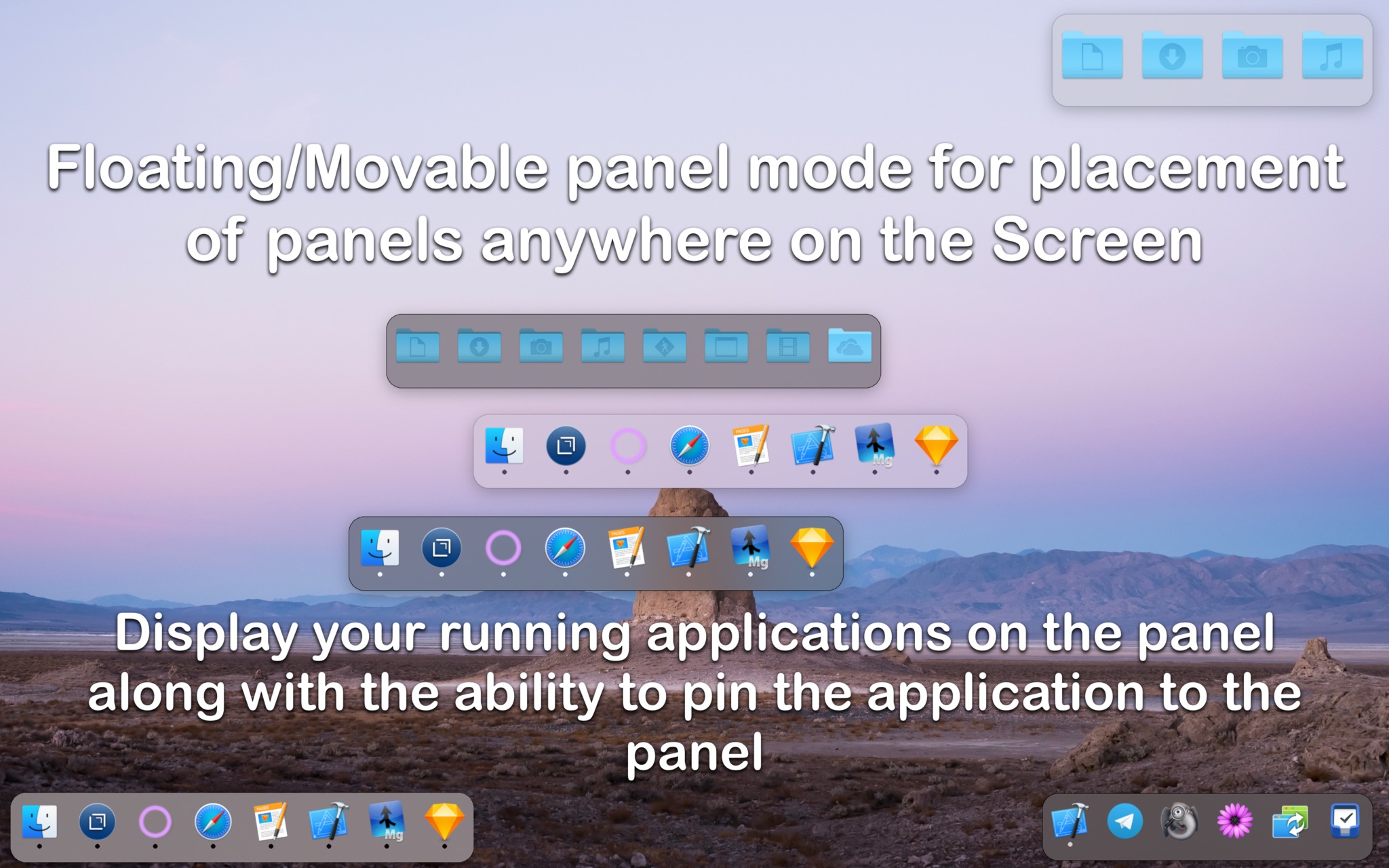
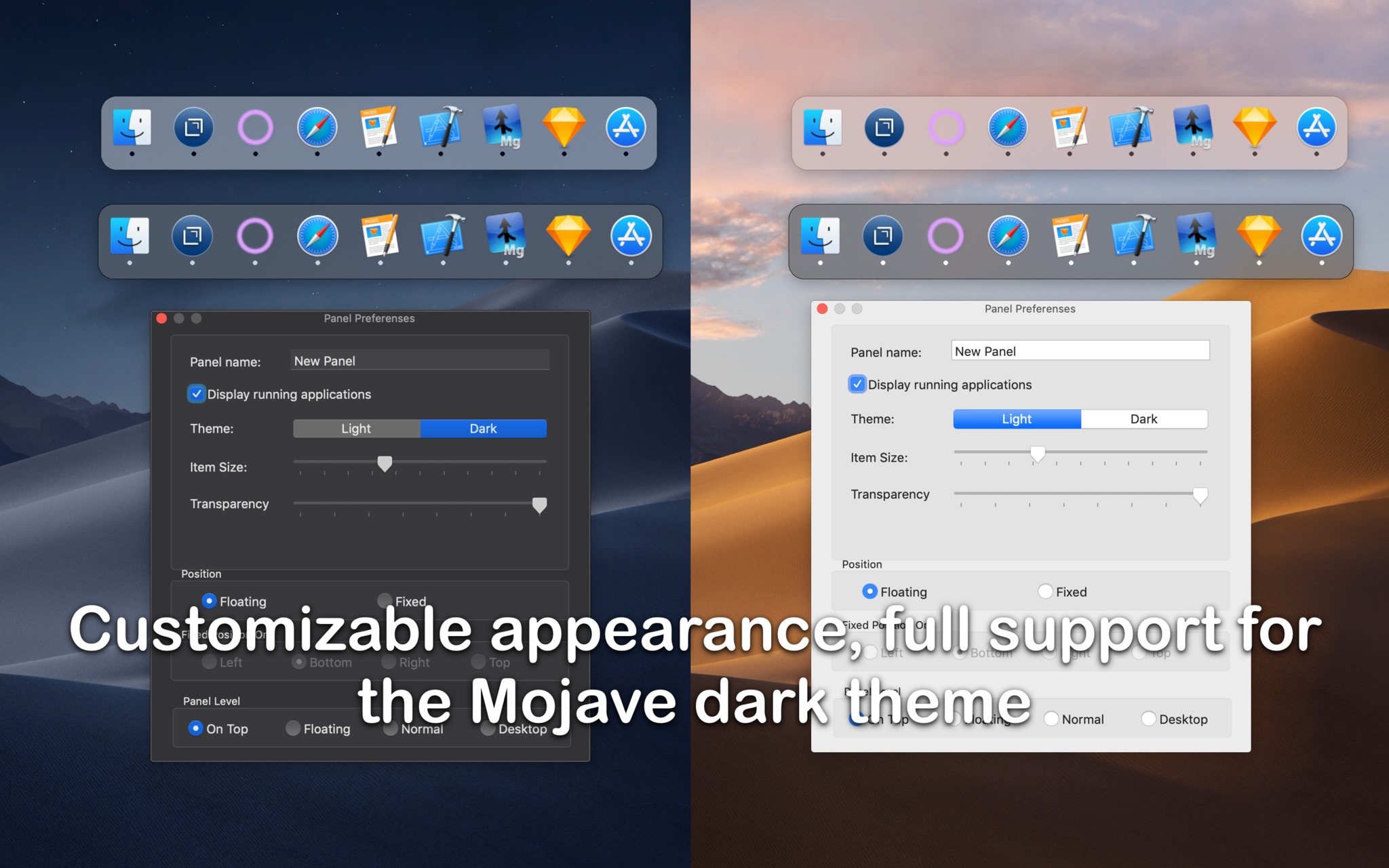
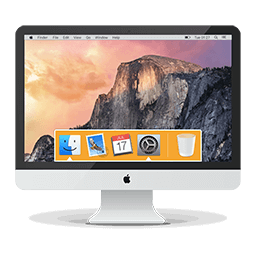
MultiDock is a simple application that allows you to organize frequently used applications, documents and folders using small panels (Dock's).
Main features:
- Create an unlimited number of panels
- Attach panels to the edges of the screen (left, bottom, right and top)
- Floating/ movable panel mode for placement of panels anywhere on the screen
- Adjust the size of the panel / icons for your personal preference
- Light and dark theme
- Display your running applications on the panel along with the ability to pin the application to the panel
- Drag and drop to add any items to the panel
- Drag and drop to change the order of icons in the Dock
Version 1.50:
- Attention: the licensing system has been changed, all previously purchased licenses will not work, new licenses will be sent to all who bought before June 13
- macOS Monterey/Ventura support
- support for Apple Silicon chips (universal build for Intel/ARM64)
- fixed license activation issues
Frequently asked questions
How do I install the app?
Mount the image, drag the app into the "Applications" folder and launch it. If the system blocks the launch, allow it in "System Settings → Privacy & Security".
The app is damaged or won't launch
Reinstalling from a fresh image usually helps. Make sure your macOS version matches the one listed in the compatibility specs.
How do I update?
Download the new version from the site and install it over the current one — your settings will be preserved.
The download link doesn't work
Try a mirror or a download manager. For large files the browser often drops the connection.
How do I completely remove the app?
Use an uninstaller utility — it cleans up the service files that remain after moving the app to the trash.
Choose a download source
MultiDock 1.50 · 7.17 MB
Previous versions
MultiDock 1.50
Previous versions are available to registered users.