
Launchpad Manager Pro 1.0.14
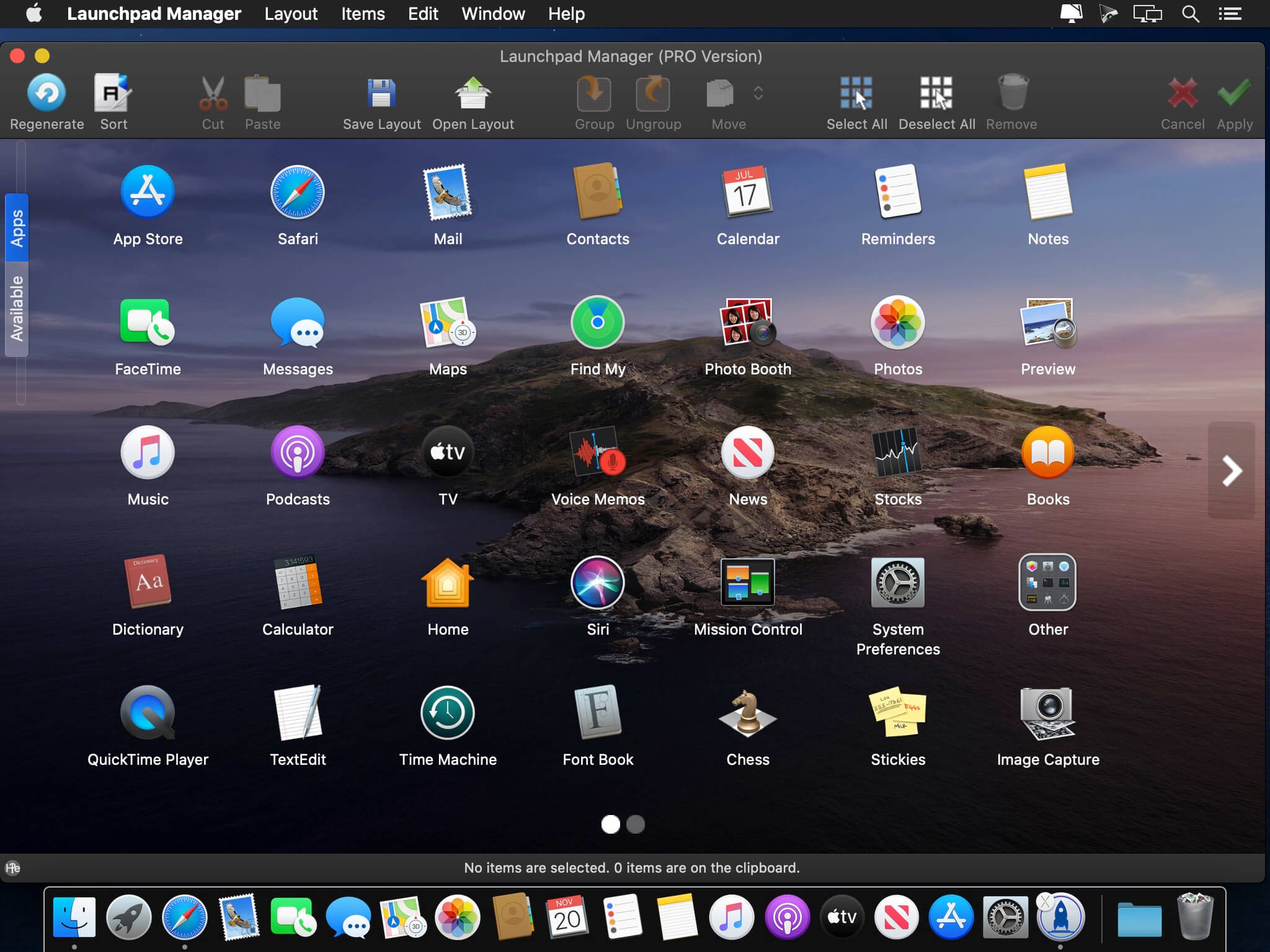
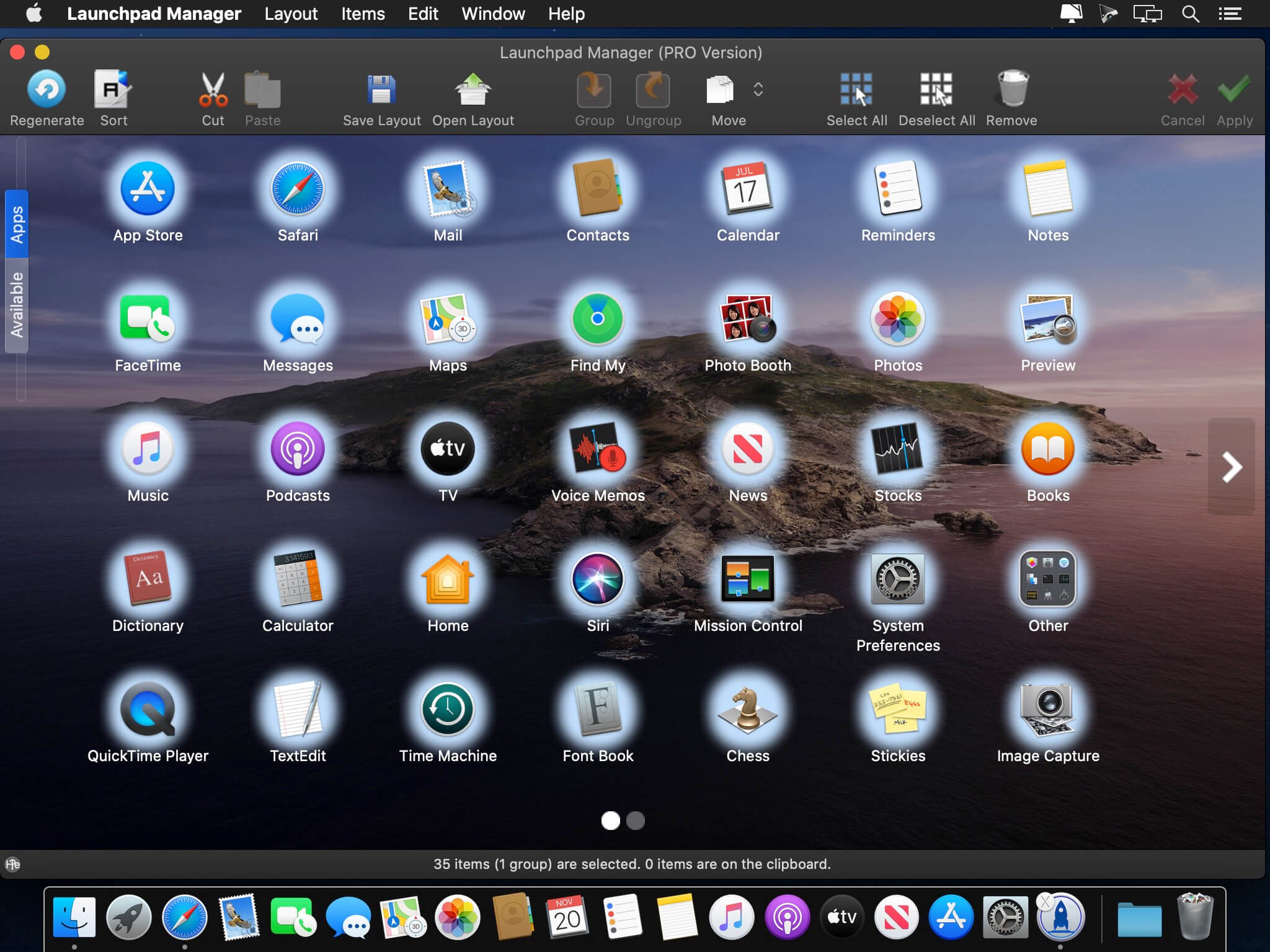
Launchpad Manager pro helps you get the most out of Launchpad! Delete, rearrange, group or ungroup any of your launchpad icons, or simply put them into alphabetical order!
Launchpad Manager - multifunctional application for working with Launchpad. With it, you can easily rearrange, group, rename, delete, move applications in Launchpad.
Some programs are very much like to put to even a bunch of additional content (hello, Adobe!), Which ultimately leads to hell in Launchpad. To combat this excellent Launchpad Manager program. Of course, something can be done by means of the Launchpad. Dragging icons, folding them into folders, etc. But, of course, first of all, this is not enough, and secondly, the Launchpad periodically loves himself "update", breaking a remarkable order, set by the user.
Key features:
Delete any icons or groups in Launchpad!
Launchpad Manager allows you to remove any icons from Launchpad.
"Cut" and "Paste" to move quickly
With the help of Cut and Paste operations, you can move the applications and the group quickly and efficiently.
Organize a group
Select multiple icons and move them to a new group with just one click!
Add the missing application Launchpad!
If you delete an application from the Launchpad, but decided to re-add it, use this function.
Easy to change the order of Drag'n'Drop!
Streamlining icons - simple drag and drop!
Save layout
Save Launchpad layout file - it's a great feature if you have multiple layouts, and you want to switch between them quickly and easily.
Download layout
Restore previously saved layout. Please note that it may take a few minutes.
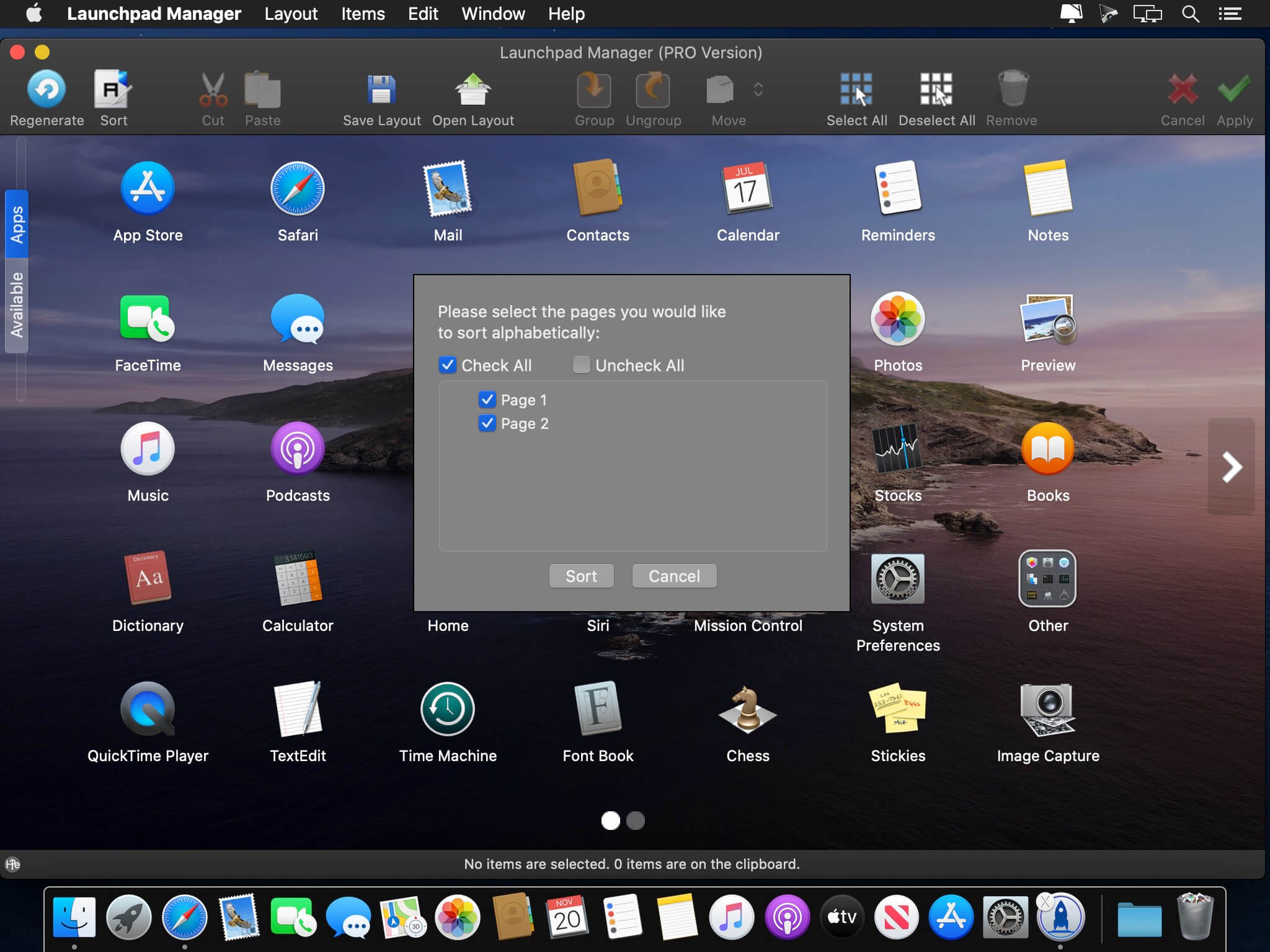
Sort alphabetically
Sort your icons in alphabetical order!
Move the icon to another page
You can move the selected items to another page on Launchpad
Version 1.0.14 :
- Release notes were unavailable when this listing was updated.
Frequently asked questions
How do I install the app?
Mount the image, drag the app into the "Applications" folder and launch it. If the system blocks the launch, allow it in "System Settings → Privacy & Security".
The app is damaged or won't launch
Reinstalling from a fresh image usually helps. Make sure your macOS version matches the one listed in the compatibility specs.
How do I update?
Download the new version from the site and install it over the current one — your settings will be preserved.
The download link doesn't work
Try a mirror or a download manager. For large files the browser often drops the connection.
How do I completely remove the app?
Use an uninstaller utility — it cleans up the service files that remain after moving the app to the trash.




Choose a download source
Launchpad Manager Pro 1.0.14 · 4.1 MB
Previous versions
Launchpad Manager Pro 1.0.14
Previous versions are available to registered users.
Comments 1