
UltraEdit 25.0.0.11
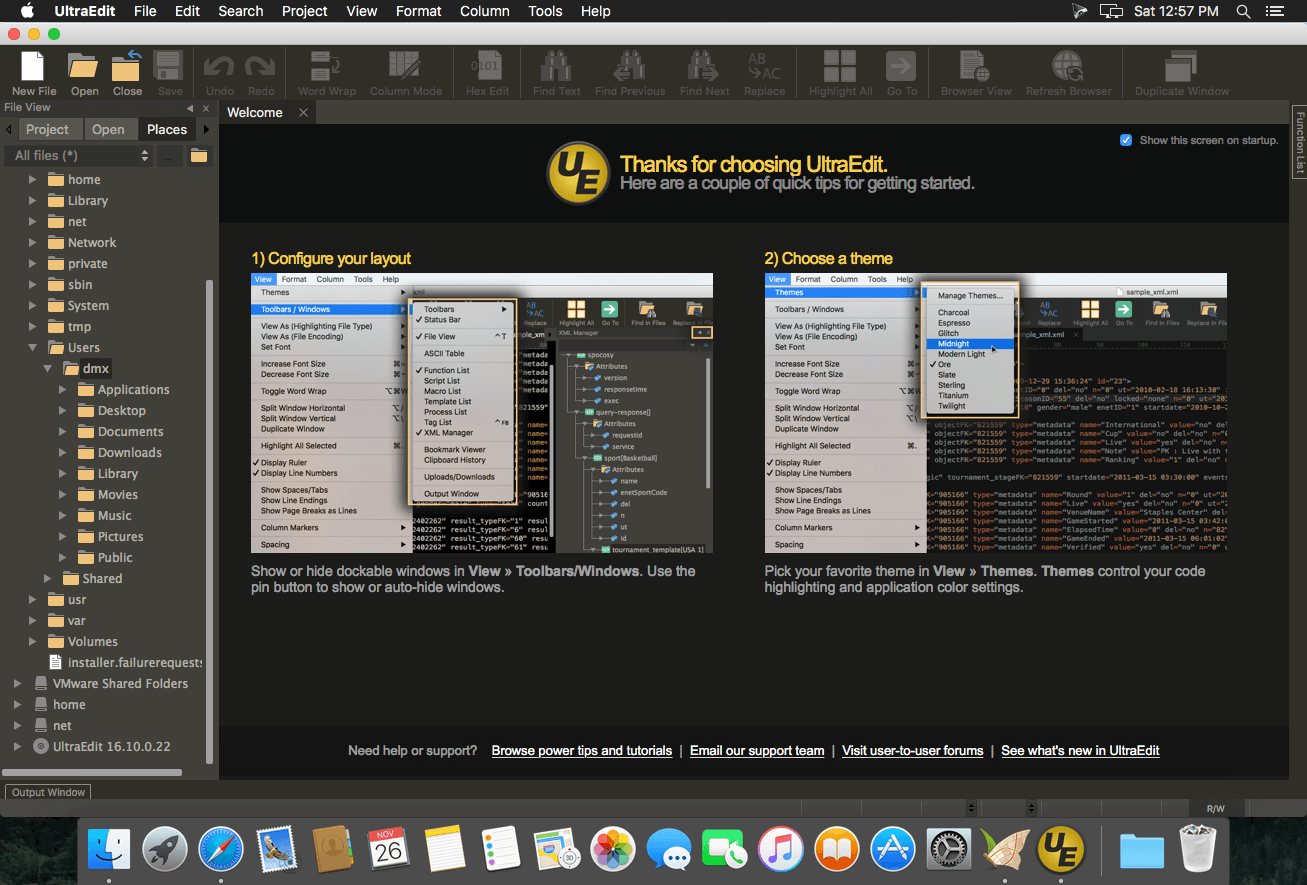
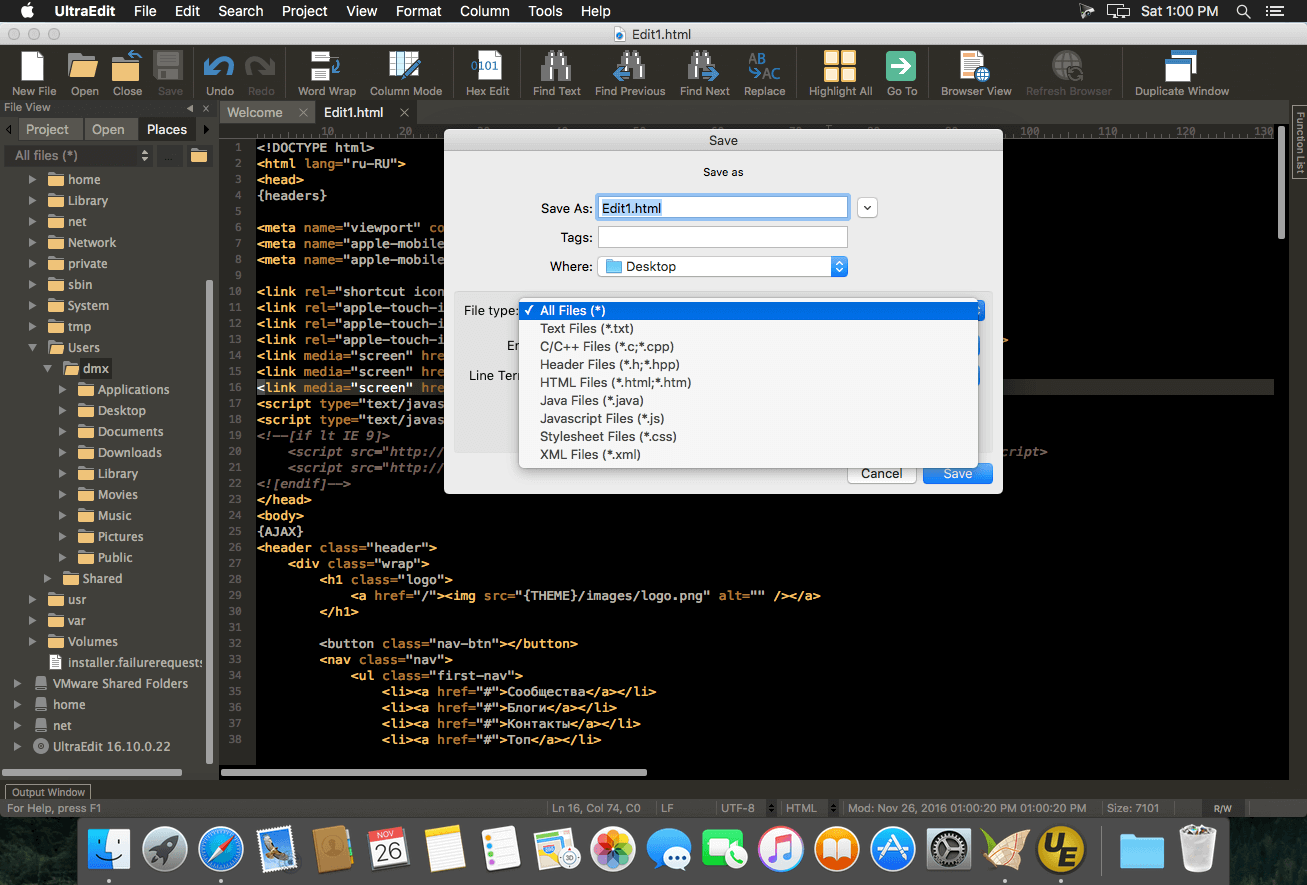
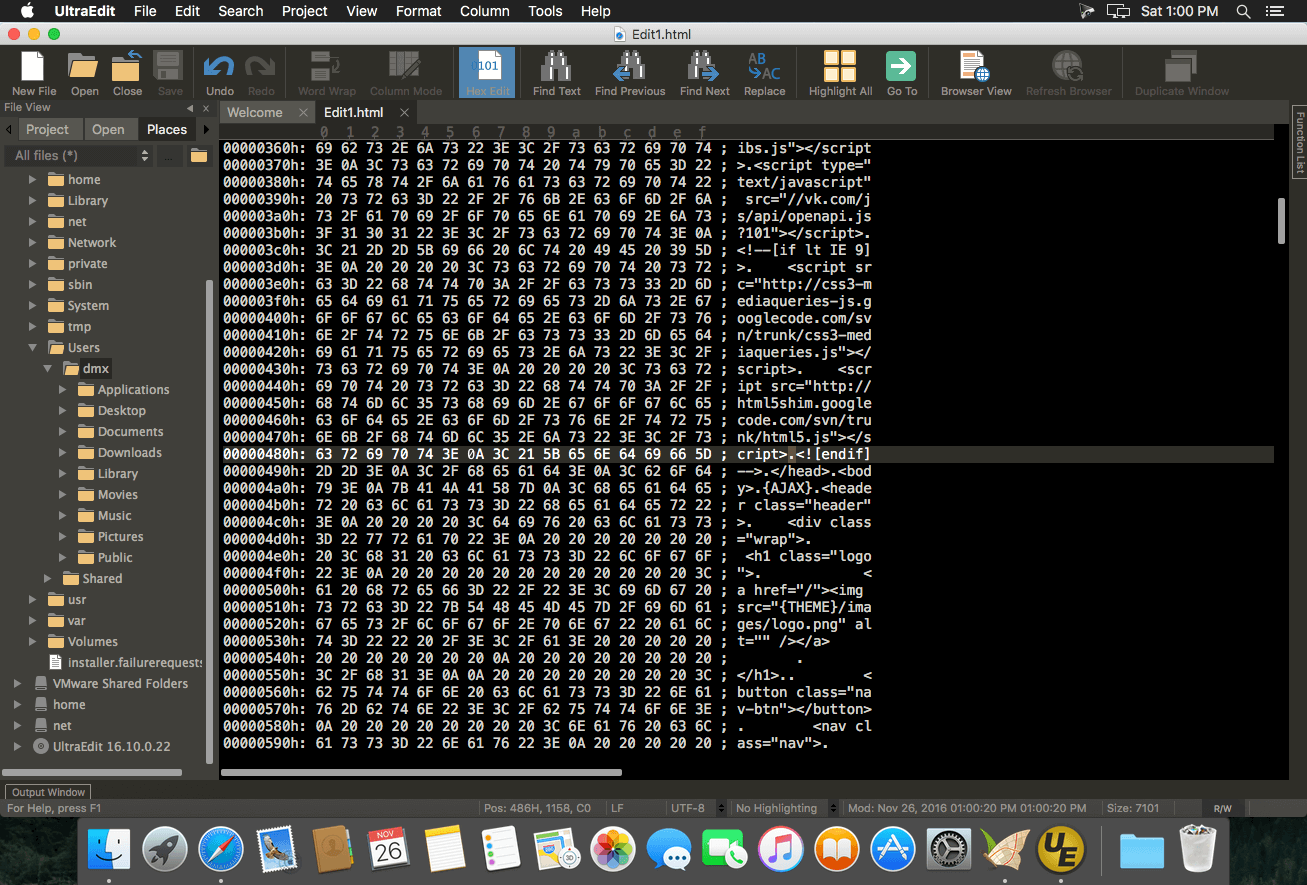
UltraEdit is a fast, flexible, and powerful text editor—built for developers, writers, and power users who need to work with huge files, advanced search, and serious customization. Think of it as a Swiss army knife for text: from multi-caret editing and block/column mode to code-aware tools like syntax highlighting, folding, and live preview for HTML/Markdown.
UltraEdit 2025.0 for macOS brings a long-requested stability upgrade, improving repeated crashes, startup issues, and high-CPU hangs so longer editing sessions stay smooth and responsive. It also enhances multi-file workflows with better file detection, tab behavior, screen splits, and window handling.
You’ll also get macOS-focused capabilities like dictation and transcription support, along with upgraded SSH/Telnet compatibility, more portable project handling, stronger JSON tools, improved Quick Find, and more consistent everyday editing across both platforms.
Key highlights:
- Edit large files (up to 4GB and beyond) with confidence
- Live HTML/Markdown preview (with GFM highlighting)
- Retina-ready 4K/Ultra HD display support
- Theme everything to match your workflow
- Multi-caret/multi-select editing for rapid refactoring
- Robust search with regex and file-wide filtering
- Integrated FTP/SFTP/FTPS file editing
- Column (block) mode for tabular and code-friendly edits
- Advanced automation: editable macros, jаvascript-based tools, and templates
- Full-featured developer workflow with Git integration, compare tools, folding, and more
UltraEdit helps you edit faster, handle complex projects, and stay productive—even when the files are massive.
Version 25.0.0.11:
Frequently asked questions
How do I install the app?
Mount the image, drag the app into the "Applications" folder and launch it. If the system blocks the launch, allow it in "System Settings → Privacy & Security".
The app is damaged or won't launch
Reinstalling from a fresh image usually helps. Make sure your macOS version matches the one listed in the compatibility specs.
How do I update?
Download the new version from the site and install it over the current one — your settings will be preserved.
The download link doesn't work
Try a mirror or a download manager. For large files the browser often drops the connection.
How do I completely remove the app?
Use an uninstaller utility — it cleans up the service files that remain after moving the app to the trash.

Choose a download source
UltraEdit 25.0.0.11 · 144.08 MB
Previous versions
UltraEdit 25.0.0.11
Previous versions are available to registered users.