
iSkysoft DVD Creator 6.0.1.2
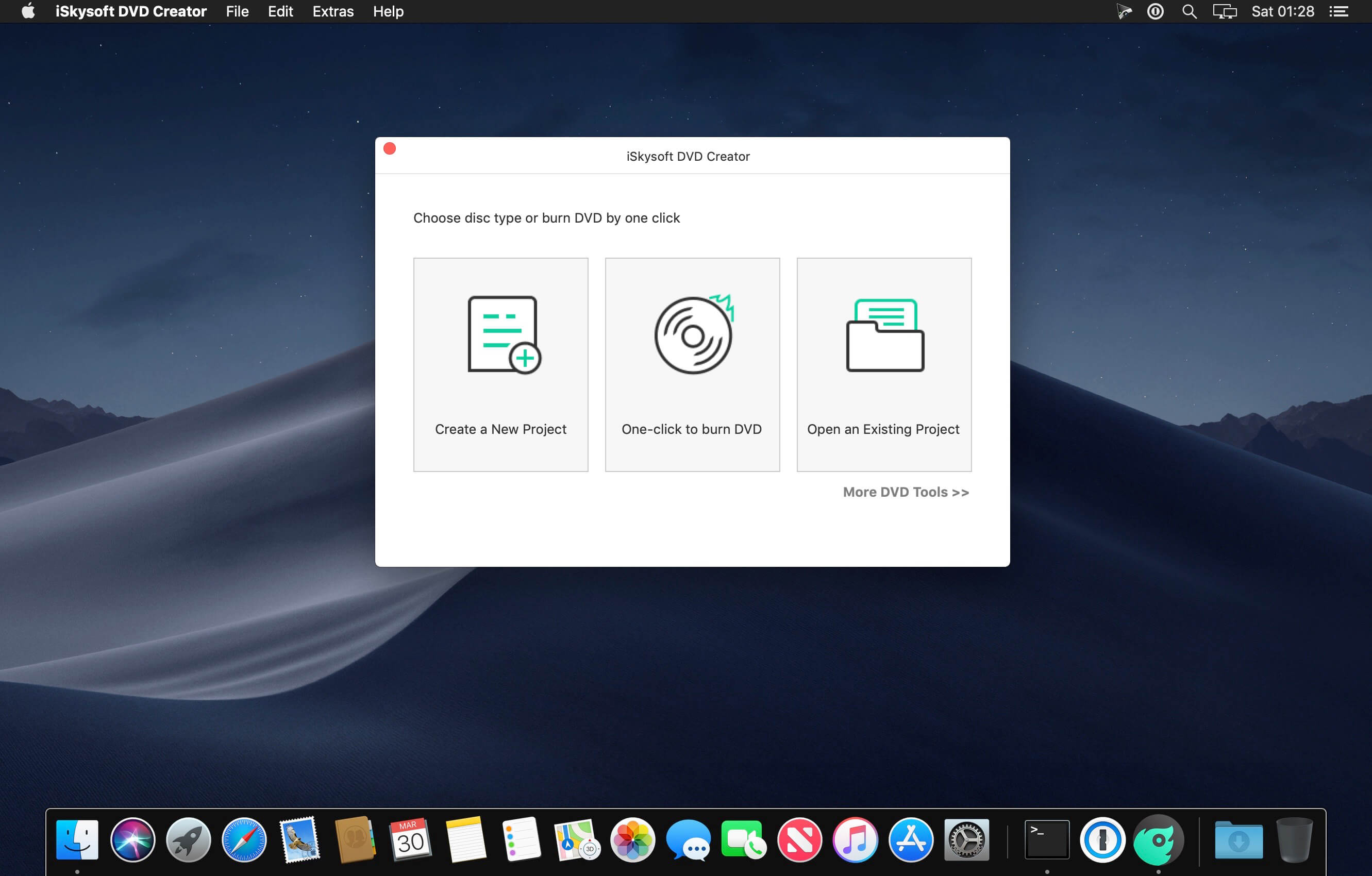
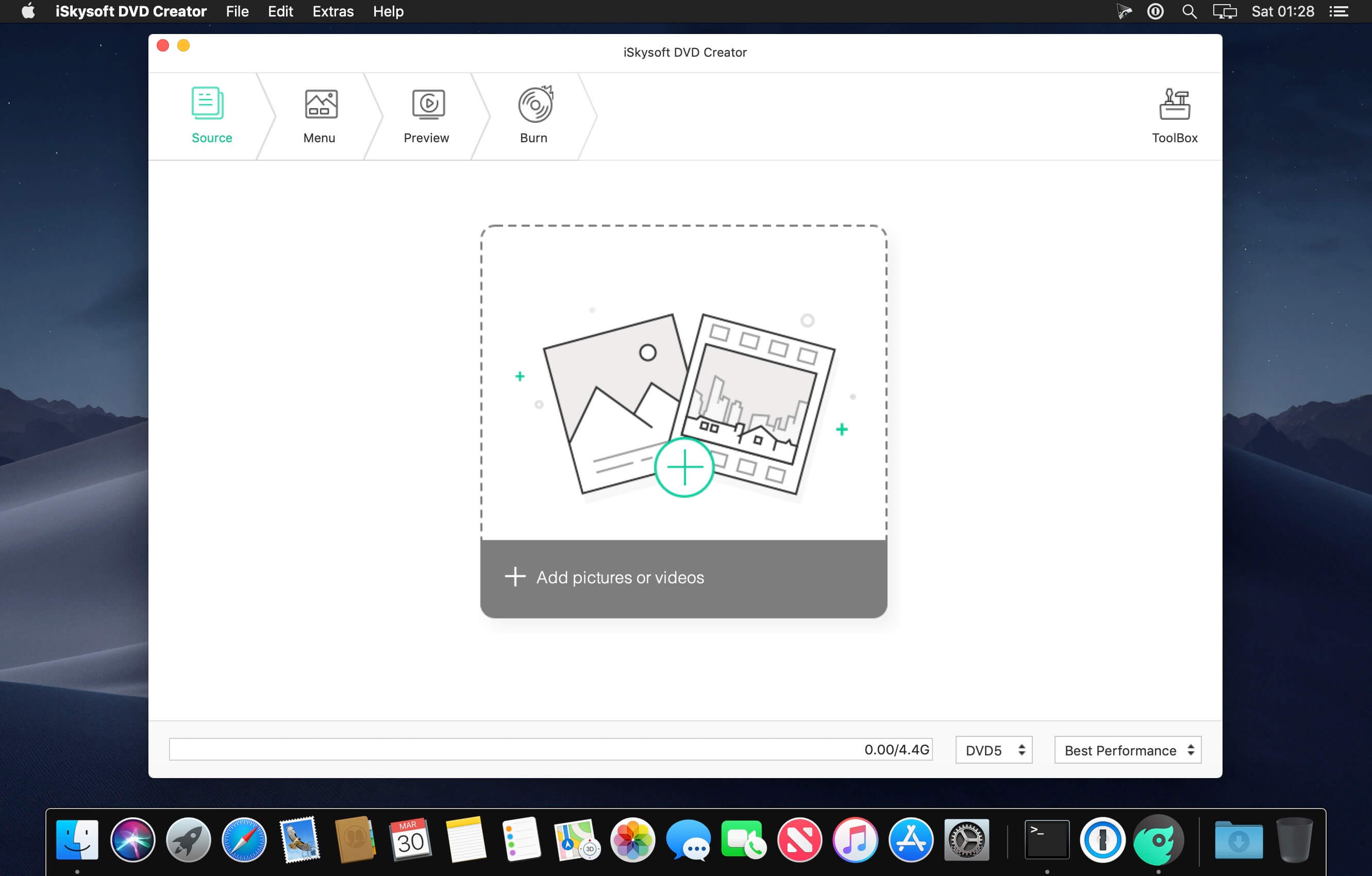
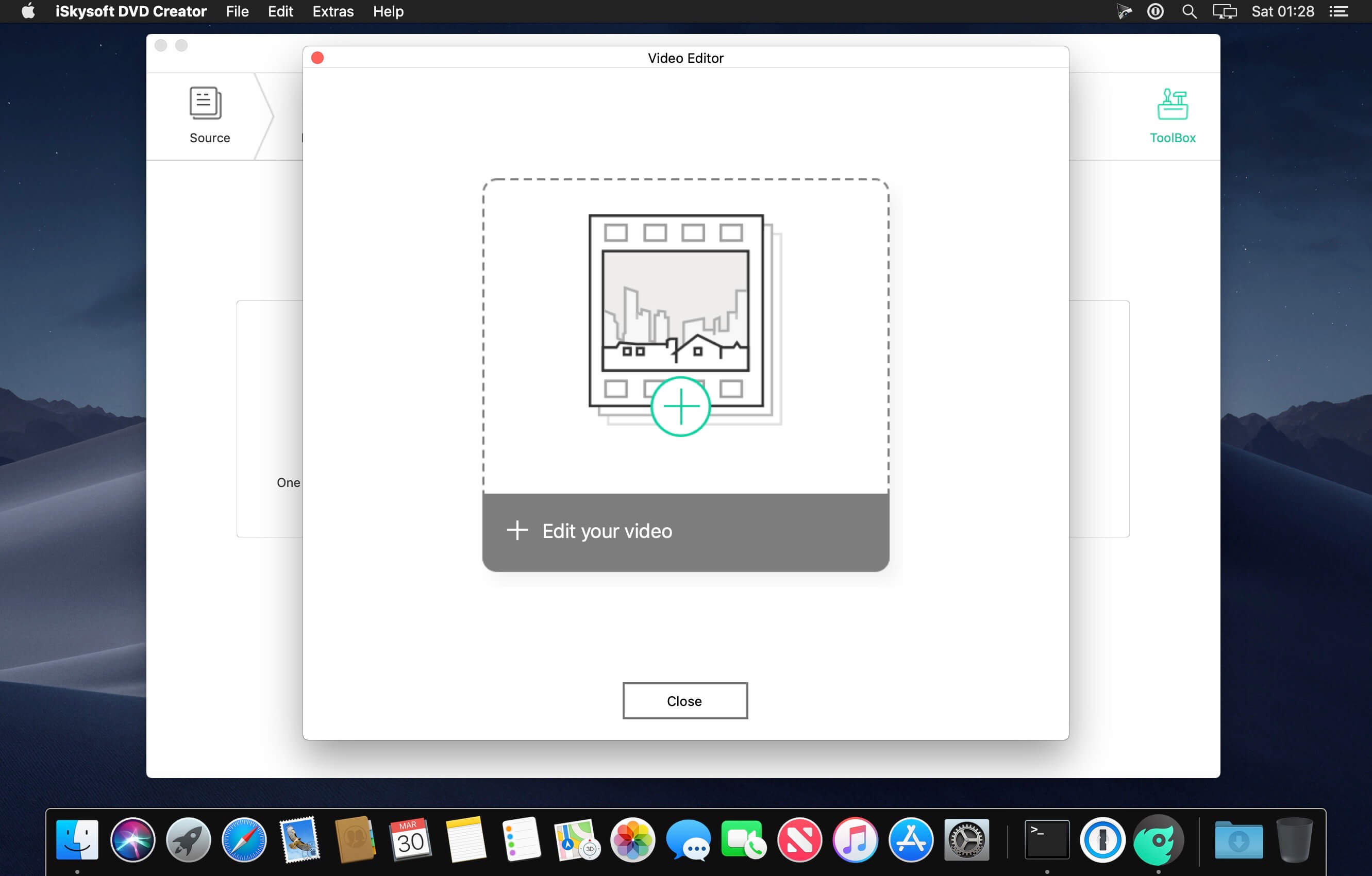
Got video downloads and home movies sitting on your Mac? iSkysoft DVD Creator for Mac lets you burn video to DVD disc, DVD folder and ISO file on Mac effortlessly, so you can play everything directly on your big screen TV or Mac's DVD Player. Apart from organizing and burning video files to DVD, this DVD creator for Mac also offers useful editing functions, slideshow tools, audio tracks and lots of gorgeous DVD menu themes so you can create a stylish DVD effortlessly.
Create DVD from Any Video Formats
Burn any video to DVD on Mac from format like MP4, AVI, VOB, 3GP, FLV, 3G2, MOV, MTS, M2TS, F4V, MPG, MPEG, TS, TRP, TP, DAT,WMV, MKV, M4V, ASF, etc.
Make DVD Movies from Web Videos
Convert downloaded videos or movies from YouTube, Facebook, Google, Vimeo, torrent sites like Vuze, and more to DVD.
Burn Home Movies to DVD
Easily burn any home movies or recorded family videos with iPhone, iPad, cameras and camcorders to DVD.
Version 6.0.1.2:
- Release notes were unavailable when this listing was updated.
Frequently asked questions
How do I install the app?
Mount the image, drag the app into the "Applications" folder and launch it. If the system blocks the launch, allow it in "System Settings → Privacy & Security".
The app is damaged or won't launch
Reinstalling from a fresh image usually helps. Make sure your macOS version matches the one listed in the compatibility specs.
How do I update?
Download the new version from the site and install it over the current one — your settings will be preserved.
The download link doesn't work
Try a mirror or a download manager. For large files the browser often drops the connection.
How do I completely remove the app?
Use an uninstaller utility — it cleans up the service files that remain after moving the app to the trash.
VersioniSkysoft DVD Creator 6.0.1.2
DeveloperiSkysoft
CompatibilityOS X 10.11 or later, 64-bit processor
LanguageMultilangual
IncludesK'ed by TNT





Information
Visitors in the group Guests cannot leave comments on this publication.
Choose a download source
iSkysoft DVD Creator 6.0.1.2 · 72.99 MB
Previous versions
iSkysoft DVD Creator 6.0.1.2
Previous versions are available to registered users.